Repository navigation
Releases: sionetta/wm_animated_ha_card
Release list
1.4.0 — Dutch, Portuguese and a paused state

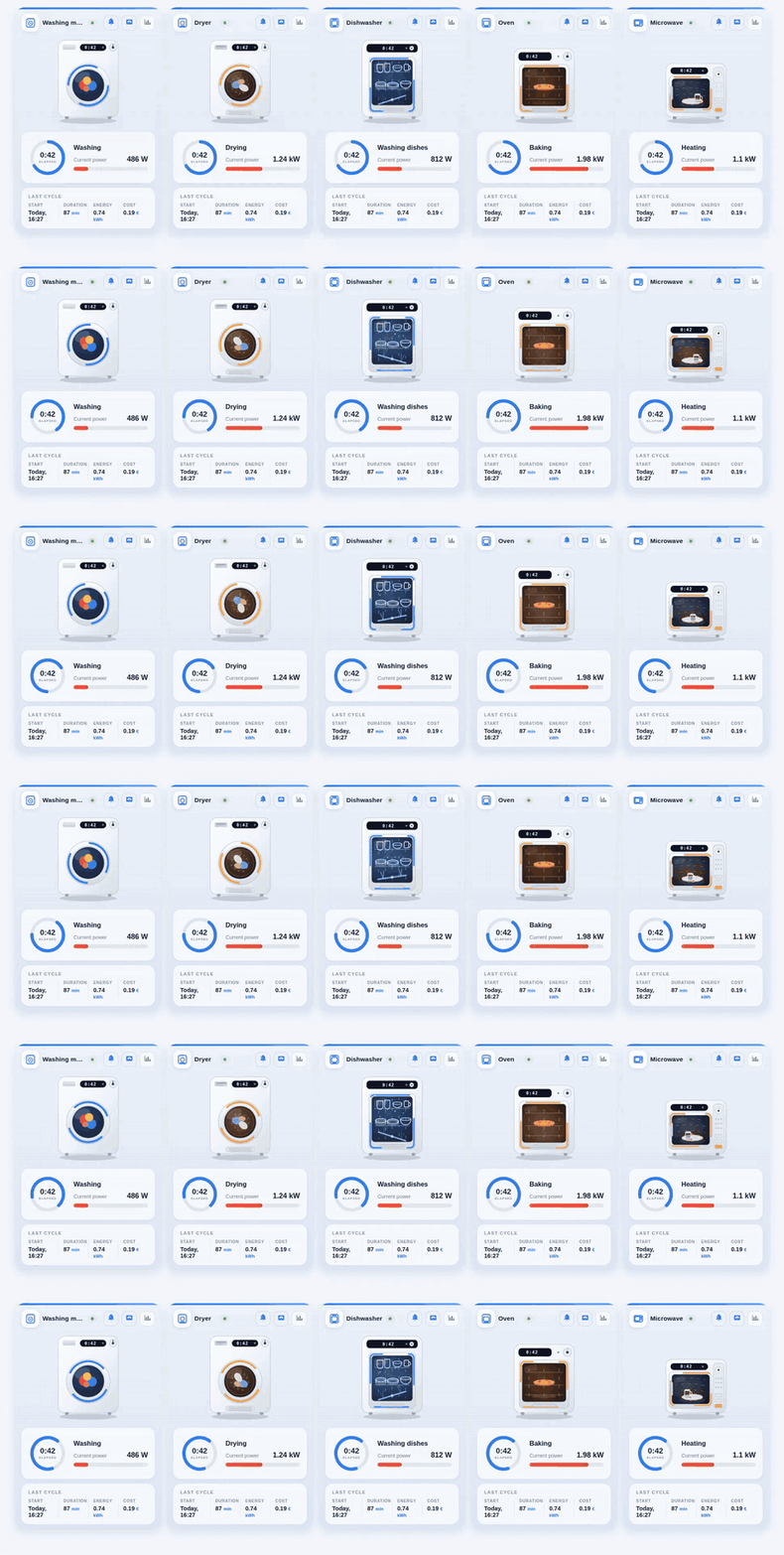
Highlights
- Two new languages — Dutch and Portuguese. The card now speaks six: English, Russian, German, French, Dutch and Portuguese. Dutch comes with its own README, and both have their own demo animation.
- A paused cycle now says so. With a power sensor configured, the card tells three states apart: running, paused (the cycle is under way but the appliance is resting — a soak, a drain) and off. The elapsed-time ring keeps counting through a pause.
show_raw_status— for a smart appliance, show the state exactly as the integration reports it ("Spin", "Rinse") instead of the card's own label.- Numbers follow your Home Assistant number format, including the thousands separator.
- Running-state keywords are editable in the visual editor, and matching is no longer case-sensitive.
Upgrade notes
A few things behave differently after updating:
power_entityno longer reports a cycle on its own.status_entitydecides whether a cycle is under way; the power sensor decides whether it is running or paused.- Tapping the elapsed-time ring does nothing now. It used to open an editable date picker for the cycle start; the START column still opens it.
- English numbers gain a thousands separator —
1,234.5instead of1234.5— following Home Assistant's number format setting.
Fixes
- A stray divider in the "Last cycle" panel when its first column was hidden.
duration_format: hhmmrendered "1h05 min".- The longest ring labels could lose their last pixel.
- Missing drying keywords in the Dutch and French
running_states. - The German README described
duration_formatin Dutch.
Full details in the changelog.
Thank you
Contributors


Assets 2
1.3.0 — Native Home Assistant theme
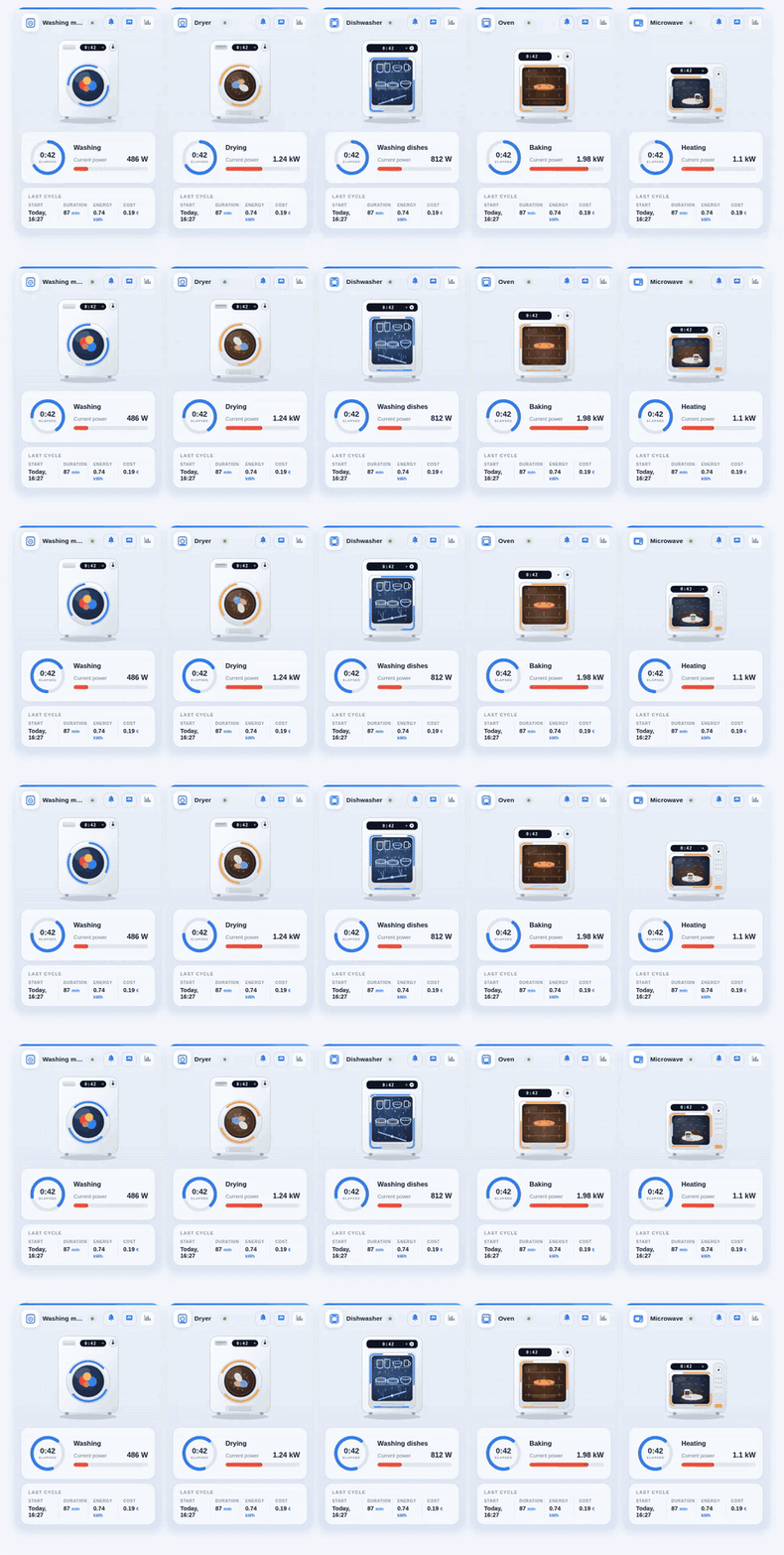
Highlights
- Native Home Assistant theme —
theme: hapaints the card with the colours of your active Home Assistant theme instead of its own palette. confirm_plug_off— a confirmation before the plug button turns the socket off, so a mistap can no longer cut a running cycle. On by default.duration_format: hhmm— a 65-minute cycle reads1h05instead of65 min.- Three appliance states — off / idle / running when a
power_entityis configured. - Visual editor with a live preview, a card name that follows the appliance type, and a link to the docs.
- Installation documented end to end — the README now covers the entities the card needs, not just the card file, including
input_number.el_tarif, which no README had ever mentioned.
Note for English users
The card now reads your Home Assistant time format instead of guessing it from the UI language. A profile set to plain English with the default time format shows Sep 5, 09:55 AM, matching the rest of the interface — set the Home Assistant time format to 24 hours for 09:55. Regional profiles such as en-GB and pt-BR now get their own date format.
Full details in the changelog.
Huge thanks to @KroFR for #17 — this release is mostly his work.
Contributors
Assets 2
1.2.1 — Duration fix, hide status panel, better config form
A small release, and almost entirely the work of one person.
@KroFR spotted a bug that had been in the card since the very first version and
that I had completely failed to notice: the cycle duration was mangled whenever
it ended in a zero. A 30-minute wash displayed as "3 min", 60 as "6 min", 100 as
"1 min". The trailing-zero trimming in _fmtNum() used an optional decimal
point, so on whole numbers it happily ate the number's own zeros. It only ever
showed on the duration column — which is exactly the kind of bug that survives
for months. He reported it precisely, with examples, and then sent the fix.
He also contributed two improvements in the same PR:
hide_status_panel — set it to true and the status panel (elapsed-time
ring and power gauge) disappears while the appliance is idle, then comes back
the moment a cycle starts. When a machine is off, a zero gauge and a dash aren't
telling you anything, so this keeps dashboards compact. Documented in all four
languages.
A reorganized visual editor — the flat fourteen-field form is now grouped
into collapsible sections, and the language and theme pickers show real labels
("English", "Русский", "Auto (follow Home Assistant)") instead of raw codes.
Thank you, @KroFR — three contributions in one PR, each of them the kind that
makes the card better for everyone rather than just for your own dashboard.
That is genuinely appreciated.
Upgrading
Replace washing-machine-card.js in /config/www/ and bump the ?v= in your
resource URL to 4 (or install through HACS). No configuration changes needed —
hide_status_panel defaults to false, so nothing changes unless you opt in.
Full changelog: CHANGELOG.md
Contributors
Assets 3
1.2.0 — Five appliances, dark theme, four languages
Added
- Five appliance types in one card via
appliance_type:washer,dryer
(aliastumbler),dishwasher,ovenandmicrowave— each with its own
SVG illustration, header icon, running animation and localized labels.
Thanks to @cr0co (#8). - Light and dark themes. The card follows the Home Assistant theme
automatically;theme: auto | light | darkpins it if you prefer. - Visual editor support —
getConfigForm()andgetStubConfig(), so the
card can be configured from the UI without writing YAML. Thanks to
@cr0co (#8). - French translation of the interface. Thanks to
@tonyontheroad (#3). README_FR.md, plus a demo GIF and a light/dark screenshot for every one of
the four languages.
Fixed
- SVG gradient IDs are now unique per card instance — two cards on the same
dashboard no longer share (and corrupt) each other's gradients. - Language detection matches the full tag first (
pt-br), then the base
language (pt), so adding a translation needs nothing but a new entry in
STRINGS.
Changed
- The project is now an appliance card rather than a washing-machine card:
READMEs in all four languages were rewritten accordingly. - Documentation for smart appliances that report their own state (Home Connect,
Miele@home, LG ThinQ, SmartHQ) — seeexamples/smart_appliance.yaml.