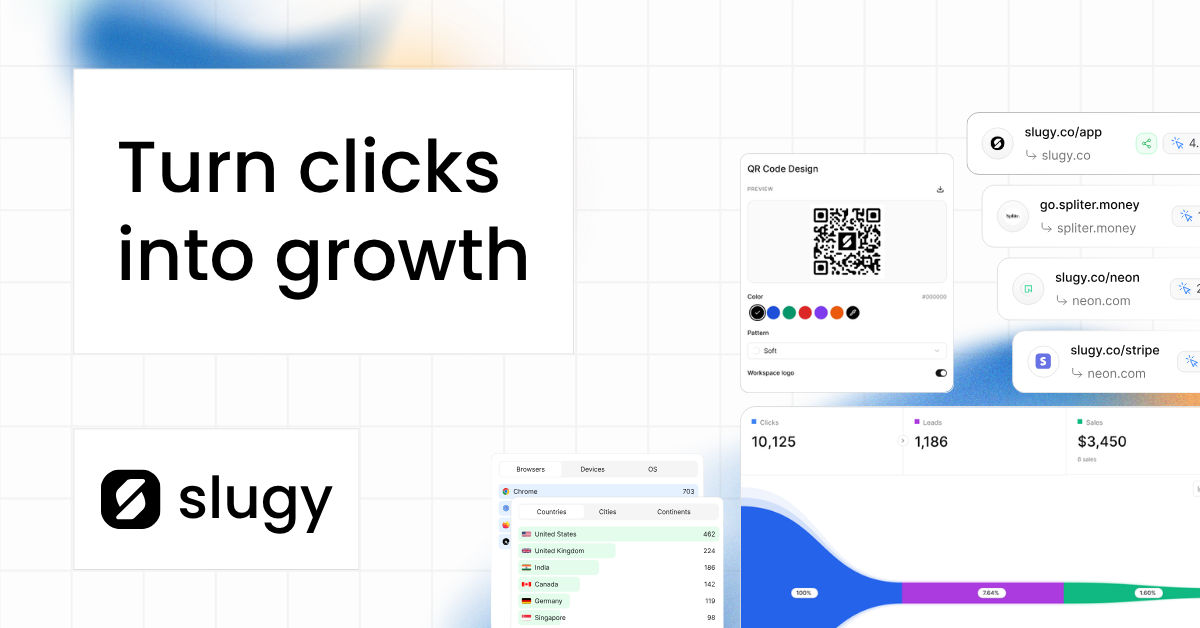
Fast, secure, open-source link management.
Shorten URLs, use custom domains, generate QR codes, track analytics, and share bio links — all in one place.






| Feature | Description |
|---|---|
| 🔗 Link shortening | Short, branded links with custom slugs, expiration & password protection |
| 🌍 Custom domains | Connect your own domain for fully branded links |
| 📱 QR codes | Generate and customize QR codes for any link |
| 📊 Analytics | Clicks, referrers, countries, devices & more |
| 🌐 Bio links | One personalized page for all your links (bio.slugy.co) |
| 📦 Browser extension | Shorten links without leaving the page |
| 💳 Subscriptions | Plans and billing powered by Polar |
| Category | Tool |
|---|---|
| Framework |  (App Router, React 19) (App Router, React 19) |
| Language |  |
| Styling |  |
| Auth |  |
| ORM |  |
| Database |  |
| Cache / Queue |   |
| Background jobs |  |
| Analytics |  |
 |
|
| Storage |  |
| Billing |  |
| Monitoring |  |
| Hosting |  |
- Node.js 20+
- A Postgres database (Neon recommended)
- Upstash Redis account (for caching / rate limits)
- Optional: Tinybird, Resend, Polar, Cloudflare R2, Vercel accounts for full functionality
git clone https://github.com/slugylink/slugy.git
cd slugy
npm installcp .env.example .env.localFill in .env.local — at minimum:
DATABASE_URLBETTER_AUTH_SECRETUPSTASH_REDIS_REST_URL/UPSTASH_REDIS_REST_TOKENNEXT_PUBLIC_ROOT_DOMAIN,NEXT_PUBLIC_APP_URL
See .env.example for the full list.
npx prisma generate
npm run db:push
# or, for migrations:
npm run db:migrate
Optional seed:
npm run seednpm run devOpen:
- Marketing site: http://localhost:3000
- App: http://app.localhost:3000
Local subdomains (
app.localhost) require custom-domain routing configured innext.config.ts. Ifapp.localhost:3000does not resolve, add127.0.0.1 app.localhostto your hosts file.
npm run dev        # start dev server
npm run build      # production build
npm run start      # start production server
npm run lint       # run ESLint
npm run db:studio # open Prisma Studiosrc/
app/ # Next.js App Router routes (root, app, api)
components/ # Reusable UI components
lib/ # Helpers, clients, utils
content/ # Blog / marketing content
prisma/ # Schema and migrations
extension/ # Browser extension source
scripts/ # Maintenance scripts
tinybird/ # Analytics pipes and datasources
Contributions are welcome. To contribute:
- Fork the repo
- Create a branch:
git checkout -b feat/my-change - Make your changes with Prettier / ESLint passing (
npm run lint) - Commit and push
- Open a pull request against
main
Please open an issue first for large changes so we can discuss the approach.
If Slugy helps you, consider sponsoring:

Supported by:





MIT © Slugy — see LICENSE.
Built with 🐌 by the Slugy team