Skip to content

sobparam/get-started-node


Folders and files

NameName
Last commit message
Last commit date

Latest commit


History

52 Commits


Repository files navigation

Node.js getting started application

The Bluemix Getting started tutorial for Node.js uses this sample application to provide you with a sample workflow for working with any Node.js app on Bluemix; you set up a development environment, deploy an app locally and on Bluemix, and integrate a Bluemix database service in your app.

The Node.js app uses Express Framework and Cloudant noSQL DB service to add information to a database and then return information from a database to the UI. To learn more about how the app connects to Cloudant, see the Cloudant library for Node.js.
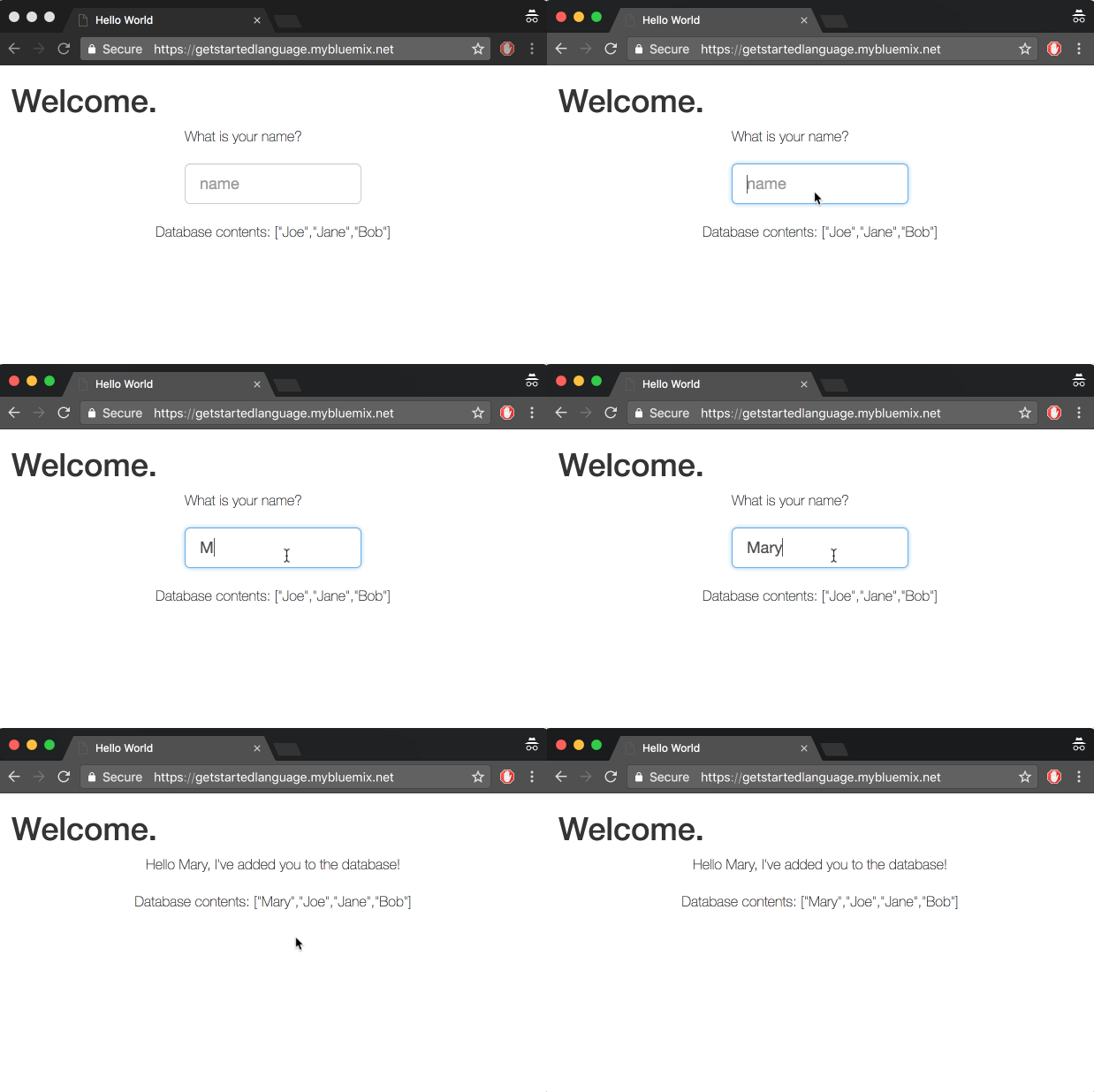
Gif of the sample app contains a title that says, Welcome, a prompt asking the user to enter their name, and a list of the database contents which are the names Joe, Jane, and Bob. The user enters the name, Mary and the screen refreshes to display, Hello, Mary, I've added you to the database. The database contents listed are now Mary, Joe, Jane, and Bob.

The following steps are the general procedure to set up and deploy your app. See more detailed instructions in the Getting started tutorial for Node.js.

Before you begin

You'll need a Bluemix account, Git Cloud Foundry CLI and Node installed.

About

Sample and tutorial to help you get started with Express, REST API and a database.

Resources

License

Stars

Watchers

Forks

Releases

No releases published

Packages

No packages published

Languages

  • JavaScript 56.6%
  • HTML 42.9%
  • CSS 0.5%