



⚠️ Disclaimer: This app works entirely in your browser. No image or data is sent to any server.
- Features
- Installation
- How to Use
- Project Structure
- Screenshot
- Tech Stack
- Contributing
- License
- Author
- 🖼️ View Metadata – Check detailed EXIF metadata (camera, location, device info)
- 🧹 Remove Metadata – One-click metadata stripper for privacy
- 🔐 Secure & Local – No uploads; all operations done locally
- 📥 Download Clean Image – Get a clean, stripped version of your image
- ⚡ Fast UI – Lightweight, responsive, and minimal design
- 🧠 EXIF & Hash – View SHA256 hash of the image
- 🧾 EXIF Viewer – Reads camera model, GPS data, timestamps, etc.
- 🛠️ Multi-format Support – Supports
.jpg,.jpeg,.png,.webp, etc.
git clone https://github.com/rootsecops/metawiper.git
cd metawiper
pip install -r requirements.txt
streamlit run app.py
Make sure you’re using Python 3.9+.
- Upload Image (from your device)
- View Metadata (EXIF, hash)
- Strip Metadata (button click)
- Download Clean Image (safe to share)
metawiper/
├── app.py                      # Main Streamlit app
├── utils/
│   └── metadata_tools.py       # EXIF view, hash & strip logic
├── assets/
│   └── metawiper.streamlit.app.jpeg  # Screenshot
├── requirements.txt            # Required Python packages
└── README.md                   # You're here
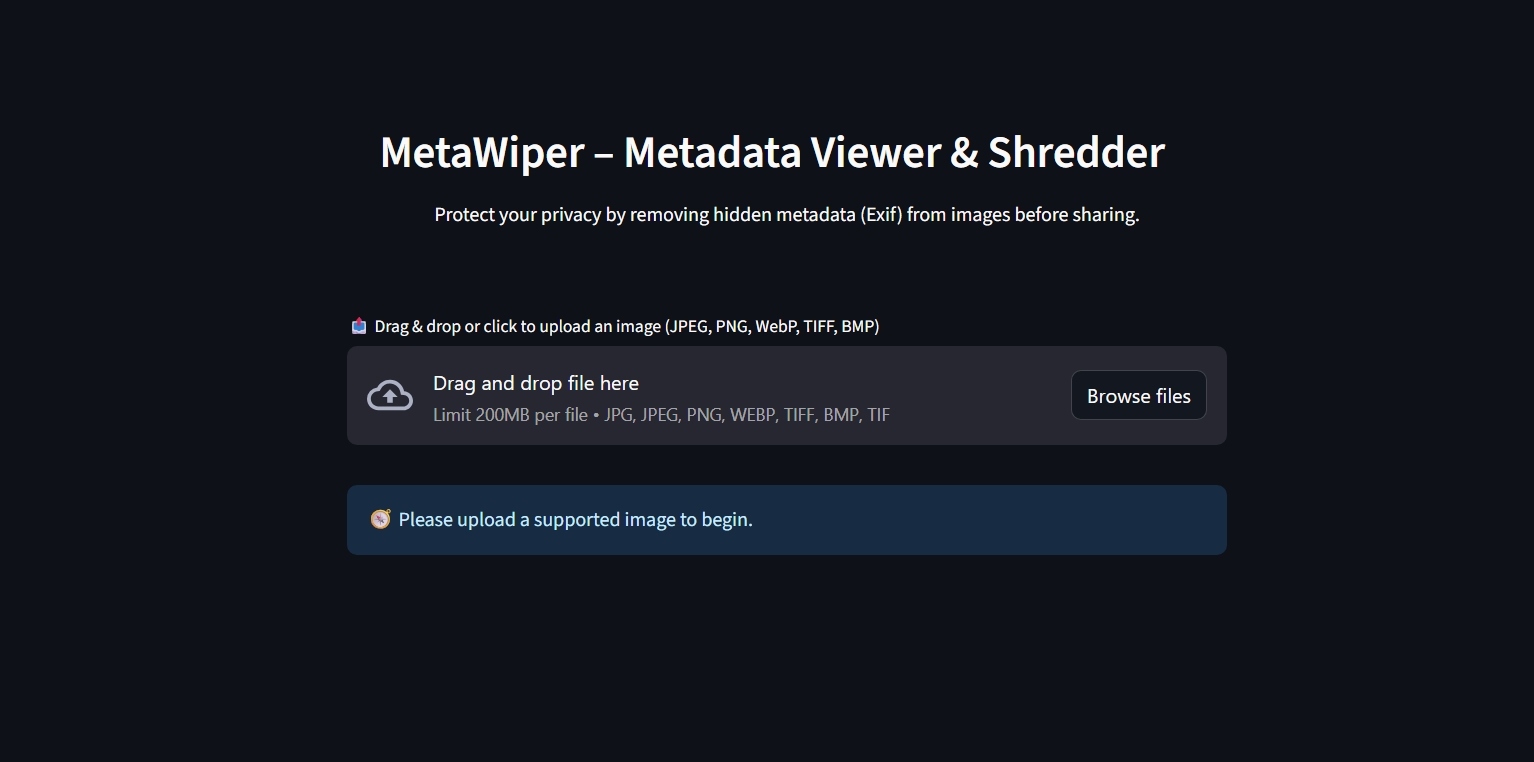
- 🐍 Python – Backend scripting language.
- 🖼️ Pillow – Library for image manipulation and format support.
- 📸 piexif – Extracts or strips EXIF metadata from images.
- 🌐 Streamlit – Frontend UI framework for building interactive web apps.
Contributions are welcome! Here’s how you can help:
- 🚀 Fork the repo
- 🛠️ Create a new branch (
git checkout -b feature-name) - 🧪 Test your changes
- 🔁 Submit a pull request
This project is licensed under the MIT License. You are free to use, modify, and distribute this software.
Developed & Maintained by:


❗ Disclaimer: No data is uploaded to any server. This tool is purely client-side and ensures your privacy during use.