Repository navigation
Feature Languages
Tabdeck's visual editor and the card's built-in text (accessible labels, the overflow menu, edit-mode hints) follow your Home Assistant language (Profile → Language). No configuration is needed.
| Language | Code |
|---|---|
| English | en |
| Deutsch | de |
| Español | es |
| Français | fr |
| Italiano | it |
| Nederlands | nl |
| Polski | pl |
| Português |
pt (also used for pt-BR) |
Regional variants fall back to their base language (de-CH → de). Anything not translated yet falls back to English.
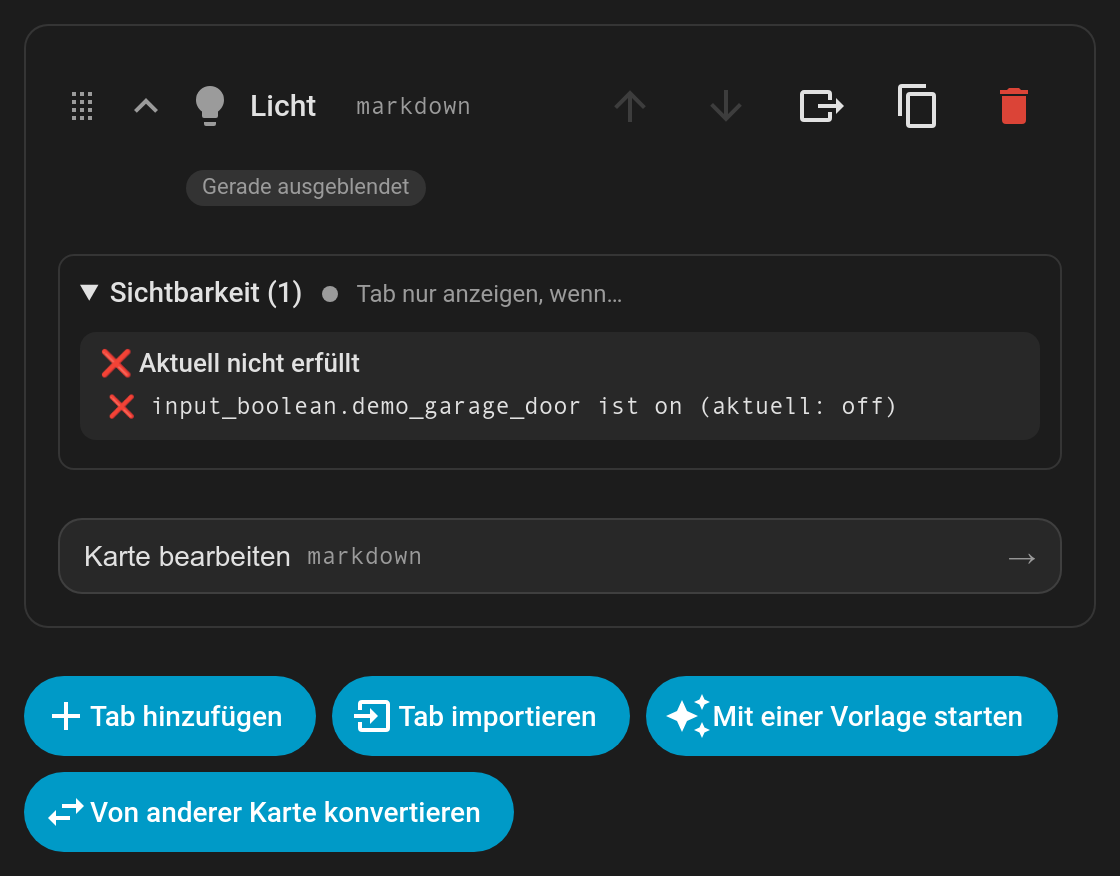
Your own tab names, subtitles and badges are never translated; they're shown exactly as you wrote them. The tab names that starter templates create are in your language.
Translations live in src/translations/: one file per language, each a flat list of "key": "text" pairs. To add or improve a language:
- Copy
en.tsto<code>.ts(for examplesv.ts) and translate the values. Keep every{placeholder}as it is, and leave config keys (tap_action,input_number, …) untranslated. - Register it in
src/lib/i18n.ts. - Run
npm test. A test checks that every key is present and every placeholder is kept. - Open a pull request.
Please use the same words Home Assistant's own frontend uses in your language (card, entity, helper, area, …).