Feature Back To Top
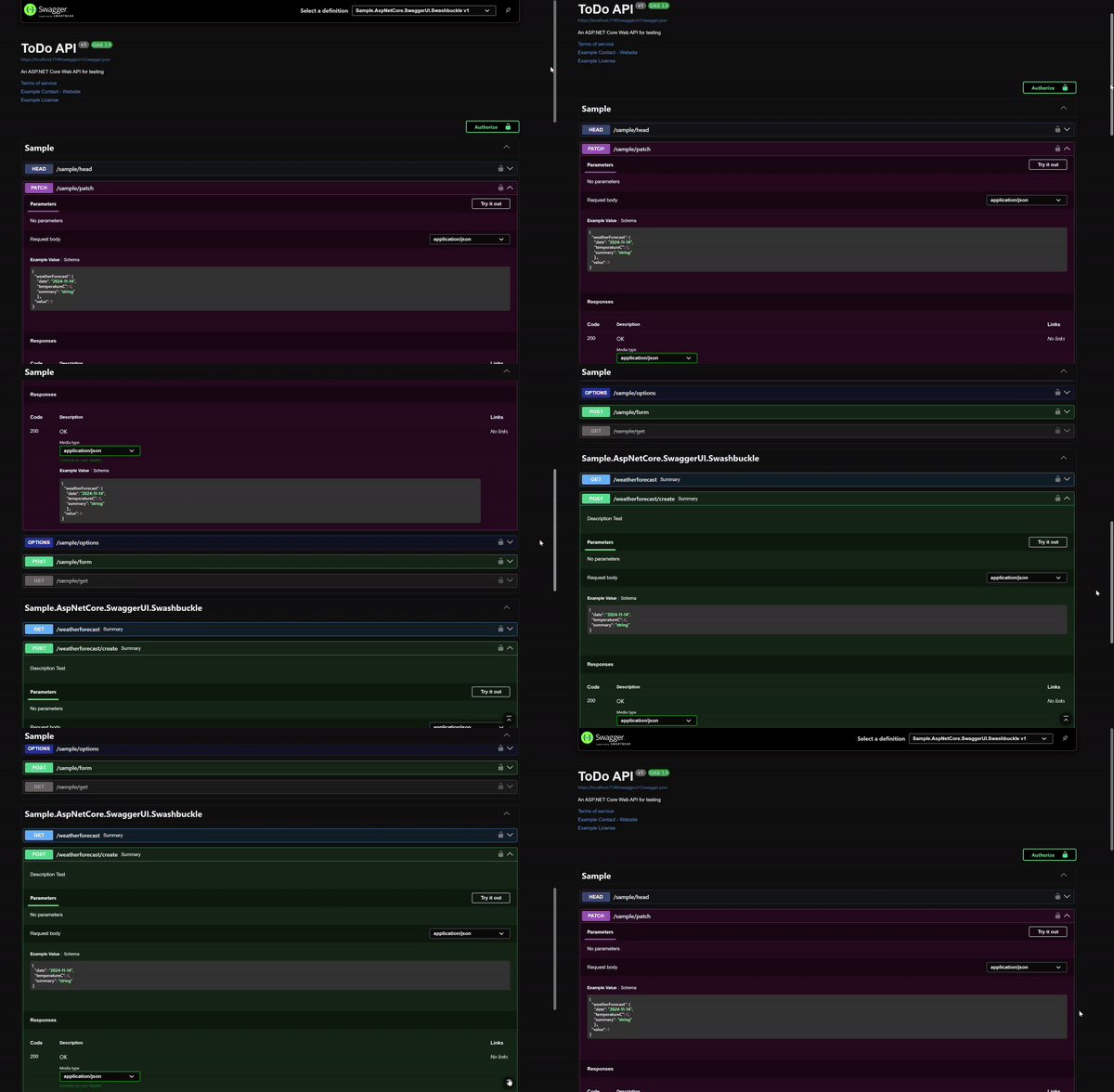
Add a floating button that scrolls smoothly to the top of the page.
- ✅ Improved Navigation - One-click return to top
- ✅ Long Documents - Essential for APIs with many endpoints
- ✅ Smart Display - Only appears after scrolling down
- ✅ Smooth Scroll - Animated scroll for better UX
using AspNetCore.Swagger.Themes;

app.UseSwaggerUI(Theme.Dark, options =>
{
    options.ShowBackToTopButton();
});using AspNetCore.Swagger.Themes;
app.UseSwaggerUi(Theme.Dark, settings =>
{
settings.ShowBackToTopButton();
});Customize button appearance:
:root {
  --scroll-to-top-button-background-color: #your-color;
  --scroll-to-top-button-hover-background-color: #your-hover-color;
  --scroll-to-top-button-border-color: #your-border-color;
  --scroll-to-top-button-icon-color: #your-icon-color;
}Works with:
- ✅ All predefined themes
- ✅ Custom themes
- ✅ All other advanced features
- ✅ Theme Switcher
- Customize with CSS Variables - Fine-tune button appearance
- Enable Other Features - Combine with other UI enhancements
- Explore All Features - See what else is available