So, you've just installed Python! Let's put your skills to the test.
You will practice these programming concepts we've covered in class:
- Declaring and using variables
- Using mathematical operators
- Running local
.pyfiles from your terminal
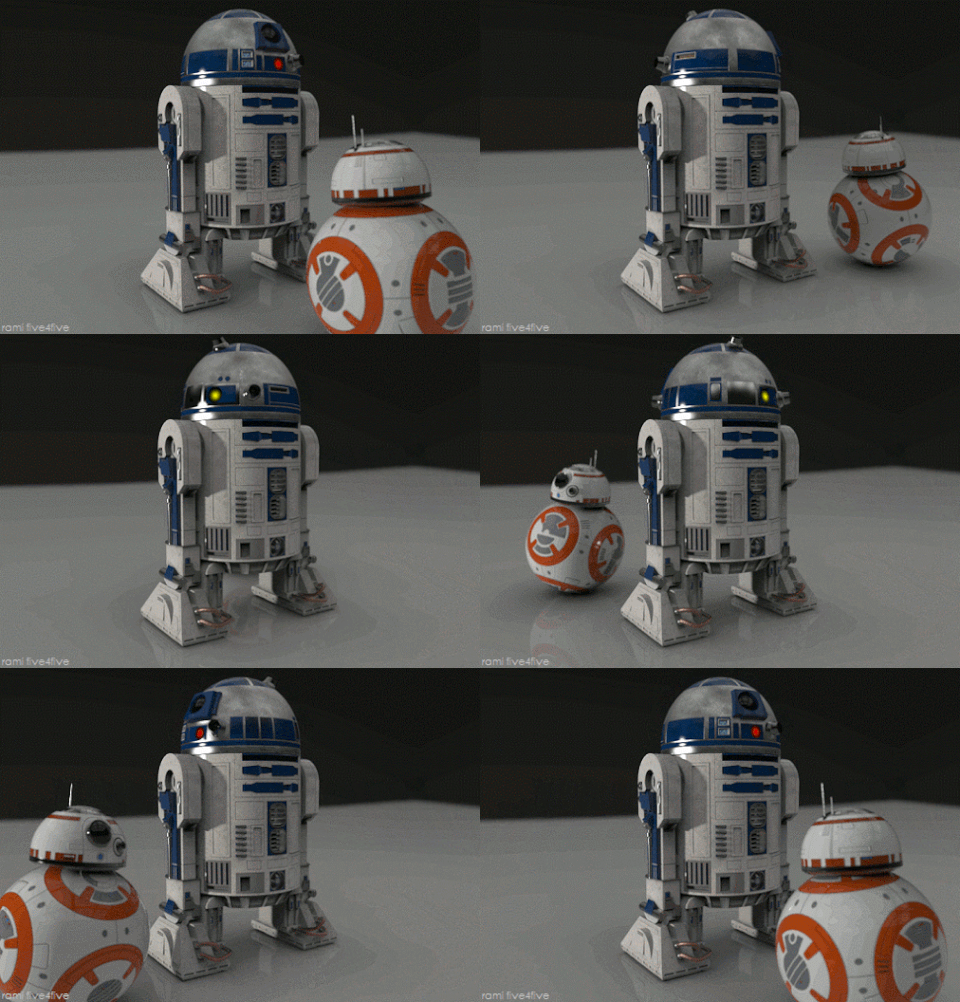
You have a robot who communicates in a series of beeps and boops. You usually get the gist of what he means, but just once it would be nice to know what's really on his mind!
You've noticed a pattern in the beeps and boops, and it seems like the number of beeps and boops correspond to specific letters.
Example Code
beeps = 2
boops = 6
total = beeps + boops
print(total) # prints 8
You got a result of 8. Now, look that up in the corresponding key-value chart:
| Code | Letter | Code | Letter |
|---|---|---|---|
| 1 | A | 14 | N |
| 2 | B | 15 | O |
| 3 | C | 16 | P |
| 4 | D | 17 | Q |
| 5 | E | 18 | R |
| 6 | F | 19 | S |
| 7 | G | 20 | T |
| 8 | H | 21 | U |
| 9 | I | 22 | V |
| 10 | J | 23 | W |
| 11 | K | 24 | X |
| 12 | L | 25 | Y |
| 13 | M | 26 | Z |
According to the chart, the first letter is H! It's your job to figure out the rest of the message!
Here is the full list of beeps and boops you wrote down when you were having a "conversation" with R2D2 earlier...
2 beeps, 6 boops
0 beeps, 5 boops
9 beeps, 3 boops
4 beeps, 8 boops
10 beeps, 5 boops
BOP! (pretty sure this is a space!)
11 beeps, 12 boops
5 beeps, 10 boops
1 beep, 17 boops
5 beeps, 7 boops
4 beeps, 0 boops
In a separate file, print out the numerical total for each beep-boop combo as we did above. In a comment, write the letter that the number corresponds to.
Example Code
# H
beeps = 2
boops = 6
total = beeps + boops
print(total)
Expected Output
8
5
12
12
15
23
15
18
12
4
-
Fork the assignment repo so that you have a copy of it that belongs to you on Github.
-
Open your Terminal and navigate to the folder for all of your development work.
-
Clone your copy of the assignment repo onto your computer. Remember to clone your version of the repo, not the instructor's version, so that you can make change to it!
-
Open the assignment folder with your code editor.
-
Write your code inside the
solution.pyfile and solve the problem. Remember to save the file frequently. -
Run the program from the command line to check your work against the Expected Output you saw earlier.
Remember that to run a program from the command line, enter:
python solution.py
Protip: You may need to use the
cdcommand to navigate to the location where thesolution.pyis saved. -
Until you get the expected output, you can make changes to your code and run it again to see if you have the answer. Repeat as needed!
Hint: Make sure you are printing something out with the
printstatement! Otherwise, you won't see any output from running your program! -
When you're done, commit the changes, and push the changes to Github.
To submit this assignment:
- Go to the assignment's main repo
- Click the Issues tab
- Click the New Issue button
- In the Title field, fill in your name
- In the comment field, copy and paste the URL to your assignment repo
- Click Submit new issue and you're done!
Now, if you want to know a little more about why that particular message was chosen, read up here!