Repository navigation
Bubble cards slide example
WidgetSliderThis example requires knowledge about the package's external control feature.
Please first refer to External Control article.
Note: here is the full code implementation of article -> example/bubble_cards_example.dart
- Let's first create the controller of
WidgetSlider.
final controller = SliderController();- Then generate a list of indexes for bubble cards.
final indexes = List.generate(10, (index) => index+1);- And finally put everything into the widget.
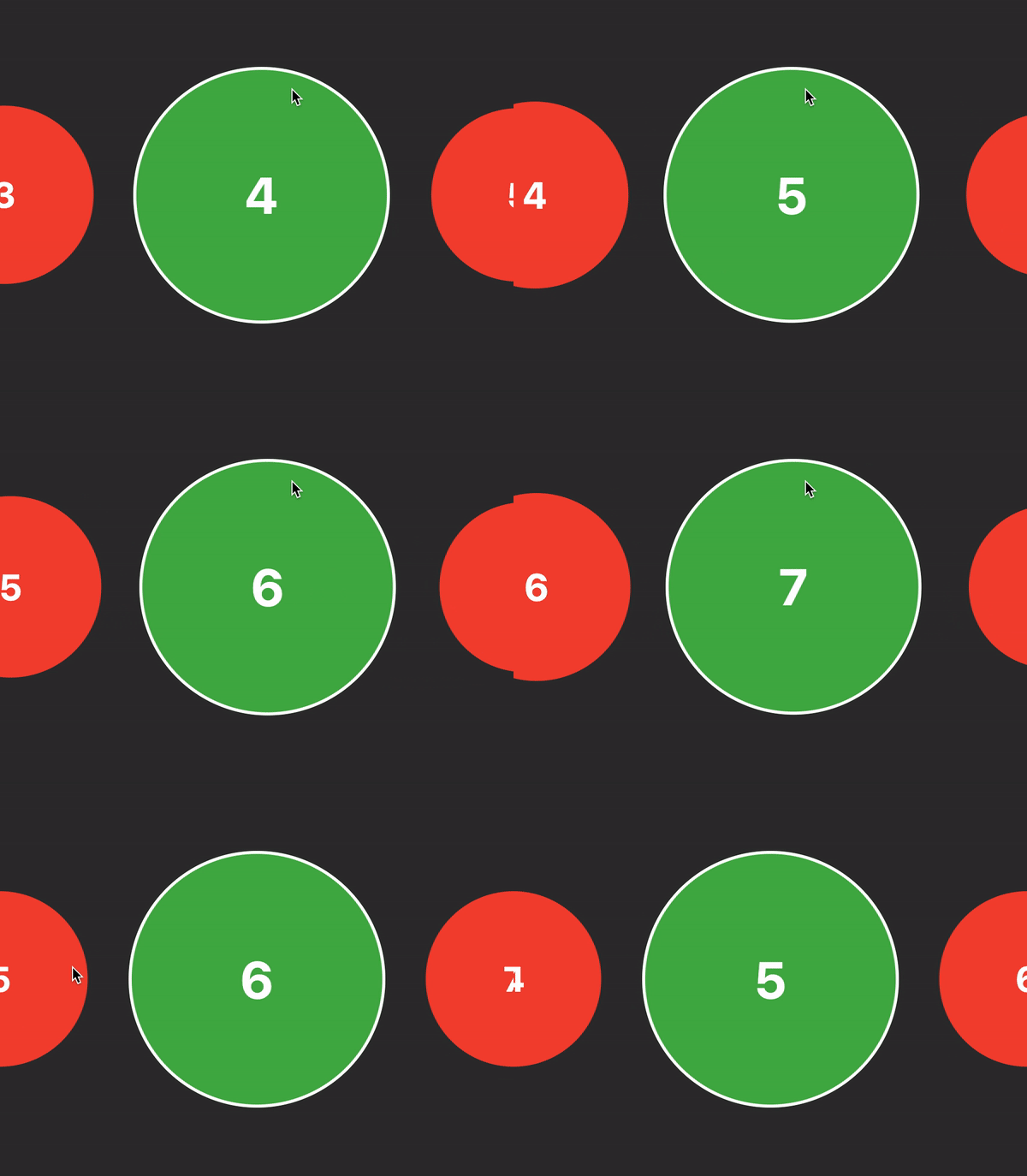
WidgetSlider(
  controller: controller,
  itemCount: indexes .length,
  onMove: (i) {/*...*/},
  itemBuilder: (context, index, activeIndex) {
    return CupertinoButton(
      padding: EdgeInsets.zero,
      onPressed: () async {
        if (index == activeIndex) return;
        await controller.moveTo?.call(index);
      },
      child: AnimatedContainer(
        duration: const Duration(milliseconds: 300),
        decoration: BoxDecoration(
          color: index == activeIndex ? Colors.green : Colors.red,
          shape: BoxShape.circle,
          border: index == activeIndex
              ? Border.all(color: Colors.white, width: 3)
              : null,
        ),
        child: Center(
          child: Text(
            indexes[index].toString(),
            style: const TextStyle(
              fontWeight: FontWeight.bold,
              color: Colors.white,
            ),
          ),
        ),
      ),
    );
  },
);
