Repository navigation
plorpOS nano v0.2 (RG Nano) - All cores updated, flashable card image

plorpOS nano v0.2 for the Anbernic RG Nano now has all cores updated as of Oct. 2026, and ships an image for a simple flash install (DrUm78's FunKey-OS has been re-packaged with plorpOS nano's updates compiled in).
| Device | Download | Guide |
|---|---|---|
| TrimUI Brick / Brick Hammer / Brick Pro | plorpOS-brick-v1.5.3.zip |
Installing on the Brick |
| GKD 350H Ultra | plorpOS-gkd-v1.5.2.zip |
Installing on the GKD |
| Anbernic RG SP (on BaseOS) | plorpOS-h700-v1.5.2.zip |
Installing on the RG SP |
| Anbernic RG Nano (on DrUm78's FunKey-OS) | plorpOS-nano-v0.2-sdcard.zip |
Installing on the RG Nano |
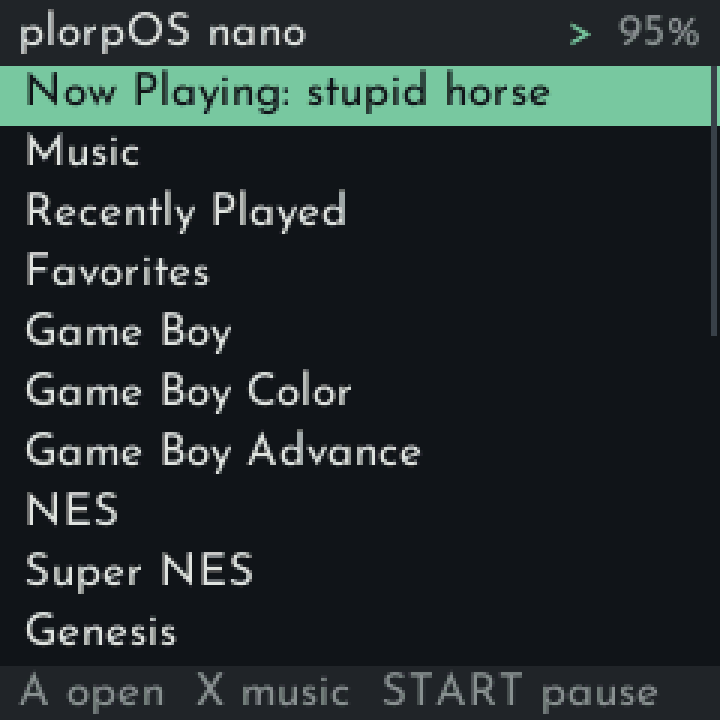
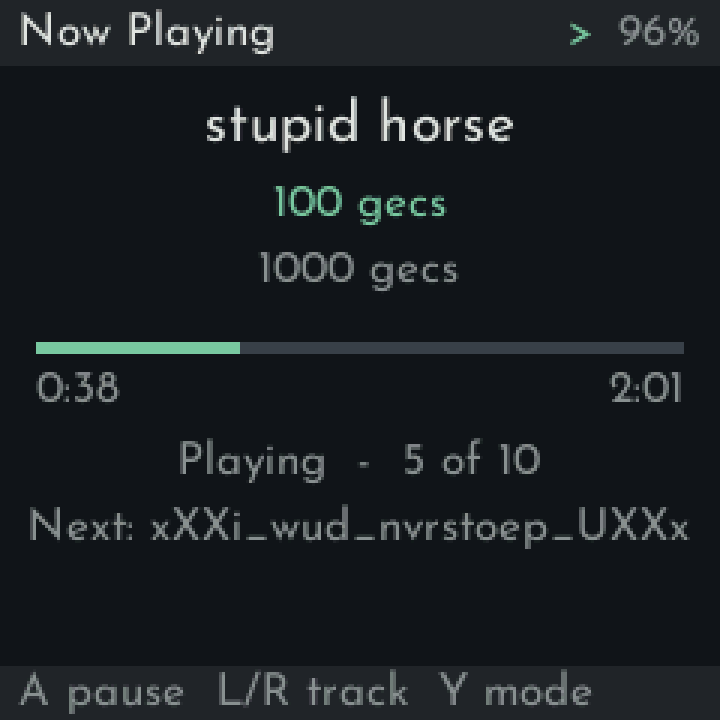
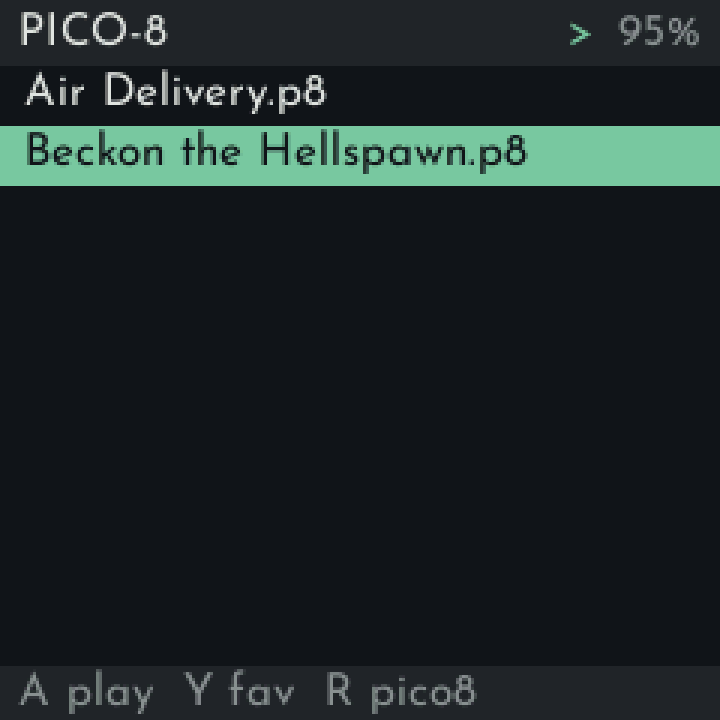
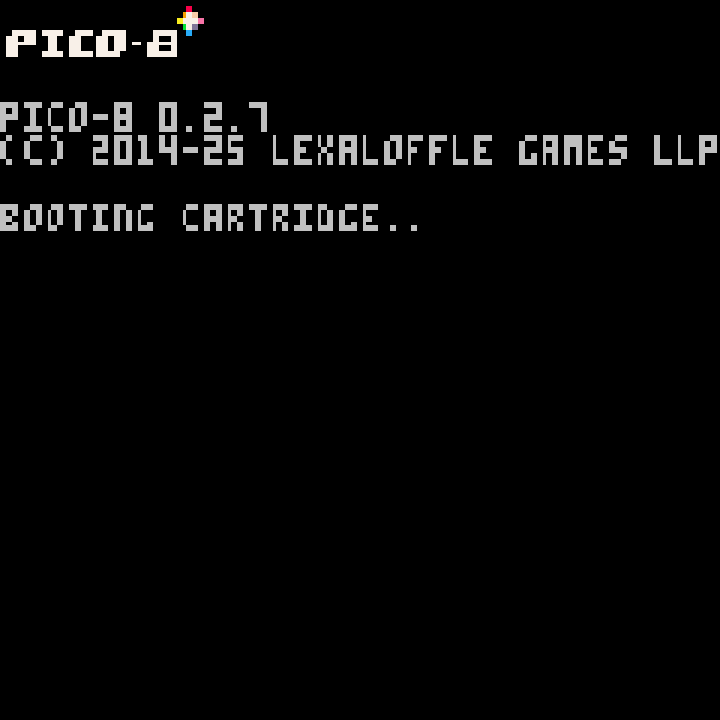
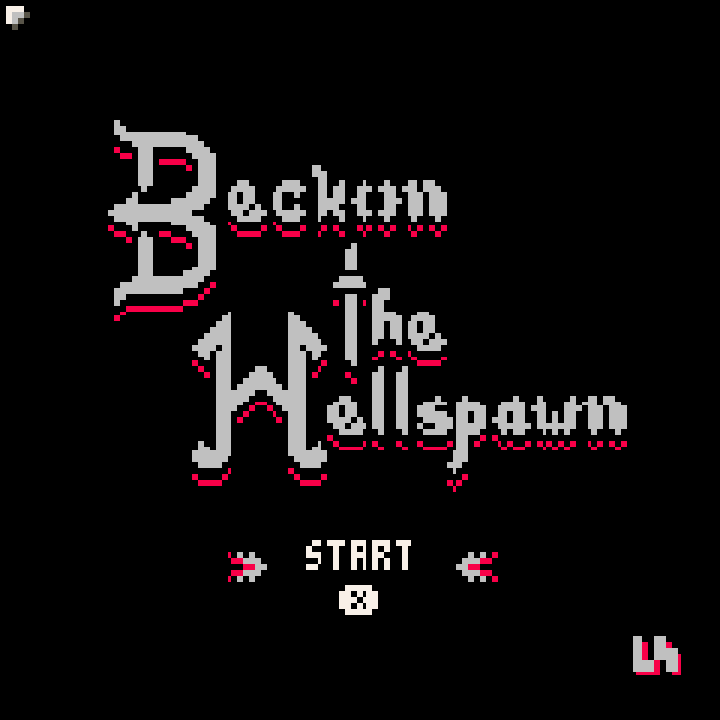
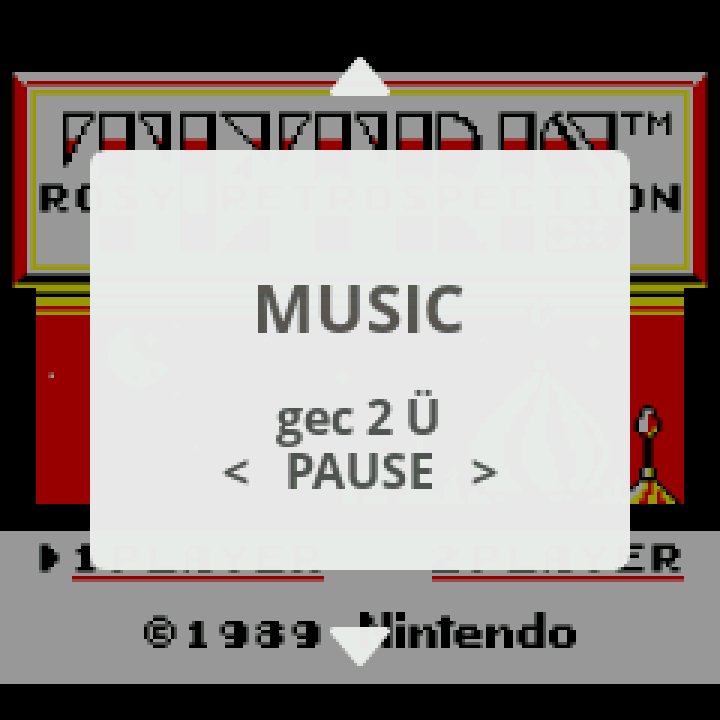
Install
- Flash the extracted
plorpOS-nano-v0.2-sdcard.zipto a microSD card (Rufus or any image tool). Flashing wipes the card. - The first start sets up the card (under a minute), then the shelf comes up. Copy your music, games and BIOS files over USB.
- Full guide: Installing on the RG Nano.
New
- All 14 cores updated to current upstream - Full notes on the picoarch release.
- Optional native PICO-8: put your own
pico8_dynandpico8.dat(Raspberry Pi download) inBios/; R in the PICO-8 list switches between fake08 and native. - Saves in
Saves/<console>/and BIOS files inBios/, like the other plorpOS ports. - A clean card: only plorpOS's folders, none of FunKey's menus or demo games.
- plorpOS boot logo.
From v0.1
- Re-flash. Back up your music, games, BIOS files and
FunKey/.picoarch/(saves are in itsdata/folders) first, then copy saves intoSaves/<console>/- the names already match.
Updates moving forward will be a simple folder copy the RG Nano will detect and install at boot.
Known issues
- The speaker can pop on play/pause and when a USB DAC is plugged in or out (probably a hardware limitation, also existed on the base OS)
- After unplugging a USB DAC, the computer connection (adb, network) may not come back until a restart.
Credits and sources
Built on DrUm78's FunKey-OS and kernel (DrUm78/linux v1.0-rg-nano), rebuilt unchanged except for populated files/folders and the boot logo. Sources and licences: see the guide's "Sources and licences" section.