Repository navigation

plorpOS nano v1.0 for the RG Nano does some folder organization and Arcade tweaks.
All other device builds are unchanged.
| Device | Download | Guide |
|---|---|---|
| TrimUI Brick / Brick Hammer / Brick Pro | plorpOS-brick-v1.5.3.zip |
Installing on the Brick |
| GKD 350H Ultra | plorpOS-gkd-v1.5.2.zip |
Installing on the GKD |
| Anbernic RG SP (on BaseOS) | plorpOS-h700-v1.5.2.zip |
Installing on the RG SP |
| Anbernic RG Nano (on DrUm78's FunKey-OS) | plorpOS-nano-v1.0-sdcard.zip |
Installing on the RG Nano |
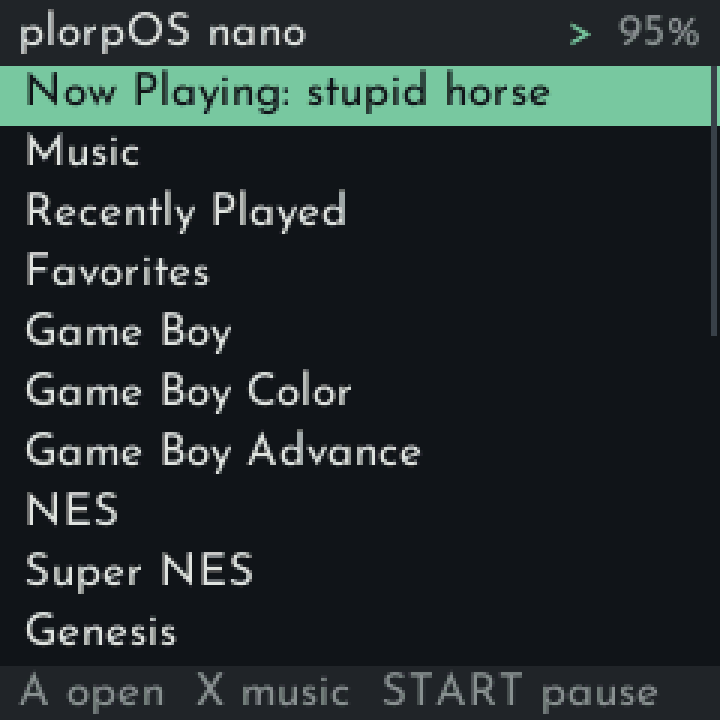
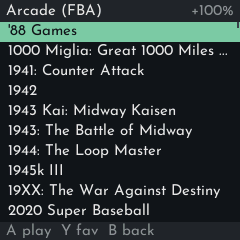
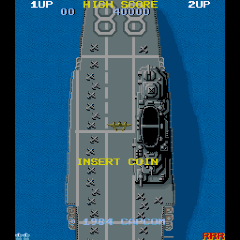
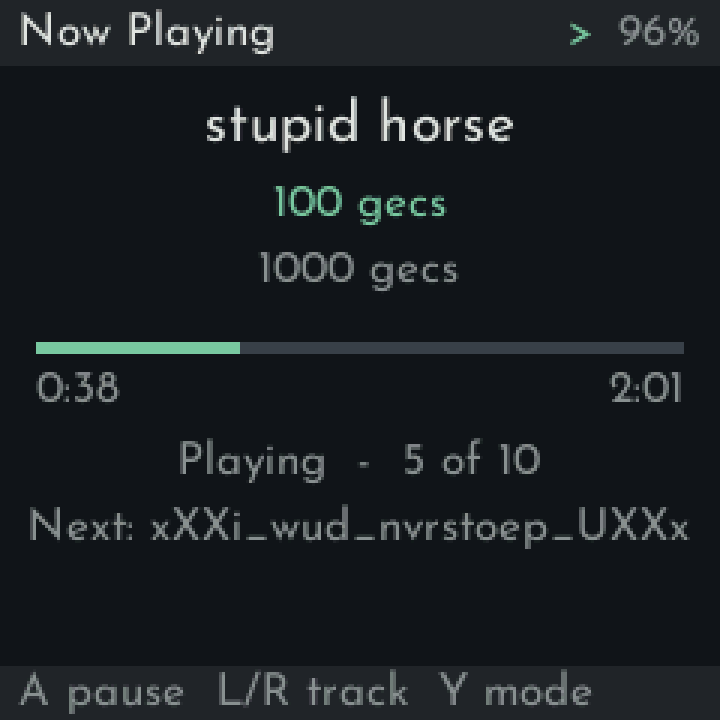
New (RG Nano only)
Roms/parent folder: every console's folder now lives inRoms/, besideSaves/andBios/. `Screenshots/' now go top-level too. Folders are now named to match the other plorpOS ports.- Arcade game titles: MAME 2000 and FB Alpha 2012 lists show their proper titles instead of filenames like
mslug, sorted by title. BIOS sets likeneogeo.zipare hidden. - Vertical arcade games upright: PicoArch now automatically rotates vertical arcade games, both in fbalpha and mame2000. Screen rotation in advanced options still turns the picture further if you want to hold the Nano sideways.
Install (RG Nano)
- Flash the extracted
plorpOS-nano-v1.0-sdcard.zipto a microSD card (Rufus or any image tool). Flashing wipes the card. - The first start sets up the card (under a minute), then the shelf comes up. Copy your music to
Music/, games toRoms/<console>/and BIOS files toBios/over USB. - Full guide: Installing on the RG Nano.
From v0.2
- Re-flash (recommended), or copy the
plorpOSfolder fromplorpOS-nano-v1.0-UPDATE.zipover the one on your card, then move your console folders intoRoms/and rename the ones listed above - inSaves/too. Recently Played and Favorites forget games from renamed folders.
From v0.1
- Re-flash. Back up your music, games, BIOS files and
FunKey/.picoarch/(saves are in itsdata/folders) first, then copy saves intoSaves/<console>/.
Known issues
- The speaker can pop on play/pause and when a USB DAC is plugged in or out (probably a hardware limitation, also existed on the base OS)
- After unplugging a USB DAC, the computer connection (adb, network) may not come back until a restart.
- Inactive shutdown can power the Nano off during a long USB copy; set it to Never in Settings while copying.
Credits and sources
Built on DrUm78's FunKey-OS and kernel (DrUm78/linux v1.0-rg-nano), rebuilt unchanged except for populated files/folders and the boot logo; mirrored at thwonp/FunKey-OS and thwonp/linux. Arcade title lists generated from the MAME 2000 and FB Alpha 2012 romset data. Sources and licences: see the guide's "Sources and licences" section.