another canvas library
torcan is built to set up a fullscreen canvas element which remains visually consistent across all devices by scaling and positioning a viewport
let t = new torcan();
t.init(document.getElementById("canvas")); //give torcan an existing canvas element
you can specify the viewport size and aspect ratio, as well as if the viewport should cover or be contained in the window
let t = new torcan(160, 90, true); //this canvas has a virtual viewport of size 160x90, and covers the screen
let t = new torcan(100, 100, true); //size 100x100 (default square), and is contained in the screen
let t = new torcan(); //same as previous
it also handles both touch and mouse inputs, and tweens touch positions
t.cursorHandler; //handles mouse and touch
t.cursorHandler.x //x and y of touch/mouse
t.cursorHandler.y

t.press //overload, called when user clicks or taps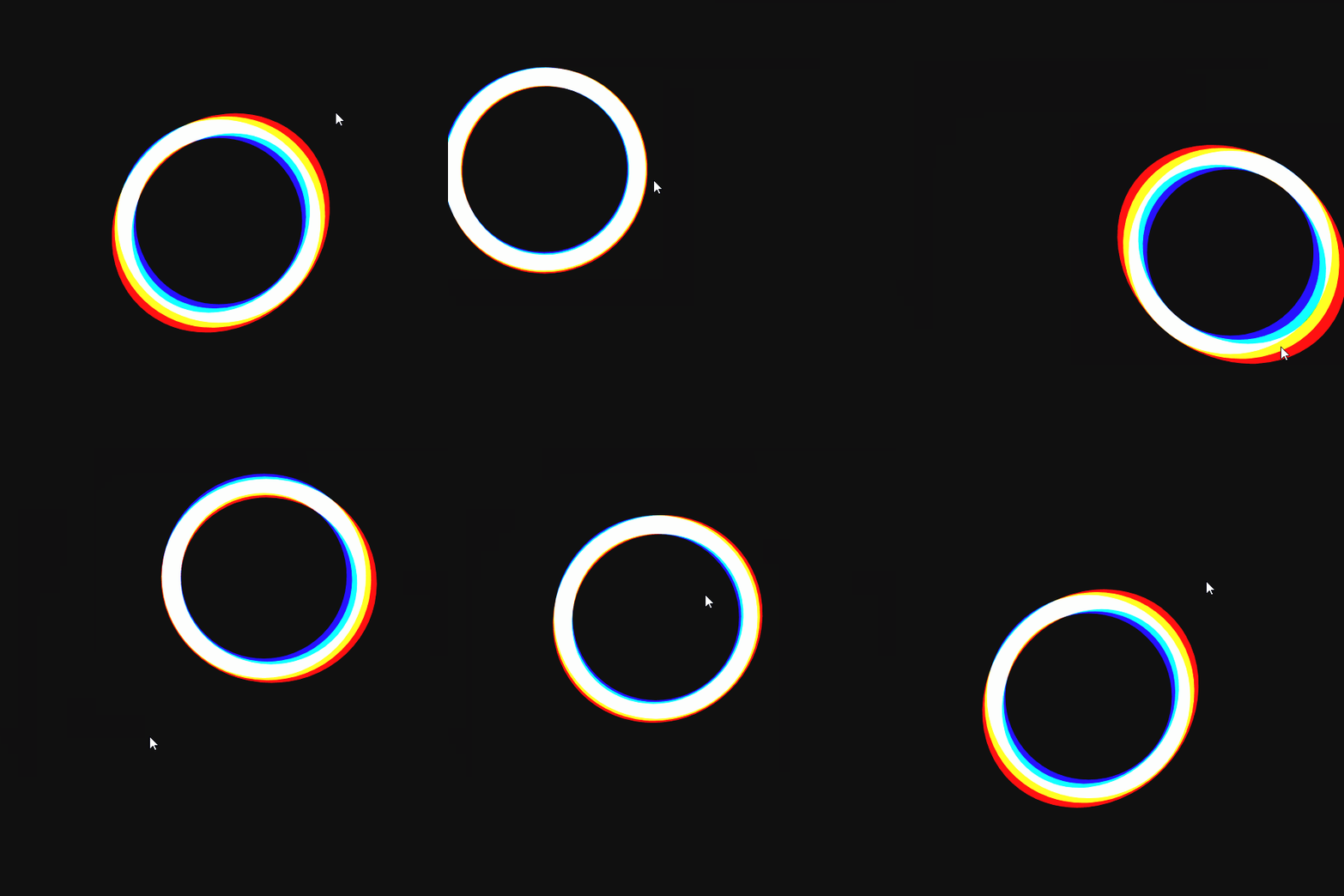
torcan now allows for a contained canvas. just specify the parent element in init
let t = new torcan();
t.init(document.getElementById("canvas"), document.getElementById("parent"));
this will cause the canvas to act as if the parent was the window, and will even resize on changes to the parent
here's an example utilizing aspect ratio and container elements
left canvas has cover, right has contain. both have non-square aspect ratios
both container elements have borders and padding, and right container has border-box: box-sizing. torcan handles all of these properties to ensure canvas is at max size without overflowing
t.canvas //canvas element
t.c //canvas contextt.scale //the virtual scale of the canvas. use this to convert from virtual to display pixels
t.w //width and height of viewport, same as width/height passed into constructor
t.h
t.viewX //x and y of top left of visible canvas, relative to virtual (0,0) and based on virtual scale
t.viewY
t.viewW //width and height of visible canvas, based on virtual scale
t.viewH
t.viewLeft //left edge of visible canvas, identical to viewX
t.viewRight //right edge of visible canvas
t.viewTop //top edge of visible canvas, identical to viewY
t.viewBottom //bottom edge of visible canvast.cursorHandler; //handles mouse and touch
t.cursorHandler.x //x and y of touch/mouse
t.cursorHandler.y
t.tweenTouch //decides if touches should tween the cursor position. default true, set to false to turn off
t.press //overload with function, called when user clicks or taps