How to grant WRITE_SECURE_SETTINGS
More
Go to Settings > About phone > Software information_ and tap Build number multiple times until the developer mode is enabled.

More
Go to Settings > Developer options (can also be Settings > System > Developer options on older android versions), scroll down and find USB debugging option.

More
Download ADB (
platform-tools) to your computer: for Windows | for Mac | for Linux
Extract the downloaded zip file.
4. Navigate inside the platform-tools folder that you extracted on Windows Explorer or Finder(macOS)
More
Type
cmdin the address bar and press enter. This will open Windows Command Prompt.

Search
Terminalfrom Launchpad and run it.
Run
sudo -sand type your user password. The terminal won't display how much characters you type, it'll remain blank.
Run
export PATH=.:$PATH
Without this, you will get
adb: command not founderrors.
More
- Your phone will prompt Allow USB debugging if it's the first time being connected on USB debugging mode. Tap OK.

- Check the connection by entering the following command followed by an enter. It should show your device ID if successfully connected.
adb devices

For macOS:
./adb devices
If your device fails to connect to your computer, try connecting it a different USB port and/or using a different USB data cable. If still not connecting, your computer is possibly missing the USB driver for your phone. Check here to download OEM USB drivers. Once installed, reboot your PC and redo step no. 6.
More
- When successfully connected, enter the following command and press enter. If the command is executed properly, it will return blank.
adb shell pm grant com.tribalfs.gmh android.permission.WRITE_SECURE_SETTINGS
Tip: Copy and paste above command for accuracy.

For macOS:
./adb shell pm grant com.tribalfs.gmh android.permission.WRITE_SECURE_SETTINGS
More
- If you don't need USB debugging, it's recommended to disable it to avoid potential unwanted access.
- Go to Settings > Developer options, scroll down a page and disable USB debugging option.
VIDEO GUIDE
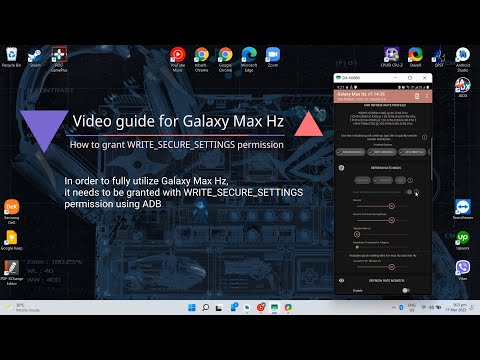
-
You can install LADB, follow its setup guide and execute the following command:
pm grant com.tribalfs.gmh android.permission.WRITE_SECURE_SETTINGS -
Note: Setting up LADB sometimes requires few attempts to be successfully paired. Rebooting the device maybe needed.