


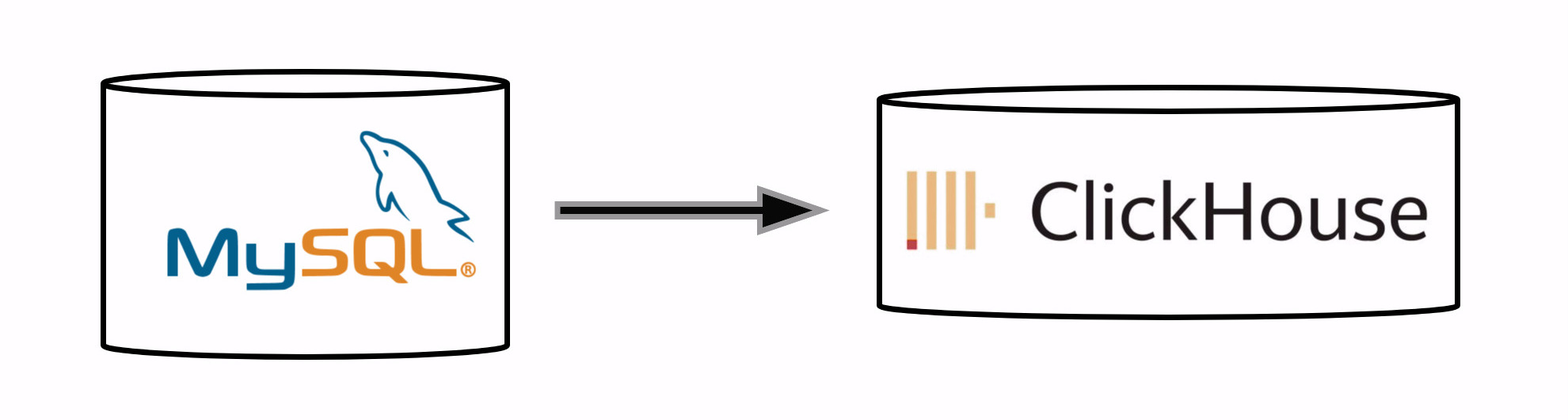
mysql_ch_replicator is a powerful and efficient tool designed for real-time replication of MySQL databases to ClickHouse.
With a focus on high performance, it utilizes batching heavily and uses C++ extension for faster execution. This tool ensures seamless data integration with support for migrations, schema changes, and correct data management.
- Real-Time Replication: Keeps your ClickHouse database in sync with MySQL in real-time.
- High Performance: Utilizes batching and ports slow parts to C++ (e.g., MySQL internal JSON parsing) for optimal performance.
- Supports Migrations/Schema Changes: Handles adding, altering, and removing tables without breaking the replication process.
- Recovery without Downtime: Allows for preserving old data while performing initial replication, ensuring continuous operation.
- Correct Data Removal: Unlike MaterializedMySQL,
mysql_ch_replicatorensures physical removal of data. - Comprehensive Data Type Support: Accurately replicates most data types, including JSON, booleans, and more. Easily extensible for additional data types.
- Multi-Database Handling: Replicates the binary log once for all databases, optimizing the process compared to
MaterializedMySQL, which replicates the log separately for each database.
To install mysql_ch_replicator, use the following command:
pip install mysql_ch_replicatorYou may need to also compile C++ components if they're not pre-built for your platform.
For realtime data sync from MySQL to ClickHouse:
- Prepare config file. Use
example_config.yamlas an example. - Configure MySQL and ClickHouse servers:
- MySQL server configuration file
my.cnfshould include following settings (required to write binary log in raw format, and enable password authentication):
[mysqld]
# ... other settings ...
gtid_mode = on
enforce_gtid_consistency = 1
default_authentication_plugin = mysql_native_password
- ClickHouse server config
override.xmlshould include following settings (it makes clickhouse apply final keyword automatically to handle updates correctly):
<clickhouse>
    <!-- ... other settings ... -->
    <profiles>
        <default>
            <!-- ... other settings ... -->
            <final>1</final>
        </default>
    </profiles>
</clickhouse>- Start the replication:
mysql_ch_replicator --config config.yaml run_allThis will keep data in ClickHouse updating as you update data in MySQL. It will always be in sync.
If you just need to copy data once, and don't need continuous synchronization for all changes, you should do following:
- Prepare config file. Use
example_config.yamlas an example. - Run one-time data copy:
mysql_ch_replicator --config config.yaml db_replicator --database mysql_db_name --initial_only=TrueWhere mysql_db_name is the name of the database you want to copy.
Don't be afraid to interrupt process in the middle. It will save the state and continue copy after restart.
mysql_ch_replicator can be configured through a configuration file. Here is the config example:
mysql:
  host: 'localhost'
  port: 8306
  user: 'root'
  password: 'root'

clickhouse:
  host: 'localhost'
  port: 8323
  user: 'default'
  password: 'default'

binlog_replicator:
  data_dir: '/home/user/binlog/'
  records_per_file: 100000

databases: 'database_name_pattern_*'mysqlMySQL connection settingsclickhouseClickHouse connection settingsbinlog_replicator.data_dirDirectory for store binary log and application statedatabasesDatabases name pattern to replicate, egdb_*will matchdb_1db_2db_test
mysql_ch_replicator supports the following:
- Adding Tables: Automatically starts replicating data from newly added tables.
- Altering Tables: Adjusts replication strategy based on schema changes.
- Removing Tables: Handles removal of tables without disrupting the replication process.
In case of a failure or during the initial replication, mysql_ch_replicator will preserve old data and continue syncing new data seamlessly. You could remove the state and restart replication from scratch.
To contribute to mysql_ch_replicator, clone the repository and install the required dependencies:
git clone https://github.com/your-repo/mysql_ch_replicator.git
cd mysql_ch_replicator
pip install -r requirements.txtFor running test you will need:
- MySQL and ClickHouse server
tests_config.yamlthat will be used during tests- Run tests with:
pytest -v -s test_mysql_ch_replicator.pyContributions are welcome! Please open an issue or submit a pull request for any bugs or features you would like to add.
mysql_ch_replicator is licensed under the MIT License. See the LICENSE file for more details.
Thank you to all the contributors who have helped build and improve this tool.