A dark color scheme inspired by Wimer Hazenberg's Monokai theme.
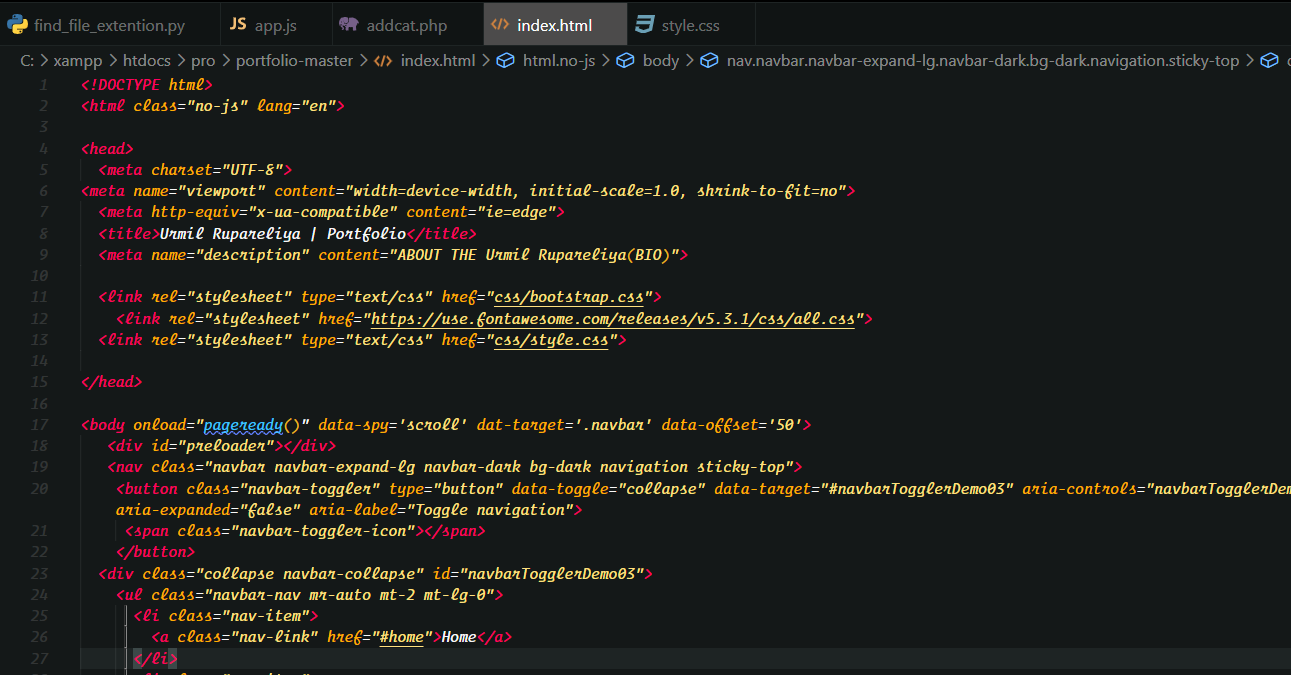
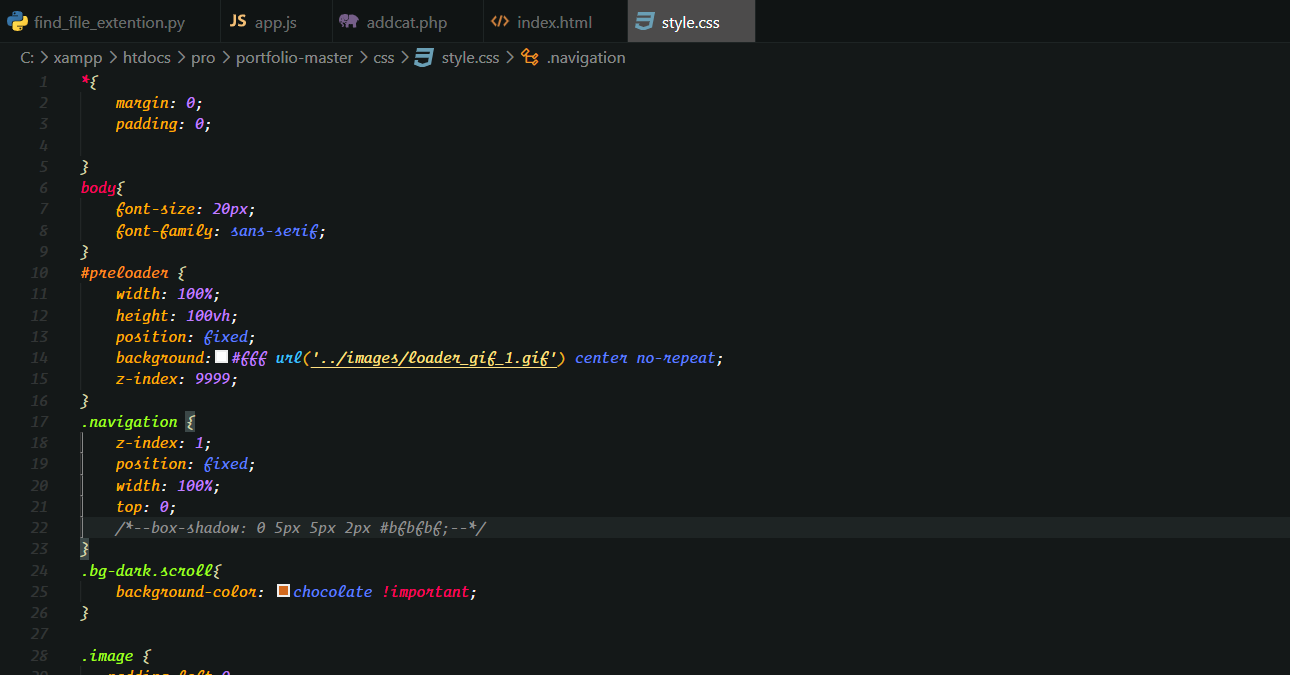
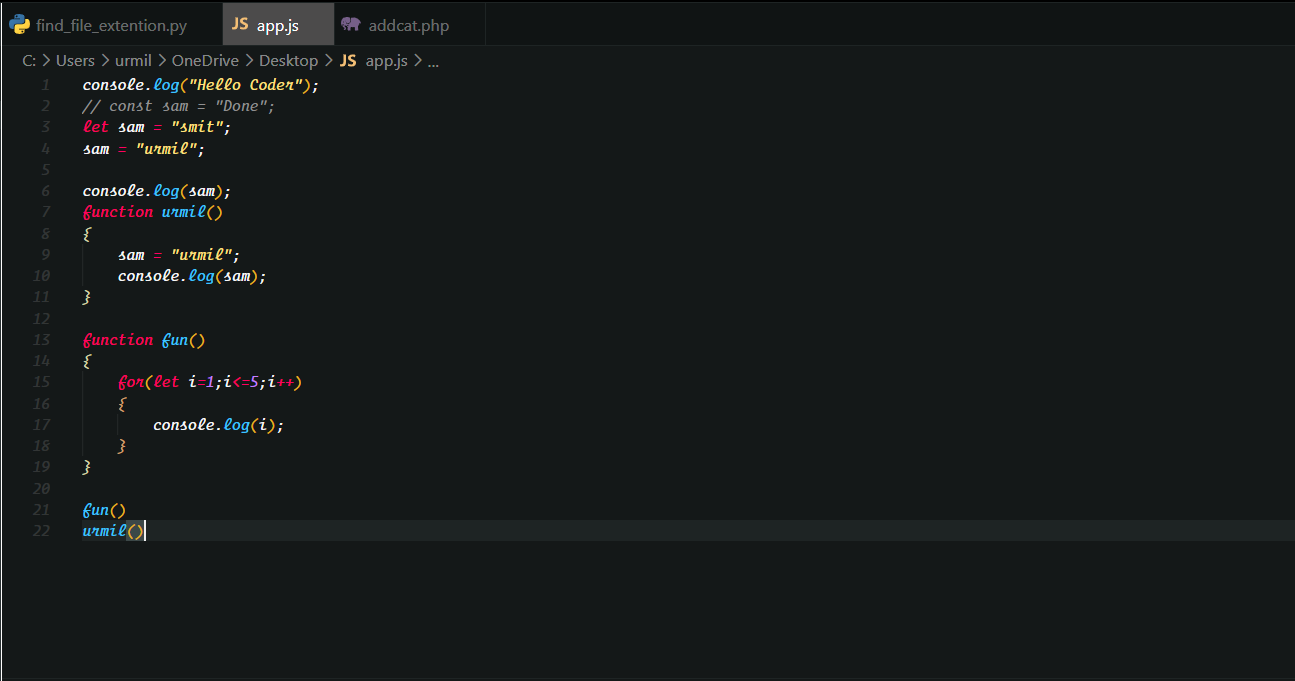
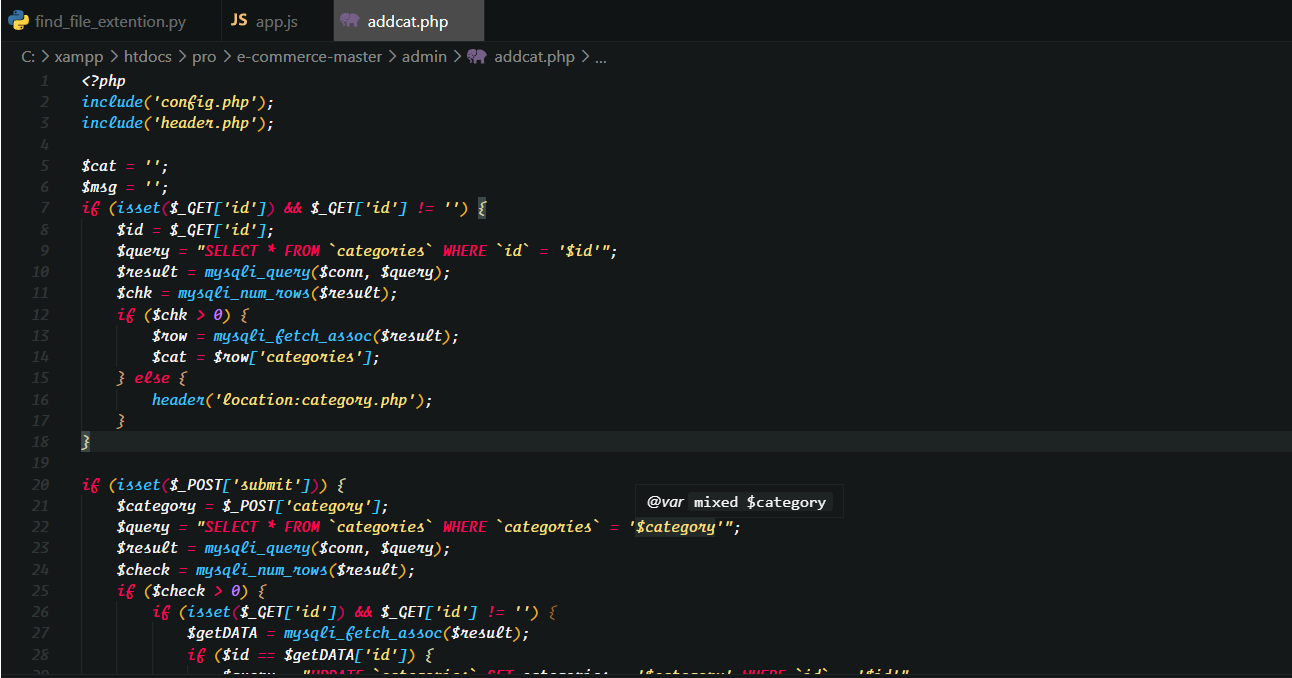
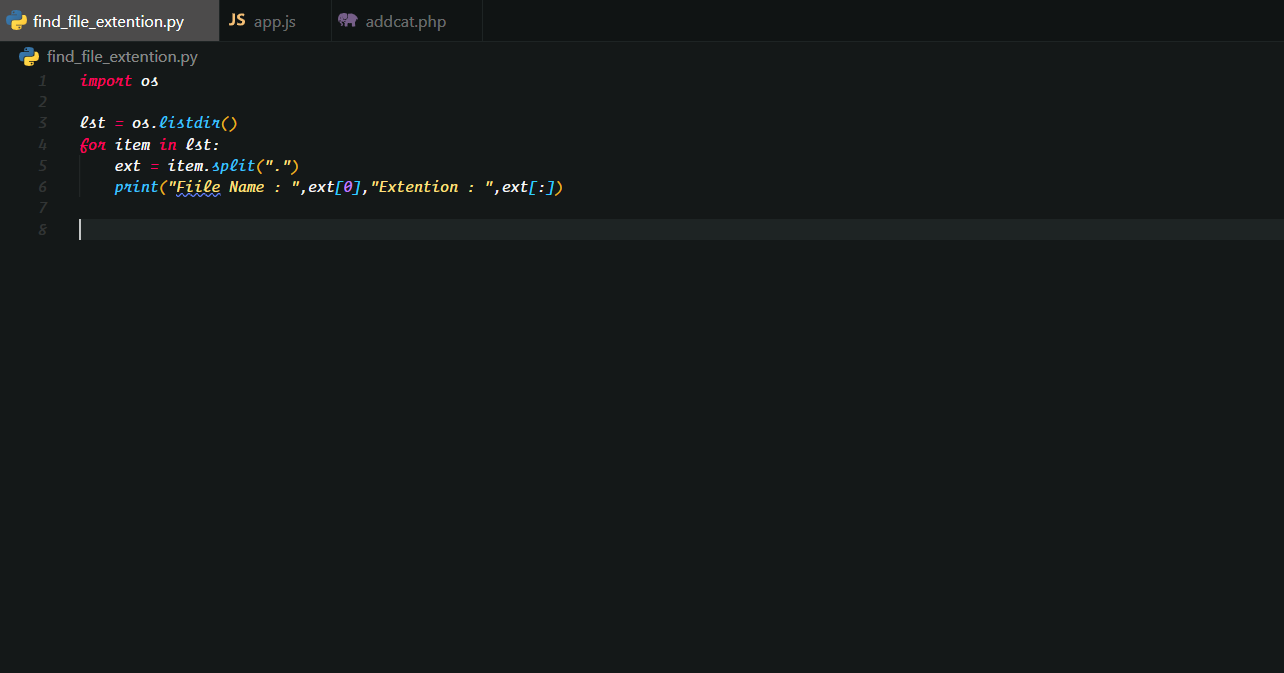
| Element | Hex | RGB | |
|---|---|---|---|
| Background | #141818 |
20 24 24 |
 |
| Current Line | #1e2424 |
30 36 36 |
 |
| Selection | #3c4848 |
60 72 72 |
 |
| Comment | #909090 |
144 144 144 |
 |
| Foreground | #f8f8f8 |
248 248 248 |
 |
| String | #ffe080 |
255 224 128 |
 |
| Property | #ffb000 |
255 176 0 |
 |
| Type | #ff9020 |
255 144 32 |
 |
| Keyword | #ff0060 |
255 0 96 |
 |
| Number | #c080ff |
192 128 255 |
 |
| Constant | #6080ff |
96 128 255 |
 |
| Function | #40c4ff |
64 196 255 |
 |
| Class | #a0ff20 |
160 255 32 |
 |
Launch Quick Open:


Paste the following command and press Enter:
ext install Coding Gujju ThemePick the theme by author Urmil Rupareliya (me).
code --install-extension coding-gujju-theme.vsixor from within VS Code by launching Quick Open and running the Install from VSIX... command.
Open your .vscode/extensions directory. Depending on your platform, it is located in the following folders:
Linux
~/.vscode/extensionsmacOs
~/.vscode/extensionsWindows
%USERPROFILE%\.vscode\extensions
Clone the Coding-Gujju theme repository as urmil89.Coding-Gujju-theme into that directory:
git clone https://github.com/urmil89/Coding-Gujju-themeLaunch Quick Open:
Type theme, choose Preferences: Color Theme, and select Coding Gujju from the list.