Repository navigation
Releases: valentijnh/livebridge-ableton-mcp
Releases · valentijnh/livebridge-ableton-mcp
Release list
LiveBridge 1.0.0

Make music in Ableton Live 12 by talking to Claude. LiveBridge is an MCP server plus a small Ableton Live Remote Script: Claude gets 168 tools for beats, basslines, chords and arps, Serum 2 sound design, automation, song structure, mixing and Splice samples. It runs on macOS and Windows, in every Live 12 edition, and needs no Max for Live.
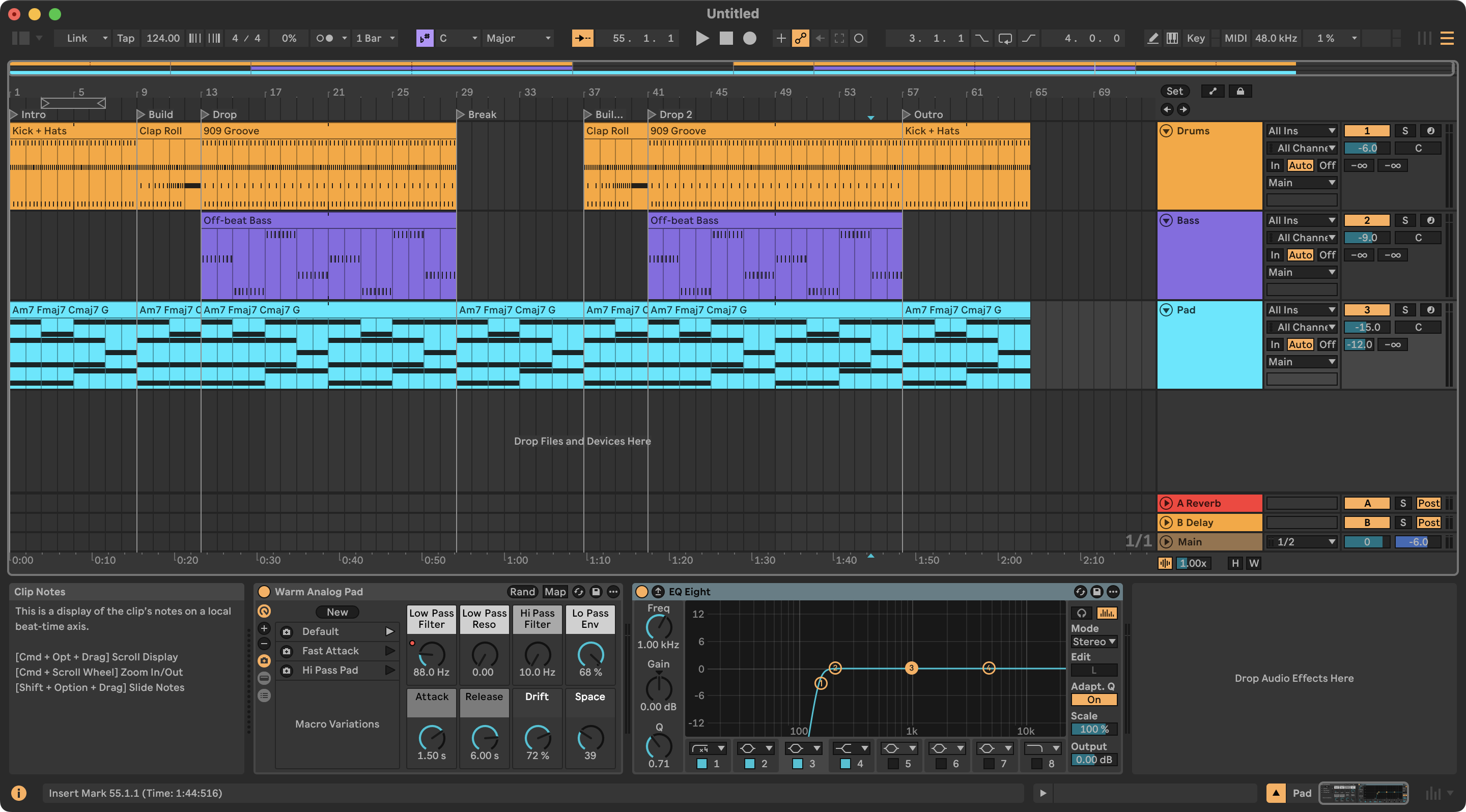
Highlights
- 168 tools / 200 bridge commands: transport, tracks, mixer, routing, recording and resampling, clips and notes, arrangement, locators, scenes, devices, racks, Drum Racks, Simpler, the browser, plug-ins, samples, automation, view, and the full Live Object Model. Every change is one undo step.
- Producer-level writing tools: drum patterns mapped onto the kit's pad names, chords from symbols or Roman numerals with voice leading, arps and basslines, swing and humanize, filter sweeps and LFOs, whole song structures in one call.
- Serum 2 and other VST3 plug-ins fully controllable, without clicking Configure.
- Theory and audio analysis: key, chords and clashes between parts; LUFS, spectrum, stereo, tempo and key of audio, also against a reference track.
- Splice through Splice's official MCP server, with import into Live.
- Two computers: Claude on one machine, Live on another (Mac and PC mixed), with discovery and a token.
Get started
git clone https://github.com/valentijnh/livebridge-ableton-mcp.git LiveBridge, or download LiveBridge-1.0.0.zip below and unzip it into a folder you keep.- macOS:
./installers/install.sh· Windows:powershell -ExecutionPolicy Bypass -File installers\install.ps1 - In Live: Preferences → Link, Tempo & MIDI → Control Surface → LiveBridge. Restart Claude and ask "run live_status".
Website · Examples · 100+ prompts · Tool reference · Changelog
Verified against Ableton Live 12.4.5 Suite; 1,500+ unit tests on macOS, Windows and Linux.