ValleySoft Disk Analyzer v1.3.1

TreeSize-like disk usage analyzer for PowerToys Run and Windows Command Palette.
Components
This release includes three tools, bundled into two easy installations:
- Standalone App (WinUI 3) and Command Palette Extension — both bundled together in the native
.msixpackage! - PowerToys Run Plugin (
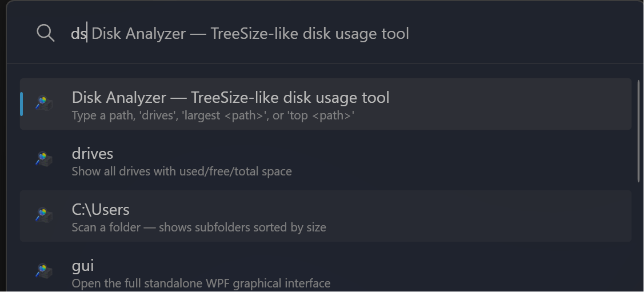
dskeyword in Alt+Space) — installed via the standalone.exeinstaller.
Screenshots
1. Standalone App (WinUI 3)
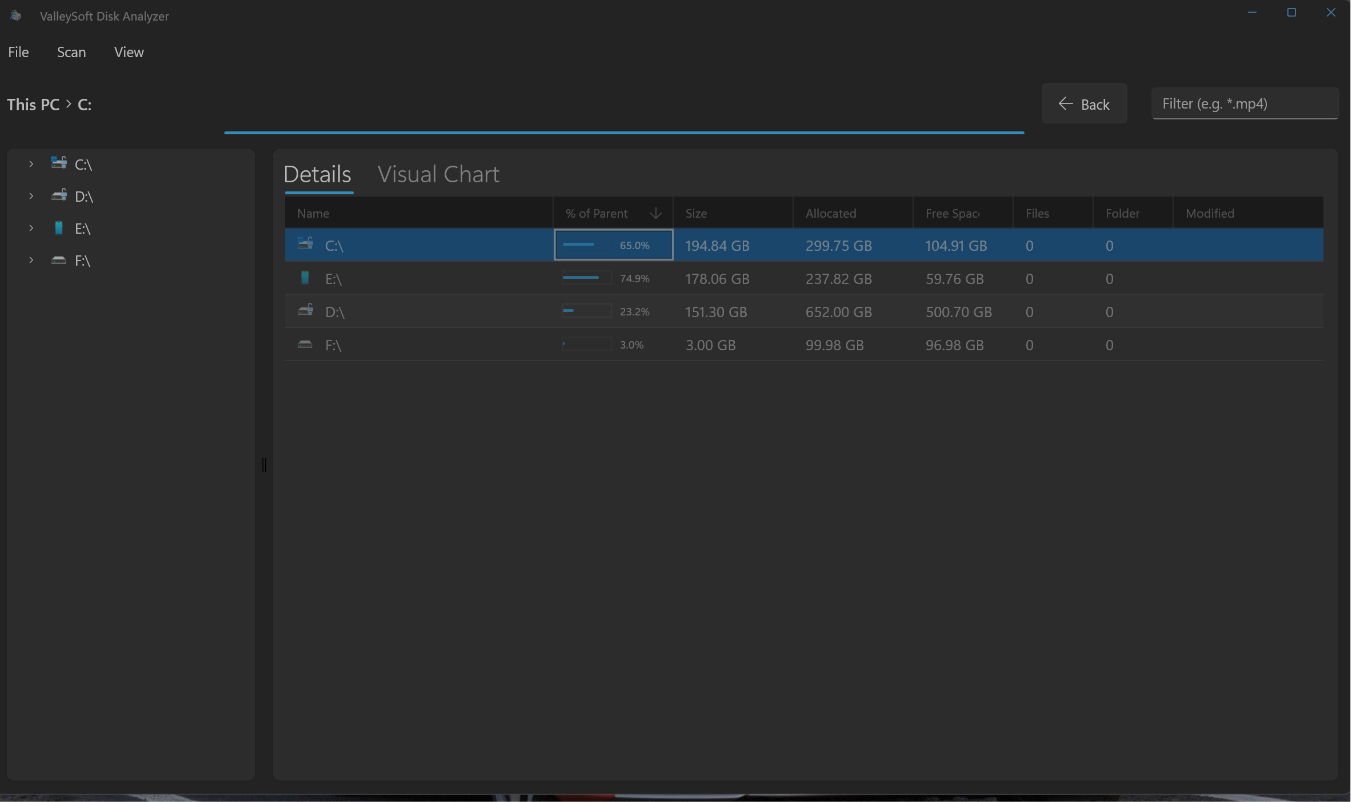
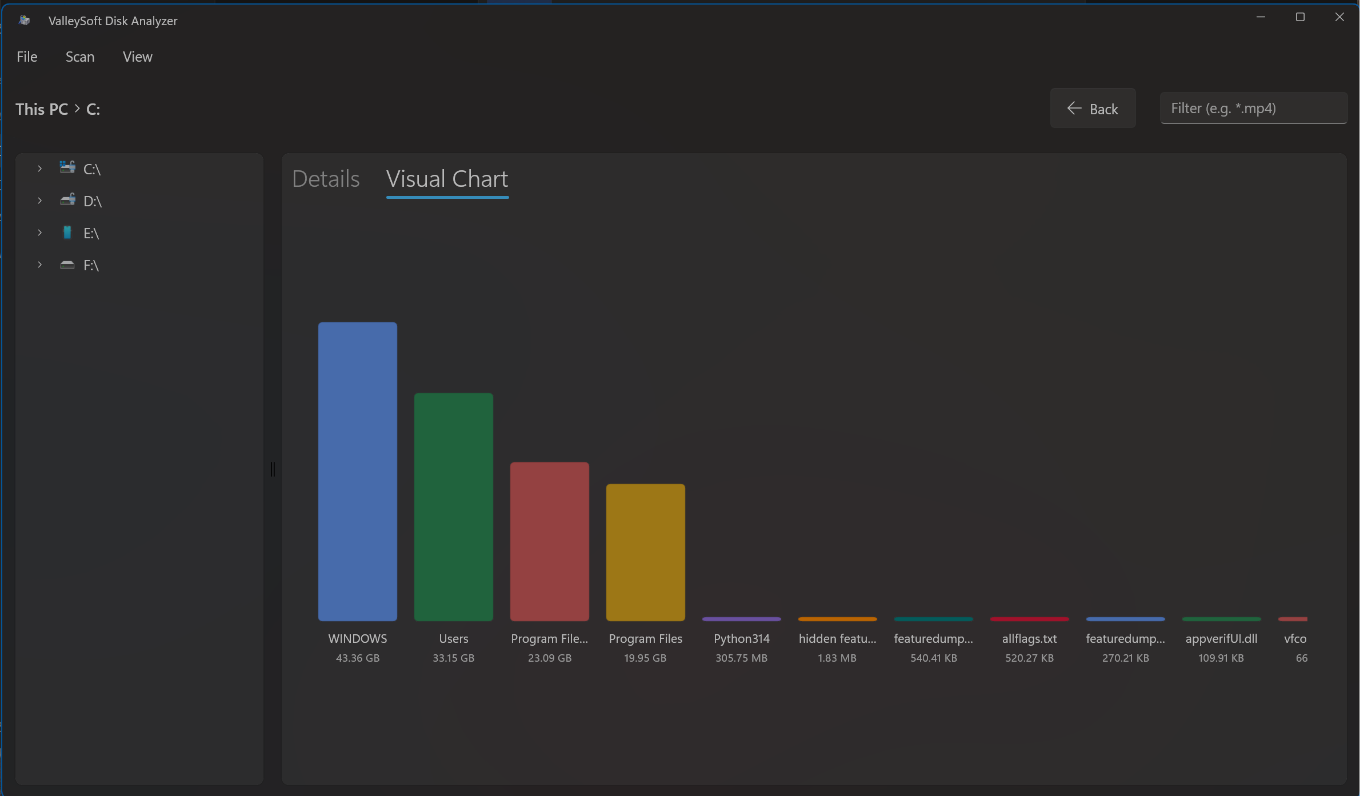
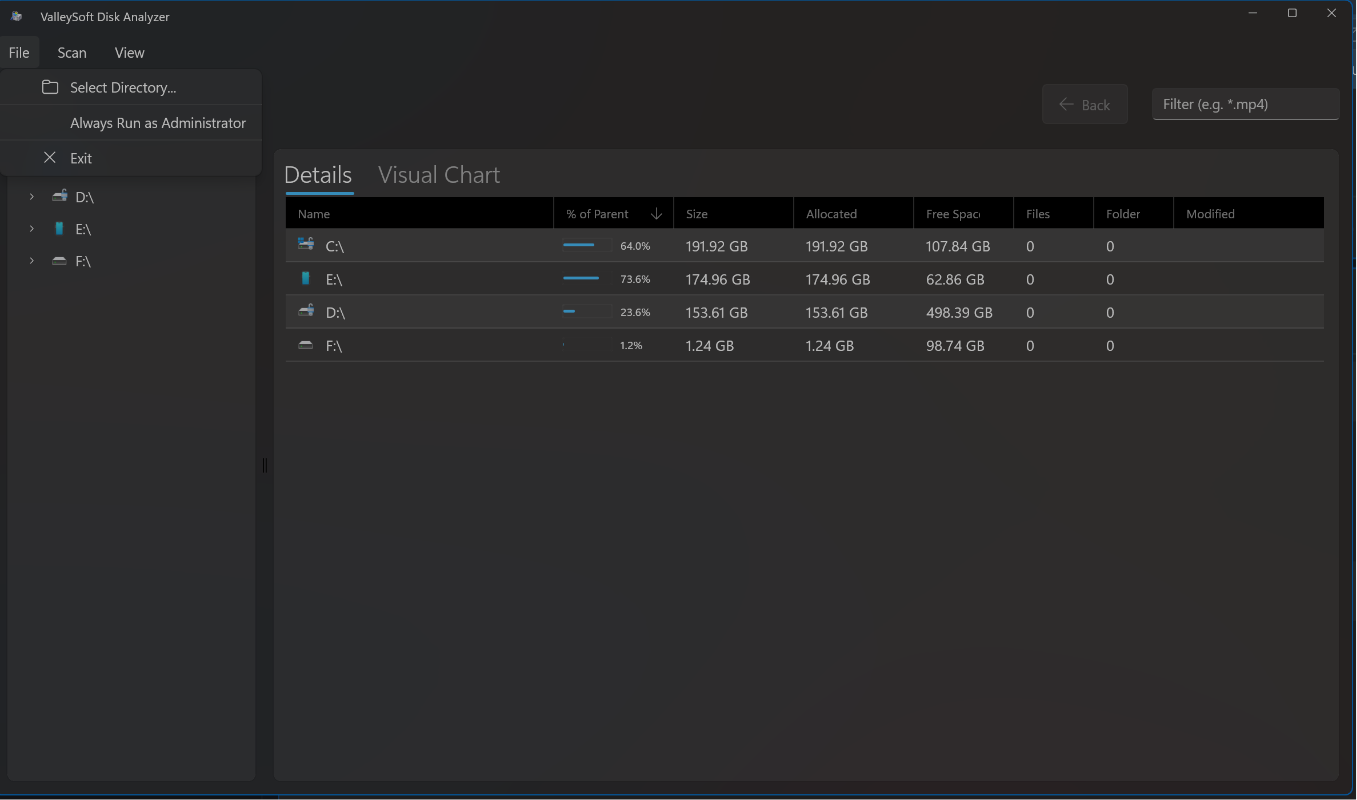
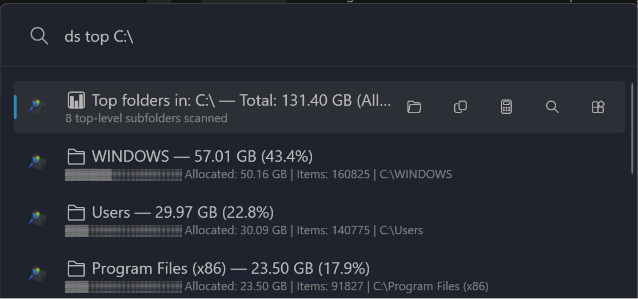
2. PowerToys Run Plugin
3. Command Palette Extension
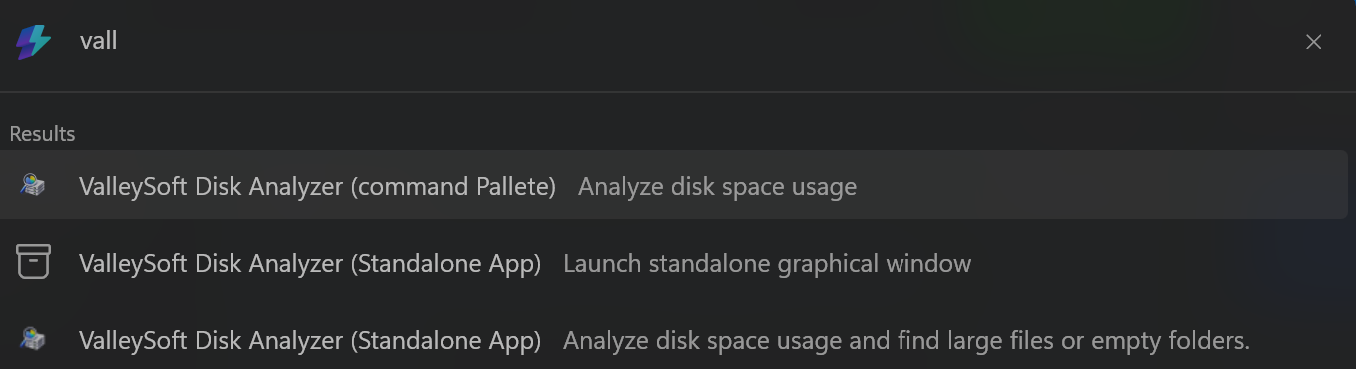
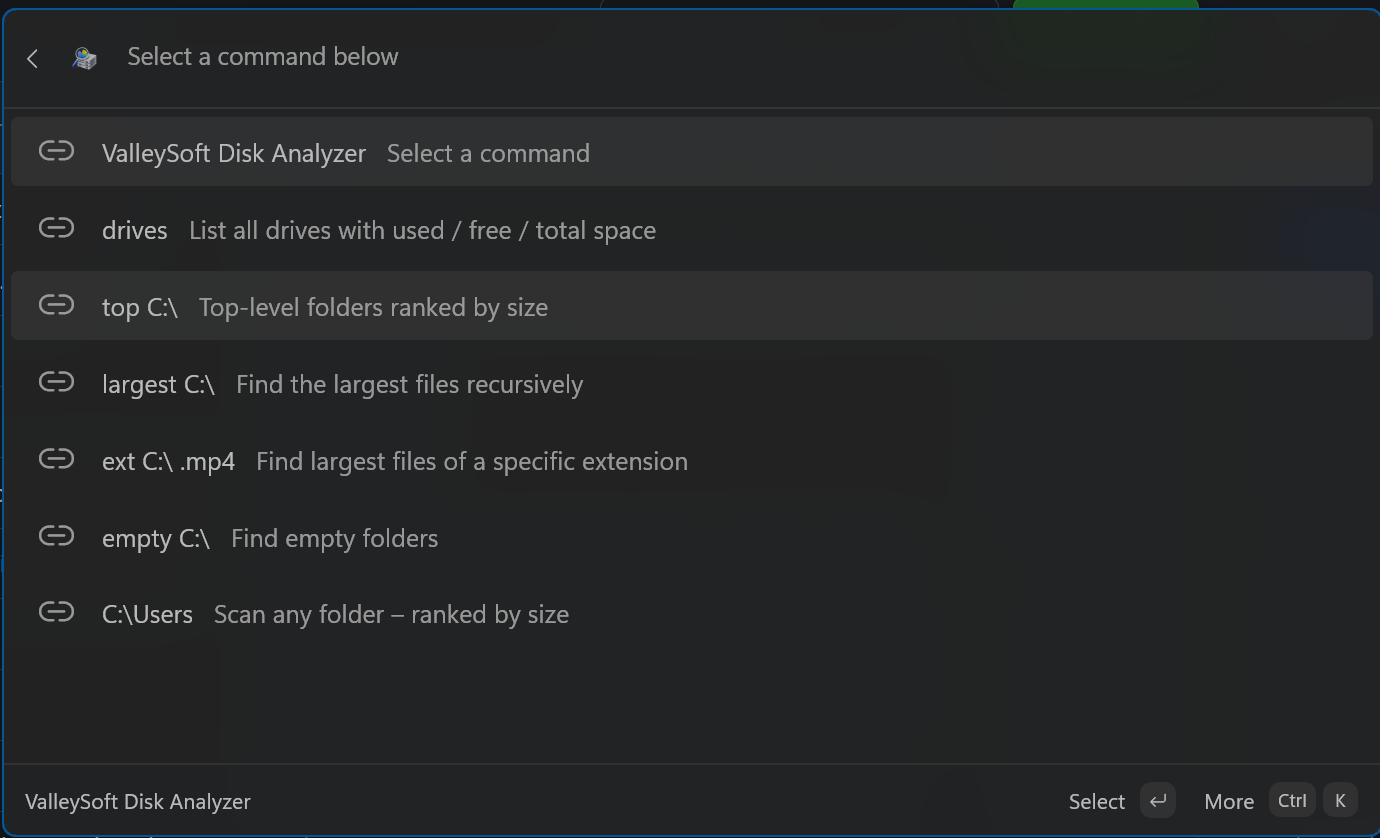
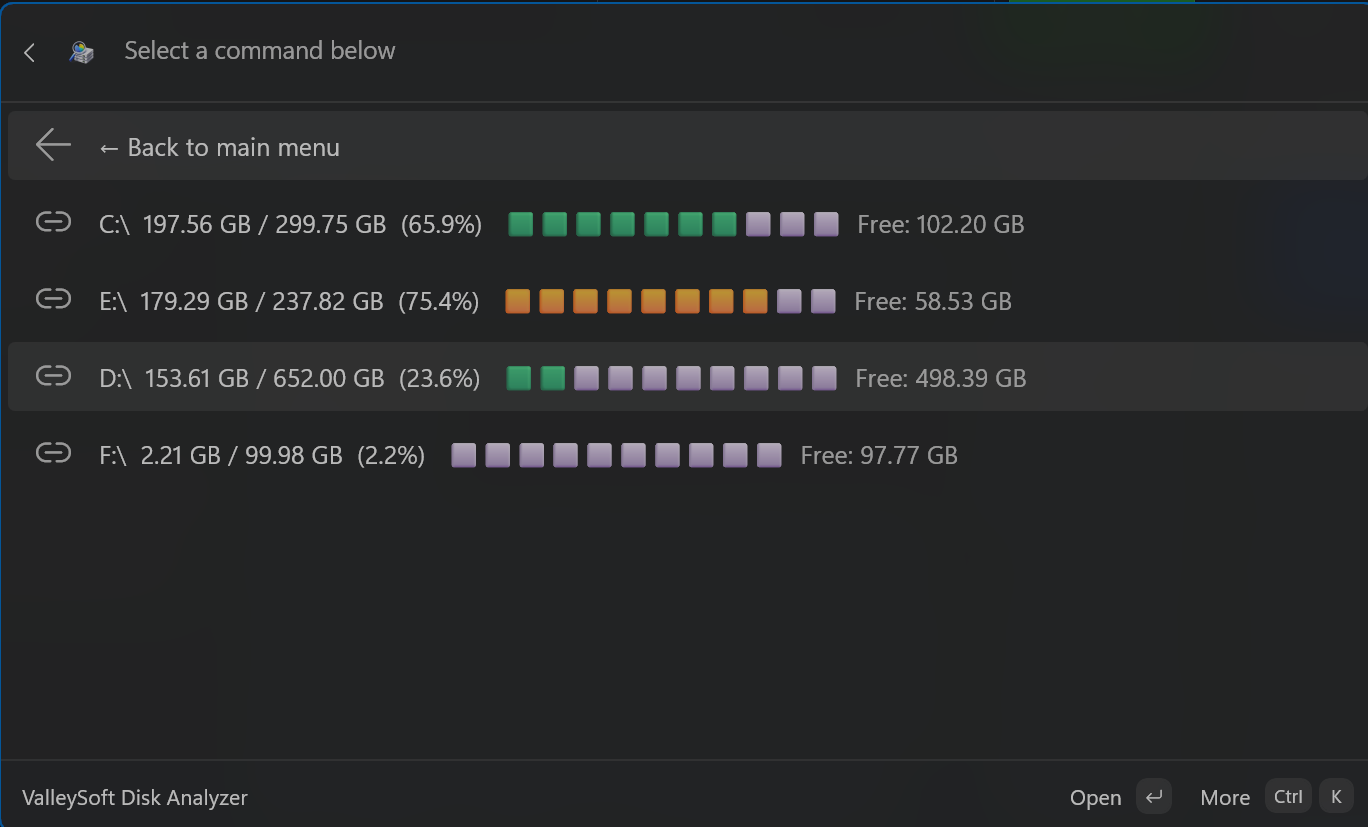
Installation — Standalone App & Command Palette Extension (Unified MSIX)
- Download
ValleySoft.DiskAnalyzer.App_1.3.1.0_x64.msix(orarm64) from the assets below. - Double-click the
.msixfile and click Install. - You're done! The Standalone App will be in your Start Menu, and the Command Palette Extension will automatically be registered in the Windows Command Palette.
Recommended: The Microsoft Store is the easiest way to install and keep the app automatically updated!
Alternatively, you can install it instantly via the command line using
winget:winget install --id 9NF073KLTVWN --source msstore

Installation — PowerToys Run Plugin
- Download
ValleySoft.DiskAnalyzerInstaller-v1.3.1-x64.exe(orarm64) - Exit PowerToys (right-click tray icon → Exit)
- Run the installer — it will flawlessly clean install to
%LOCALAPPDATA%\Microsoft\PowerToys\PowerToys Run\Plugins\DiskAnalyzer - Restart PowerToys and enable the plugin in Settings → PowerToys Run → Plugins
Usage
| Command | Description |
|---|---|
ds drives |
List all drives |
ds top C:\ |
Top folders ranked by size |
ds largest C:\ |
Find largest files recursively |
ds ext C:\ .mp4 |
Find files by extension |
ds empty C:\ |
Find empty folders |
ds gui |
Open the standalone GUI window |
Changes in v1.3.1
Added
- "Always Run as Administrator" toggle added to the Standalone App's File menu. It automatically saves your preference and natively relaunches the app via UAC!
- Live UI Streaming: The Standalone App now populates folders incrementally in real-time as the scan progresses, similar to TreeSize Free.
Changed
- Extreme Performance Optimization: Refactored the core scanning engine to eliminate blocking array allocations and bypass heavy P/Invoke and string operations. SSD scanning speeds have been radically improved, completely resolving UI hangs and slow scans.
- Admin Integration: Restructured the app manifests so that elevated privileges are optional via the UI toggle instead of forcing UAC prompts on every launch.
Fixed
- Command Palette Bug Fixes: Fixed a critical COM marshalling bug that caused the Command Palette to crash when rendering the extension items. Also eliminated duplicate ghost entries caused by identity changes!