

SummaryIn my project settings, in the Git section, I have updated my project to point to a different git repo. It appears that the changes have been saved and recognized by Vercel but upon deployment my project is still pointing to the old repo, as stated in the Deployment Status logs. (I've double checked the branch name and have no Deploy Hooks). When doing a "Redeploy" I'm certain NOT to check the Redeploy with Existing Build Cache checkbox. Something is sticking, and I'm not sure how to "unstick". Any ideas? Thanks in advance, Rich Additional informationNo response ExampleNo response |
Replies: 5 comments 6 replies

|
Hi Amy
No I’m using VS Code on Mac (MacOS BigSur) and Github.
Rich
… On Mar 29, 2023, at 10:06 AM, Amy ***@***.***> wrote:
Hi @richleach <https://github.com/richleach>. Are you using GitLab?
—
Reply to this email directly, view it on GitHub <https://github.com/orgs/vercel/discussions/1916#discussioncomment-5467857>, or unsubscribe <https://github.com/notifications/unsubscribe-auth/AAI5LJ4PFYR3R2JS4QCKSODW6RMYJANCNFSM6AAAAAAWMB2H24>.
You are receiving this because you were mentioned.
|
|
Amy Rich |

|
Let's rule out your hypothesis of missing steps before we dig into the possibility of trickier problems. 🙂 Can you tell me the exact steps you used to disconnect the old repo and connect a new one? |

|
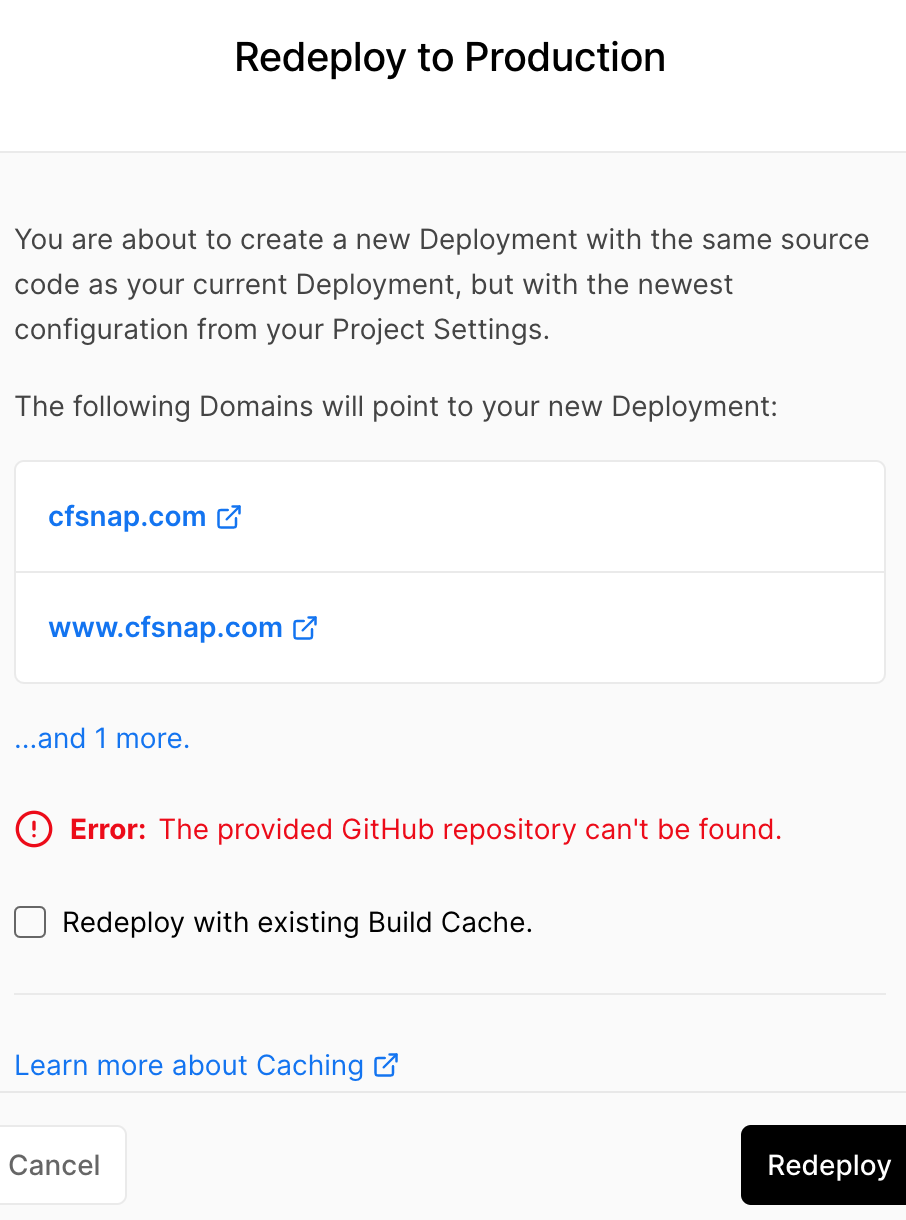
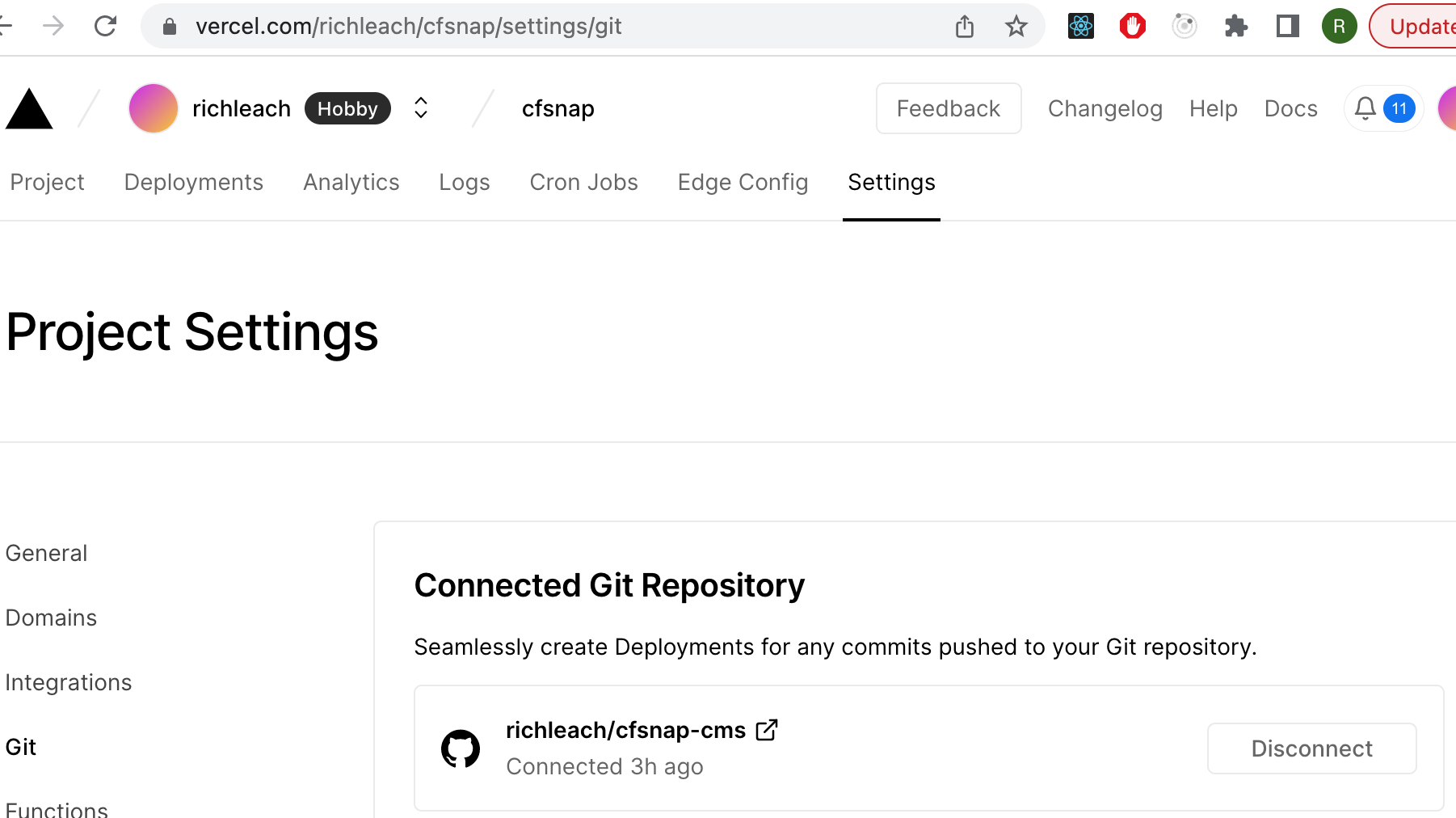
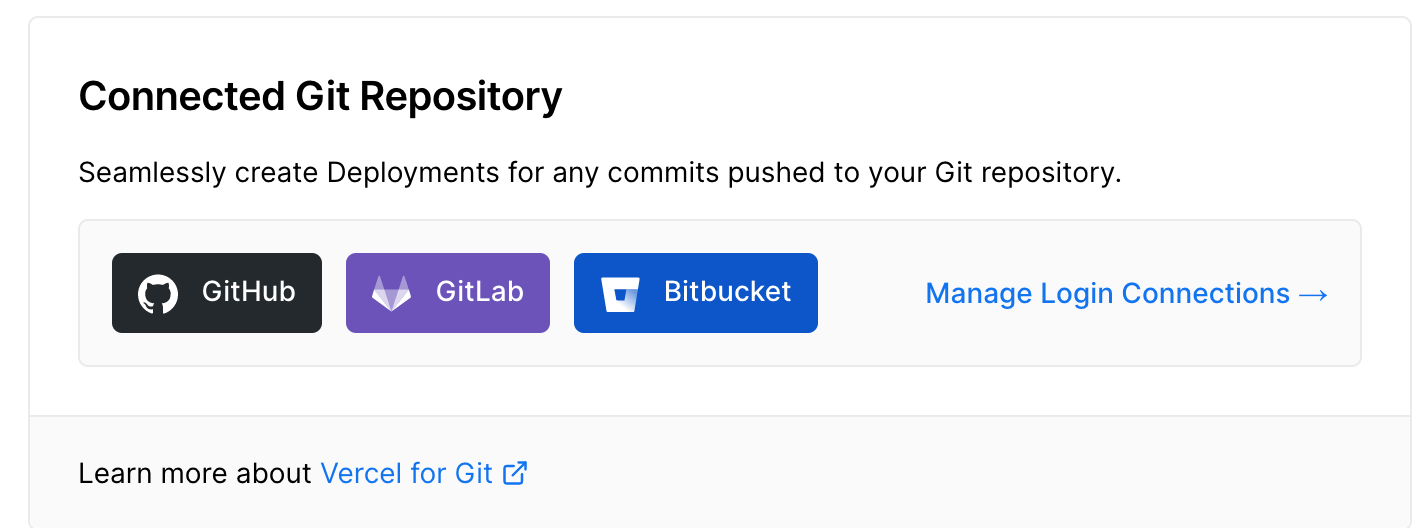
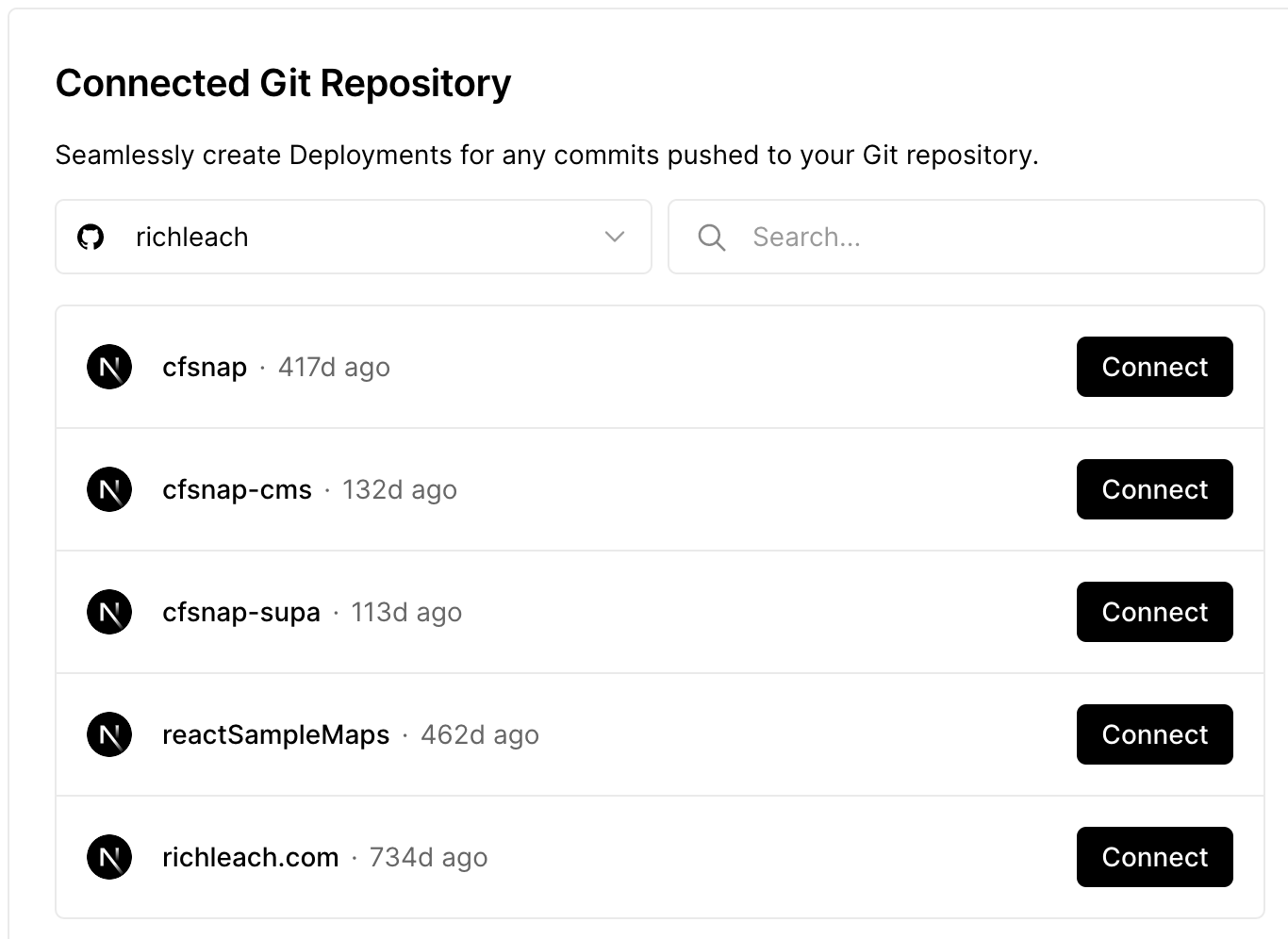
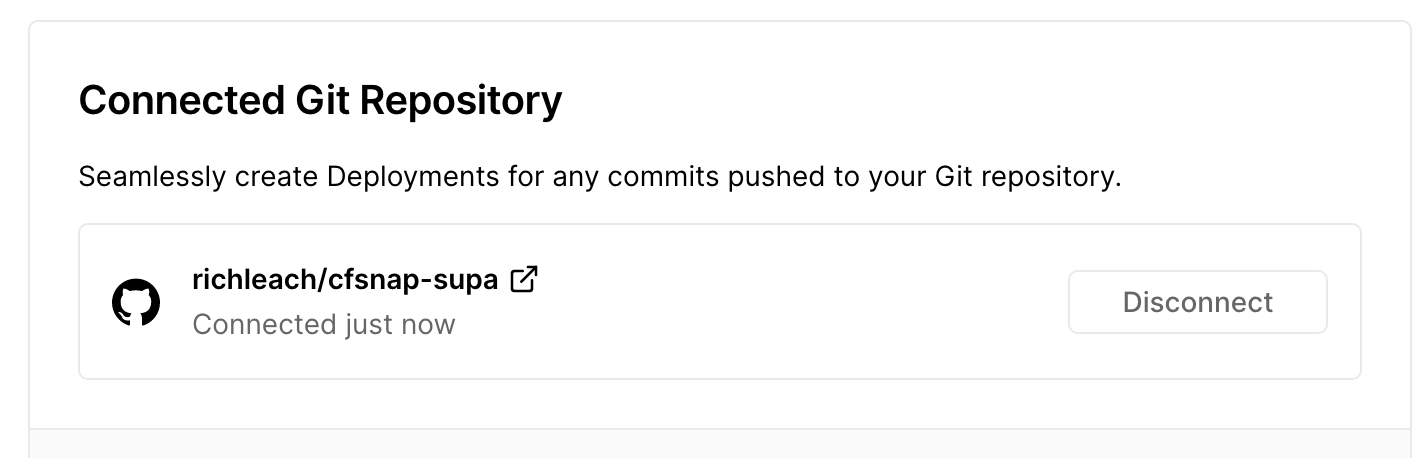
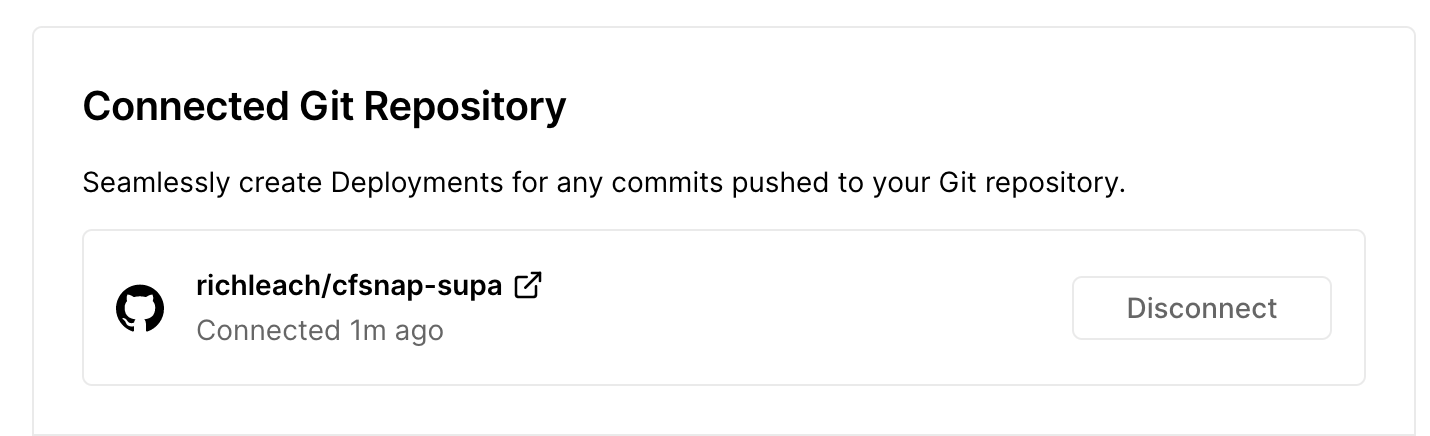
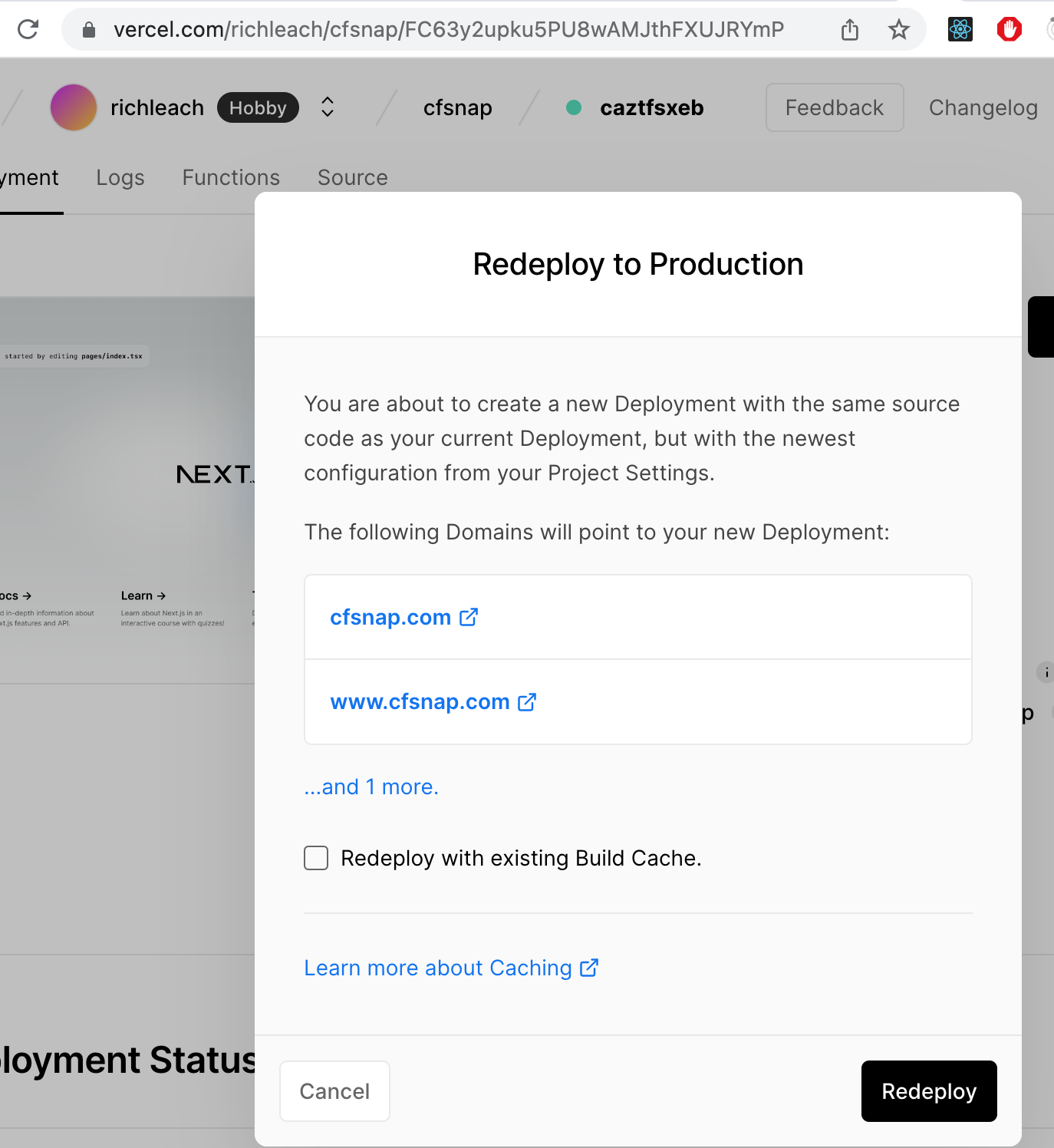
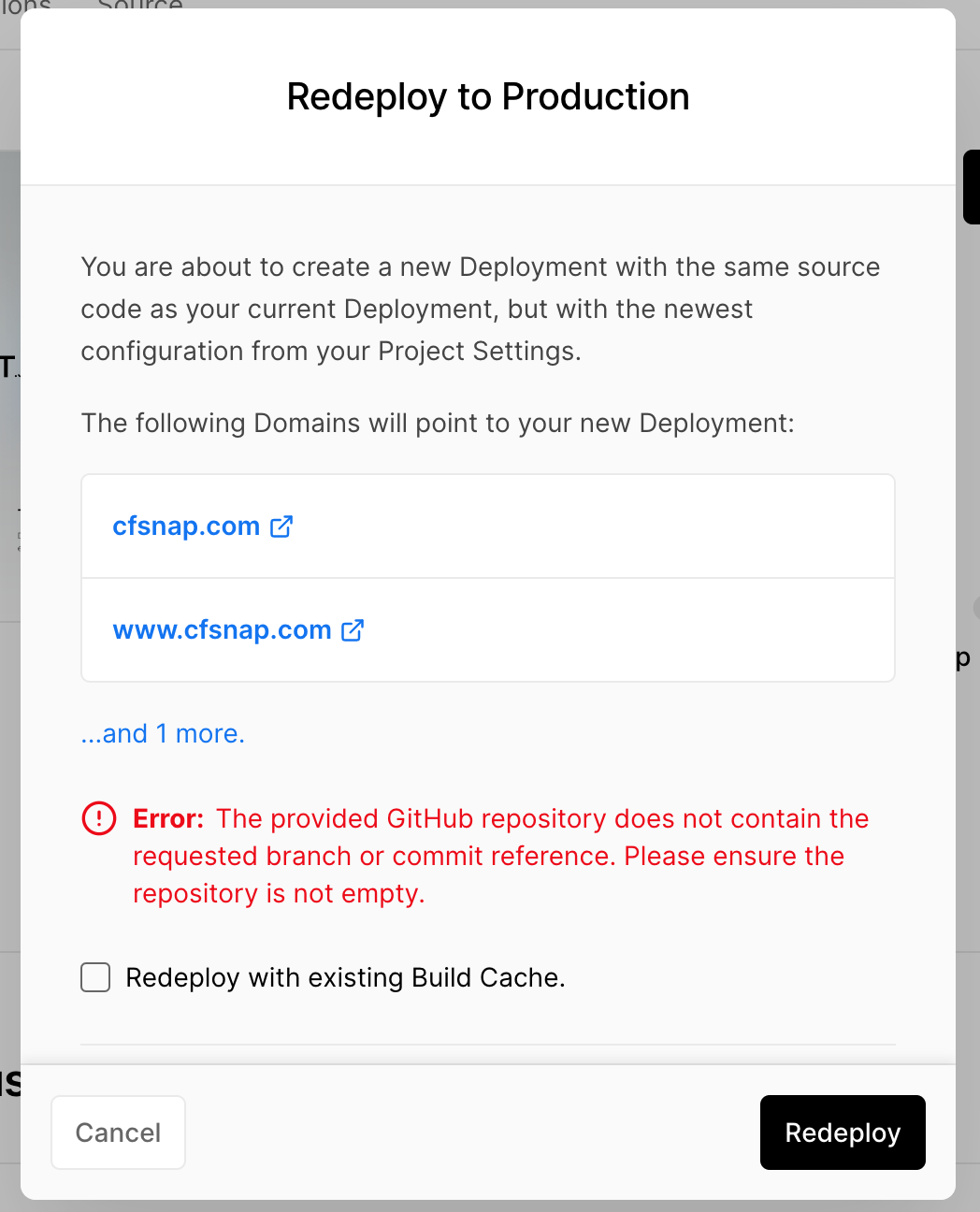
I log into my account on Vercel, go into my desired project. In Project Settings I click on Git on the left side. I'm presented with this screen: I then navigate into my project's deployments and click Redeploy, I'm presented with this screen: When I click the Redeploy button on the modal/pop up I get this error: ...and I get that error because I already deleted the github repo I was previously using because I pointed Vercel to use the newly assigned repo. Am I doing that correctly? Thank you, Rich |
|
Thanks for walking me through that, RIch. Those connection steps are correct. I believe the trouble with redeploying is indeed because the repo is gone. But you should not have any trouble creating new deployments from the currently connected repo |
|
NO! |
|
Based on everything you have shared, it looks like your new repo is connected. You cannot redeploy things that came from a different repo at this point. You can only create a new deployment from the new repo. Once deployments exist from the new repo, you will be able to redeploy those. How to switch to a new GitHub repo to a Vercel Project
|

|
is it possible to change the repo through vercel rest-api? I need to change the current repository for already deployed project. any way please? |
|
There is not currently a Vercel API endpoint for that. But you can change the repo on the project dashboard |

|
How can i do it dynamically? is CLI method will help? |


Based on everything you have shared, it looks like your new repo is connected. You cannot redeploy things that came from a different repo at this point. You can only create a new deployment from the new repo. Once deployments exist from the new repo, you will be able to redeploy those.
How to switch to a new GitHub repo to a Vercel Project