A modern desktop GUI for Rclone — manage your cloud storage with ease.


RcloneApp is a professional desktop application that wraps Rclone, the popular command-line tool for managing files across cloud storage providers. It provides a sleek, user-friendly interface built with Electron, React, and Tailwind CSS — eliminating the need to memorize CLI commands while giving you full access to Rclone's powerful features.
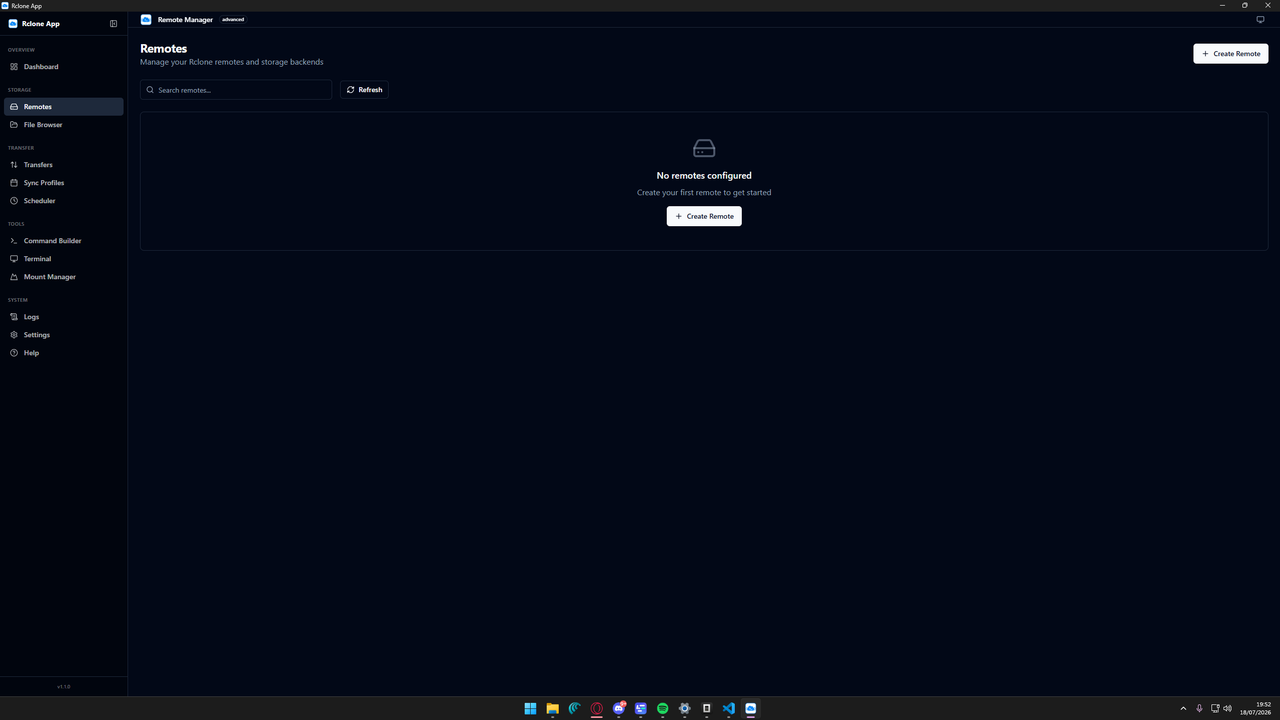
- Create, edit, delete, rename, and copy remotes
- Support for 40+ storage backends (Google Drive, Amazon S3, Dropbox, OneDrive, Backblaze B2, SFTP, and more)
- OAuth browser-based authentication
- Remote connection testing
- Config file (
rclone.conf) read/write/backup/restore
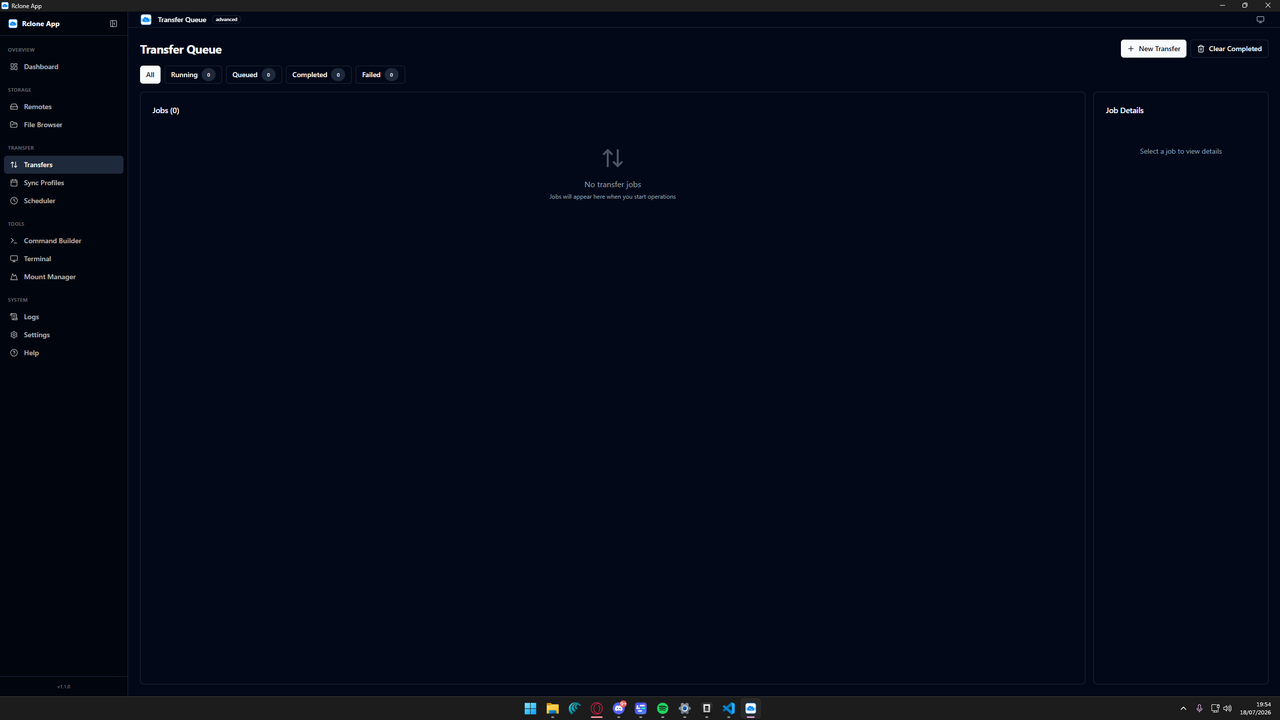
- Visual command builder for 45+ Rclone commands (copy, sync, move, bisync, check, etc.)
- Real-time transfer monitoring with speed, ETA, progress, and per-file stats
- Job lifecycle management (run, pause, resume, stop, cancel)
- Filter rules (include/exclude patterns)
- Bandwidth limiting and concurrency controls
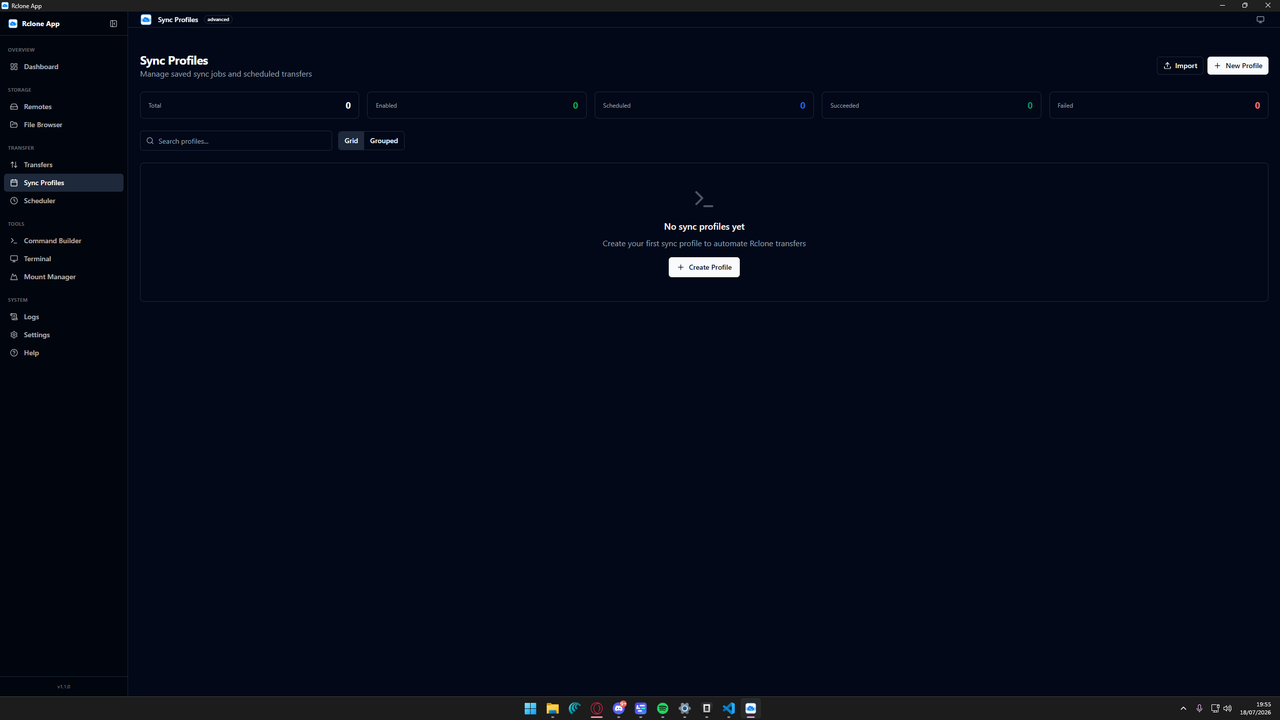
- Save and reuse transfer configurations as profiles
- Import/export profiles as JSON files
- One-click execution
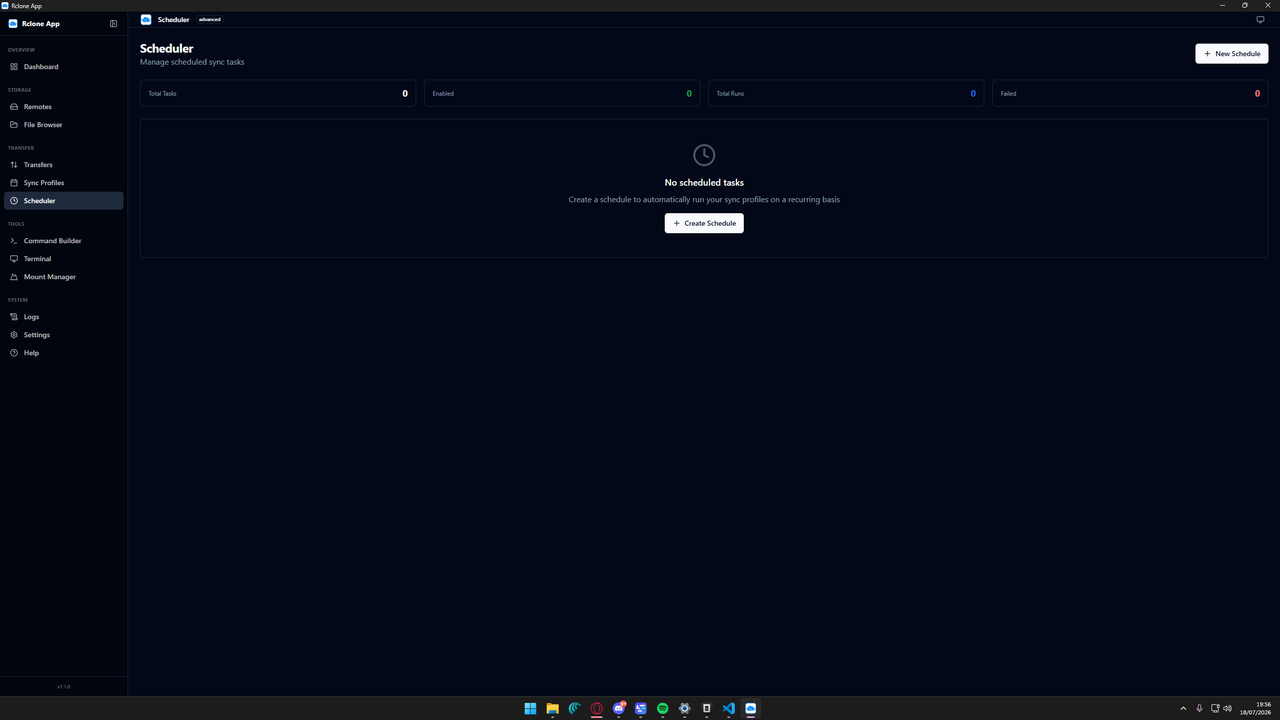
- Automated task execution with multiple schedule types:
- Hourly, daily, weekly, monthly
- Cron expressions
- Custom intervals
- Task dependencies (chain tasks sequentially)
- Run history and status tracking
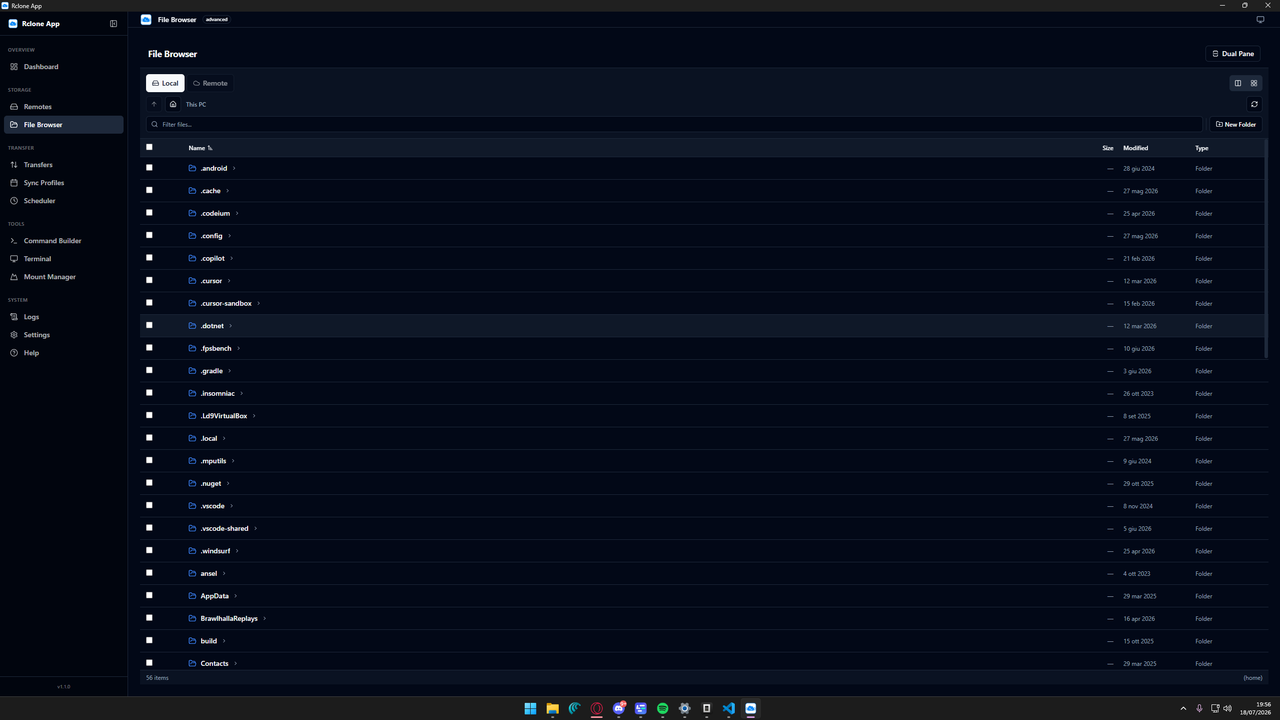
- Dual-pane visual file browser for local and remote file systems
- Navigation with file metadata display
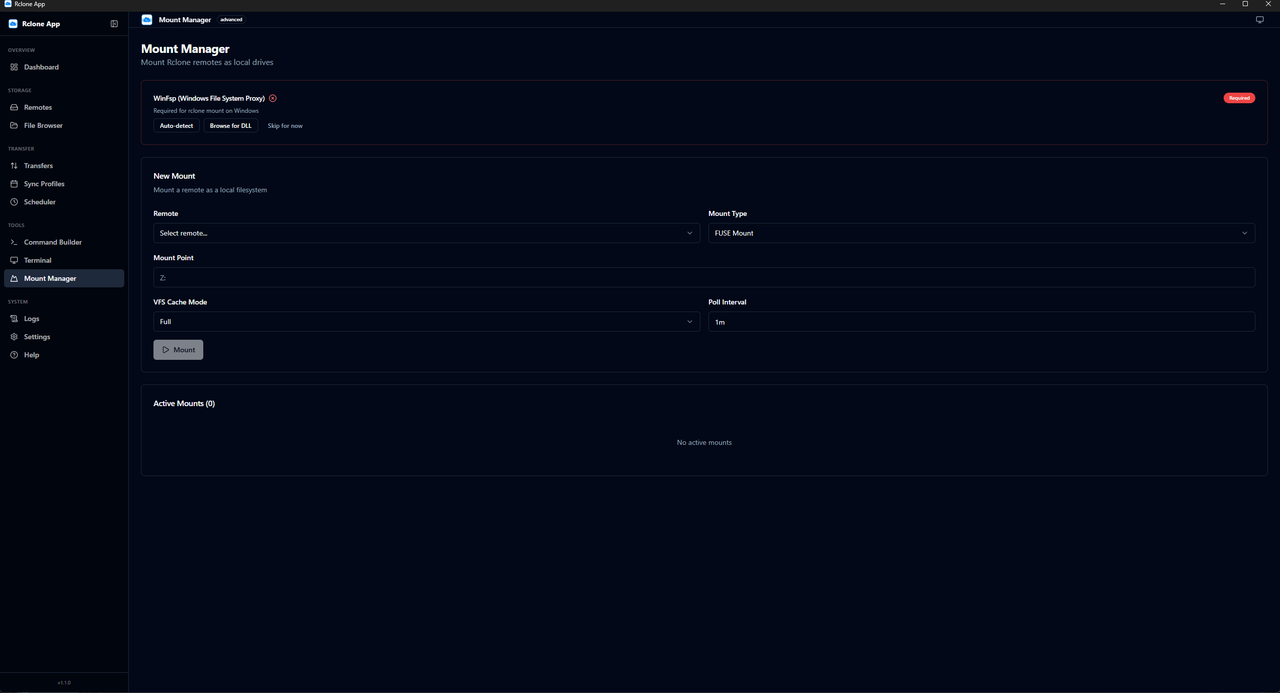
- Mount remotes as local filesystem drives via FUSE/WinFsp
- Auto-detection of WinFsp on Windows
- VFS cache mode configuration
- Live terminal output viewer with ANSI color parsing
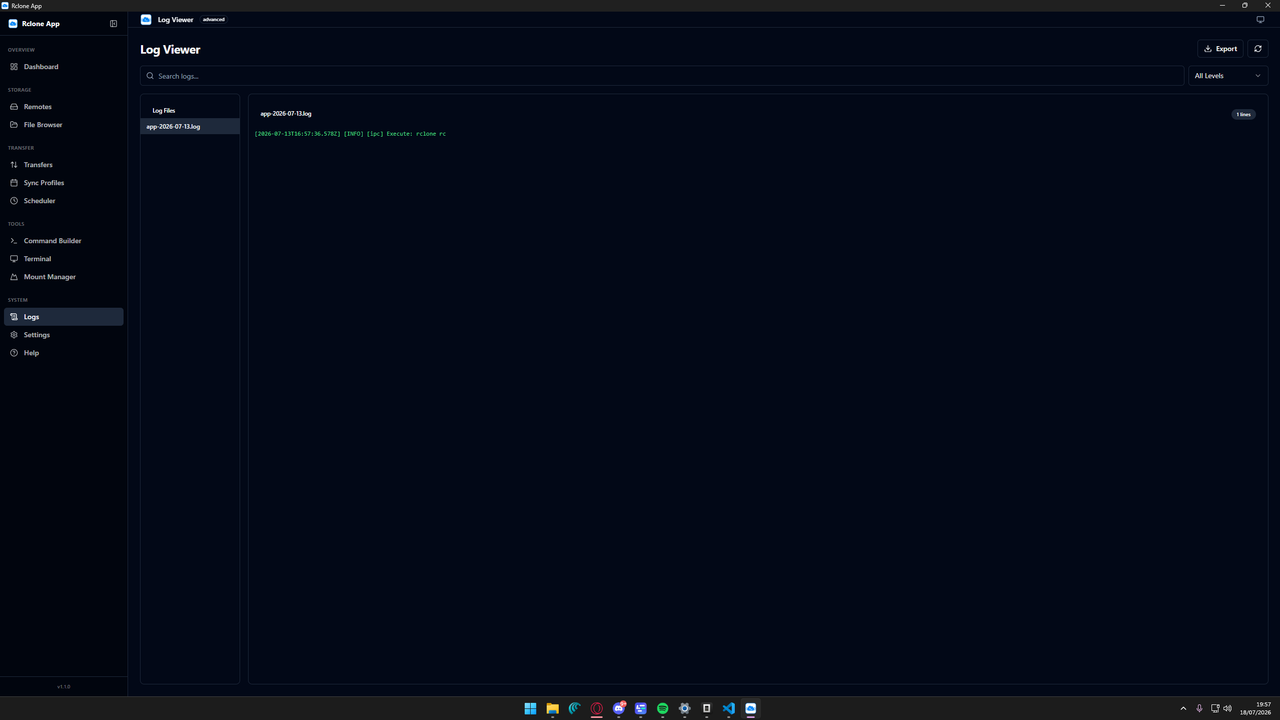
- Application log viewer with file selection
- Configurable log levels (DEBUG, INFO, NOTICE, WARNING, ERROR)
- First-run setup wizard (rclone detection, config path selection)
- Theme selection (light/dark/system)
- UI mode gating (basic/advanced/expert) — hide complexity based on expertise
- Transfer defaults (transfers, checkers, buffer size, bandwidth limit)
- Auto-launch at login, minimize to tray
- Settings import/export
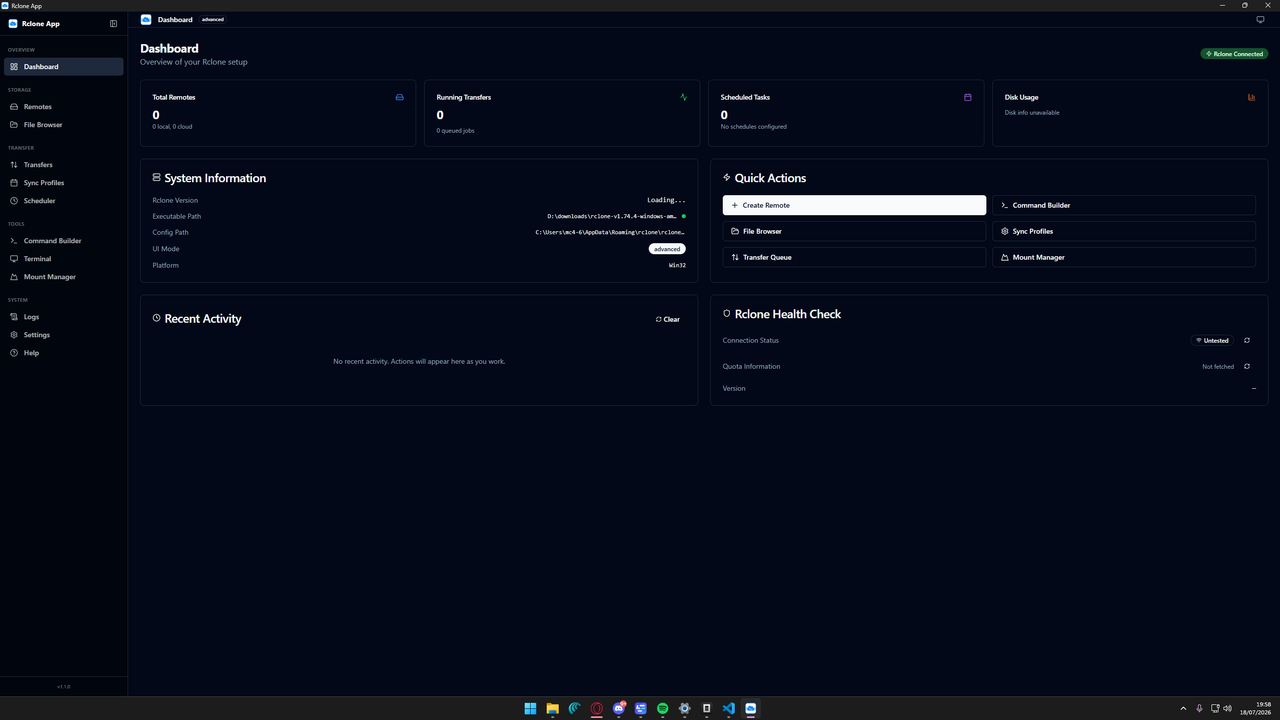
- Stats overview (remotes, active transfers, scheduled tasks)
- System information display
- Quick actions and activity feed
| Layer | Technologies |
|---|---|
| Desktop Shell | Electron 43, electron-vite |
| Frontend | React 19, React Router, Zustand, TanStack Query |
| Styling | Tailwind CSS, Radix UI, shadcn/ui pattern |
| Language | TypeScript 5.7 |
| Build & Pack | electron-builder (NSIS, DMG, AppImage) |
# Clone the repository
git clone https://github.com/vima-alt/Rclone-app
cd RcloneApp

or direcly install it from github


On first launch, the **setup wizard** will help you:
1. Auto-detect the Rclone binary
2. Specify or locate the `rclone.conf` configuration file
3. Verify everything works

---


## Runtime Requirements

RcloneApp requires [Rclone](https://rclone.org/) to be installed on the system. The app will:

1. Auto-detect the Rclone binary from common locations on first run
2. Allow manual specification or browsing to the executable
3. Test the binary to confirm it works
4. Locate or create an `rclone.conf` configuration file

---

for any problemwith it comment or contact me via mail: giuse3233@gmail.com

---

## License

MIT

---

<p align="center">
  Built with Electron + React + Tailwind CSS
</p>