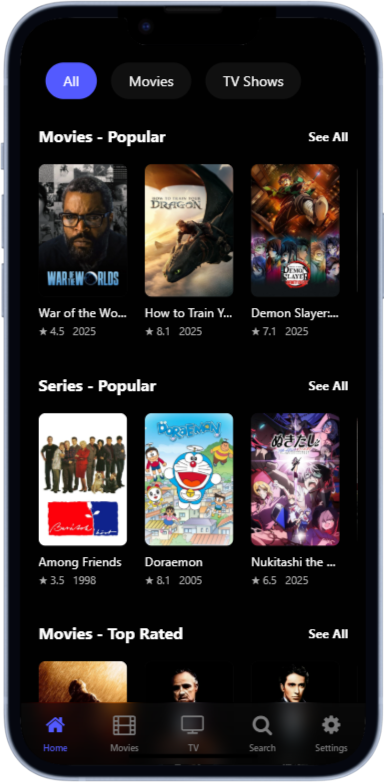
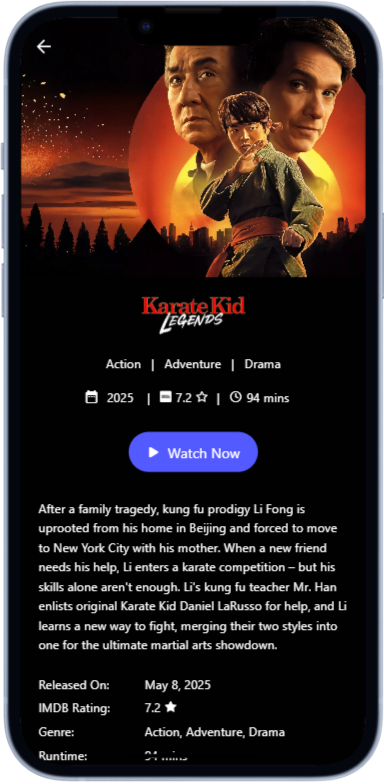
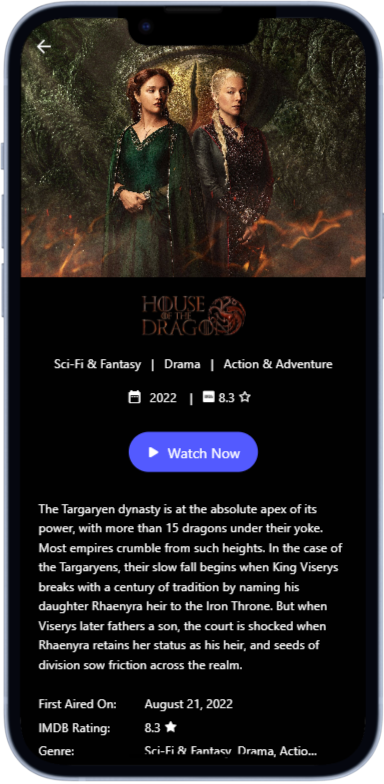
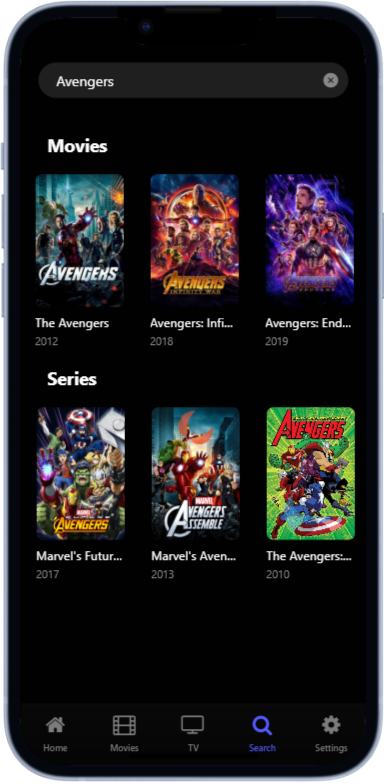
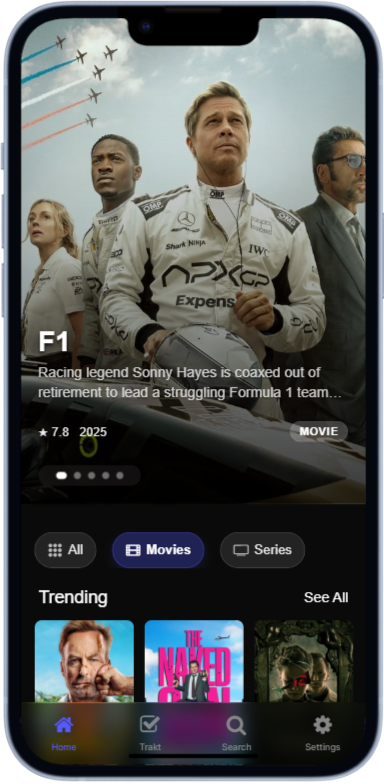
BYOC - Bring your own content, a simple and sleek frontend for your own collection of movies and TV shows.
This app is built using the Expo React Native framework.
- Node.js and npm installed
- Expo CLI installed (
npm install -g expo-cli) .envfile with the required TMDB API key
- Clone the repository:
git clone https://github.com/vjdev1212/byoc.git cd byoc - Create a
.envfile in the project root and set the TMDB API Key:EXPO_PUBLIC_TMDB_API_KEY=api_key_here
- Install dependencies:
npm install
- Start the Expo development server:
npx expo start
- Scan the QR code from the Expo CLI output using the Expo Go app on your mobile device.
To stop the running process, press Ctrl + C in the terminal.
BYOC allows you to use your own streaming service with your own custom backend. The app is flexible and only requires specific metadata to fetch streams.
The app needs the following information to fetch streams:
For Movies:
- IMDB ID or TMDB ID
For TV Shows:
- IMDB ID or TMDB ID
- Season number
- Episode number
URL templates can be configured in Settings > Template Settings. You need to provide two templates:
- Movie Template - URL format for fetching movie streams
- TV Show Template - URL format for fetching TV show streams
Use the following placeholders in your templates:
{IMDBID}- IMDB identifier (e.g., tt1234567){TMDBID}- TMDB identifier (e.g., 12345){SEASON}- Season number (required for TV shows){EPISODE}- Episode number (required for TV shows)
Important: The TV show template must include {SEASON} and {EPISODE} placeholders, otherwise it will not work. These parameters are not required for movie templates.
Movies:
https://example.com/stream/movie/{IMDBID}
TV Shows:
https://example.com/stream/tv/{IMDBID}/{SEASON}/{EPISODE}
You can use any Stremio addon that follows the standard manifest format. Example with Torrentio:
Movies:
https://nuviostreams.hayd.uk/stream/movie/{IMDBID}.json
TV Shows:
https://tnuviostreams.hayd.uk/stream/series/{IMDBID}:{SEASON}:{EPISODE}.json
Your service or addon must return a JSON response in the following format:
{
  "streams": [
    {
      "name": "Provider Name\nQuality Info",
      "title": "Stream Title with Details\nAdditional metadata",
      "url": "https://example.com/stream/video.mp4"
    },
    {
      "name": "Provider Name\nQuality Info",
      "title": "Another Stream Title\nMore details",
      "url": "https://example.com/stream/video2.mkv"
    }
  ]
}
Response Structure:
streams(array, required) - Array of available streamsname(string, optional) - Display name and quality informationtitle(string, optional) - Stream title with additional detailsurl(string, required) - Direct URL to the video stream
Note: Each stream object must include a url field pointing to a playable video stream (MP4, MKV, etc.).
To create your own streaming service compatible with BYOC:
- Set up an API endpoint that accepts IMDB/TMDB IDs
- For TV shows, ensure it also accepts season and episode parameters
- Return the response in the exact JSON format shown above
- Host your service and configure the template URL in the app
The service should:
- Accept GET requests
- Return valid JSON
- Include the
streamsarray with a validurlfield for each stream - Handle both movie and TV show requests appropriately
- Provide direct streaming URLs (MP4, MKV, or other supported video formats)
Licensed under the GNU General Public License v3.0 (GPL-3.0).