Release 5.0.0

A new version, hooray!!!!!!!
Lets first start with the breaking change
💥 Breaking Change
The mismatch percentage was a Number({number}.toFixed(2)). This was only not accurate enough, the reason for this is that the average screen resolution is around 1920x1080. I want this module to be able to detect at least a 10x10 pixel difference.
1920x1080 = 2073600 pixels, a difference of 10x10 is 100 ,which means 0.005% difference (0.00482253).
Number(0.00482253.toFixed(2)) = 0 and Number(0.00482253.toFixed(3)) = 0.005
So based on this release you will have a failing test.
This means that all tests that you have executed with V4 or lower might now result in a failure due to this. If that's the case then update your baseline by first checking the difference and then copying the actual screenshots to your baseline
NOTE:
If you don't want to have breaking tests because of this change then change all your assertions from this
it('should compare an element successful', async () => {
  await expect(
    await browser.checkScreen()
  .toEqual(0)
})
to this
it('should compare an element successful', async () => {
  await expect(
    Number((await browser.checkScreen()).toFixed(2))
  .toEqual(0)
})
or this
it('should compare an element successful', async () => {
  const result = await browser.checkScreen()

  await expect(
    Number(result.toFixed(2))
  .toEqual(0)
})
💅 Polish
- Update ResembleJS to the latest version 4.1.0
- add support for NodeJS 18
- add offsets for iPhone 14 series
- replaced chalk with a custom function
🐛 Bug Fix
- In some cases automatically scrolling an element in the view will create incorrect screenshots. By setting the class-option
autoElementScrolltofalseyou need to take care of your own scrolling.
For more info see this - Prevent tsconfig.json from being published which causes a problem with the 'includes' field, tnx to
Luis Merino - fix some devices positions
🚀 New Features
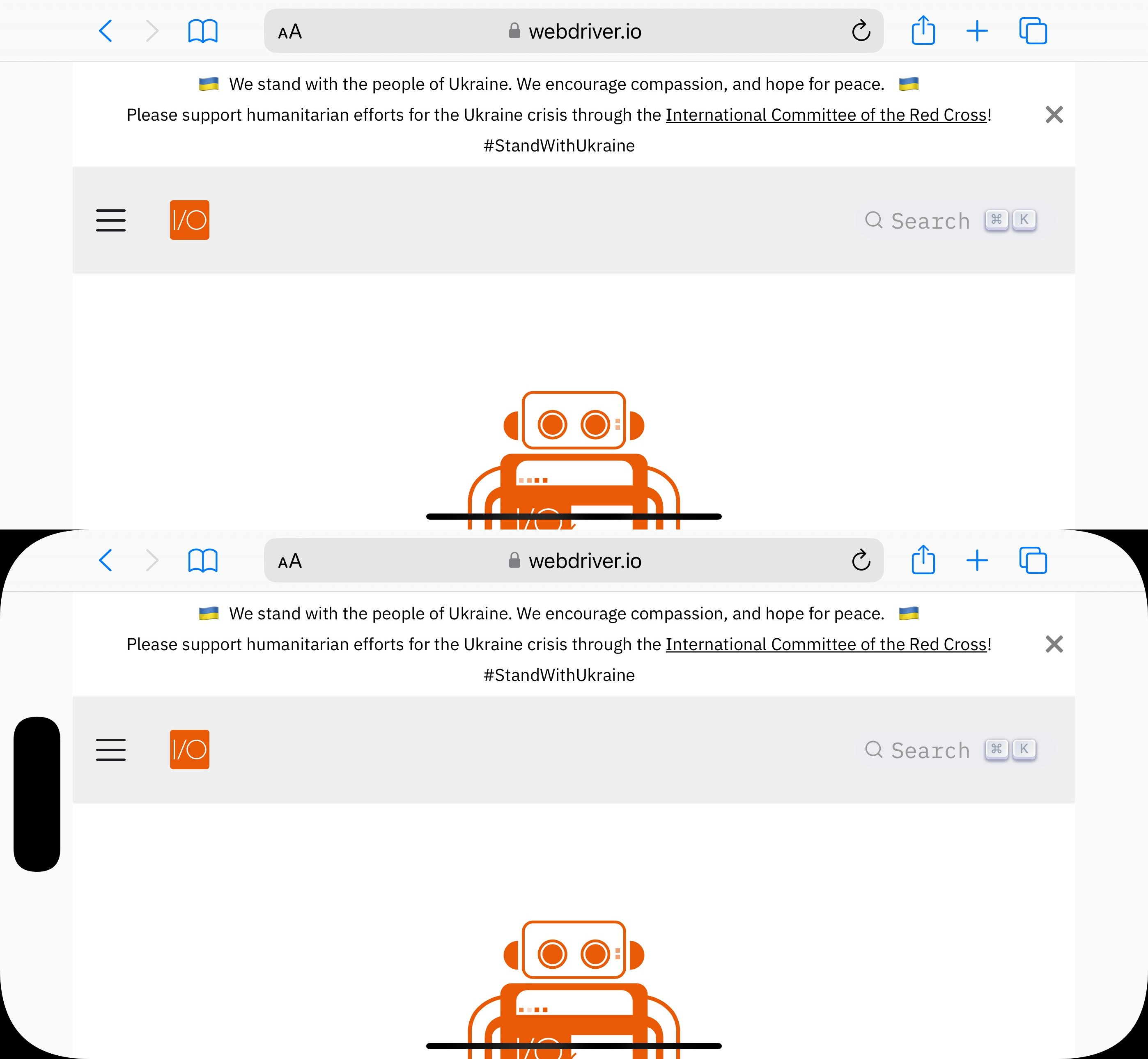
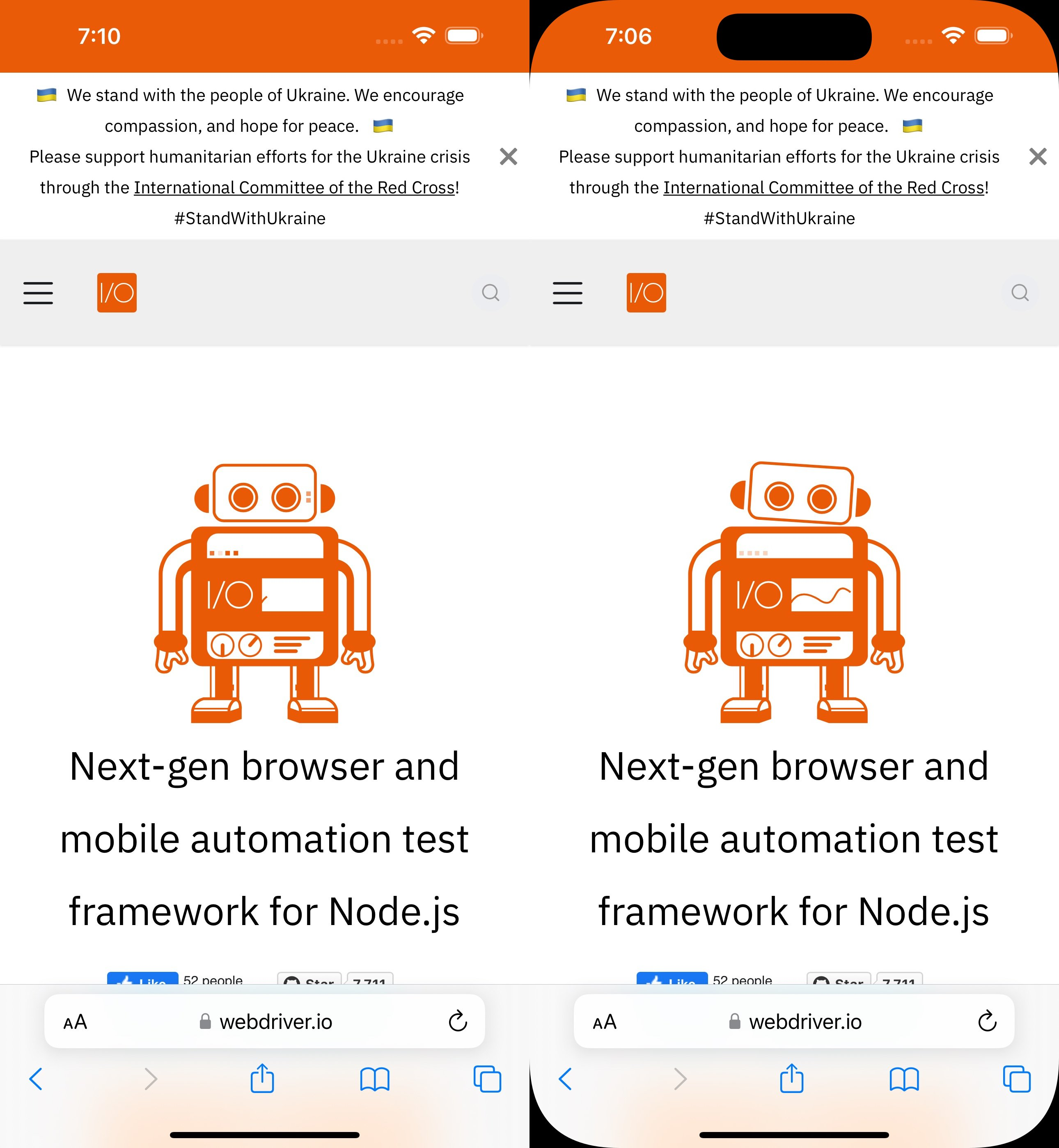
iOS device corners/notch/dynamic island can be added in the screenshots. This can be enabled with a new class-option which is called addIOSBezelCorners. If set to true the iOS screenshots will have rounded corners and, if applicable, the iOS notch/dynamic island. See below for an example.
Not all devices have these options and it will only be enabled if it matches certain device names. See here for all supported devices