
A free, open source desktop music player for Linux and Windows.
Play your local music, download from YouTube, stream Spotify playlists, follow lyrics in real time, and make it look exactly how you want.




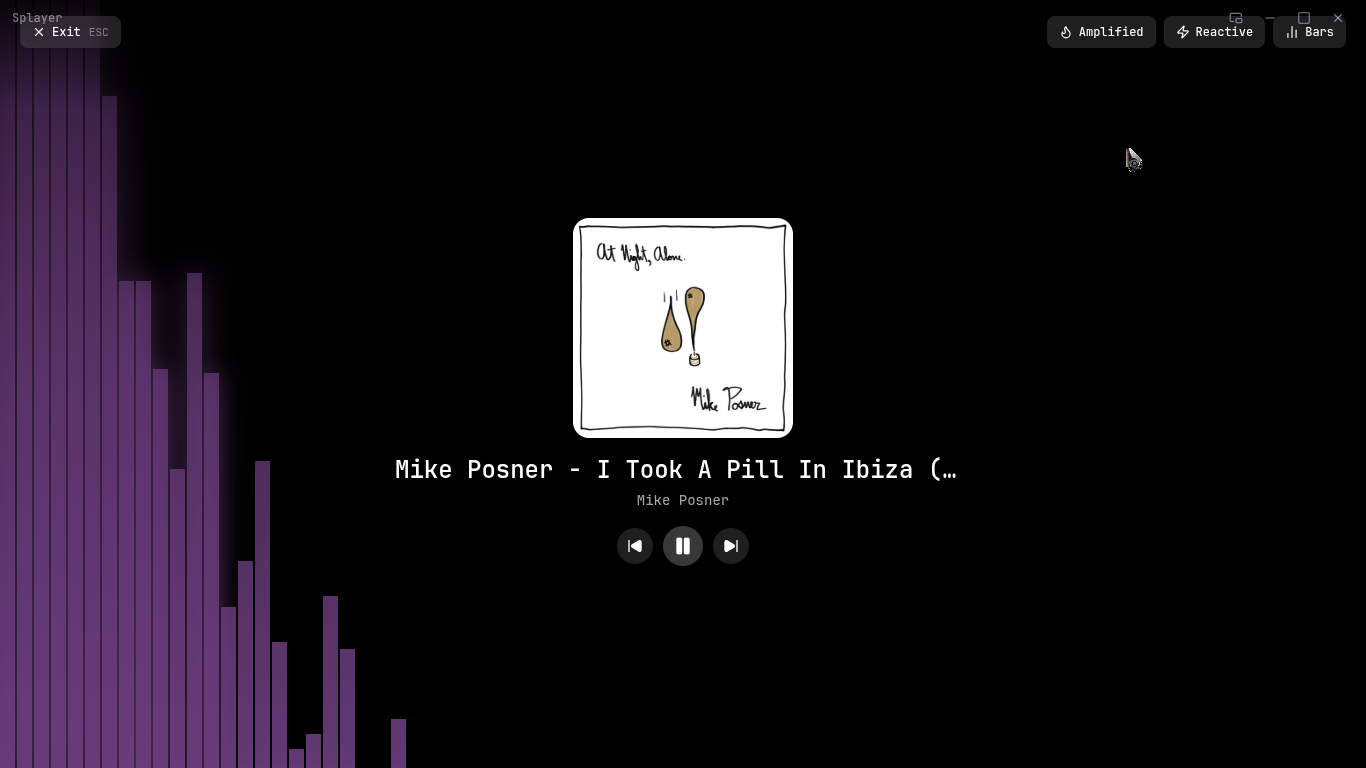
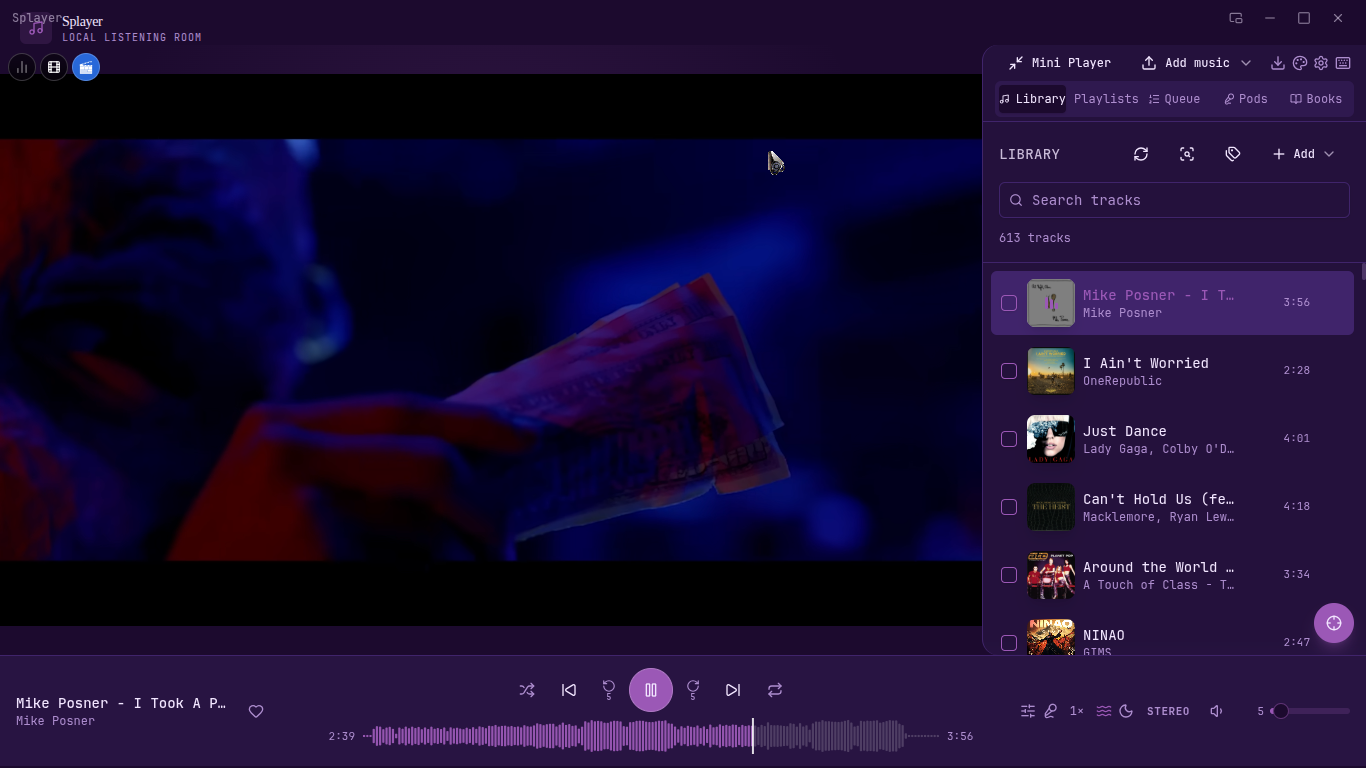
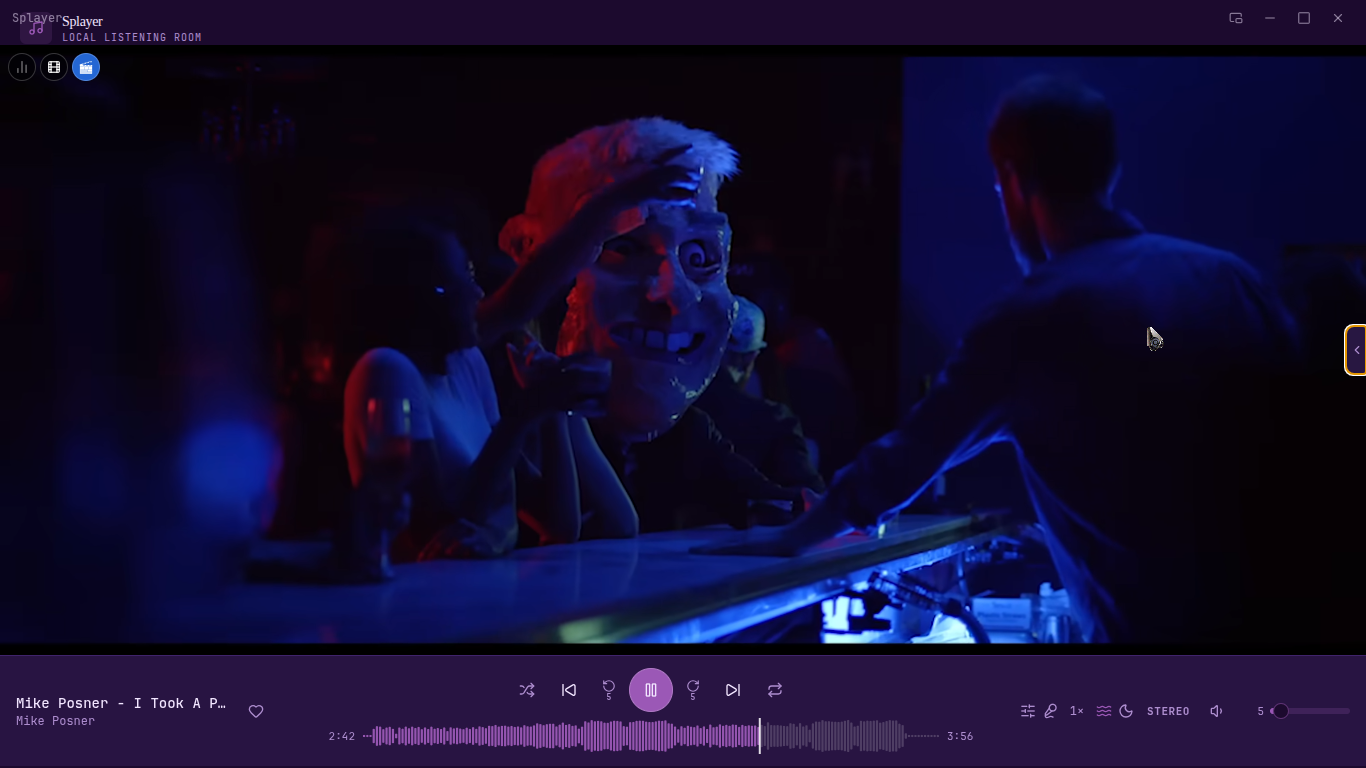
Playback
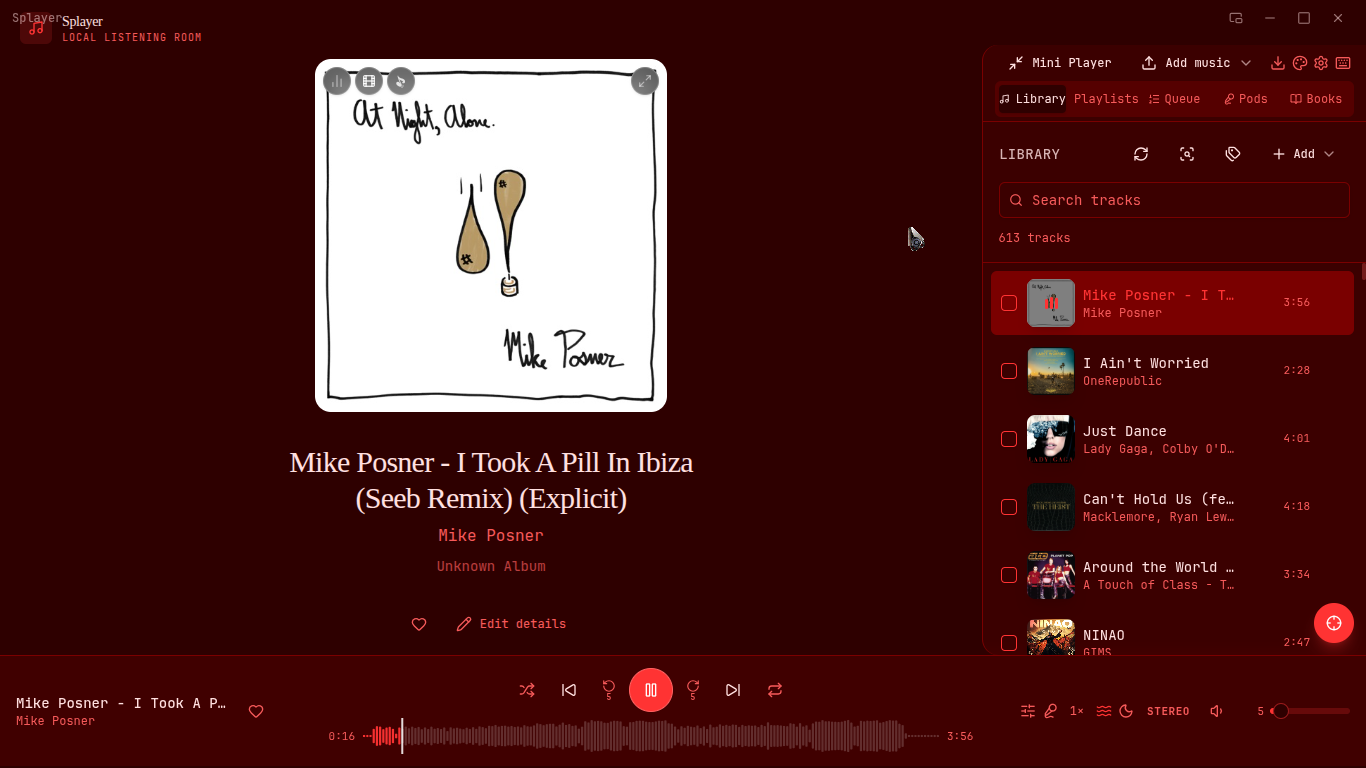
- Play / Pause / Next / Previous / Seek
- Shuffle, Repeat (Off / All / One)
- Crossfade, Playback speed (0.5×–2×)
- Sleep timer, configurable skip buttons
- Auto-pause on headphone disconnect
Audio
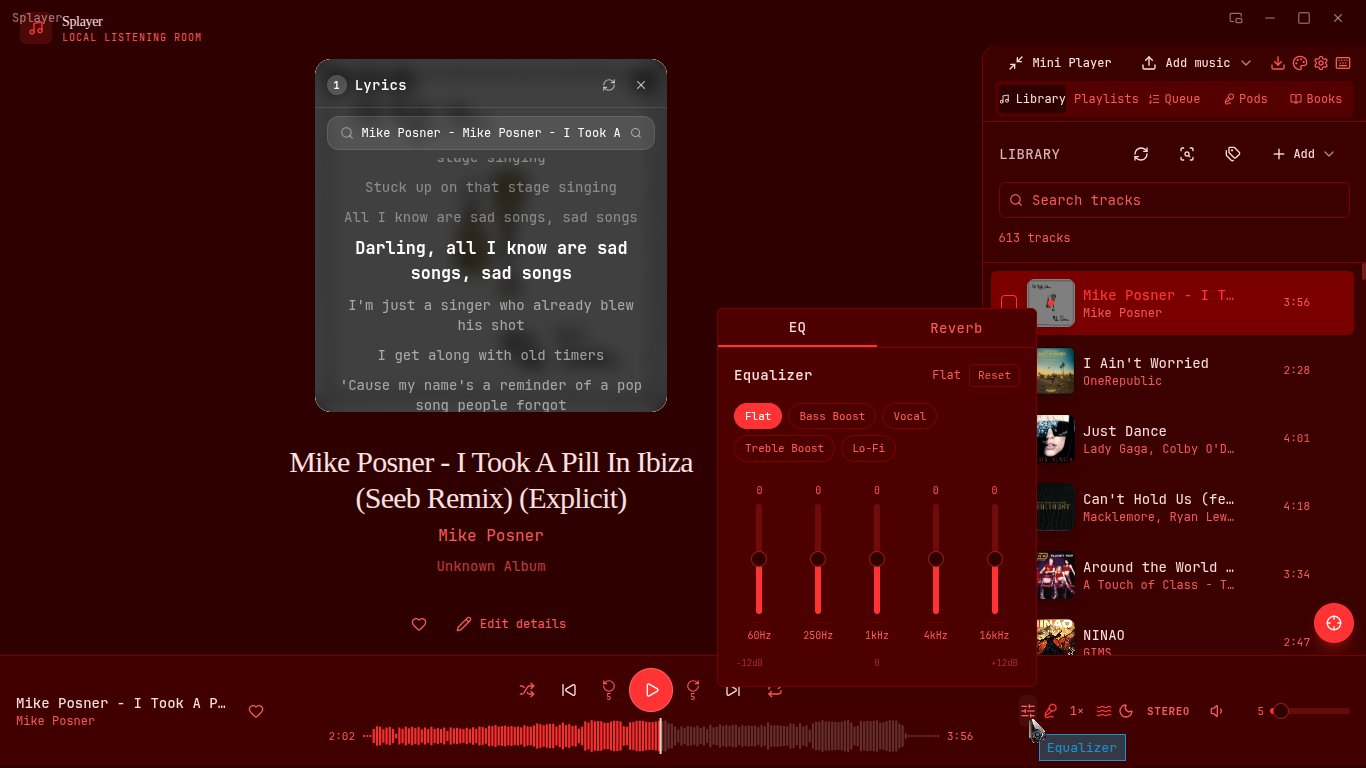
- 5-Band EQ with presets (Bass Boost, Vocal, Treble, Lo-Fi)
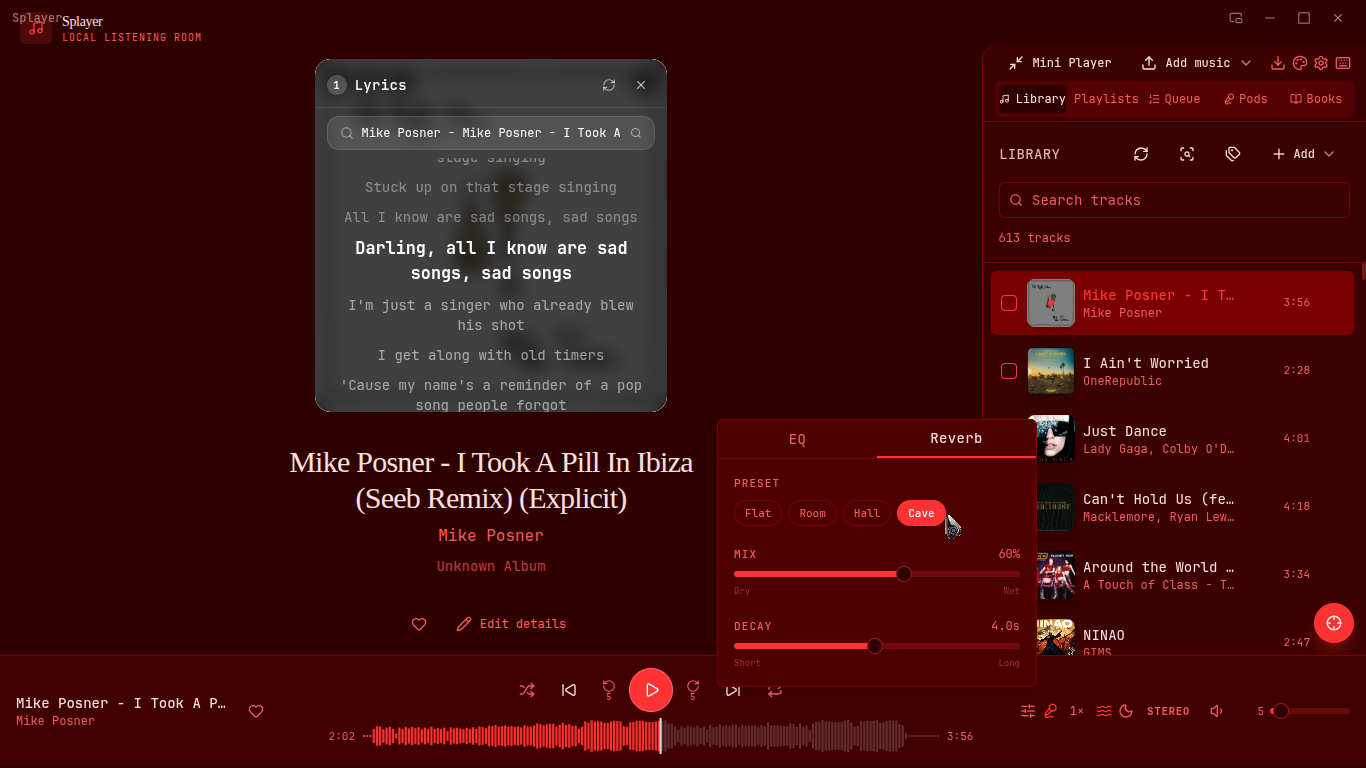
- Reverb with decay control (Flat / Room / Hall / Cave)
- Mono mode
Library
- Supports MP3, FLAC, WAV, OGG, M4A, MP4, MKV, WebM and more
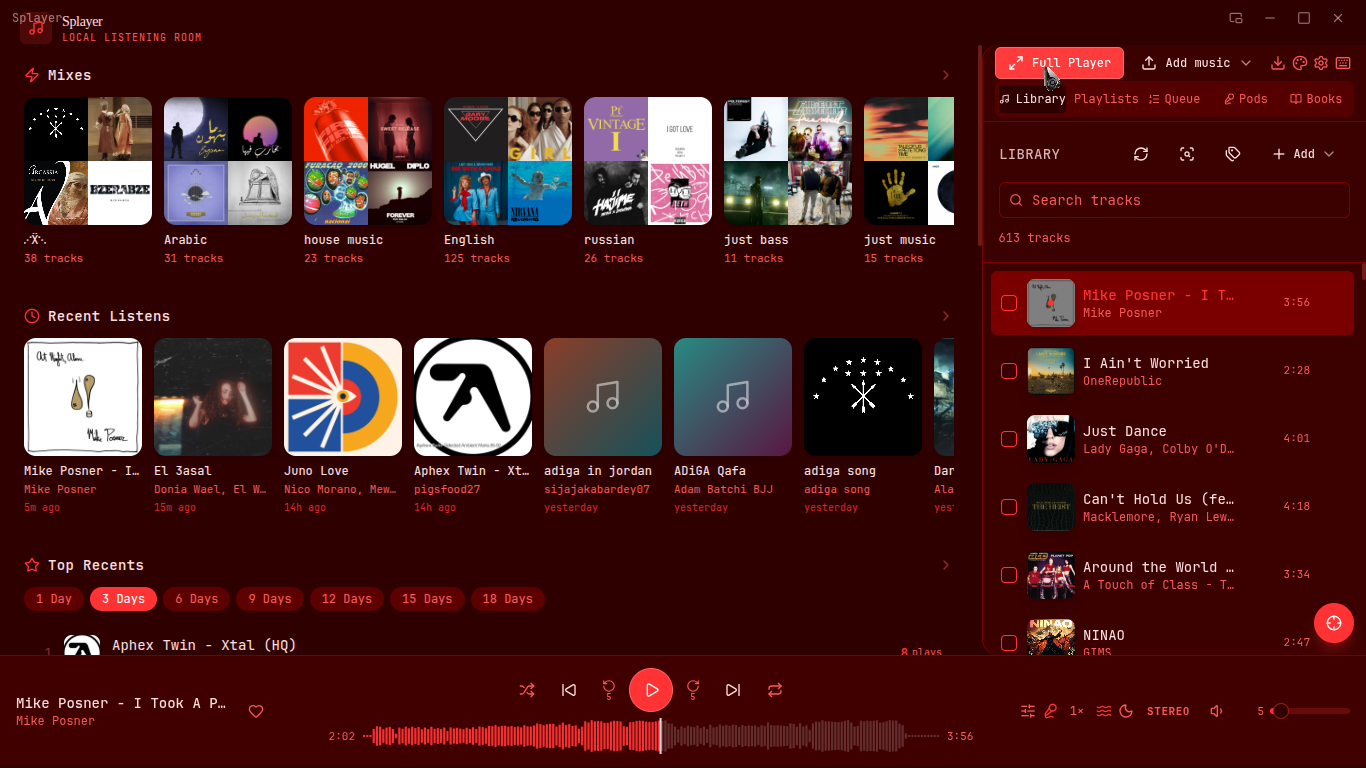
- Drag and drop, folder scan, bulk selection
- Metadata / ID3 tag editor, duplicate finder
- Like tracks, play count tracking, Show in Folder
Playlists
- Custom playlists with cover art, M3U export
- Smart playlists: Liked, Recently Played, Most Played, Never Played
Downloads
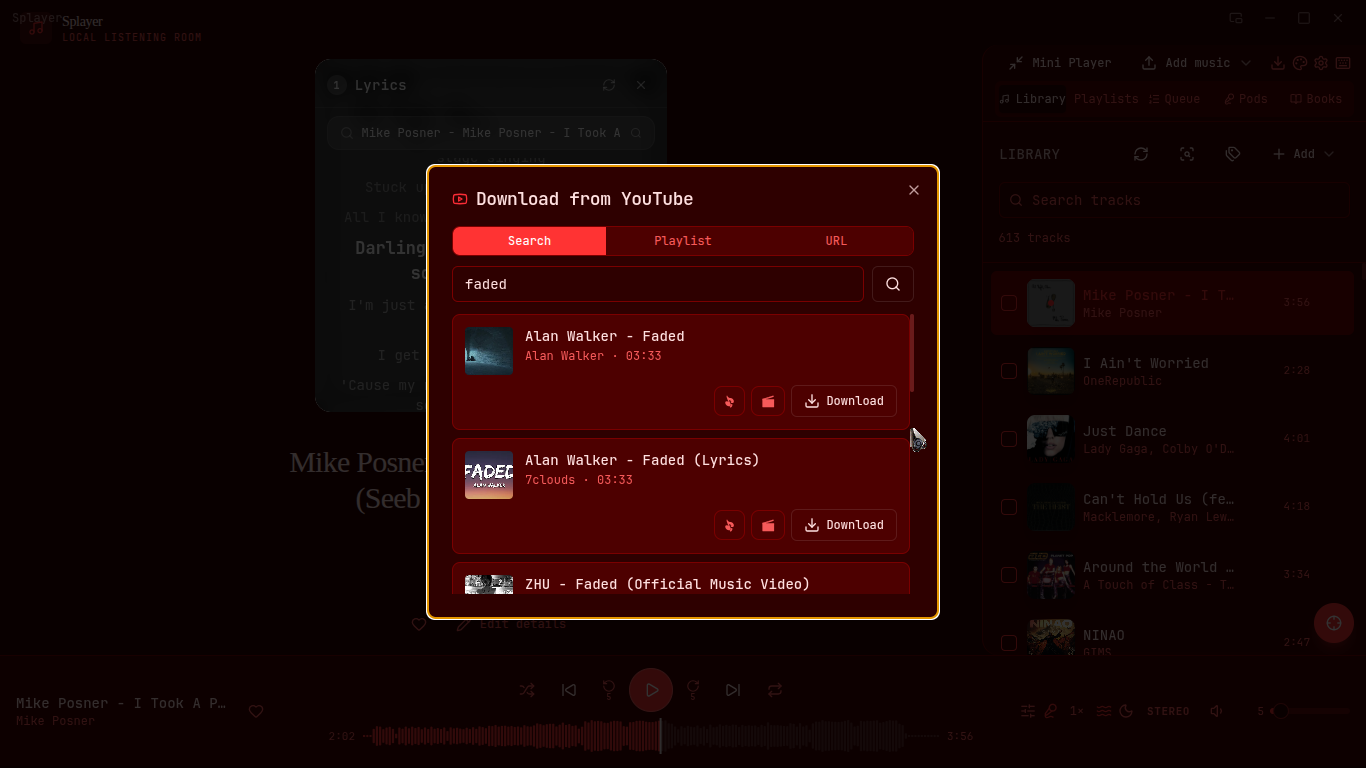
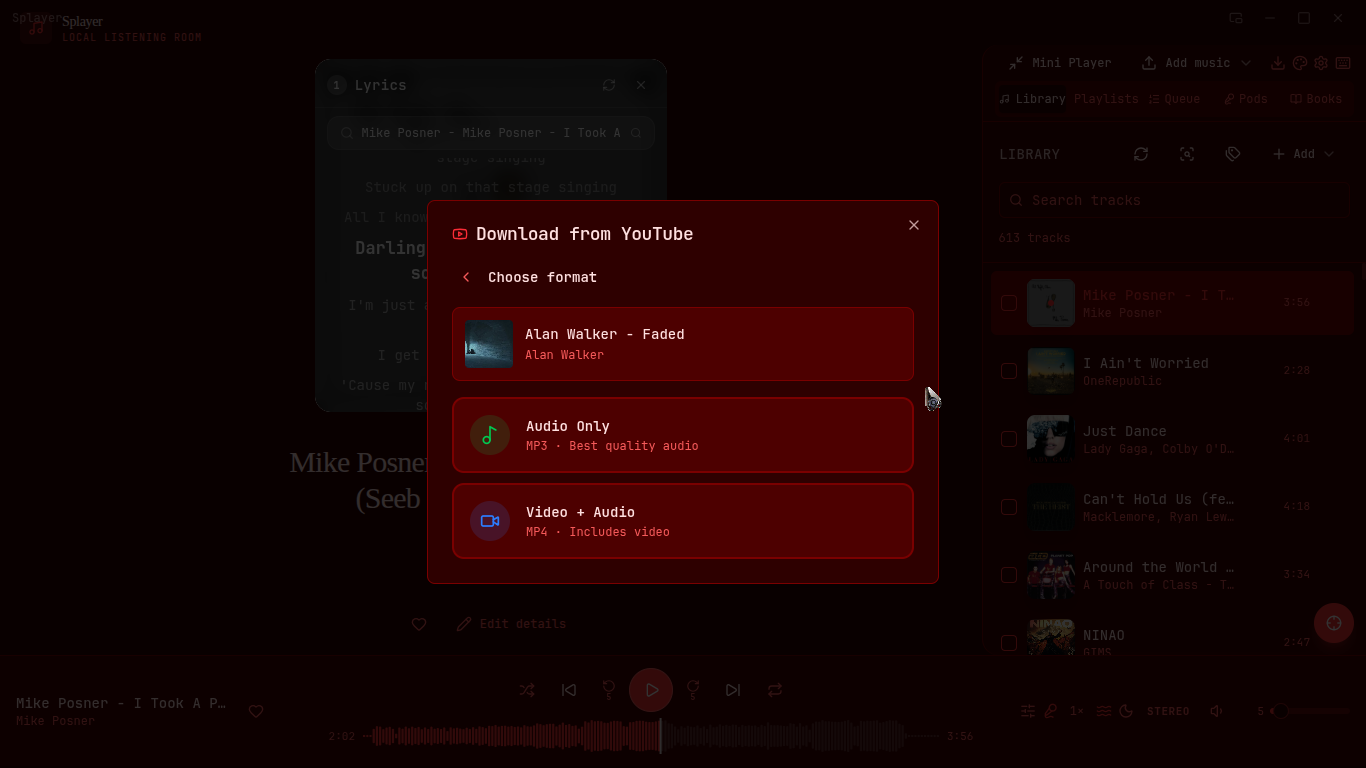
- Search YouTube or paste a URL / playlist link
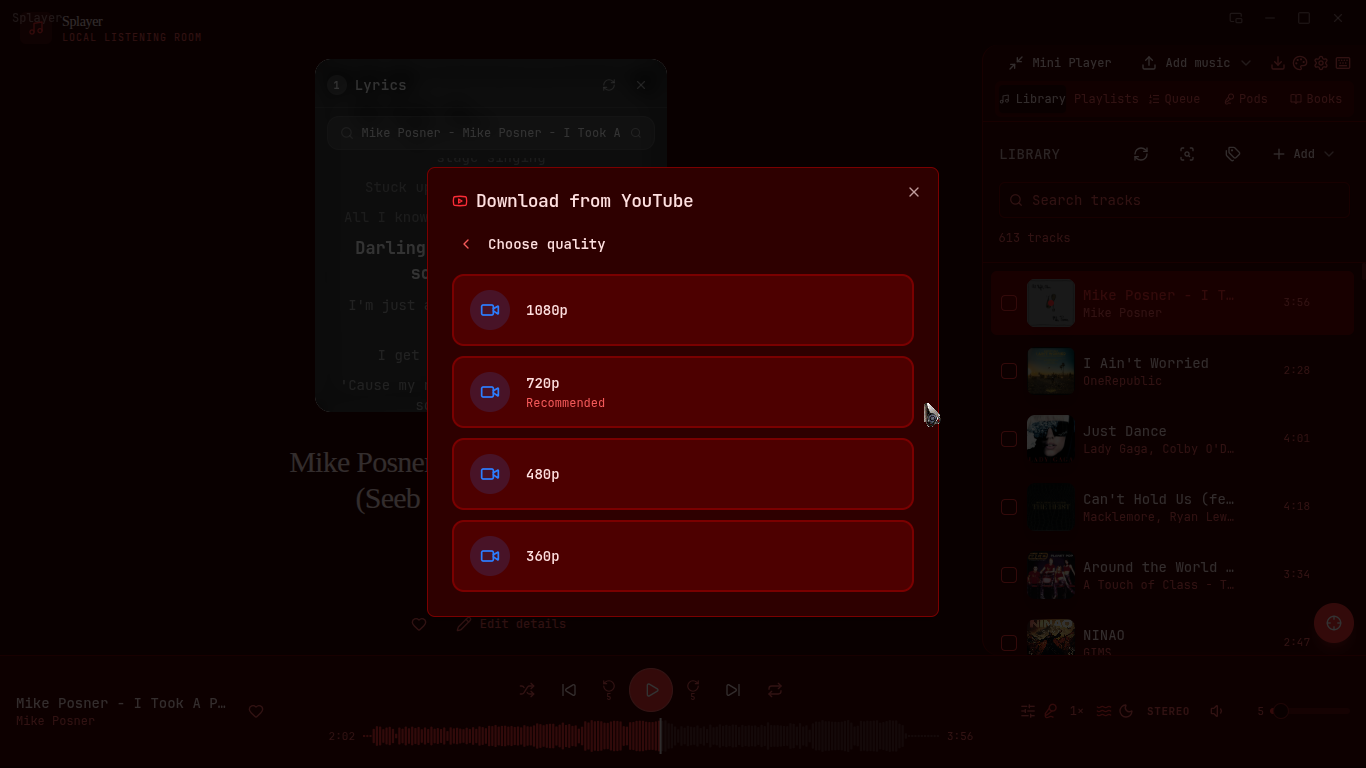
- Choose MP3 or MP4 and pick the quality
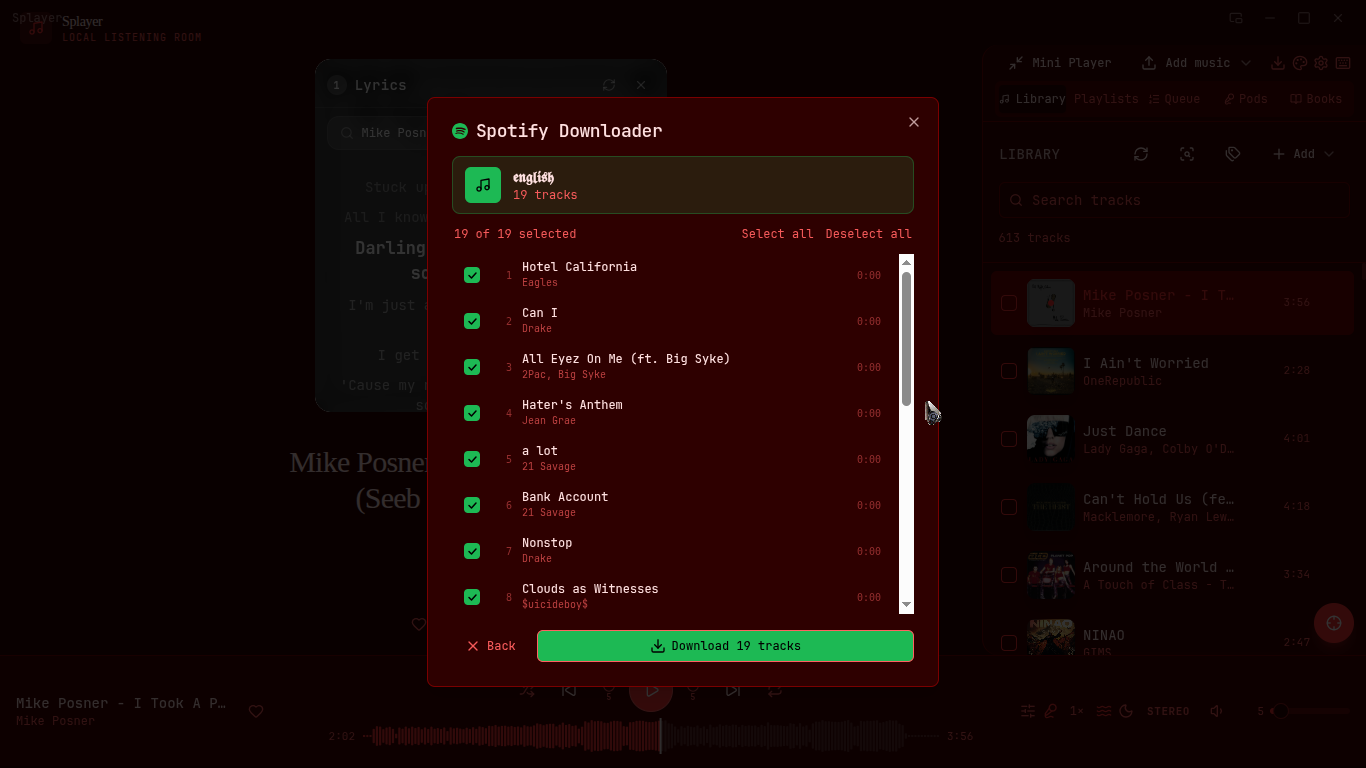
- Import and bulk download Spotify playlists
Audio Editor
- Trim the start and end of any track
- Cut out a section of a song
- Merge two tracks together
- Fade In / Fade Out with adjustable duration (0–10s)
- Export to MP3, WAV, FLAC, or OGG
- Full undo / redo (Ctrl+Z)
- Original files are never modified — exports go to ~/Music/Splayer/Exports/
- Open from right-click on any track or the scissors icon in the sidebar
Podcasts & Audiobooks
- Subscribe via RSS or YouTube channel
- Tracks your progress per episode and chapter
- Bookmarks, notes, resumes where you left off
Lyrics
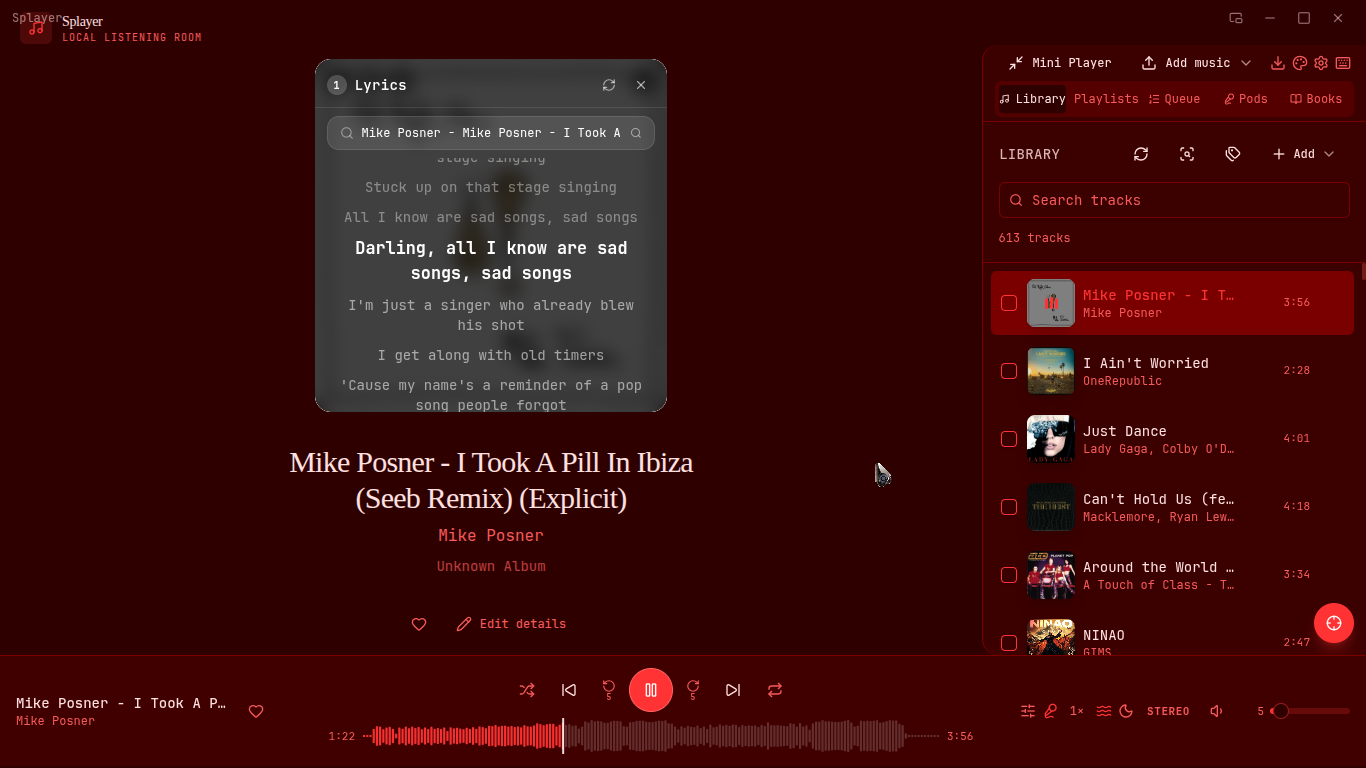
- Synced lyrics with seek-on-click
- Auto-fetched, with manual search as fallback
Visuals
- Real-time frequency visualizer
- Waveform scrubber, fullscreen visualizer
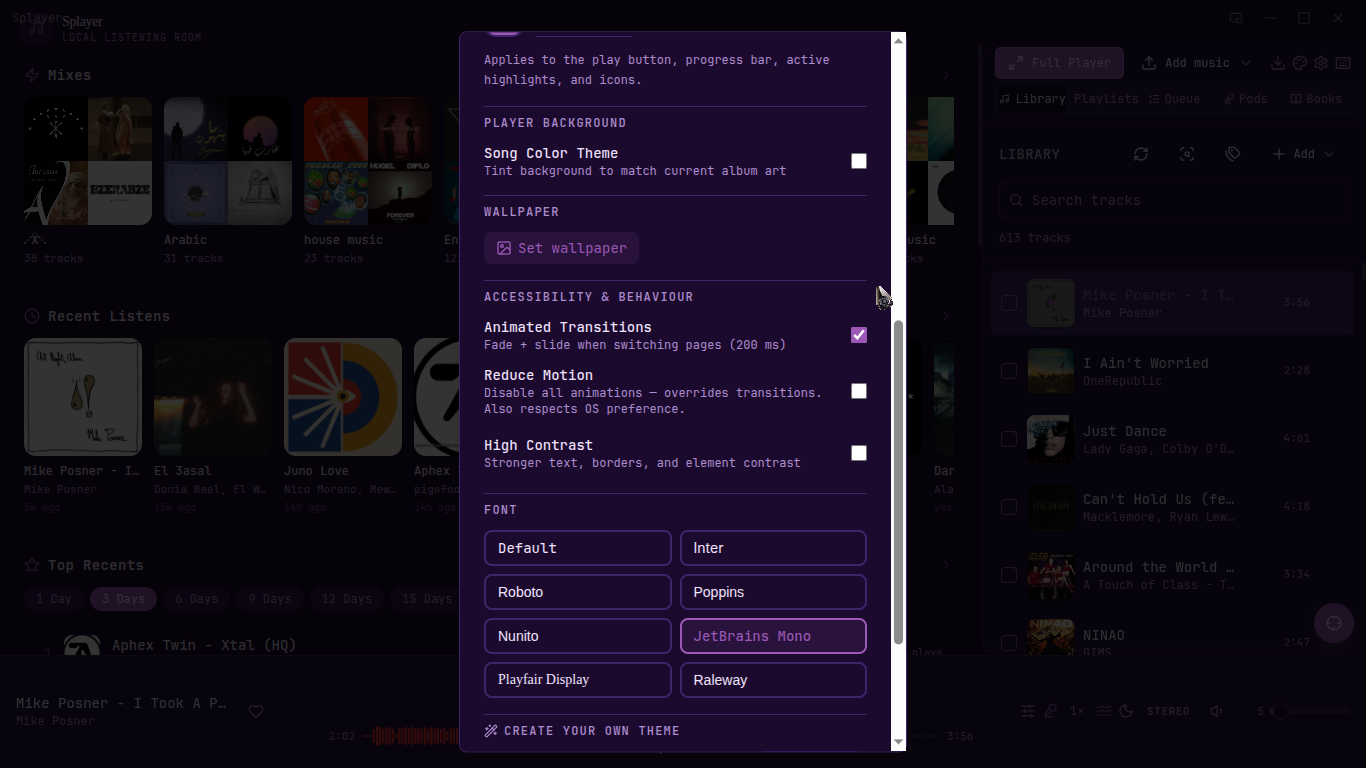
- Wallpaper with blur and opacity control
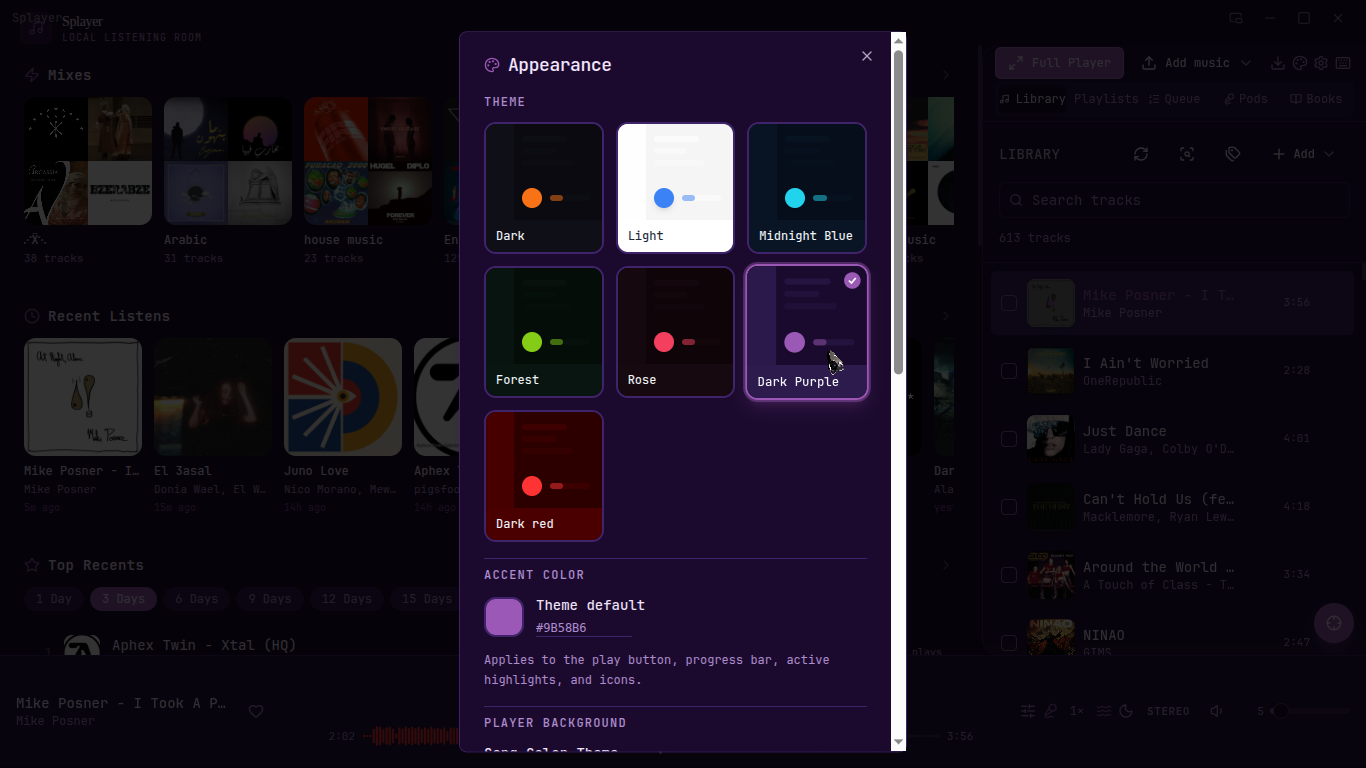
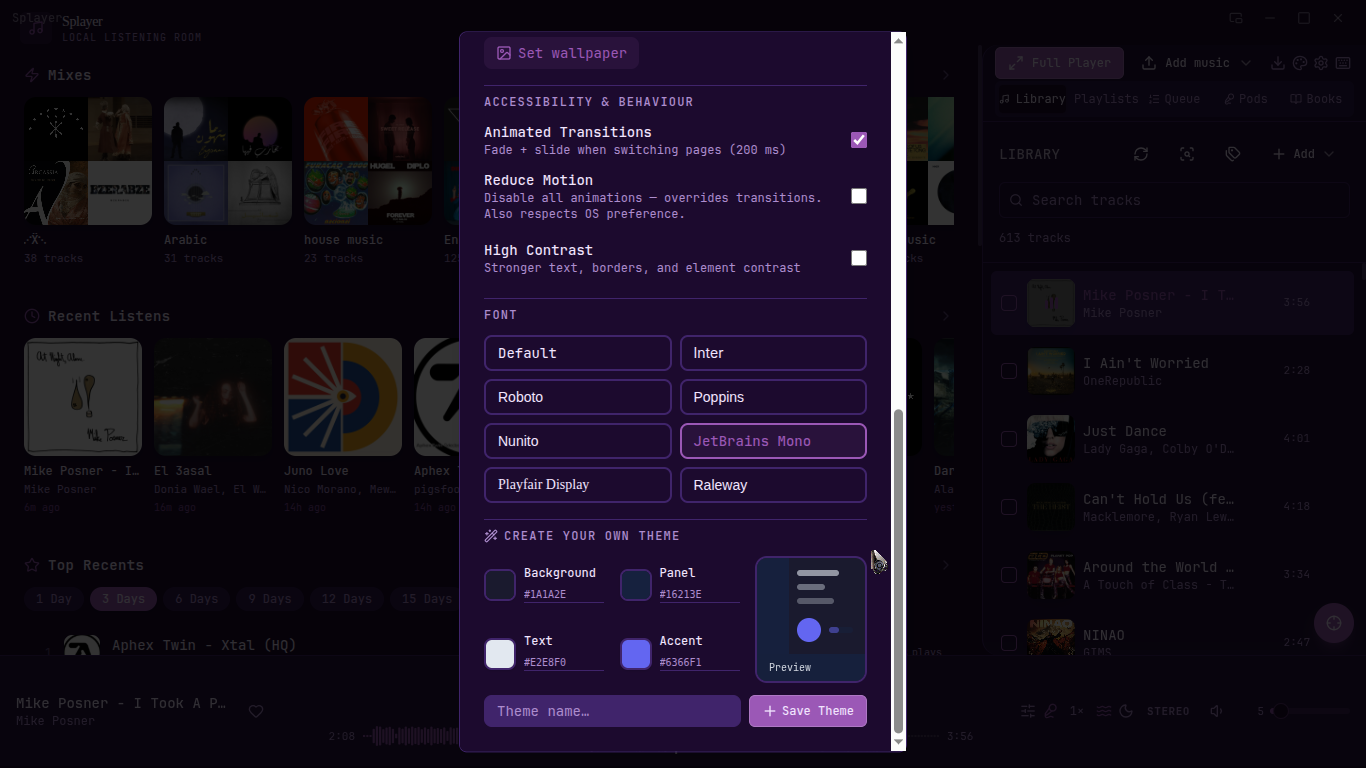
- 6 built-in themes + build your own with a custom theme editor
- Dynamic colors pulled from album art
Other
- Mini player, floating video player
- Discord Rich Presence — shows what you're listening to automatically
- Media keys work even when minimized
- Auto-backup and restore
- MPRIS (Linux) / SMTC (Windows) OS integration
| Platform | File | Notes |
|---|---|---|
| Linux | Splayer-0.1.0.AppImage |
Works on any distro, no install needed |
| Windows | Splayer_Setup.exe |
Run the installer |
| Android | Splayer-v0.1.0-android.apk |
Sideload — enable Unknown sources in Android settings |
Linux setup:
chmod +x Splayer-0.1.0.AppImage
./Splayer-0.1.0.AppImageSplayer is available as a sideloadable APK. Enable Unknown sources in your Android settings, download the APK, and install it. Android-only features: local music library, YouTube download, equalizer with reverb, audiobooks, visualizer, mini player. Spotify and podcasts are desktop-only for now.
💬 Join the Discord — bug reports, feature requests, and general chat.
- Spotify integration uses an unofficial method and may break with future Spotify updates
- Discord Rich Presence works automatically when Discord is open, no setup needed