Home
This wiki serves as the guide for using and configuring the Polaroid600 mod. The current version of the wiki was made for the 26.2-1.0.0 of the mod.
This section of the wiki is aimed at players of the mod.
The mod features 5 different cameras (with 3 more planned in the future). These are based on real-life Polaroid cameras, and - based on the properties of their real-life counterparts - offer different features.
| Icon | Name | Focus | Flash | Double Exposure | Selfie Mirror | Film Format |
|---|---|---|---|---|---|---|
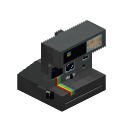 |
Polaroid 636 | Fixed-focus | Yes | No | No | 600 |
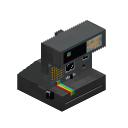 |
Polaroid 660 AF | Toggleable AF | Yes | No | No | 600 |
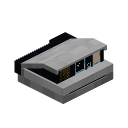 |
Polaroid Spectra | Toggleable AF | Yes | No | No | 1200 |
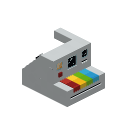 |
Polaroid Now | Toggleable AF | Yes | Yes | No | 600 |
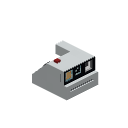 |
Polaroid Go | Toggleable AF | Yes | No | Yes | Go |
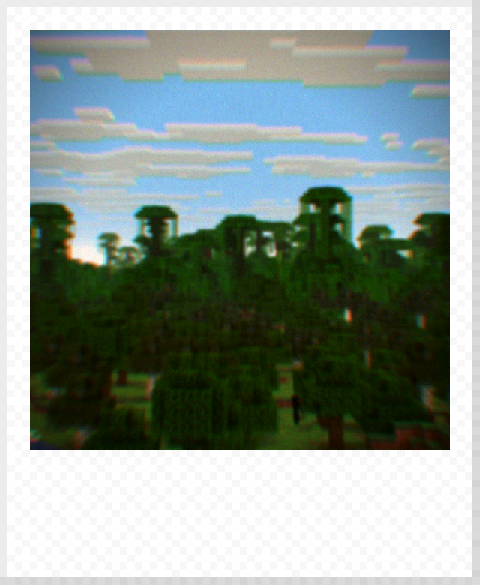
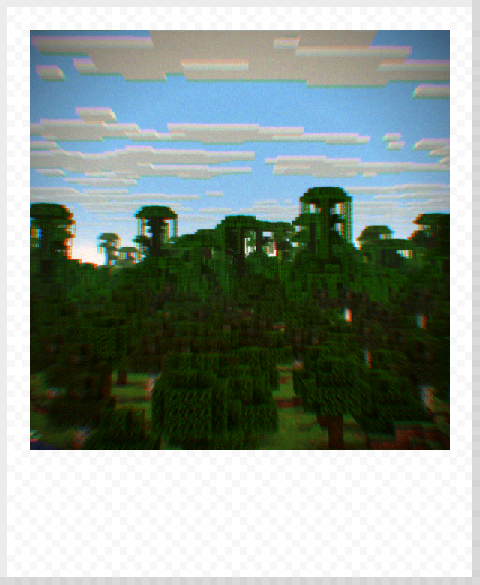
The mod applies a DOF shader to all taken photos, before sending them for further image processing. This DOF shader is vaguely based on real-life optics properties, and because of that, the distance of the focus point affects the look of the image. Fixed-point cameras, or cameras with turned-off autofocus, have their focus point about 0.66 blocks away - good enough to take a selfie or a portrait, not good for landscape photos. Autofocus makes the camera use the centre of the taken image as the focus point. Autofocus is controlled using the "Autofocus Toggle" keybind (by default '*').
| Without AF | With AF |
|---|---|
 |
 |
All currently added cameras have the ability to make a flash when taking a photo. This light is purely client-side, so similar to dynamic lights in other mods, it does not affect the world in any way, just the rendering. Flash is controlled using the "Flash Toggle" keybind (by default '9' on numeric keyboard).
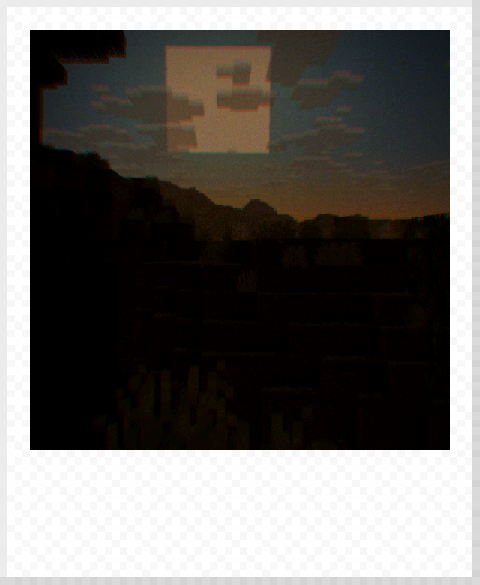
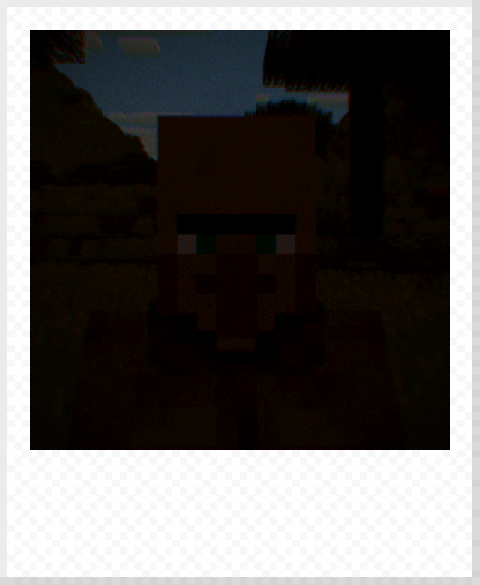
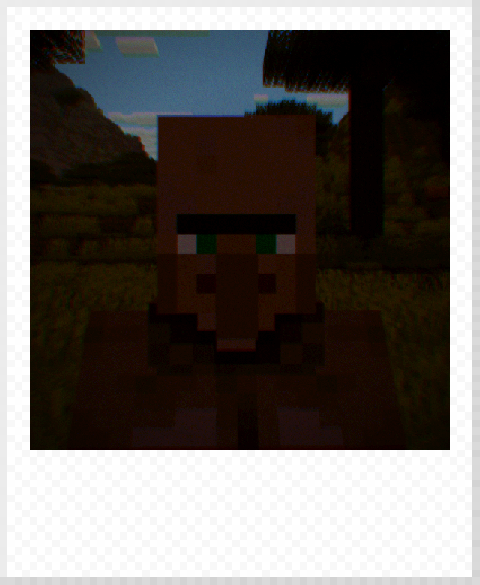
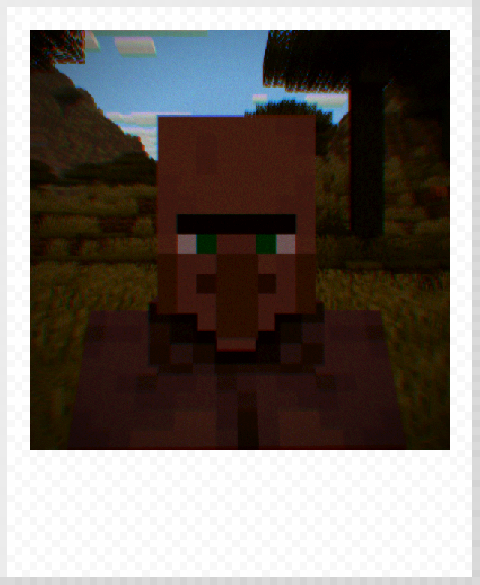
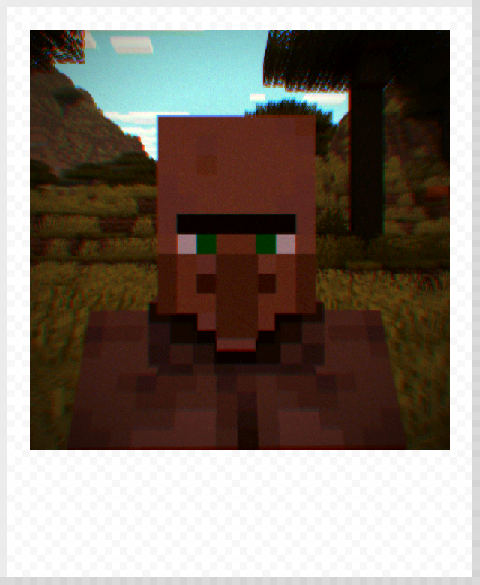
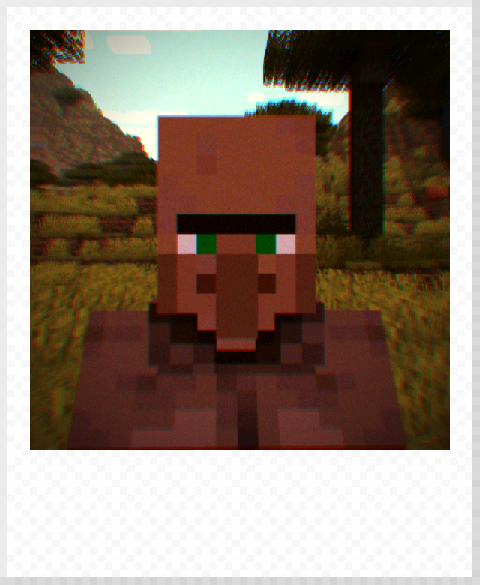
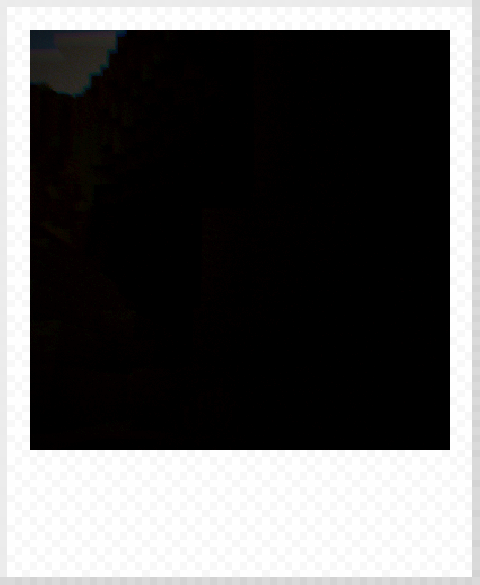
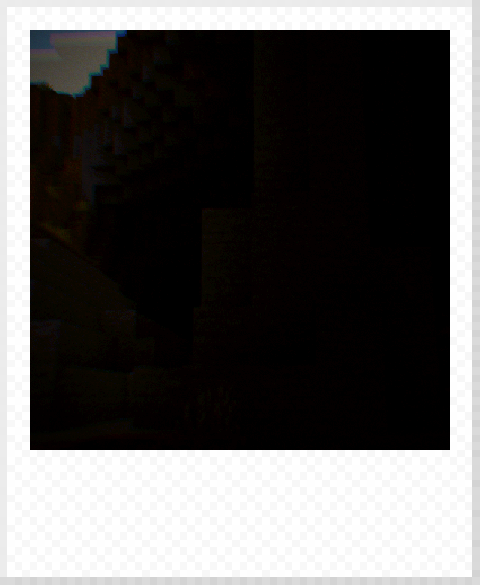
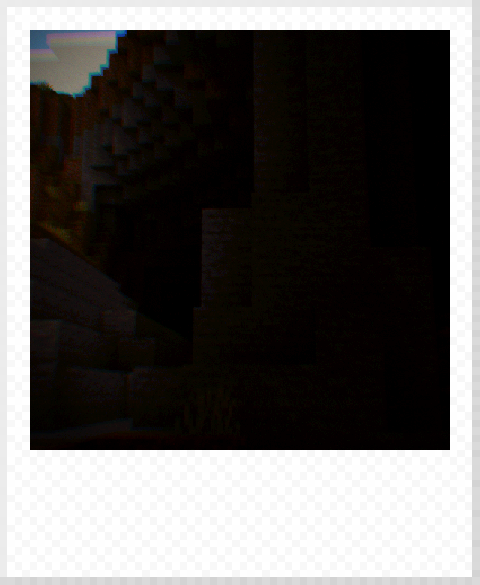
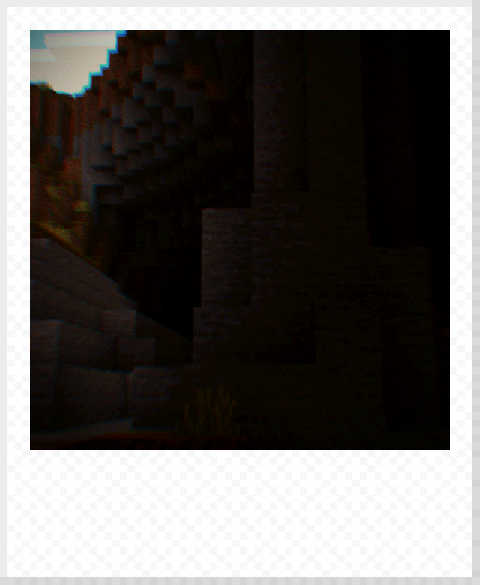
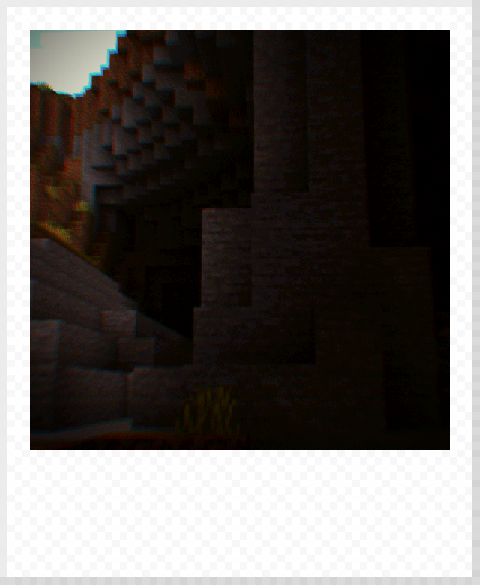
You can increase or decrease the brightness of the photos using the exposure adjustment keybinds (by default '+' and '-'). The exposure adjustment values range from -4 to 4.
| -4 | -2 | 0 | 2 | 4 |
|---|---|---|---|---|
 |
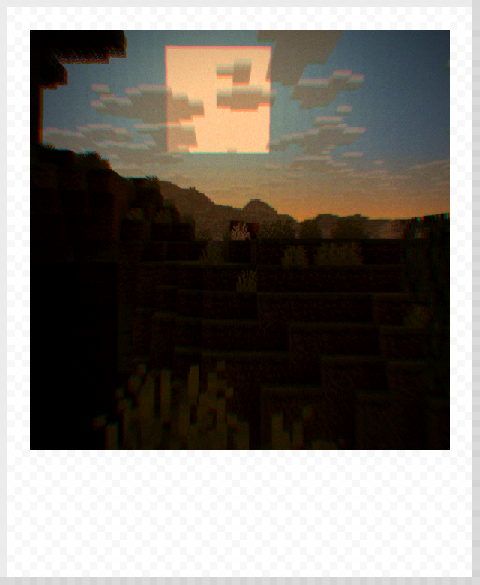 |
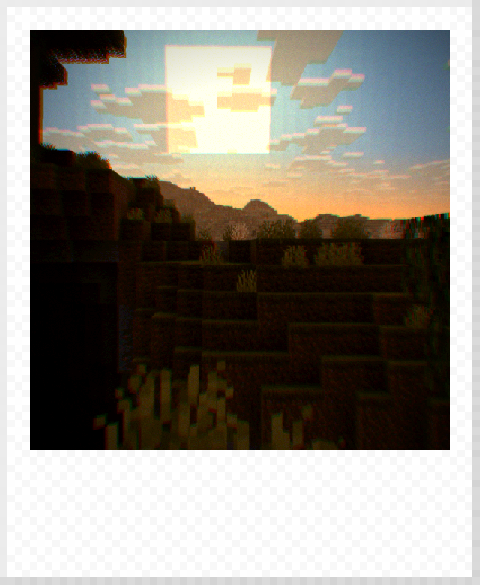 |
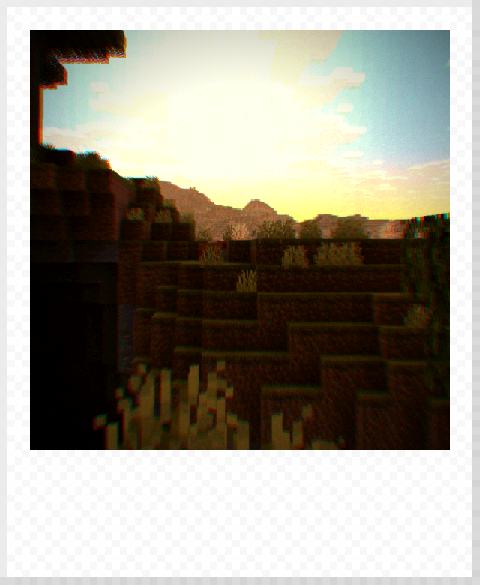 |
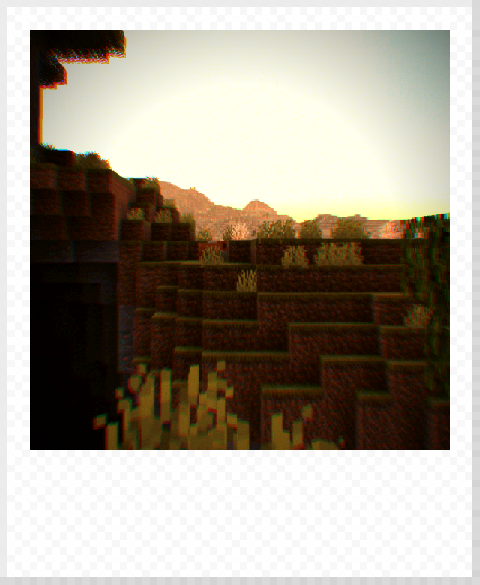 |
 |
 |
 |
 |
 |
 |
 |
 |
 |
 |
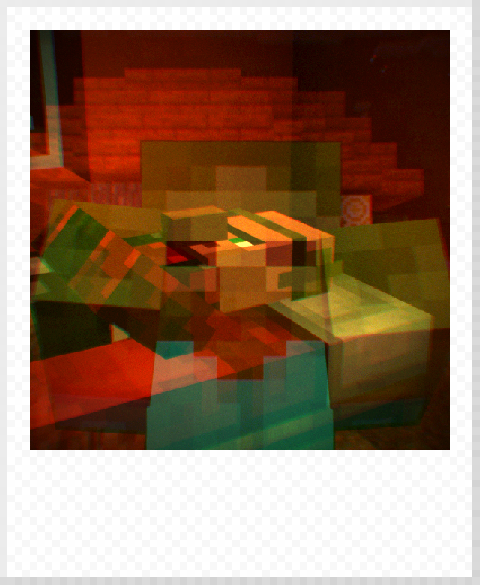
Double exposure allows you to blend two different images on one photo. This is done by enabling the double exposure mode on a compatible camera using the "Double Exposure Toggle" keybind (by default '/'). Since the first exposure is saved on the server side, different players can take each of the exposures. The double exposure mode automatically turns off after taking the second exposure.
This section of the wiki is aimed at the people who configure the mod.