Repository navigation
Getting started
Veynrel 2.3.1 Stable.
No model or API key is needed for local Health checks or authored-card Recall.
- Enable Veynrel in your vault.
- Open the command palette and run Veynrel: Open Veynrel, or click its ribbon icon.
- On Home, choose a folder or the whole vault. Open Check and explicitly run local checks.
- Inspect findings and their source evidence. A small or disconnected note may be intentional.
- Add your own cards and open Review in the sidebar for Recall.
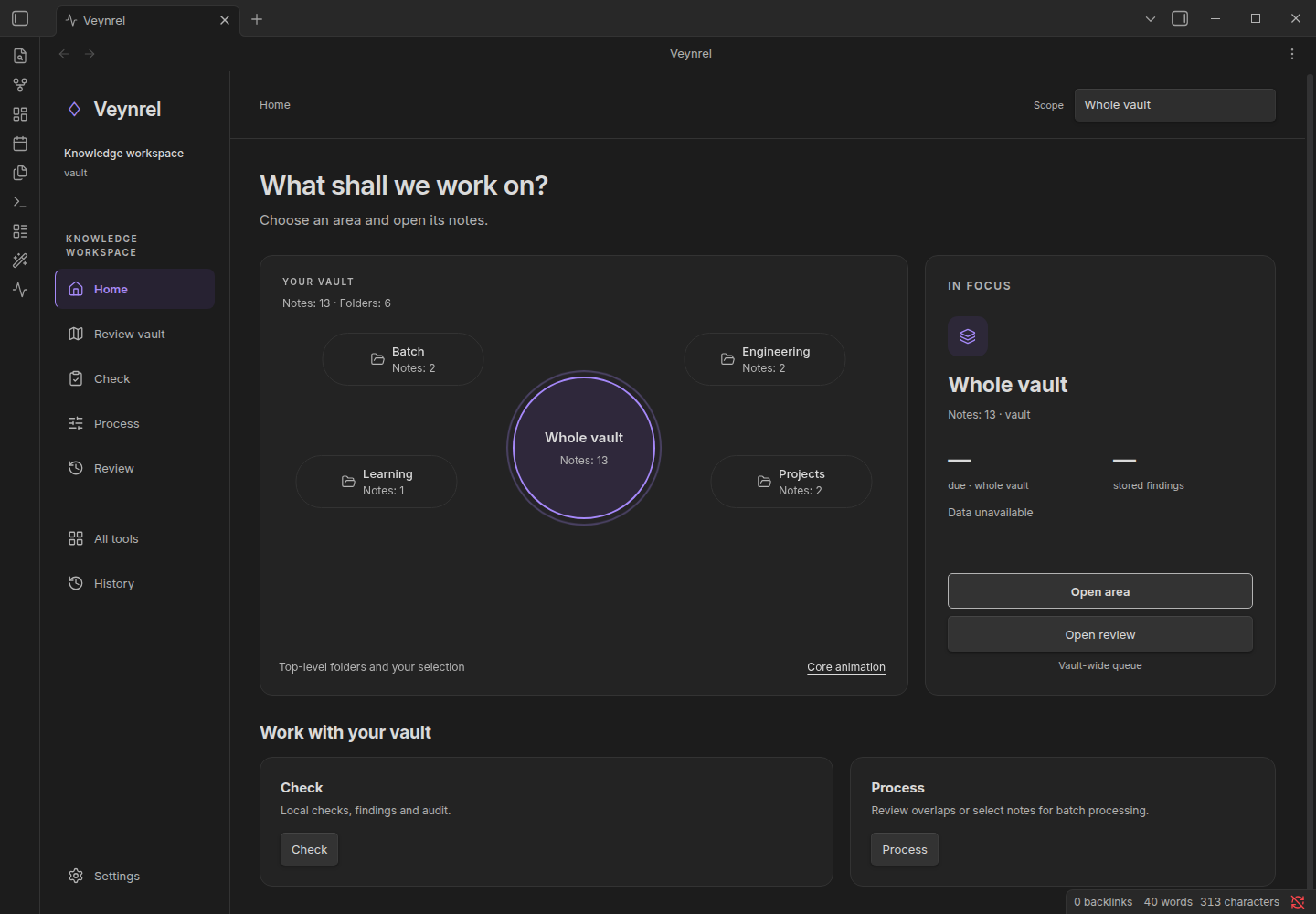
Expected result: local findings and a navigable source list. Synthetic example; no model result is pictured.
- Semantic discovery: Veynrel settings → embedding connection → explicit first index build. Note chunks go to that endpoint. A model for writing is a different connection.
- Markdown transformation: Veynrel settings → language model → Open Veynrel Studio → Library. Select saved notes, inspect the request, then confirm generation.
- Diagrams: additionally enable Excalidraw 2.29.0 and use the verified public OpenRouter capability path. Diagram setup
A provider connection does not automatically prove a recipe's output is useful. What is sent