Repository navigation
Draftpaper 0.5.0

After a logout or a reboot, the session comes back as you left it: every application, each window in its place, with its files, tabs and editors. And the lock screen is now Draftpaper's own, matching the login screen.
What's new in 0.5.0
- The session comes back (#38): every application open at the end starts again at login, and each window goes back to its workspace and zones, floating, fullscreen or parked in its cell.
[session] restore = falseturns it off;skipleaves applications out. - The applications as they were left.
- Terminals start in their shell's directory and run again what they ran: an editor, a pager, a monitor or tmux, never a build, a script or ssh.
- An application started with documents opens them again.
draftpaper applyswitches on each application's own restore ([session] apps):- Firefox and Chromium: their windows and tabs.
- Emacs: its files, each at its place.
- Neovim: the cursor in every file, and a session per directory.
- tmux: its sessions, windows and panes, across a reboot.
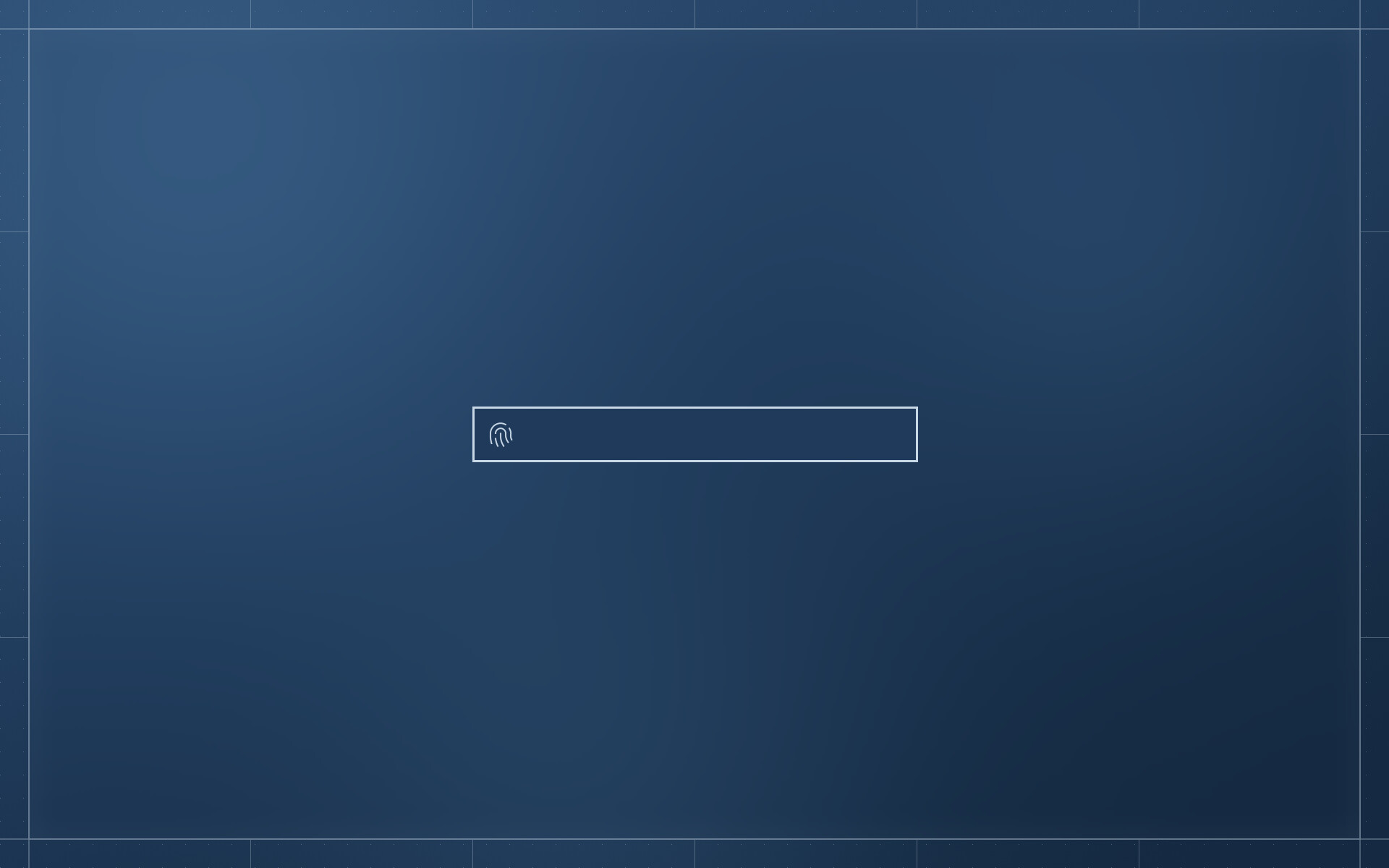
- A lock screen of its own, matching the login screen: the sheet blurred, nothing of the windows, one field. swaylock stays as a fallback.
- The fingerprint reader listens as often as it takes, on both the login and lock screens. When it gives up, it listens again; a finger not recognised shakes the field. A password can be typed at any time.
- The login and lock screens are one field with no words. The login screen no longer gets stuck after Escape.
- The settings' wallpaper page scrolls through every picture. A better fingerprint glyph. The log level is
DRAFTPAPER_LOG.
Install (Debian 13, Quickshell from trixie-backports):
sudo apt install -t trixie-backports quickshell ./draftpaper_0.5.0_amd64.deb
Every change: CHANGELOG.md.