This repository was archived by the owner on Jun 10, 2026. It is now read-only.
How to create a new screen and upload to Zeplin
- Download Sketch file from Google drive
- In case you are using drive directly, please make a copy for yourself!
- Download Sketch
- Download Zeplin
- Open sketch file.
- Do your designing.
- Once done, save the file.
- Select the screen you would like to export.
- In Sketch, select
Plugins -> Zeplin -> Export selected
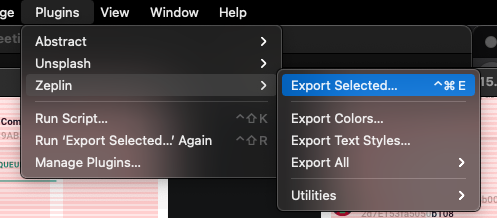
- You will then be able to select which project to export to etc.
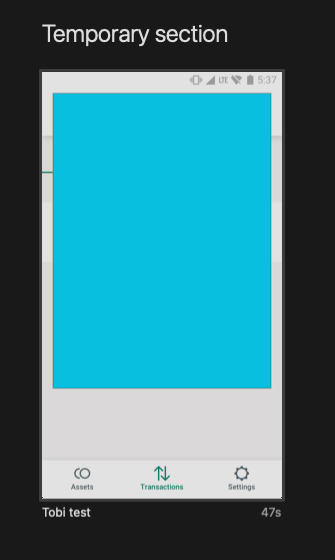
- Once done, you will see the screens on Zeplin. You can put them in a section of your choice. I put them in
Temporary section