CellCounter Web v0.2.0 preview
Pre-release
CellCounter Web 0.2.0 preview
This preview replaces the crowded interface with a restrained scientific
workbench and adds working classical segmentation plus a saved processing
workflow. Images and analysis remain in this browser on this device.
A clearer workspace
- Neutral surfaces and muted blue controls replace the green branding. The
image has a larger canvas, with Library, Analyze, Processing and Review as
the main destinations. - Setup, Selection and Image tabs organize the inspector. Measurements open
when needed, and one contextual action leads from preview to processing. - Small screens have an explicit inspector sheet with close/focus behavior.
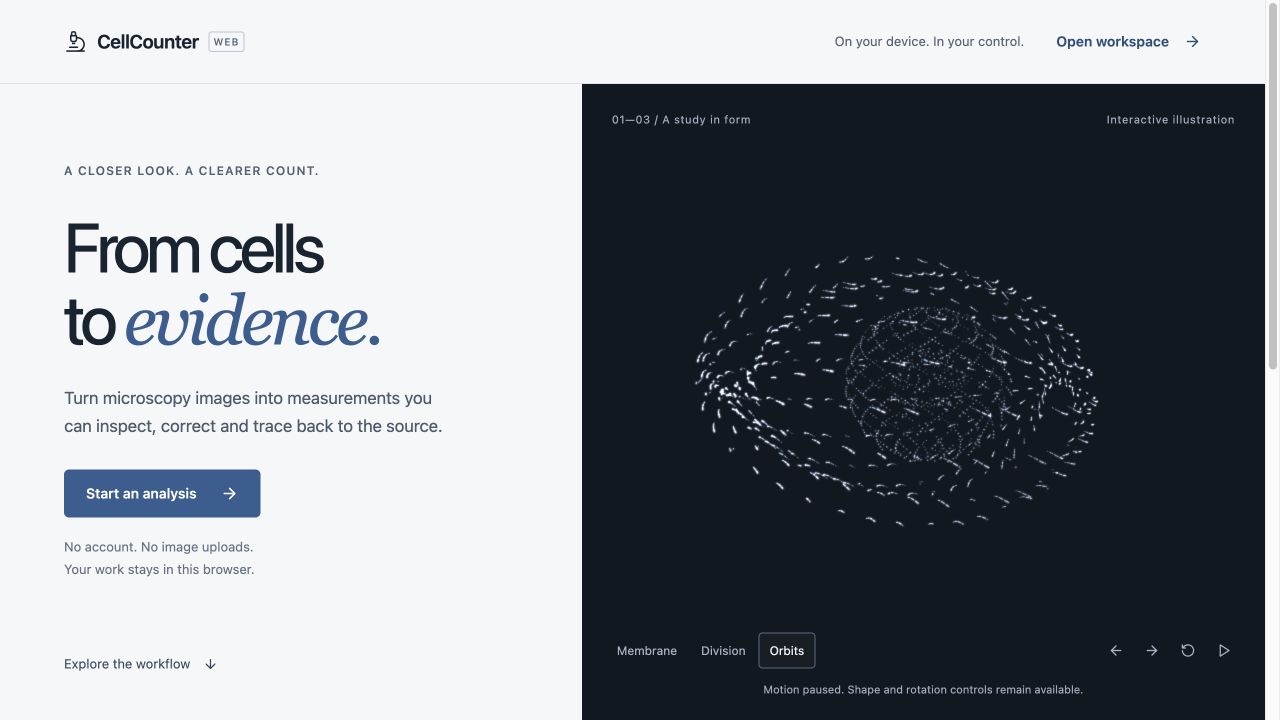
Screen-scoped shortcuts and the in-app help describe actions that are wired. - A first-visit introduction includes a rotatable 3D point cloud, shape
morphing, restrained additive light and scroll-linked transitions. Pause,
direct shape/rotation buttons and reduced-motion support keep it optional.
The scene is labeled as an illustration and unloads on entering the workspace. - Icons use the Lucide library. Three.js renders the illustration; license
notices are included with the static application files. - A visible update notice offers a safe reload when a newer PWA is ready.
Analysis that runs locally
Classical Otsu, triangle, adaptive and manual thresholding run in a local
Worker, with source-channel selection, first/max/mean/sum projection,
background subtraction, minimum-area filtering and optional watershed.
This is explicitly a classical method, never a substitute labeled as Cellpose
or StarDist.
Preview a representative image, inspect it, and process the image or study.
The saved preview is reused only when source bytes, parameters, model identity
and calibration still match. Processing jobs retain their settings and saved
results. Pause after the current image, cancel and pause immediately, resume
after reopening, or retry failed images without discarding completed work.
Image, paged table and scatter selection share cell identity. Saved mask
alternatives show change counts in the same image coordinates; applying an
alternative preserves the current mask first. Recorded analysis settings
remain separate from later review settings.
Preview limits
The three learned-model artifacts are still not bundled. Cellpose and
StarDist inference, native training, proprietary microscope formats, OME-Zarr,
layer/sequence/prompt workflows and full Cellpose GUI session round-tripping
are not claimed. The expanded in-app capability inventory names these gaps.
The download contains the static PWA and license notices. Serve its files over
HTTPS, or use localhost for development; opening index.html directly is not
supported. This release archive does not establish a hosted service. Browser
storage can be cleared or evicted, so export results you need to retain.
See the browser guide and feature comparison.
Download and build evidence
Download CellCounter-Web-v0.2.0.zip and SHA256SUMS.txt below.
Production build, browser-domain tests, privacy/workflow/model/core/capability/export contracts passed in the release CI run. Desktop and mobile interaction checks used a synthetic two-object image.