Releases: Alperen-Gur/CellCounter
Release list
CellCounter Web 0.2.1 preview — continuous scientific landing page

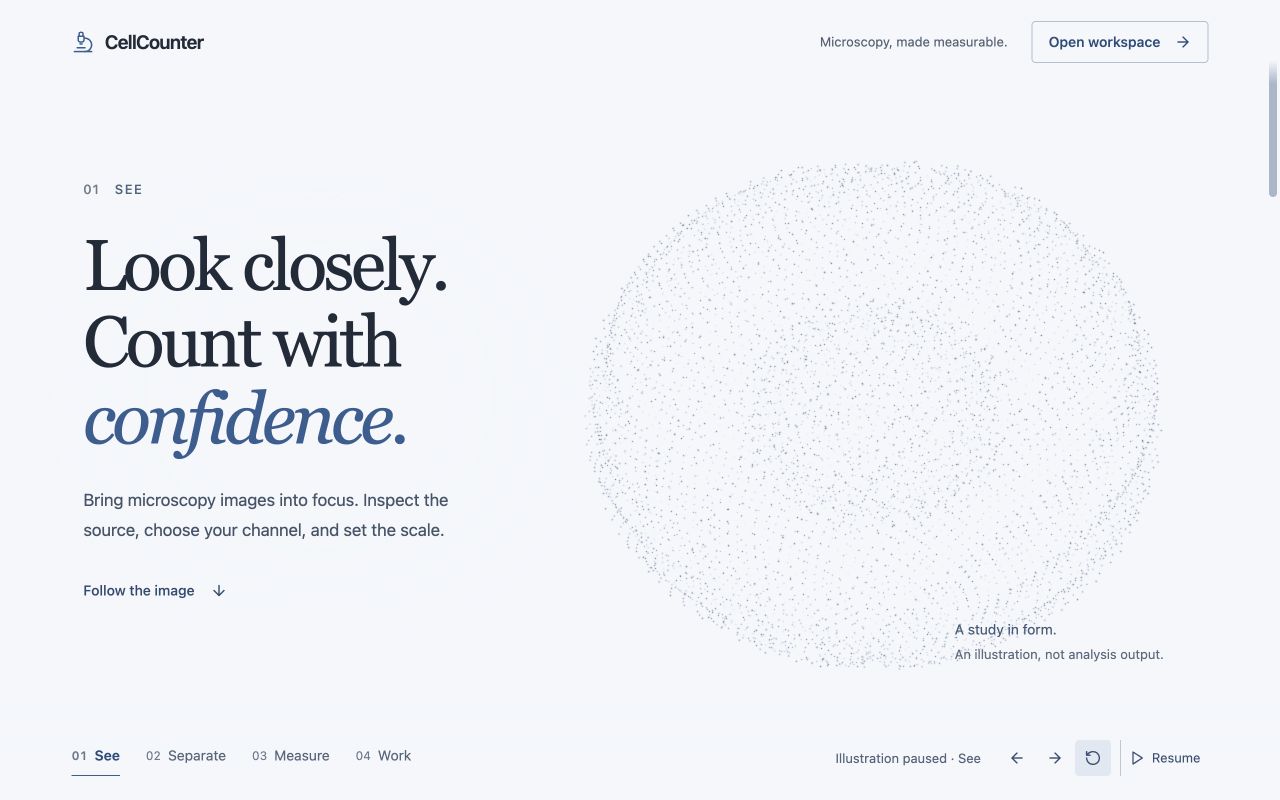
The introduction is now a continuous, full-page composition. A microscopy-inspired point cloud changes with native scrolling through See → Separate → Measure → Work, with clear text and direct access to the workspace.
- Cool-white surface, charcoal typography and restrained blue-gray particles replace the boxed animation.
- Cell-like forms become separated objects, then boundaries and an ordered field as you scroll.
- Persistent section links, rotation, reset and Pause controls; reduced motion uses static stages.
- Mobile layouts place the illustration below the text. The renderer loads only for the introduction, limits rendering cost, pauses in background tabs, and releases its resources on workspace entry.
- Native scrolling works over both the text and the illustration; no wheel hijacking or forced scroll stops.
The particle forms are labeled illustrations, not measurements or segmentation output. Local classical segmentation and the saved preview, processing, review and export workflows from Web 0.2.0 remain available. Learned-model weights are still not bundled; this design release does not claim full native-platform parity.
Download CellCounter-Web-v0.2.1.zip and SHA256SUMS.txt below. Serve the archive over HTTPS or localhost; it is a static PWA package, not a newly hosted service. Existing installed clients can use Reload app when the update notice appears, then Help → Welcome & introduction to revisit the page.
Browser guide · Feature comparison
Production build and release checks passed in CI. The desktop and mobile compositions, native scrolling, stage controls, Pause and workspace entry were exercised in the production preview. Reduced-motion and failure paths were code-reviewed.

CellCounter v1.0.13 for macOS
CellCounter v1.0.13 for macOS
This release addresses issue #9: instability when opening large Review Queues after processing hundreds of images.
Requires macOS 15 or later. The download is a universal Intel and Apple Silicon build, ad-hoc signed and not notarized. See the installation guide.
Review large batches
- Decoded cell contours now share a bounded cache instead of accumulating on every saved detection record. The cache retains at most six snapshots and observes a 64 MiB budget.
- Review uses stable pages of at most 96 candidates. Equal-confidence cells keep a consistent order, and Skip continues through every page instead of stopping at the first group.
- Keep, Reject, Resize and undo remain durable across page boundaries. Background saves cannot overwrite a newer correction.
- Preview images follow the identity of the current card. Rendering is limited to the card's display size rather than constructing full-image overlays for every candidate.
- Libraries requiring a legacy review-key migration complete that migration before the queue opens.
Update the application normally and reopen Review Queue. Existing images, detections and corrections are preserved; no library reset is needed.
Focused validation
Nineteen targeted native tests passed. A regression fixture with 320 images and 1,280 review candidates visited every candidate while retaining no more than 96 review rows and six decoded snapshots, and exercised saved review edits plus undo across pages. The reporter's exact crash was not reproduced because their library and crash report were unavailable; the unbounded retention and paging defects were reproduced and corrected in source and focused tests.
The process-runner regression now uses a deterministic shell fixture instead of relying on a cold system Python startup within its timeout. This retains the noisy-output and forced-termination checks.
Download
Download CellCounter-v1.0.13.zip and its .sha256 checksum from the macOS v1.0.13 release. Quit the old copy, unzip the download, and replace CellCounting.app in Applications.
SHA-256 for CellCounter-v1.0.13.zip:
705781e93340793279150e5bc3be8fd93030c710f1b54e2167c7bc3d6213cd9a
Cross-platform status
The resolution reply on issue #9 includes upgrade steps; confirmation with the reporter’s original library remains pending.
Windows 1.1.0 separately fixes first-analysis script staging and adds saved analysis/review workflows. Web 0.2.1 provides classical segmentation. Neither has complete macOS parity. See the current release-status and parity guide for the shared workflows and remaining differences.
CellCounter v1.1.0 for Windows
CellCounter 1.1.0 for Windows
This release fixes the first-analysis “Sidecar scripts are not staged” error
and adds a saved inspect → preview → process → review workflow.
Requires Windows 10 or 11 x64. Both the NSIS .exe and WiX .msi contain the
same application. Installers are unsigned; compare their hashes with the
release’s SHA256SUMS.txt. See the Windows guide.
First analysis and large review queues
The executable now includes an explicit set of required analysis scripts and
stages them before model setup or analysis. Missing or damaged staged files are
repaired automatically, including files with the expected length but wrong
contents. This removes reliance on the installation folder’s resource layout.
Update and reopen CellCounter; existing images and models do not need a reset.
First-use Cellpose downloads report progress and bounded network errors rather
than failing without context. A selected checkpoint is never silently replaced.
Review loads stable pages of 64 candidates and at most 96 nearby cell outlines.
Keep, Reject and diameter corrections save transactionally against the latest
result. Skip continues through the queue. Undo / Ctrl+Z reverses the last Review
decision, including across pages; a newer decision replaces it and a changed
result is protected from stale undo. The undo token lasts for the app session. Very large preview outlines use a
labeled circle approximation; saved contours remain intact.
Saved analysis and linked results
- Import and inspect before installing a model. Save task, calibration, source
channel, projection and analysis parameters before starting a batch. - Preview a representative image. Matching previews are reused during batch
processing; changed settings or replaced results invalidate reuse. - Pause after the current image, stop the current operation, resume after
relaunch and retry failures. Successful images remain saved. - Select the same cells in the image, paged measurement table and scatter plot.
Plot drawing is sampled for large results; brushing evaluates all cells. - Save and compare mask versions with synchronized viewing. Restoring an
alternative first preserves the current mask. Recorded run settings remain
separate from current measurement settings. - Prevent edits to images still queued for processing, and finish saving edits
before exports, reruns, imports or navigation replace the current result. - Screen-scoped shortcuts cover navigation, processing, measurements, mask
versions and actual correction tools while retaining normal text editing.
Source analysis supports channel selection plus maximum, mean, sum or middle
plane projection. The setup viewer still shows the imported display preview;
it does not yet display each selected source plane.
Training and platform limits
Cellpose cyto3 training requires at least three specimen groups and six epochs.
A groups.json file or supported patient-prefix names identify groups, which
stay in separate train/validation/test partitions. Duplicate sources and
invalid pairs fail explicitly. This is a pair-folder workflow, distinct from
the macOS reviewed-library dataset builder.
The three supported model identities remain Cellpose-SAM (cpsam_v2, a legacy
ID for the cpsam checkpoint), Cellpose cyto3, and StarDist fluorescence.
Inference remains CPU-only. The in-app capability inventory explicitly records
additional native models, OME-Zarr/layer tools, prompt/sequence correction and
other workflows that have not been ported. Full macOS parity is not claimed.
Validation boundary
Focused tests cover embedded-script recovery, source projections, specimen
splits, saved-job recovery, mask restoration and bounded review behavior. The
release packaging workflow builds the frontend and Rust backend on a native
Windows x64 runner and produces both installers with checksums.
A physical Windows workstation’s installer policies, first model downloads,
vendor reader DLLs and representative-image performance remain outside this
local verification. Automated builds do not establish biological accuracy.
Downloads and packaging
Download CellCounter_1.1.0_x64-setup.exe for a per-user installation, or the
.msi for Windows Installer deployment, plus SHA256SUMS.txt below. Both are
unsigned Windows x64 packages. Quit CellCounter before upgrading; retain your
local application data.
Native Windows packaging
uses pinned toolchains and passed the portable release contract, saved-workflow
and Results tests, Python analysis tests, frontend build, Rust tests, and both
installer builds. Artifact checksums are generated by that workflow.
Other platforms: macOS v1.0.13
and Web v0.2.1 preview.
Feature-parity snapshot
Windows 1.1.0 inventories 45 ready, 7 adapted and 15 pending capabilities. It shares the saved inspect → preview → process → review workflow, but CPU-only inference, the three-model catalog, imported source previews and grouped pair-folder training have documented differences. The native microscopy workspace and additional correction/model workflows remain unported. See the current cross-platform comparison; the inventory counts are not completion percentages.
CellCounter Web v0.2.0 preview
CellCounter Web 0.2.0 preview
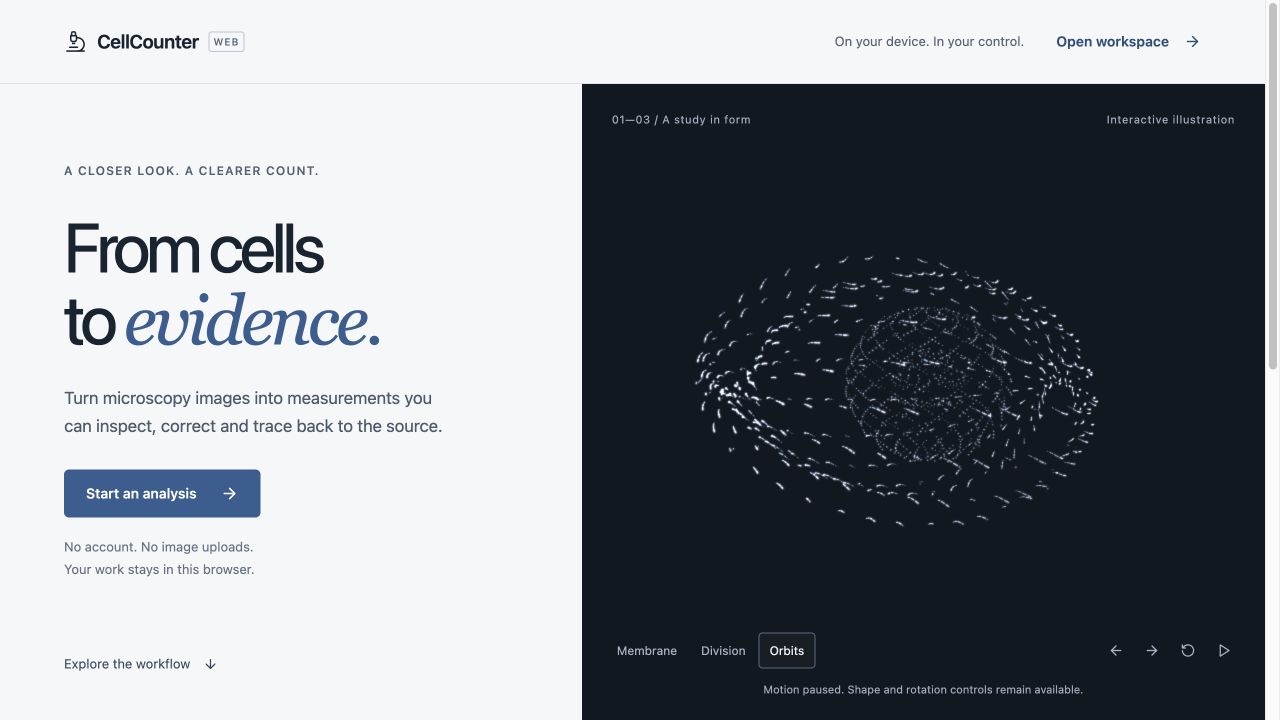
This preview replaces the crowded interface with a restrained scientific
workbench and adds working classical segmentation plus a saved processing
workflow. Images and analysis remain in this browser on this device.
A clearer workspace
- Neutral surfaces and muted blue controls replace the green branding. The
image has a larger canvas, with Library, Analyze, Processing and Review as
the main destinations. - Setup, Selection and Image tabs organize the inspector. Measurements open
when needed, and one contextual action leads from preview to processing. - Small screens have an explicit inspector sheet with close/focus behavior.
Screen-scoped shortcuts and the in-app help describe actions that are wired. - A first-visit introduction includes a rotatable 3D point cloud, shape
morphing, restrained additive light and scroll-linked transitions. Pause,
direct shape/rotation buttons and reduced-motion support keep it optional.
The scene is labeled as an illustration and unloads on entering the workspace. - Icons use the Lucide library. Three.js renders the illustration; license
notices are included with the static application files. - A visible update notice offers a safe reload when a newer PWA is ready.
Analysis that runs locally
Classical Otsu, triangle, adaptive and manual thresholding run in a local
Worker, with source-channel selection, first/max/mean/sum projection,
background subtraction, minimum-area filtering and optional watershed.
This is explicitly a classical method, never a substitute labeled as Cellpose
or StarDist.
Preview a representative image, inspect it, and process the image or study.
The saved preview is reused only when source bytes, parameters, model identity
and calibration still match. Processing jobs retain their settings and saved
results. Pause after the current image, cancel and pause immediately, resume
after reopening, or retry failed images without discarding completed work.
Image, paged table and scatter selection share cell identity. Saved mask
alternatives show change counts in the same image coordinates; applying an
alternative preserves the current mask first. Recorded analysis settings
remain separate from later review settings.
Preview limits
The three learned-model artifacts are still not bundled. Cellpose and
StarDist inference, native training, proprietary microscope formats, OME-Zarr,
layer/sequence/prompt workflows and full Cellpose GUI session round-tripping
are not claimed. The expanded in-app capability inventory names these gaps.
The download contains the static PWA and license notices. Serve its files over
HTTPS, or use localhost for development; opening index.html directly is not
supported. This release archive does not establish a hosted service. Browser
storage can be cleared or evicted, so export results you need to retain.
See the browser guide and feature comparison.
Download and build evidence
Download CellCounter-Web-v0.2.0.zip and SHA256SUMS.txt below.
Production build, browser-domain tests, privacy/workflow/model/core/capability/export contracts passed in the release CI run. Desktop and mobile interaction checks used a synthetic two-object image.
CellCounter v1.0.12 for macOS
CellCounter v1.0.12 for macOS
This hotfix improves image previews and makes the first Cellpose model download visible, with clear errors when a connection stalls.
Requires macOS 15 or later. The app is a universal Intel and Apple Silicon build, ad-hoc signed and not notarized. See the installation guide.
Faster, steadier previews
- Supported single-frame 8-bit PNG, JPEG and BMP images prepare their selected source channel or RGB luminance natively before Python startup. Scientific stacks, high-bit-depth data and unsupported pixel layouts retain the shared source reader.
- Analysis setup shows a bounded original preview while preparing the selected channel. Changes to confidence, calibration or mask results no longer restart source decoding.
- The representative-image picker starts with a valid selection and has an explicit empty state. Saved model selections also retain a matching picker tag.
- Import completion keeps the presenting screen stable while the setup sheet is open, and the preview has a stable height to avoid unnecessary layout churn.
Clear first-use model setup
- Cellpose 3 and 4 show model-loading stages and weight-download byte progress. Closing a partial download no longer reports success.
- Stalled network operations time out after 30 seconds of inactivity. A slow download that continues receiving data can take longer overall.
- Download failures include an actionable retry hint, preserved by the native error handler.
- Images without scale metadata show a calibration explanation. Missing metadata is normal for many screenshots and does not indicate a segmentation failure; calibrated measurements still need a known scale.
If an older session was interrupted during first-use setup, reopen the app and resume its paused job from Processing. Keep the app open while weights download; completed weights are reused.
Focused validation
The native preview/training suite passed 15 tests, including four new preview cases; four Python startup regression tests passed. A local run using the reported fluorescence image and its saved settings completed Cellpose cyto3 segmentation on Apple GPU in 18.6 seconds, after a separate 66.8-second first-use checkpoint download. Images were not uploaded. Successful execution does not establish segmentation accuracy.
One optimized native helper call decoded the same image, prepared its source plane and encoded the preview in 146 milliseconds. This is a helper timing, not a cold-cache average or an end-to-end UI benchmark. The reported AppKit layout/drag warnings were not independently reproduced in a live UI session; this patch removes the identified presentation and sizing churn.
Windows and web releases are unchanged.
Download
Download CellCounter-v1.0.12.zip and its .sha256 checksum from the v1.0.12 release. Unzip and replace CellCounting.app in Applications after quitting the older copy.
ZIP SHA-256: 2e4ca7e4b59714b8ec8f99dbe52920e42524441400f3f3f67995d3a971f06bdd.
CellCounter 1.0.11 (macOS)
This release lets you import and inspect images before installing a segmentation model, preview analysis settings on a representative image, and review completed results while the rest of a batch processes.
The macOS application requires macOS 15 or later and is distributed as a universal Intel and Apple Silicon build. It is ad-hoc signed and not notarized. See the installation guide for first-launch instructions.
Import, preview and processing
- Import images or folders into a saved analysis setup. Choose the model, calibration, channels, Z projection and preprocessing before running the batch, or import images for inspection without segmentation.
- Preview a whole representative image with an installed model. Matching preview results are reused when the batch starts.
- Start from task presets for cell counts and sizes, nuclei, marker positivity or wound closure. Presets guide the workflow; marker and wound measurements still run in their corresponding assay panels.
- Processing jobs persist locally with their settings, progress and per-image failures. Pause after the current image, resume, retry failures, or open completed images while processing continues. Interrupted jobs return as paused after relaunch.
- Saved run settings distinguish the settings that produced a result from later changes to application defaults.
Review and navigation
- Linked measurement rows, area/intensity plots and image overlays share cell selection, making it easier to inspect unusual measurements.
- Compare saved and current mask variants side by side with synchronized pan and zoom, highlighted changes and a differences-only view.
- Analysis state indicators make processing, saved settings and the need to rerun clearer.
- Contextual menus connect search, selection, export, image navigation, zoom, review, training and processing shortcuts to the visible screen. Text fields retain native selection and undo behavior; unavailable actions are disabled.
- Help → Keyboard Shortcuts (
⌘/) and Settings share the shortcut reference.⌘Oopens images,⌘⇧Oopens a folder, and⌘⌥1through⌘⌥9navigate the primary screens. - A new microscopy app icon replaces the previous application artwork.
Models and responsiveness
- The Models screen uses cached installation state and asynchronous probes instead of blocking navigation while inspecting Python environments. Slow or failed probes no longer block screen navigation.
- Dense mask overlays use spatial indexing and visible-region drawing. Measurement and summary updates avoid unnecessary decoding and recomputation.
- Assay workers stay warm between compatible requests, with bounded caches for prepared images and masks.
- Processing overlaps image preparation when memory permits, while model execution and training share an execution guard to avoid competing model allocations.
Real local fine-tuning
The macOS fine-tuning workflow now trains from actual reviewed library masks and reports measured held-out evaluation. The annotation view displays the source image and corrected boundaries; saved mask edits become the training labels.
Training uses an installed Cellpose 3.x environment and existing compatible base weights. Select at least three independent specimen groups, review every selected field, and keep related fields or crops in the same group. Configurable, deterministic train/validation/test splits keep groups separate and reject duplicate source files. Validation selects the checkpoint; test images are reserved for the final report.
Only a real checkpoint with a verified evaluation report can be saved to Models. Reports include AP at IoU 0.5, precision, recall, F1 and mean diameter error in source pixels. Training uses full precision and requires at least six epochs. Cellpose 4/SAM, StarDist and Omnipose fine-tuning are outside this workflow. Dataset quality and independent biological validation remain the user's responsibility; software execution does not establish model accuracy.
Validation and scope
The release candidate passed 96 native unit/performance tests and 23 Python tests. A separate local CPU smoke run exercised six actual Cellpose 3 training epochs, checkpoint reload and held-out evaluation using generated fixtures and randomly initialized weights. That smoke run verifies execution, not biological accuracy.
This release updates the macOS app; it does not change Windows or web capability boundaries.
Download
Download CellCounter-v1.0.11.zip and its .sha256 checksum from the v1.0.11 release. Unzip and move CellCounting.app to Applications.
ZIP SHA-256: 289a9efe2ef748fe51dffcea01569b29ae0dc3d673345ac6d3791d164226ae84.
CellCounter 1.0.10 (macOS)
CellCounter 1.0.10 for macOS adds a native microscopy workspace for multidimensional exploration, reproducible processing, and presentation. It requires macOS 15 or later and runs natively on Apple silicon and Intel Macs.
New microscopy workspace
- Browse time, Z, channel, and other dataset axes through a persistent layer-based workspace.
- Open local multiscale OME-Zarr / OME-NGFF datasets and plates with automatic viewport-appropriate resolution selection.
- Register image layers, assemble tile mosaics, and create or manually correct cell lineages.
- Paint multiclass training labels and export 16-bit masks for model-training workflows.
- Record and replay local workflows for layer, axis, registration, and stitching operations.
- Build keyframed animations of dataset axes, camera position, visibility, and opacity.
- Inspect bundled capabilities through a curated extension catalog that does not execute third-party plugin code.
Speed and reliability
- Large image sequences load their current and adjacent planes on demand instead of decoding every frame.
- OME-Zarr metadata, chunks, planes, and workspace previews use byte-bounded caches and explicit resource limits.
- Lineage matching uses a spatial index; the large regression fixture performs over 4,000 times fewer distance comparisons than exhaustive matching.
- Registration, stitching, export, and document persistence run outside the interface where possible and support progress and cancellation.
- Stitching accounts for output, coverage, input, and preview memory before allocating a mosaic.
Validation
- The complete macOS unit, performance, and UI test suite passed, including all four UI checks.
- The archive contains both
arm64andx86_64and passes strict deep code-signature validation. - ZIP SHA-256:
679ce5b7fd07fc62d83ff245e510fff92399617e6f090e2e4ede038de124c596
Install
Download CellCounter-v1.0.10.zip, unzip it, and move CellCounting.app into Applications. This build is ad-hoc signed but not notarized, so macOS may require System Settings → Privacy & Security → Open Anyway on first launch.
Existing projects, model environments, masks, and corrections remain in place during upgrade. Image processing remains local; CellCounter does not upload microscopy images.
CellCounter 1.0.9 (macOS)
CellCounter 1.0.9 for macOS is a native universal performance release for Apple Silicon and Intel. It requires macOS 15 or later.
Performance and efficiency
- Cellpose and Cellpose-SAM now use persistent, serialized workers keyed by model signature, so compatible analyses reuse the loaded Python process and model instead of paying cold-start cost for every image.
- Worker cancellation, crashes, and unhealthy responses retire the process safely and recover on the next run; the existing one-shot path remains as a fallback.
- Model-storage inventory work is cached, deduplicated, cancellable, and performed away from SwiftUI rendering and the main actor.
- Bundled Python helpers are staged only when their content or permissions change, avoiding unconditional launch-time copies.
Validation
- The full native test suite passed, including 4/4 UI tests.
- Launch performance averaged 0.481 seconds in the release-candidate test run.
- The archive contains both
arm64andx86_64and passes strict code-signature validation. - ZIP SHA-256:
d57600a0cc2bebe62afd75251a0db8ad8de945ea7297d7afebe76a482b71dace
Install
Download CellCounter-v1.0.9.zip, unzip it, and move CellCounting.app into Applications. This build is ad-hoc signed but not notarized, so macOS may require System Settings → Privacy & Security → Open Anyway on first launch.
Existing projects, model environments, masks, and corrections remain in place during upgrade.
CellCounter 1.0.8 (macOS)
CellCounter 1.0.8 for macOS — native Apple Silicon and Intel universal build. Requires macOS 15 or later.
This release fixes vendor microscopy imports and the six macOS workflow issues reported against 1.0.7, while substantially reducing latency on large datasets.
Vendor microscopy formats
.nd2,.czi,.lif,.oif,.oib, and.oirnow pass every native import entry point instead of being silently filtered out.- Vendor containers are retained as the source of truth and prepared through the Python image reader into a lossless display image plus thumbnail for native overlays and exports.
- Dimensions, channels, Z/T metadata, and physical calibration are carried into the native record when available.
- Vendor-reader selection follows the installed model family and reports an actionable error when a required reader is unavailable.
Batch export, calibration, and presentation
- Download batch now exports every annotated image as PNG in a single operation.
- Export folders use the batch name, safely normalized for macOS paths.
- Analyzed batches keep their persisted calibration; changing the Home default only affects future analysis.
- Corrected the exported-image orientation so masks and scale bars are no longer mirrored.
- Cell-bin and overlay colors are customizable for bright, dark, and low-contrast fields.
- Calibration is detected from supported image metadata and applied consistently to physical measurements and scale bars.
Performance
- Detection payloads, thumbnails, full-resolution viewer images, and review previews use bounded caches instead of repeated disk/JSON decoding.
- Annotation matching, sequence drift estimation, and mask propagation use spatial indexes rather than quadratic full-field scans.
- Batch insights, comparison statistics, CSV preparation, folder discovery, hashing, and export preparation run away from the UI thread.
- Imports and bulk deletion use batched persistence, and concurrent comparison consumers share one pooled analysis.
- The 2,500-cell interaction benchmark dropped from 41.4 seconds to about 0.24 seconds, over 170× faster.
Validation
- 14 macOS unit tests pass, including large-workload performance budgets.
- 2 vendor-image preparation tests pass.
- The release archive is a universal
arm64+x86_64binary and passes strict code-signature validation. - ZIP SHA-256:
cbc72cd5c573ef96dca9da260d90c30ba7395a56088f510c10a9a8e45043d593
Upgrading
Replace the application. Existing images, batches, masks, corrections, and model environments remain in place.
Install
- Download
CellCounter-v1.0.8.zip, unzip it, and moveCellCounting.appinto Applications. The product is CellCounter; the application bundle is still namedCellCounting.app. - The app is not notarized, so macOS may block the first launch. Open System Settings → Privacy & Security, scroll to the bottom, and select Open Anyway. If macOS reports that the app is damaged, run
xattr -cr /Applications/CellCounting.appin Terminal. - On first use, open the Models tab and install the model you need. Model environments and weights are downloaded separately.
Full walkthrough: docs/INSTALL.md
CellCounter 1.0.8 for Windows
CellCounter 1.0.8 for Windows is the first full Windows-native Tauri release, preserving the React interface and the macOS 1.0.8 workflow set with Windows-specific packaging and local storage.
Included
- Native 64-bit Windows 10/11 packages in both NSIS
.exeand WiX.msiformats. - Three explicit local model families: Cellpose-SAM v2, Cellpose cyto3, and StarDist fluorescence.
- Local microscopy import, calibration, measurements, corrections, review, assays, comparison, exports, protocols, fine-tuning, and provenance workflows.
- Image pixels, measurements, corrections, model caches, and exports stay on the PC. Model runtime packages download only when the user installs a model.
Performance and safety
- Mask edits use one ordered IPC call and one atomic SQLite transaction.
- Library and results screens use compact, batch-scoped queries instead of transferring full contour payloads.
- TIFF/JPEG metadata reads are bounded, and oversized decoded images are rejected before materialization.
- Model runtimes are CPU-only in 1.0.8; the interface does not claim unvalidated GPU acceleration.
Install
- Choose the NSIS setup
.exefor a normal per-user installation. - Choose the
.msifor Windows Installer or managed deployment. - Both installers are currently unsigned. Windows SmartScreen may warn; verify the matching SHA-256 in
SHA256SUMS.txtbefore continuing.
The installers were built and verified on GitHub's Windows x64 runner. See docs/WINDOWS.md for requirements, backup, reset, and troubleshooting guidance.