Stacking Signals
The speed signal can carry more signals stacked underneath it, much like snow layers pile up. Stacking is done by right-clicking with the signal you want to add held in hand, on top of an already-placed signal.
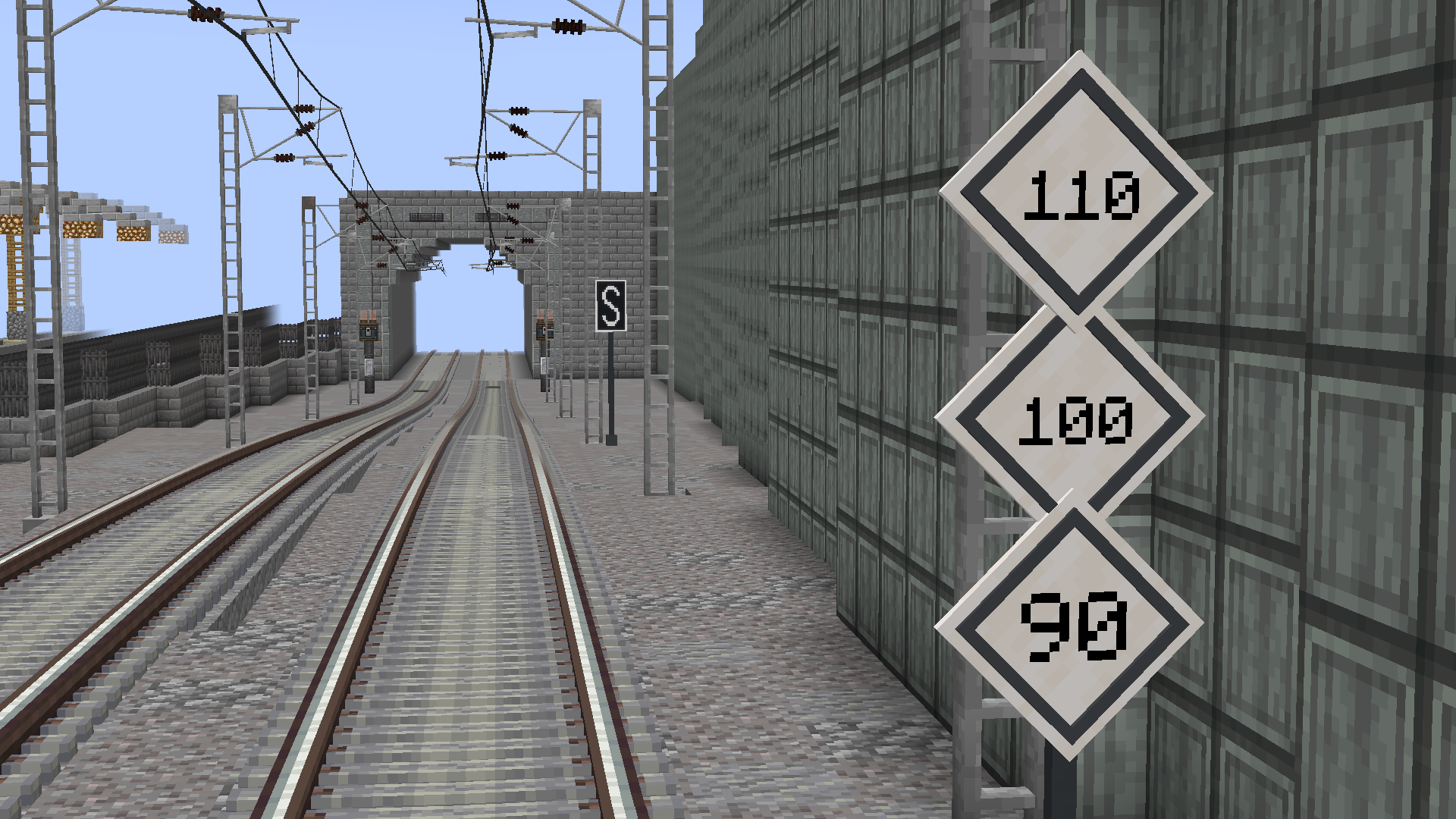
Stacking only works with the full signals, not the short versions.
| State | How to obtain it | Result |
|---|---|---|
| Double speed | Speed + right-click with another speed signal | Two speed signals stacked |
| Triple speed | Double + right-click with another speed signal | Three speed signals stacked |
| Speed + End of LTV | Speed + right-click with End of LTV, or End of LTV + right-click with speed | Speed on top, End of LTV below |
- The speed progression goes single → double → triple.
- In the speed + End of LTV combination, the speed signal always ends up on top, regardless of the order they are placed in.
- No other mixes are allowed: for example, two speed signals plus an End of LTV is not a valid combination.
Each speed signal in the stack is edited separately, by right-clicking with an empty hand at the height of the corresponding signal:
- Double — clicking the top edits the upper signal; clicking the bottom, the lower one.
- Triple — clicking top, middle and bottom edits each of the three.
- In the combination with End of LTV, the End of LTV carries no text; only the upper speed signal is edited.
Breaking a stacked signal returns all the original signals that make it up:
| Stack | Items returned |
|---|---|
| Double | 2 speed signals |
| Triple | 3 speed signals |
| Speed + End of LTV | 1 speed signal + 1 End of LTV |