Repository navigation
AnyPS5-ARM 0.2.6 — Self-updates, phone rumble and your own layout

AnyPS5-ARM 0.2.6: the launcher updates itself from now on, and the phone controller rumbles and takes your own layout.
What's new
- The launcher updates itself. It checks for a new AnyPS5 when it starts and every six hours, tells you when one is out, and Settings → About → Update to … downloads it, puts it in place of the old one and opens it again. Settings → Behaviour turns the checks off. This release is the last one you install by hand.
- Phone controller 1.4.0 (AnyPS5-Remote.apk for Android and, new, AnyPS5-Remote.ipa for the iPhone, below):
- Rumble: the game's two motors are felt on the phone, the large one dull and the small one crisp.
- Trigger effects: while L2 or R2 is held, the phone pulses where the DualSense trigger would push back.
- Light bar: the pad glows with the colour the game gives its light bar.
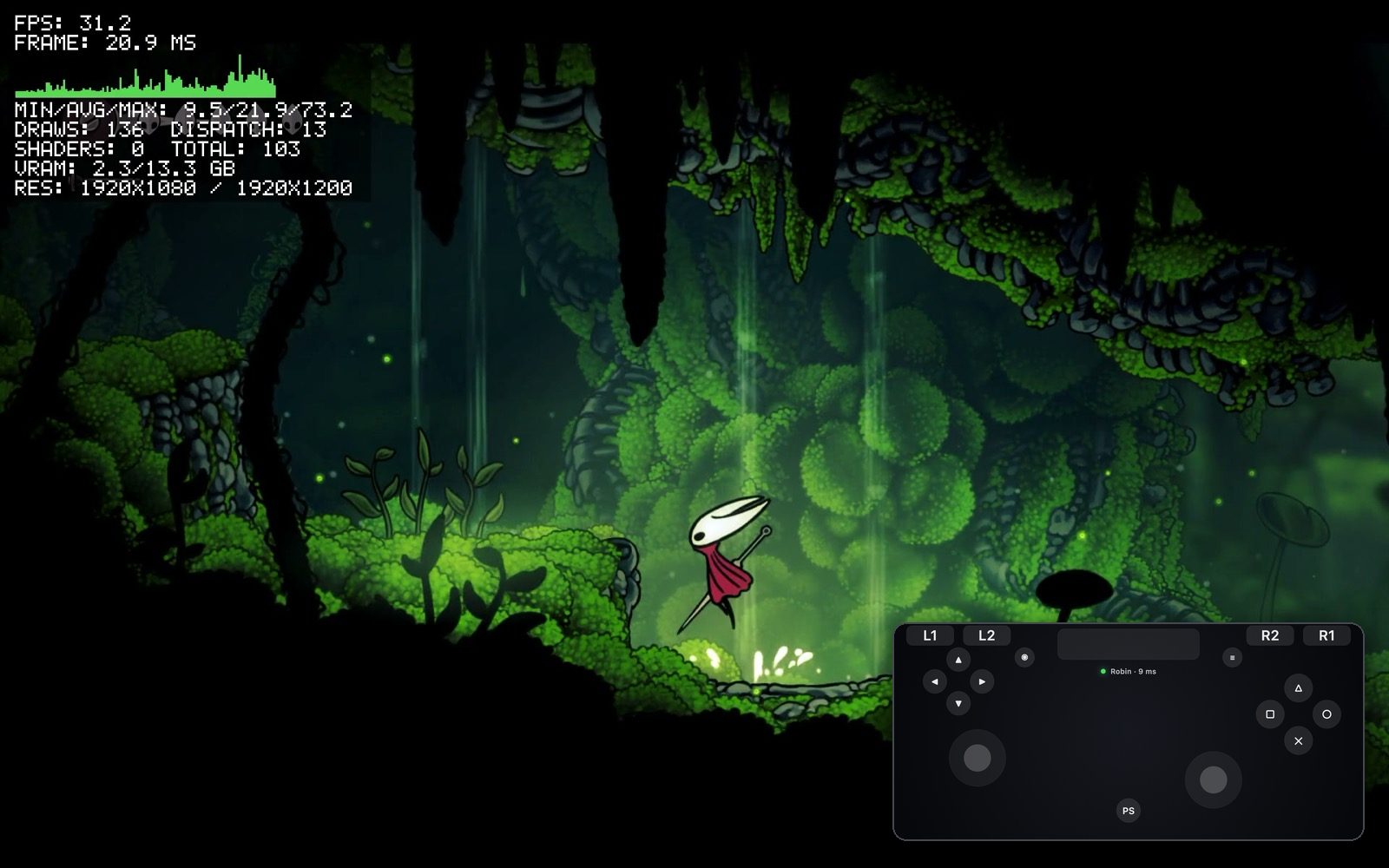
- Your own layout, per game: the lock at the pad's bottom left opens an editor. Drag a control to move it, tap it to size it, fade it, hide it, or make it a toggle (one tap presses it, the next lets go) or a turbo button. The Mac keeps the layout with the game's settings, so it comes back whenever that game plays.
- About has a switch to turn the vibration off.
- Engine: synced again with upstream AnyPS5 (827 more commits), with its new code made to work on macOS. Among them: a positioned write to a file opened for appending now appends, as on the console, instead of overwriting.
Games unlocked before show Update available: Update and Play once gives them the new engine and keeps their saves and trophies.
Install
curl -fsSL https://github.com/utkuhalis/AnyPS5-ARM/releases/latest/download/install.sh | shIt puts AnyPS5.app in Applications (replacing the older version) and installs Rosetta 2 if it is missing. With AnyPS5-macOS.zip instead: unzip it and open the app; the first time, open System Settings → Privacy & Security and click Open Anyway.
The phone app, on the same Wi-Fi as the Mac:
- Android: open AnyPS5-Remote.apk on the phone and allow installing from your browser when asked.
- iPhone (iOS 15 or newer): install AnyPS5-Remote.ipa with AltStore (or SideStore, or Sideloadly from a computer), which signs it with your own Apple ID as it installs it. With a free Apple ID it has to be refreshed every 7 days; AltStore does that by itself.
Requirements: an Apple silicon Mac, macOS 14 or newer, Rosetta 2, and decrypted dumps of games you own.