Repository navigation
AnyPS5-ARM 0.2.7 — Screenshot gallery, save backups, phone motion

AnyPS5-ARM 0.2.7 adds a screenshot gallery, save backups, and motion controls on the phone.
What's new
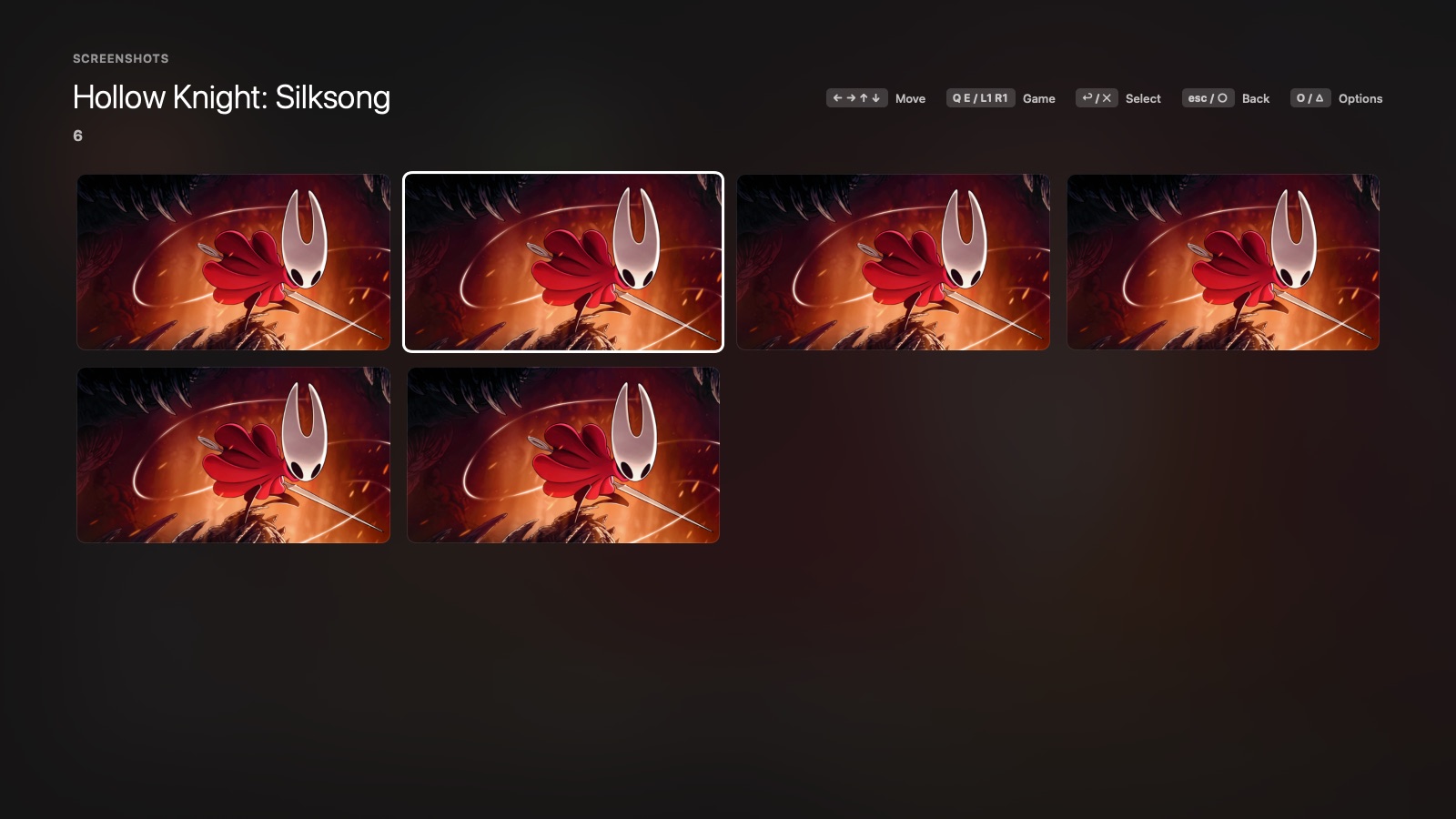
- Screenshot gallery: Game settings → Screenshots shows the game's F12 shots in a grid and one at a time over the whole screen; △ shows one in Finder, and L1 / R1 move to the next game.
- Save backups: Back Up Saves puts the game's saves and trophies in a zip in Documents → AnyPS5 → Backups. Restore Saves puts a backup back, and backs up what the game had first, so nothing is ever lost.
- Phone controller 1.5.0: the phone's motion sensors are the DualSense's. Tilt the phone to steer or turn it to aim in games that use motion; it follows whichever way you hold the phone. About turns it off.
- Updates: the update download now shows how far it is. (Coming from 0.2.6, it still shows 0 % until it is done; from now on it counts up.)
Games unlocked before show Update available: Update and Play once gives them the new engine and keeps their saves and trophies.
Install
Already on 0.2.6: Settings → About → Update to 0.2.7.
curl -fsSL https://github.com/utkuhalis/AnyPS5-ARM/releases/latest/download/install.sh | shIt puts AnyPS5.app in Applications (replacing the older version) and installs Rosetta 2 if it is missing. With AnyPS5-macOS.zip instead: unzip it and open the app; the first time, open System Settings → Privacy & Security and click Open Anyway.
The phone app, on the same Wi-Fi as the Mac:
- Android: open AnyPS5-Remote.apk on the phone and allow installing from your browser when asked.
- iPhone (iOS 15 or newer): install AnyPS5-Remote.ipa with AltStore (or SideStore, or Sideloadly from a computer), which signs it with your own Apple ID as it installs it. With a free Apple ID it has to be refreshed every 7 days; AltStore does that by itself.
Requirements: an Apple silicon Mac, macOS 14 or newer, Rosetta 2, and decrypted dumps of games you own.