Steps to reproduce the issue
- Add a new page and put an SVG image as the first image
- Publish page
- Navigate to Jetpack Search and search for this new page
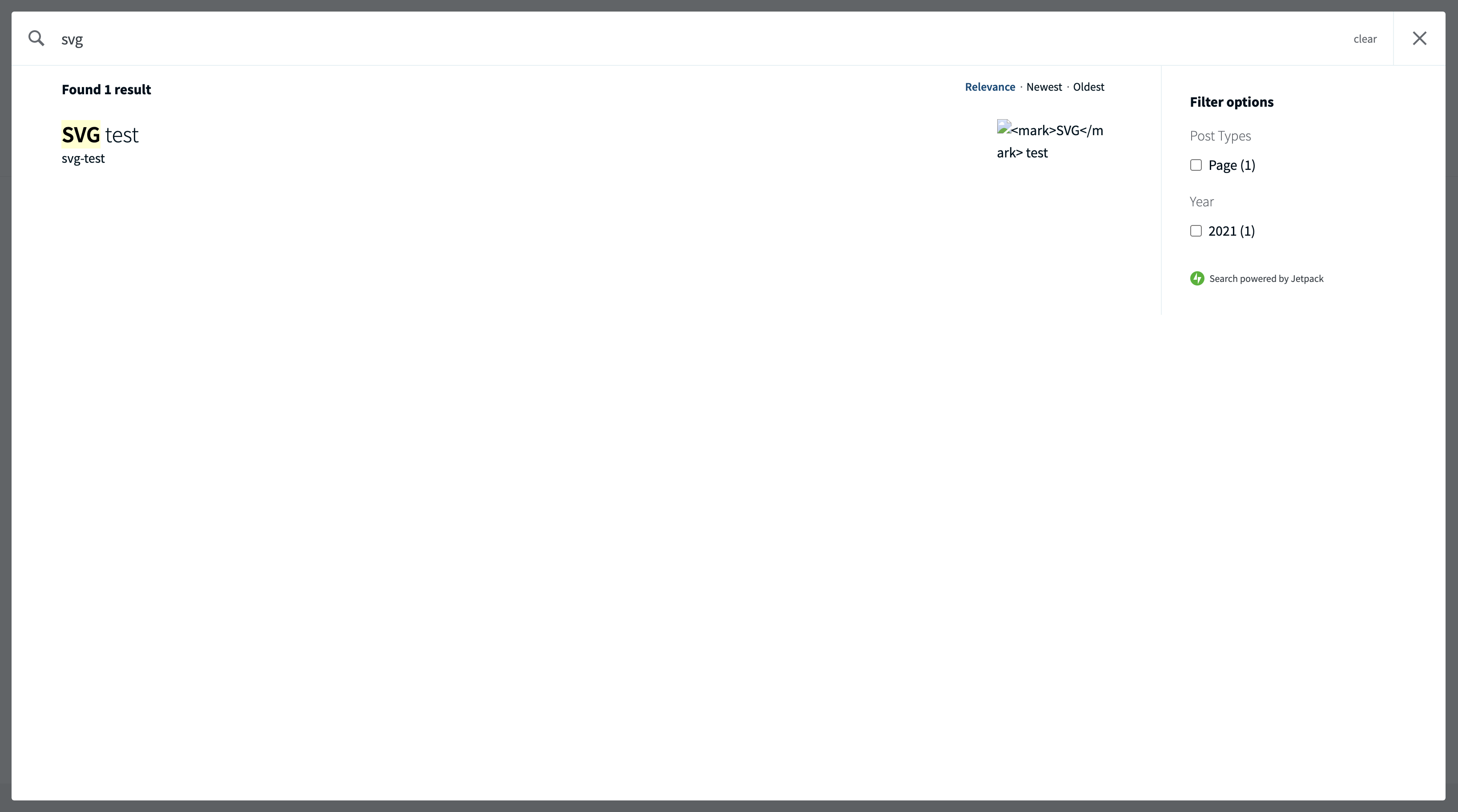
- See SVG image is being displayed as a broken link
Example: https://eoinbusinesstestsite.com/?s=svg
What I expected
The SVG image should not be displayed using a Photon URL since Photon does not support SVG images
What happened instead
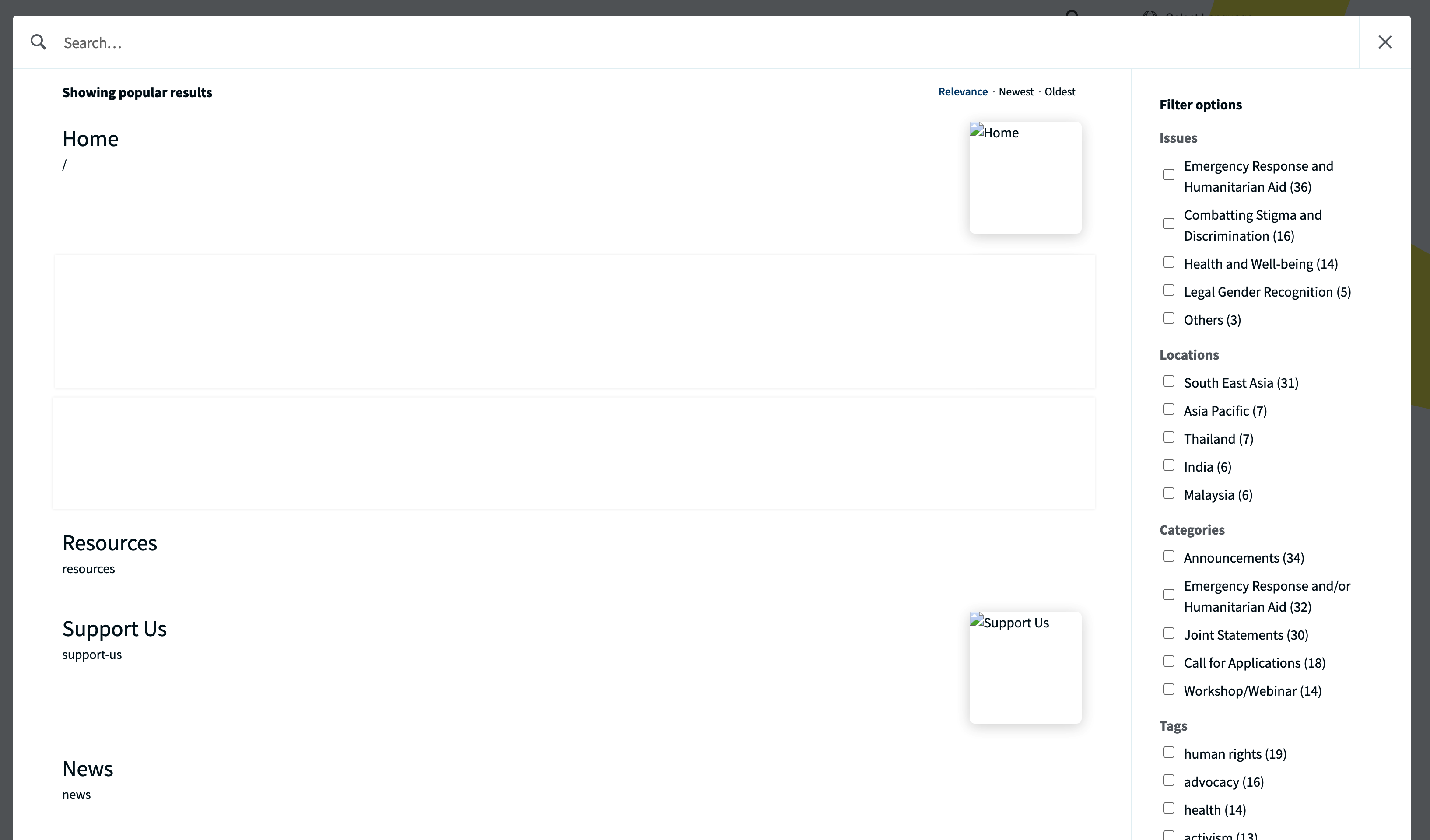
The SVG image is being served through Photon, which is not supported and therefore displays a broken link
Screenshots


Steps to reproduce the issue
Example: https://eoinbusinesstestsite.com/?s=svg
What I expected
The SVG image should not be displayed using a Photon URL since Photon does not support SVG images
What happened instead
The SVG image is being served through Photon, which is not supported and therefore displays a broken link
Screenshots