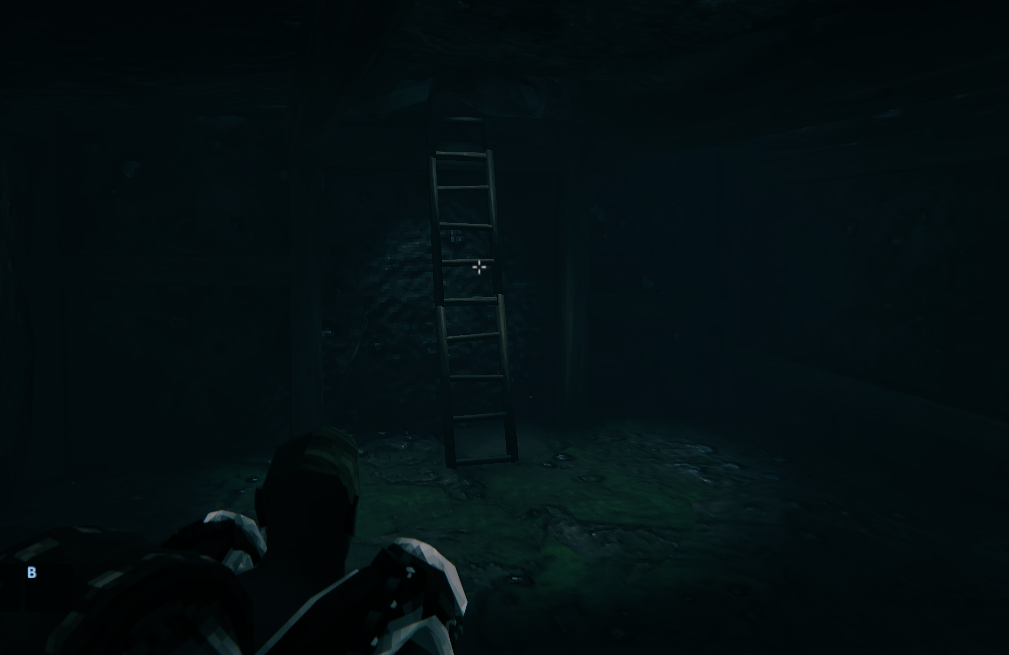
MaterialReplacer use
Welcome to the PieceManager wiki!
If you want to use any of the special valheim materials for your pieces in order to make your asset bundle lightweight or avoid redistributing copywritten works you can make use of the MaterialReplacer function that is built into PieceManager.
This is a 2 portion setup as it requires some general setup in Unity first and then 1 line of code addition when constructing your BuildPiece.
In my project there was a few materials that I wanted to clone to do things like avoid rain and also ensure I was getting proper lighting from the game on my object and any Unity provided material shader was just not cutting it.
In my project you can see I have a list of materials that start with _REPLACE_
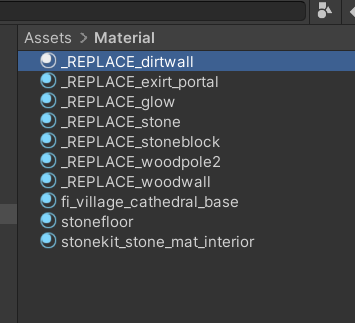
Let's take a look at _REPLACE_dirtwall
The goal of this material is to look like the dirt that the player walks on, This image is inside some other sprite maps I did not want to export as it would potentially change how the game looks for others. What's the solution? Let's mock it!
So My first step was to locate the vanilla material I was after. I knew I wanted dirt so I searched dirt
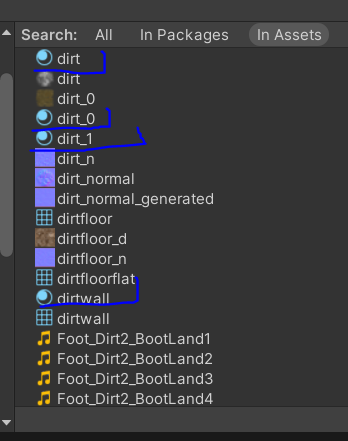
after browsing the couple vanilla materials I decided on dirtwall
so I right clicked in my project where I keep my materials and made a new material
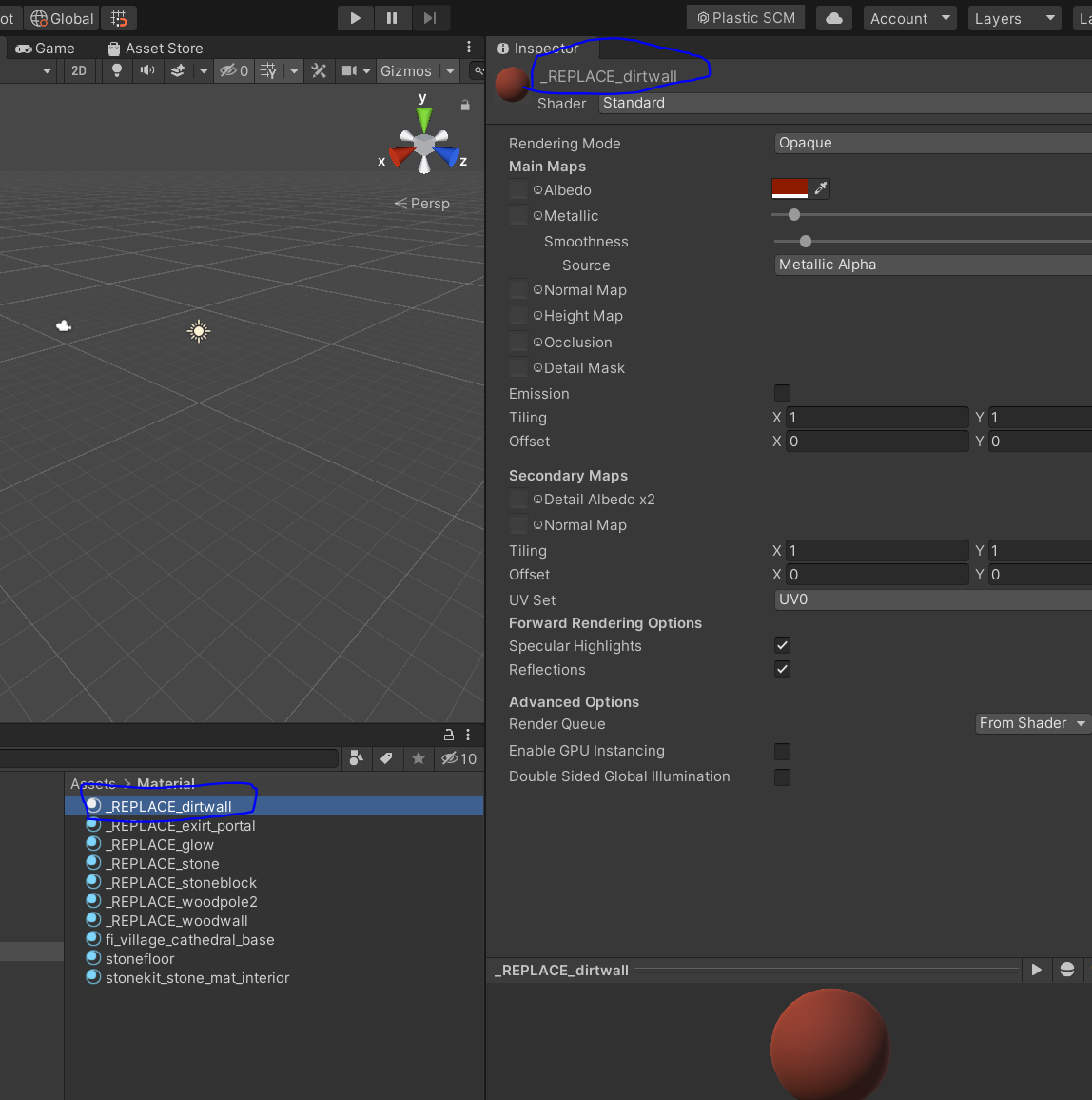
I named this material _REPLACE_dirtwall (since the material I want my object to be made of in game is called dirtwall)
I then applied to my object
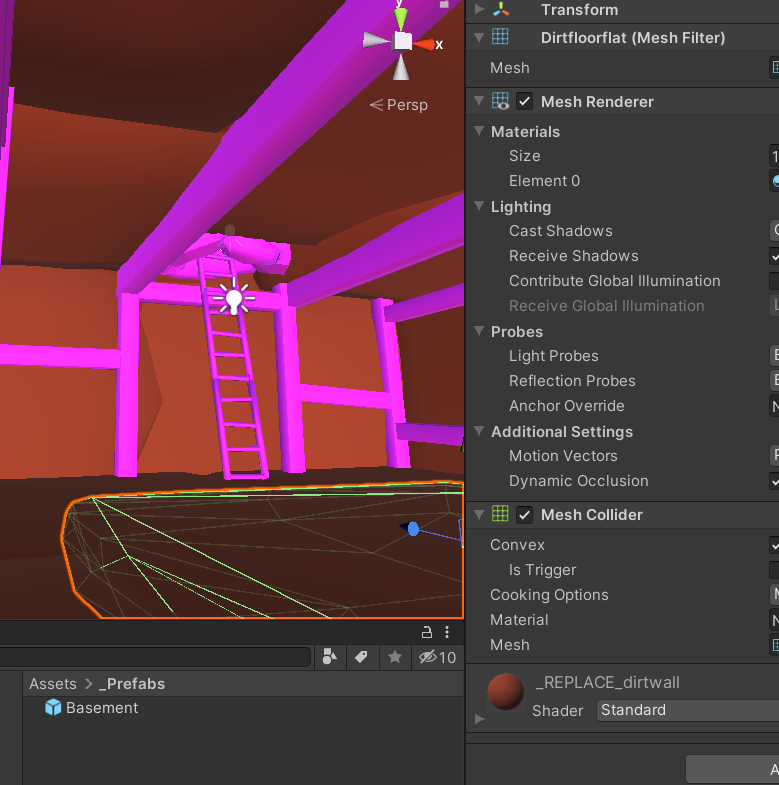
After that Unity work is done and the next task is to focus on the code When crafting your BuildPiece you simply need to add 1 line of code to replace the materials
MaterialReplacer.RegisterGameObjectForMatSwap(originalPrefabGameObjectToreplace, false);
as you can see this code has 2 arguments
The first argument is the gameobject you expect materials to be replaced on, The second argument is a true/false flag to indicate if these materials are from jotunn mocking which is using JVLmock_ instead of REPLACE
You only need to pass the parent object so what I did was just use the BuildPiece.prefab variable in my code
as you can see looks great in game using the materials cloned