SingleOfferShop
The SingleOfferShop is a player-owned trading block that showcases and sells one specific item offer with built-in grief protection, automated stock tracking, and customer access control.
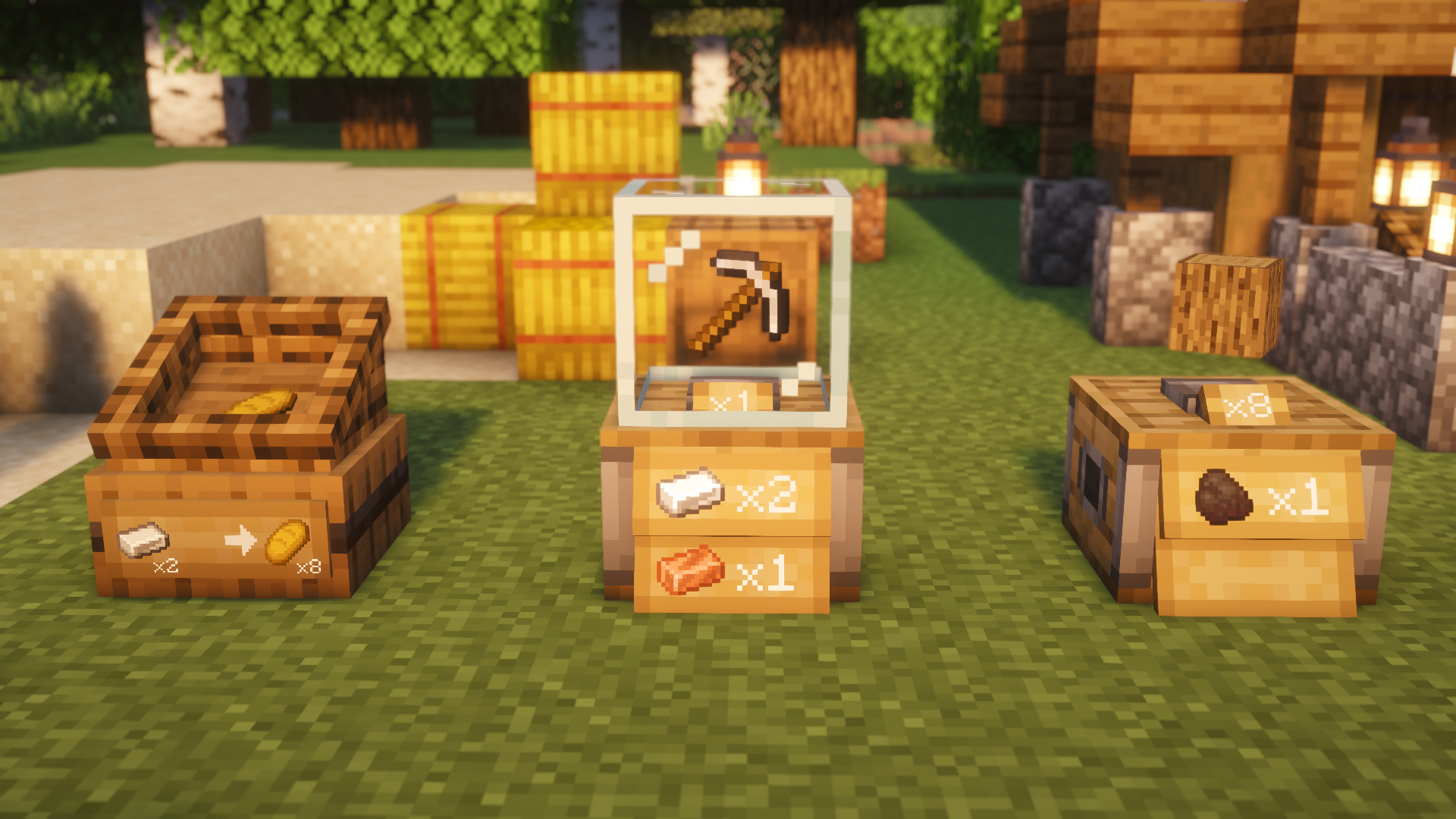
Both shop blocks are craftable at a standard Crafting Table:
| Trade Stand | Market Crate | Trade Book |
|---|---|---|
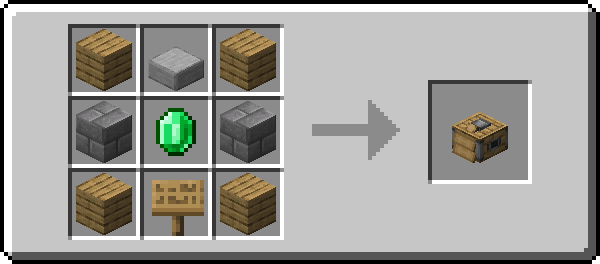 (2 Blocks Tall, Glass Showcase) |
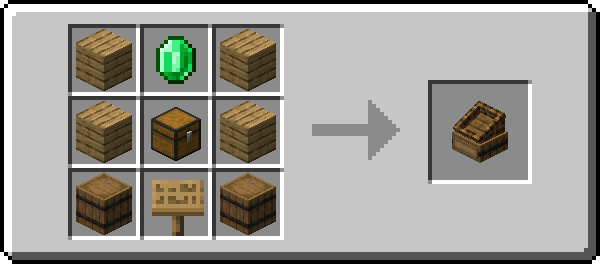 (Single Block, Dynamic Stock Display) |
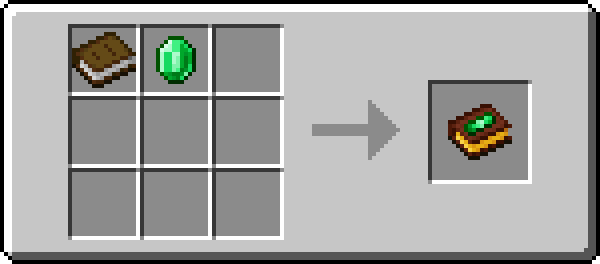 (In-Game Guide & Shop Overview) |
MarketBlocks provides built-in, server-enforced protection for every placed shop:
- A freshly placed shop block is unowned.
- Ownership is permanently claimed by the first player who configures the trade offer and clicks the green Create Offer button.
- The primary owner has full authority over all tabs, settings, co-owners, and transaction logs.
- Unbreakable by Strangers: Non-owners cannot break or mine your shop block.
- Explosion-Proof: Shops have bedrock-tier explosion resistance by default, preventing TNT or Creeper griefing.
- Dismantling: Only the Primary Owner can break the shop to pick it up. All stored stock and collected profits drop safely at your feet.
- Server Admin Creative-Bypass: Server operators (OP level 2) playing in Creative mode can dismantle any shop by holding Shift while breaking. Without Shift, accidental breaking is prevented.
The primary owner can register up to 10 Co-Owners via the Access settings tab:
- Co-owners can restock input items, collect profits, modify prices, and adjust visuals.
- Co-owners cannot remove the primary owner or clear the transaction log.
| Tab | Primary Owner | Co-Owner | Operator (Admin Mode) | Customer / Visitor |
|---|---|---|---|---|
| Offers | ✅ Full | ✅ Full | ✅ Full | ✅ Buy only |
| Inventory | ✅ Full | ✅ Full | ✅ Full | ❌ Denied |
| Settings | ✅ Full | ✅ Full | ✅ Full | ❌ Denied |
| Log | ✅ Full (View & Clear) | ✅ View only | ✅ Full | ❌ Denied |
ℹ️ Note on Admin Shops: When Admin Shop Mode is active, the Inventory tab is completely hidden for all players (including owners). See Admin Shop Mode.
- Place & Open: Place down your Trade Stand or Market Crate and right-click to open it.
-
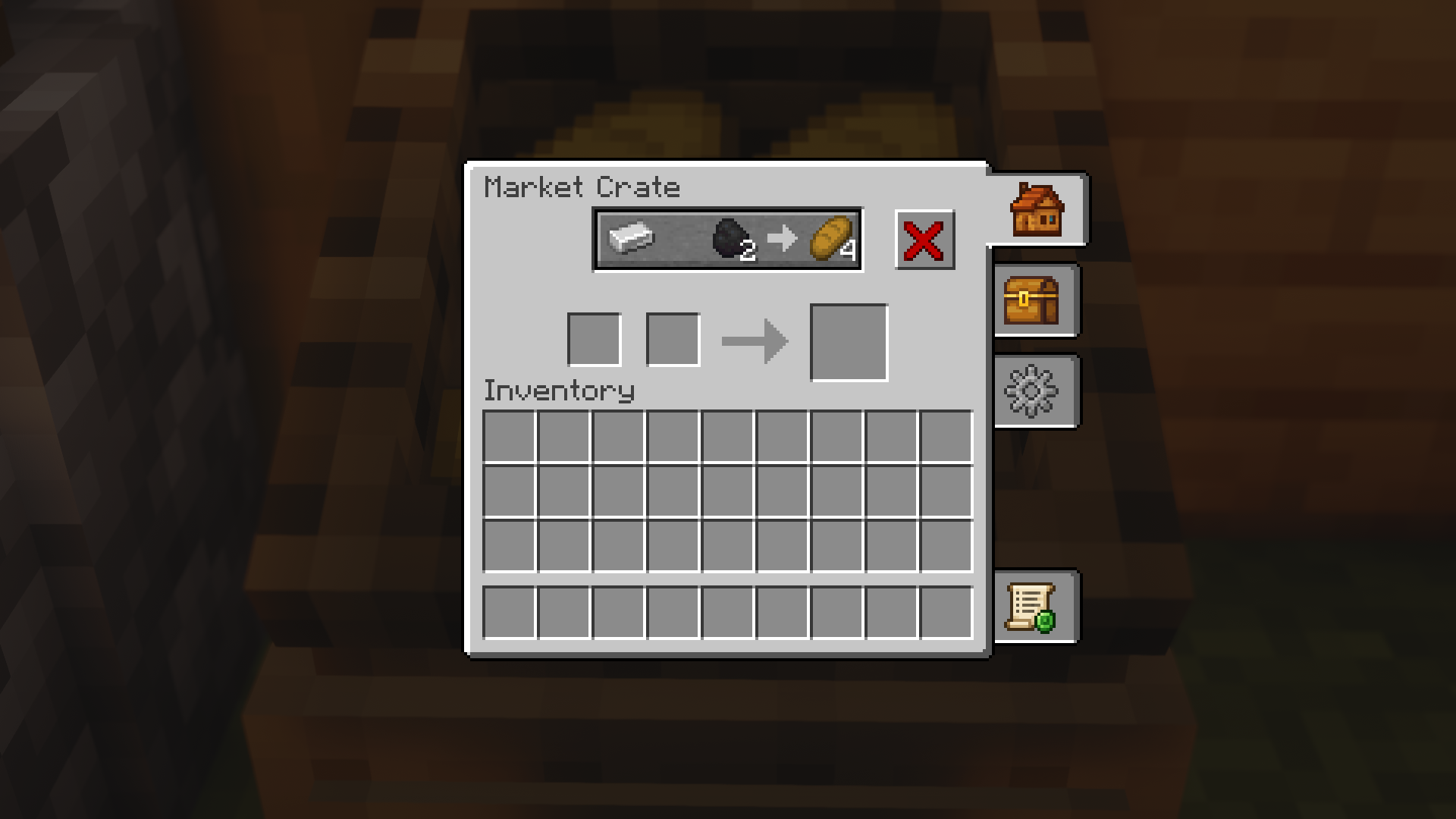
Set the Offer (in the Offers tab):
- Payment Slots (Left): Place up to 2 items that customers must pay (e.g., 2 Diamonds + 1 Gold Ingot).
- Result Slot (Right): Place the item the customer receives (e.g., 1 Netherite Upgrade Smithing Template).
- Click the green Create Offer checkmark button to activate the trade and claim ownership.
-
Fill Stock (in the Inventory tab):
- Input Storage (Left): Place the merchandise you are selling into the input slots.
- Output Storage (Right): Customer payments are safely stored here until collected.

In the Offers tab, customers see the large Offer Preview Button at the top, the Payment Slots below it, and the Result Slot on the right:
-
Deposit Payment Items:
- Auto-Fill Button: Click the large Offer Preview Button above the slots to automatically pull matching payment items from your inventory into the shop's payment slots.
- Manual Placement: Alternatively, drag and drop the required payment items directly into the payment slots.
-
Retrieve Purchased Goods:
- Once sufficient payment items are present in the payment slots, the purchased item appears in the Result Slot on the right.
- Single Purchase: Left-click the item in the result slot to buy 1 unit
-
Bulk Purchase (Shift-Click): Hold
Shiftand click the item in the result slot to immediately purchase as many units as your deposited payment items permit directly into your inventory.
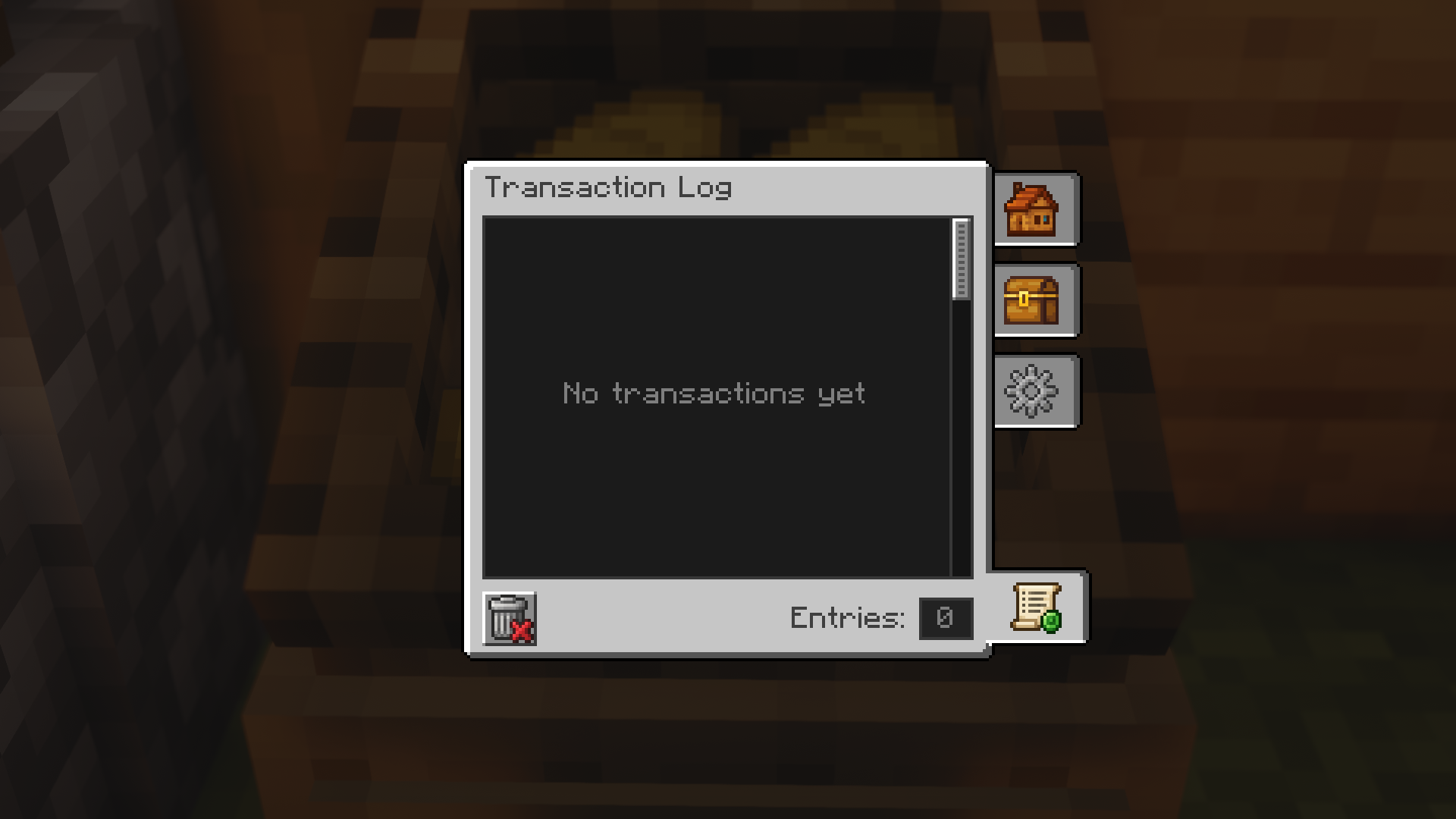
Every trade is recorded in the shop's Log tab:
- Displays customer names, player heads (with skin layers), exact payment and purchased items, and relative timestamps (e.g., "5m ago").
-
Smart Stacking: Successive purchases made by the same customer within 20 seconds are automatically combined into a single entry with an aggregation counter (e.g.,
x5). - The log stores up to 100 entries. The Primary Owner can clear the history at any time using the trash button.
Ready to customize your shop with animated clerks, floating items, or hopper automation?
➡️ Check out the SingleOfferShop Settings Guide!