Features and Configuration
Hold any item, sneak, and interact with a placed normal or dyed shulker box. One item is stored and its flat icon appears on the exact face you clicked. Each shulker supports one label.
- Floor-placed shulkers: top and four sides
- Wall-placed shulkers: outward-facing top and four sides
- Ceiling-placed shulkers: downward-facing top and four sides
Top and downward-facing labels use the player's nearest compass direction at placement so the item has a consistent viewing orientation. The label remains on its selected block face while the lid opens.
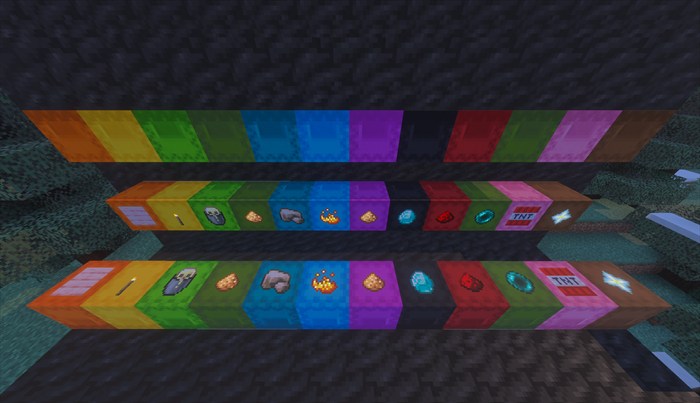
Floor, wall, and ceiling placements all accept a label on the visible shulker lid and on the four side faces.
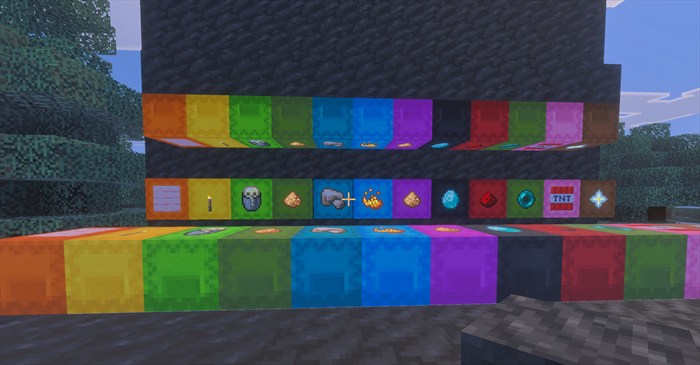
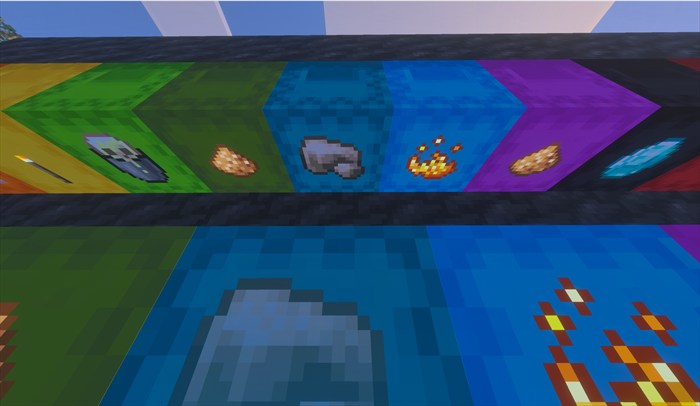
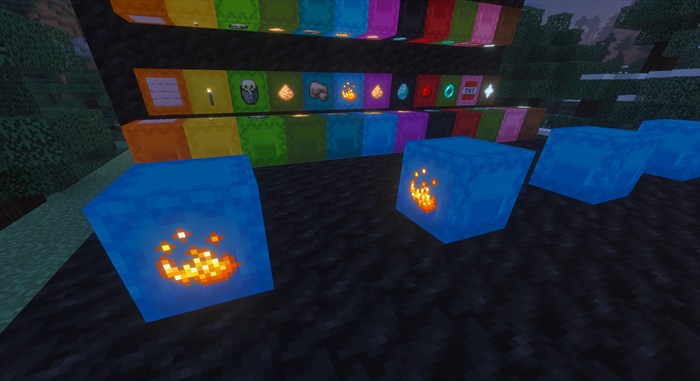
Sneak-interact while holding another item to replace the label. The previous item is returned before the new item is stored. Sneak-interact with an empty hand on the shulker or visible icon to remove it. If the player's inventory cannot accept the returned item, it drops beside the shulker.
Labels remain stored when their chunk unloads or the world closes. Cleanup does not treat an unavailable chunk as an empty block. When the area loads again, the label synchronizes with its shulker and stored item.
Mine the shulker normally by hand or with a tool. Its native item drop keeps a protected claim to the exact label. The label does not drop separately. Place that same shulker item to restore the label face, horizontal orientation, and stored item, whether the box is empty or full.
The label stores the real one-item stack rather than only its item type. Names, lore, enchantments, durability damage, and other stored data survive removal and the carry cycle. If a label or placed shulker is destroyed without creating a portable shulker drop, the original label item drops for recovery.
Once an item is on the ground, normal Minecraft pickup, despawn, fire, explosion, and environmental rules apply.
The add-on maps vanilla item identifiers to their Mojang texture paths. Unsupported items from other add-ons use the paper fallback. The icon surface does not reproduce enchantment glint or durability-state artwork, but the stored and returned item retains that data.
| Setting | Default | How to change it |
|---|---|---|
| Item labels | Enabled while both packs are active | Activate or deactivate the packs in world settings |
| One label per shulker | Always | Fixed behavior in 1.1.7 |
| Stored item amount | One | Fixed behavior in 1.1.7 |
| Clicked-face placement | Enabled | Fixed behavior in 1.1.7 |
There are no per-player, per-dimension, numeric, or operator-only settings in version 1.1.7.