Getting Started
- Download
Andys_Better_Shulker_Boxes_1.1.7.mcaddonfrom the main repository. - Open the file with Minecraft Bedrock and wait for both packs to import.
- Create a world or edit an existing one.
- Activate Andy's Better Shulker Boxes BP under Behavior Packs.
- Confirm Andy's Better Shulker Boxes RP is active under Resource Packs.
- Back up an important existing world before entering it with a new add-on version.
On consoles, import and activate the add-on on Windows or mobile, upload the prepared world to a Realm, then join that Realm from the console.
Version 1.1.7 has no settings to configure. Both packs must be active at the same version. Cheats and Experiments can remain off.
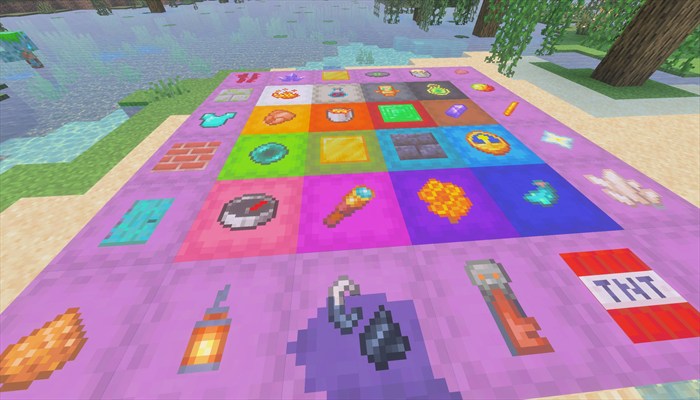
For a first check, place an upright shulker and label its top with a common, asymmetric item such as Redstone Dust. This makes the clicked face and player-facing rotation easy to see.
| Action | Control |
|---|---|
| Apply or replace a label | Hold an item, sneak, and interact with the desired shulker face |
| Remove and recover a label | Select an empty slot, sneak, and interact with the shulker or visible label |
| Open the shulker normally | Interact without sneaking |
| Move a labeled shulker | Mine it normally, pick up that shulker item, and place it again |
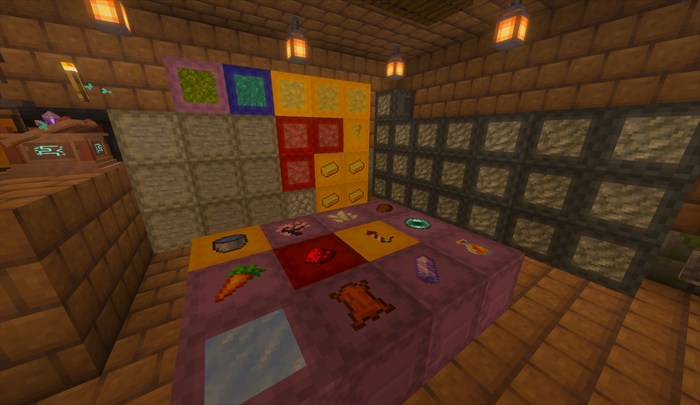
Install both packs on the server world and require joining players to accept the Resource Pack. Version 1.1.7 has no configuration commands or scriptevent interface because it exposes no tunable settings.
No calibration is required. After updating, verify one existing label, one removal, and one pickup-and-replacement cycle before resuming normal play in an important world. Existing labels should remain stored through the update.