User installation & setup guidance
To be able to run the application and operate in a virtual environment you need SMCE and Android Studio. Then you will be able to run Arduino sketch that comes with the repository.
To be able to run the application on SMCE please refer to the following steps;
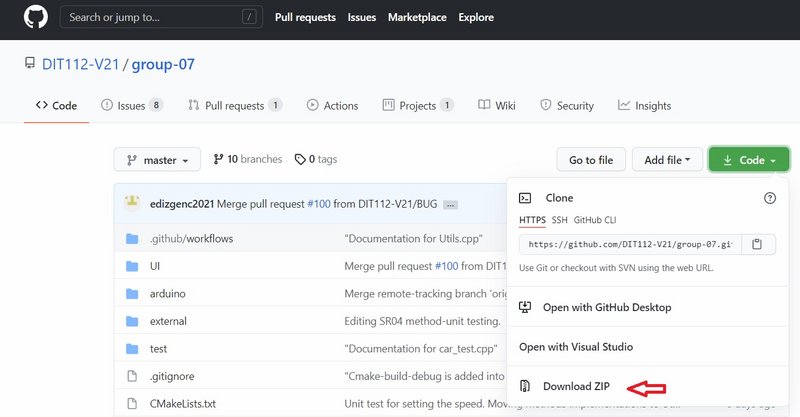
Go to the Github repository by following the link below.
https://github.com/DIT112-V21/group-07Download and unzip the file
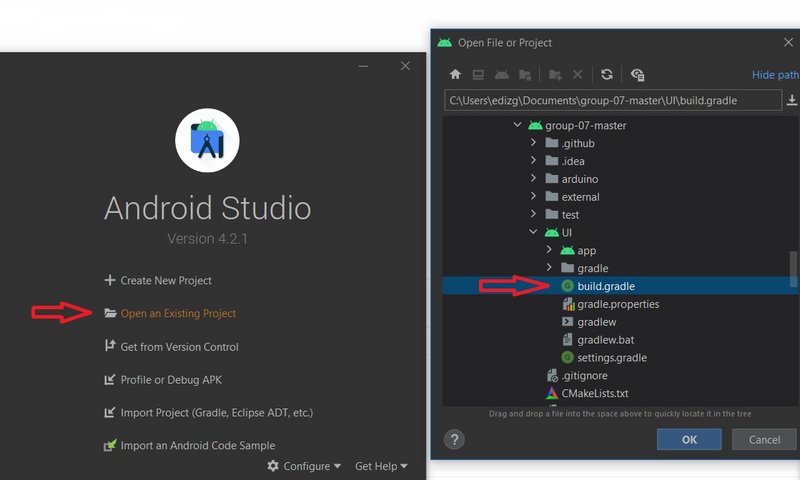
Open Andriod studio --> Click "open an existing project" --> find where you unzipped your file ---> then choose "build gradle" file.
Ensure that you have created "Create Virtual Device".
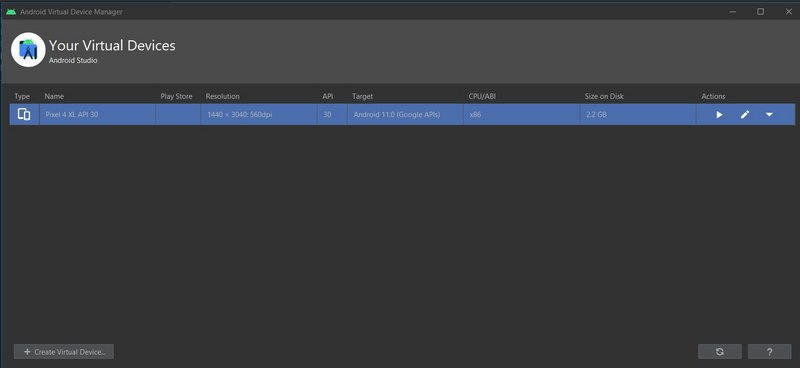
Press the play button to be able to start the emulator.

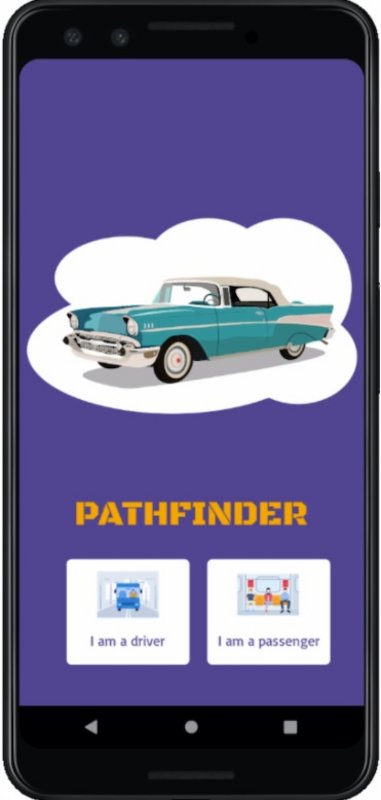
You should be able to see the application running.
Run SMCE application and click on start fresh.

Click the plus "+" sign and then open the directory by clicking "add new".
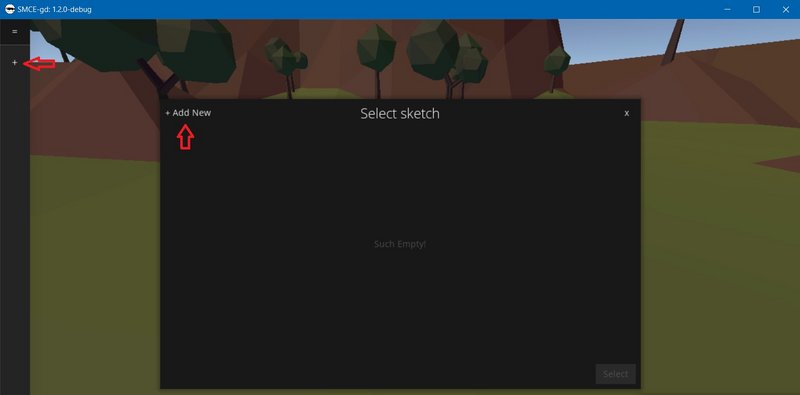
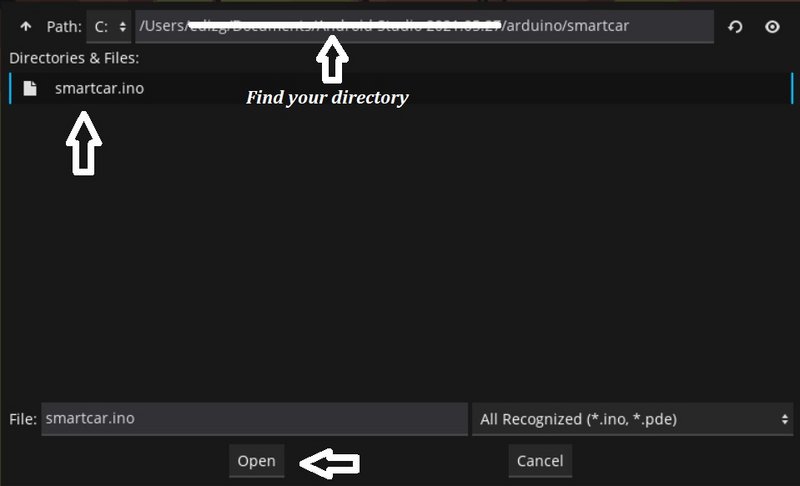
Find the "arduino/smartcar.ino" file in the repository's directory and open it.
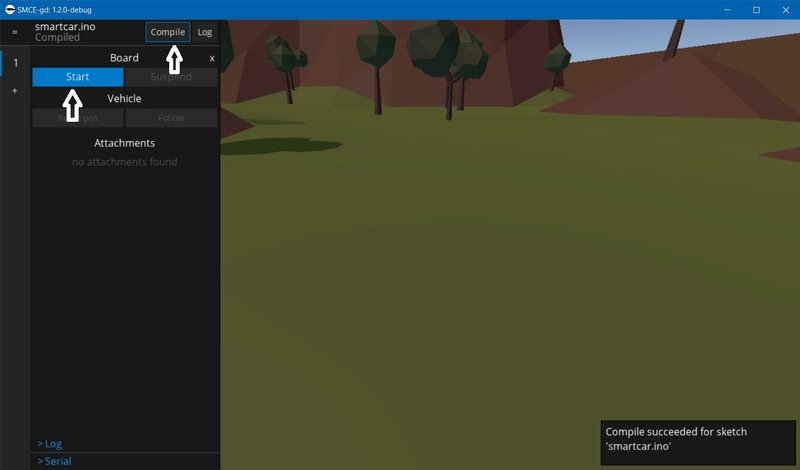
Compile the sketch and start it.
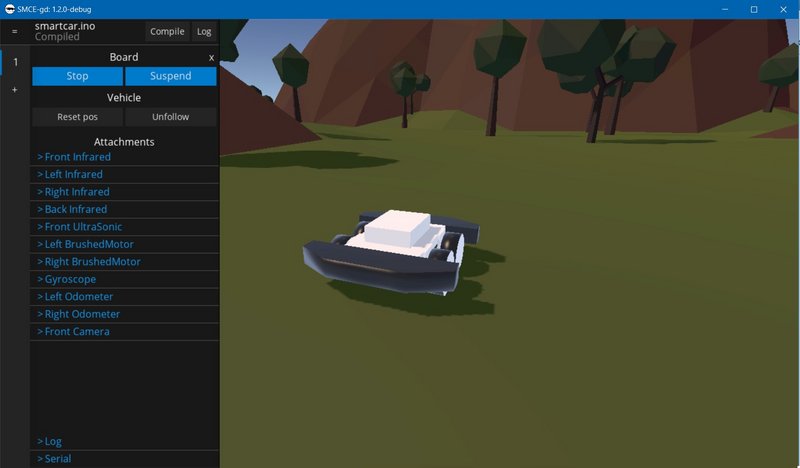
Now you can drive the smartcar.
)