Repository navigation
Strata 1.0.0

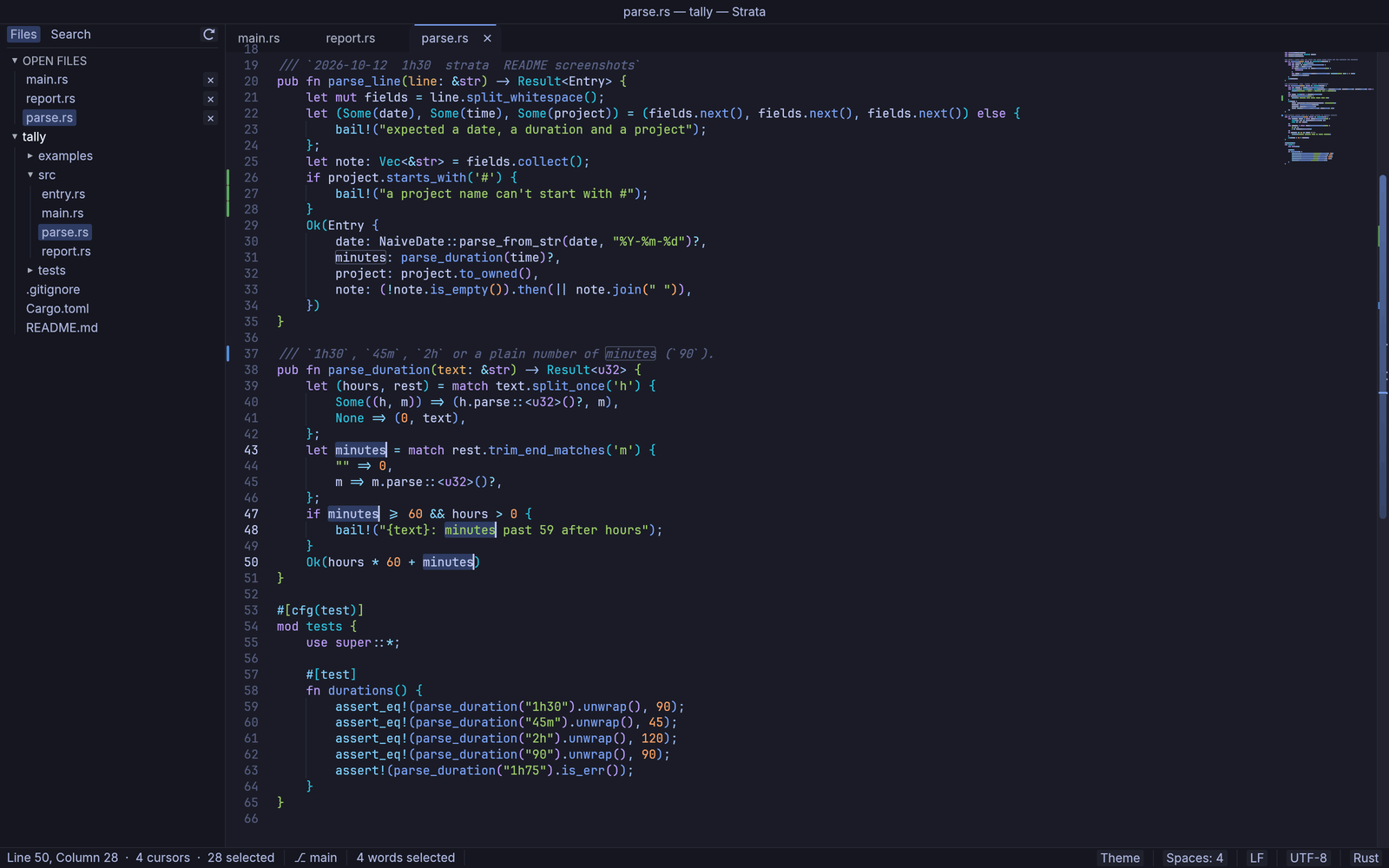
Strata 1.0: a fast, open-source code and text editor for macOS and Windows. Native, written in Rust, built for the keyboard. No accounts, no telemetry.
Downloads
| Platform | File |
|---|---|
| macOS 11+, any Mac (Apple silicon + Intel) | Strata-1.0.0-universal.dmg |
| macOS, Apple silicon only (smaller) | Strata-1.0.0-arm64.dmg |
| Windows 10/11, x64 (portable, nothing to install) | Strata-1.0.0-windows-x64.zip |
The .app.zip files and latest.json are for the built-in updater; you don't need them.
First launch
- macOS: signed with a Developer ID and notarized by Apple. Open the DMG and drag Strata to Applications.
- Windows: unzip anywhere and run
Strata.exe. The exe isn't code-signed yet, so SmartScreen may say "Windows protected your PC": choose More info ▸ Run anyway.
Already on 1.0.0-rc.1? Choose Help ▸ Check for Updates… to update in place.
Checksums: macOS shasum -a 256 -c <file>.sha256; Windows Get-FileHash <file> and compare with the .sha256.
Privacy: Strata only contacts GitHub to check for and download updates, and only if you allow it (it asks once). Nothing else is sent.
Known limitations
- Screen readers can't read the editor area yet (keyboard-only use is fully supported).
- Linux isn't an official platform yet (it builds from source).
- No complex-script shaping (Arabic, Hebrew, Devanagari); emoji are monochrome.
Strata 1.0, the first stable release: a fast, open-source code and text editor
for macOS and Windows. It contains everything in 1.0.0-rc.1 below, tested on
macOS and on Windows.
Changed since 1.0.0-rc.1
- The Windows build has been tried on real hardware.
- Release builds from CI refuse to publish unless they can be signed.
Highlights
- Multiple cursors, Goto Anything, the command palette, and find and replace
across whole projects with undo. - Split panes, multiple windows, several views of one file, and projects with
several folders. - A built-in terminal, live Markdown preview, side-by-side compare, build
systems, Git change bars and permalinks, spell check, printing and PDF. - About 190 languages, 35 color schemes, bundled coding fonts, EditorConfig
and per-language settings, and a Settings window. - Hot exit, atomic saves, crash recovery and fast large-file handling.
- Signed, opt-in updates from inside the app (Help ▸ Check for Updates…).
Full feature list: see CHANGELOG.md and the 1.0.0-rc.1 notes.