Repository navigation
AceDeck 1.0.0 — desktop studio for ACE-Step 1.5

AceDeck 1.0.0 — first public release
The desktop studio & control deck for ACE-Step 1.5: generate full songs with vocals locally on your NVIDIA GPU.
Download
| File | For |
|---|---|
| AceDeck-Setup-1.0.0.exe | Installer (per-user, no admin, desktop & Start menu shortcuts) |
| AceDeck-Portable-1.0.0.exe | Portable single exe |
The build is not code-signed yet — Windows SmartScreen may show a warning: More info → Run anyway.
Highlights
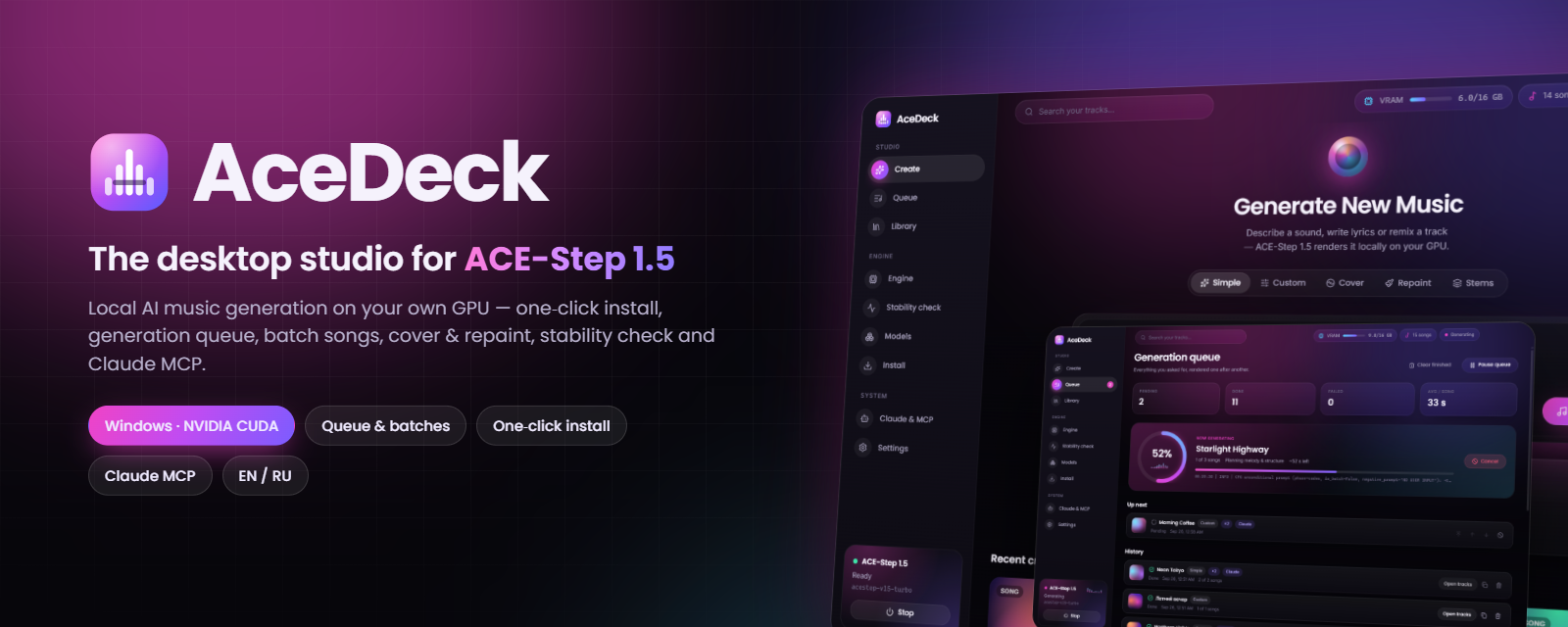
- 🎹 Simple / Custom / Cover / Repaint / Stems modes with every ACE-Step 1.5 parameter + AI helpers
- 📋 Generation queue with song counts, batches, reorder, cancel, retry, pause — survives restarts
- 📈 Live progress with real engine stages and ETA
- 🎧 Library with generative covers, waveform player, Save as…, reuse settings, cover/repaint shortcuts
- ⚙️ Engine start / stop / restart / update, live GPU telemetry and log
- 🩺 Stability check with a real stress test → Stable / Unstable / Not working
- 📦 One-click install of ACE-Step 1.5 + Python + PyTorch CUDA + ~10 GB models with per-step progress bars
- 🤖 Claude MCP server (12 tools) — one click to add to Claude Desktop
- 🌍 English & Russian UI
Tested on Windows 11 + RTX 5060 Ti 16 GB: stability check Stable 100/100.
SHA-256
F6A94DF6ADF02B36EBBBC8B385C8AECA358B489191C2C8913E23CF645A368CF5  AceDeck-Setup-1.0.0.exe
A43C22B2EB750E2606A4A2CE1F2C57286DCE1A28F782461136BDC3213BA7430E  AceDeck-Portable-1.0.0.exe
🇷🇺 Коротко по-русски
Десктоп-студия для ACE-Step 1.5: установка нейросети в один клик, очередь и пакетная генерация песен, каверы и перерисовка, запуск / остановка / перезапуск нейросети, проверка стабильности, библиотека с плеером и управление через Claude (MCP). Скачайте AceDeck-Setup-1.0.0.exe, запустите и нажмите «Установить ACE-Step». Подробности — в README.ru.md.