Repository navigation
04. Importing Assets
During development of any project in Unity, there will be a need to import assets, whether they be 3D or 2D. Assets come in various file formats such as .fbx, .png, and .tga. These are just a few, but are commonly used in Unity development. In this tutorial, you will learn different ways to bring in your assets.
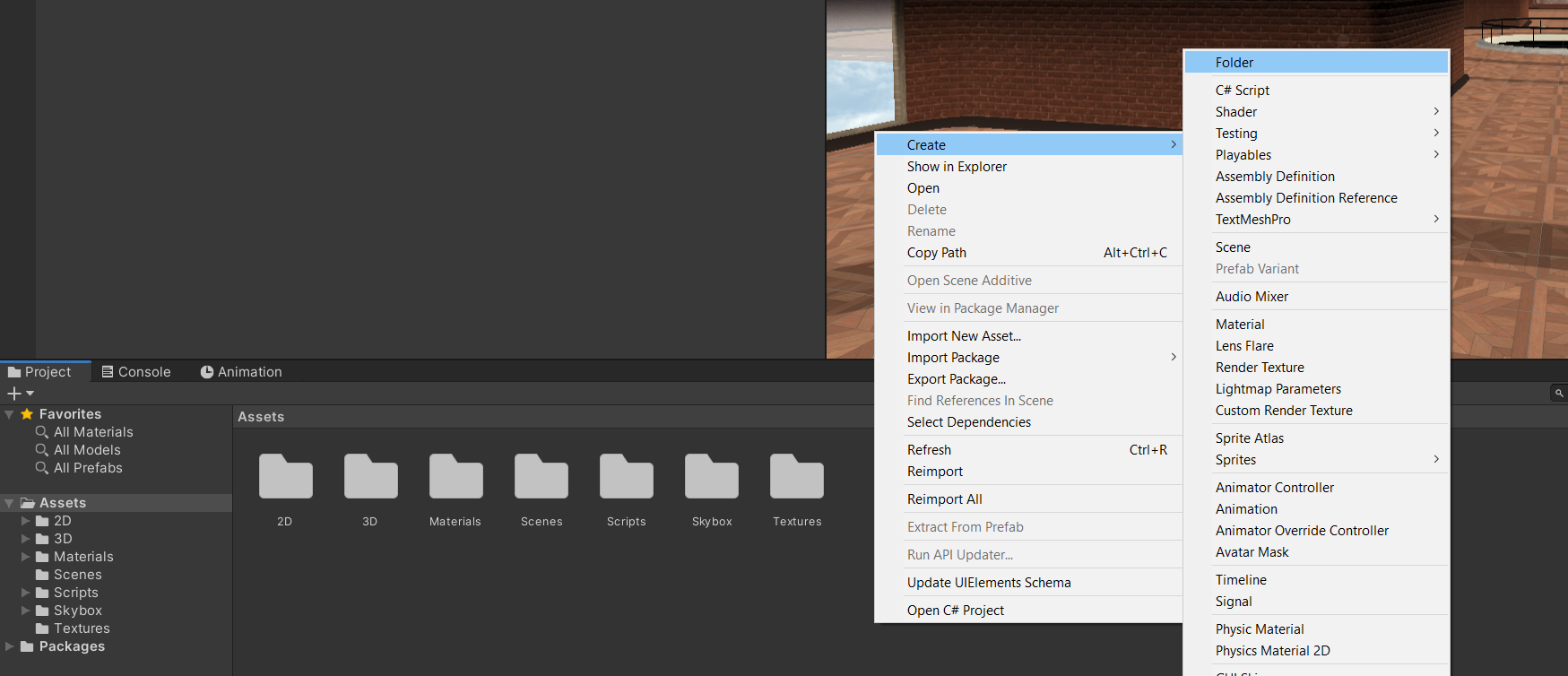
Please keep in mind to keep your project clean and structured with subfolders. To create a new folder, simply click the right mousebutton in the Project Window -> Create -> Folder.
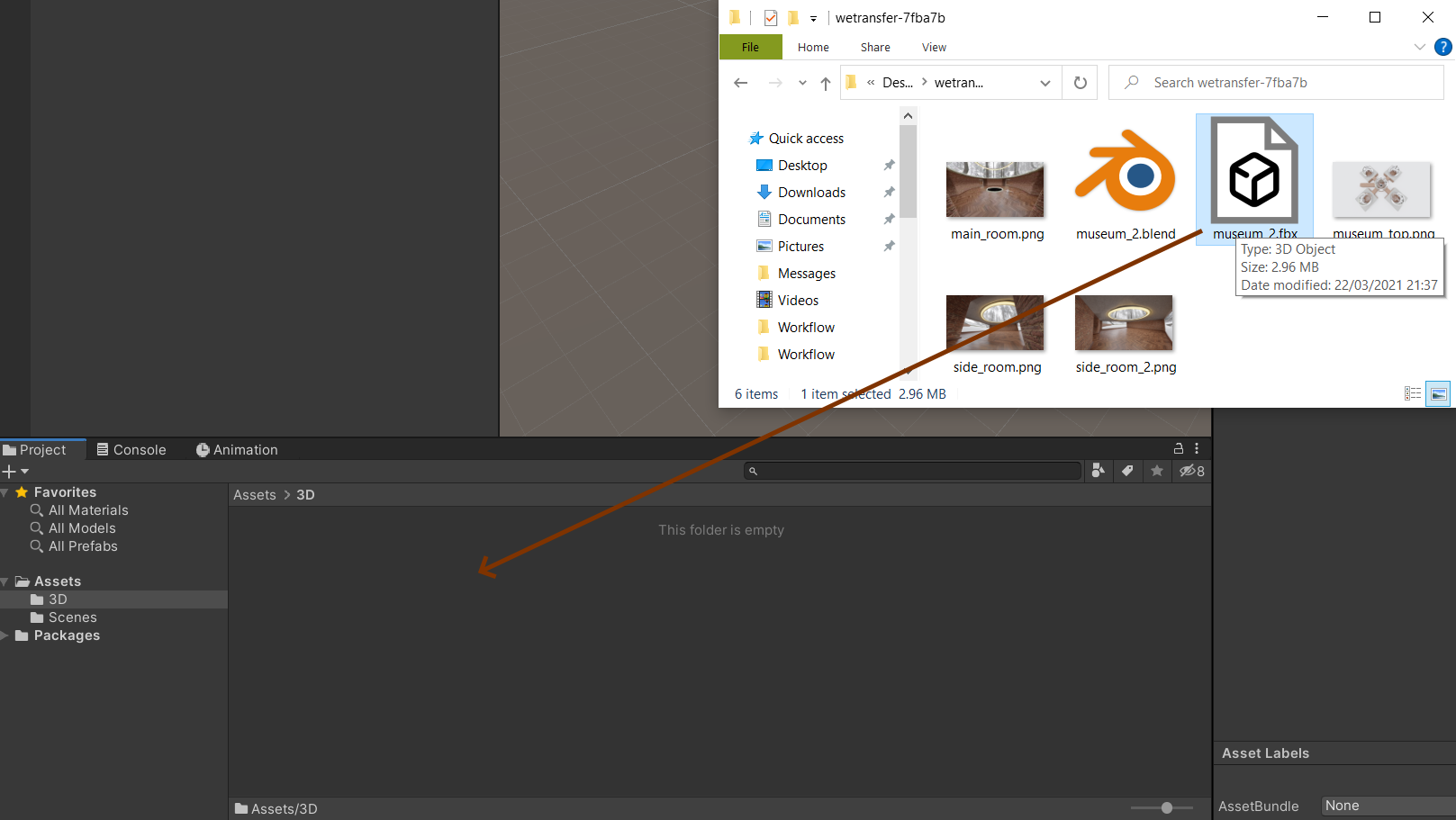
The easiest way is to open the assets you want to import in an explorer window and simply drag and drop it into your Assets Folder in Unity itself:
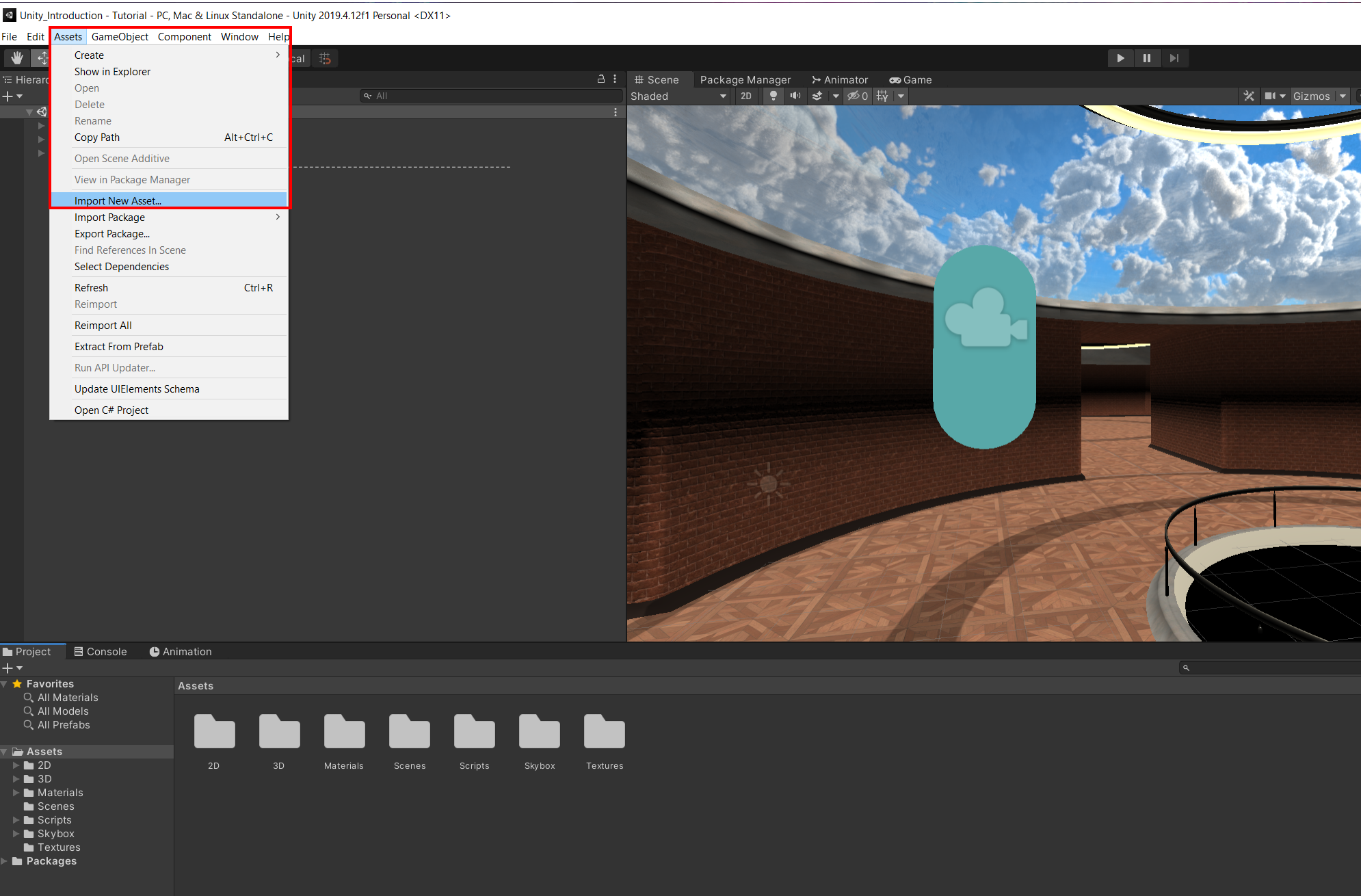
Another way is to go to Assets -> Import New Asset... and add the Asset via the explorer window.