Repository navigation
08. Easy 2D Animation
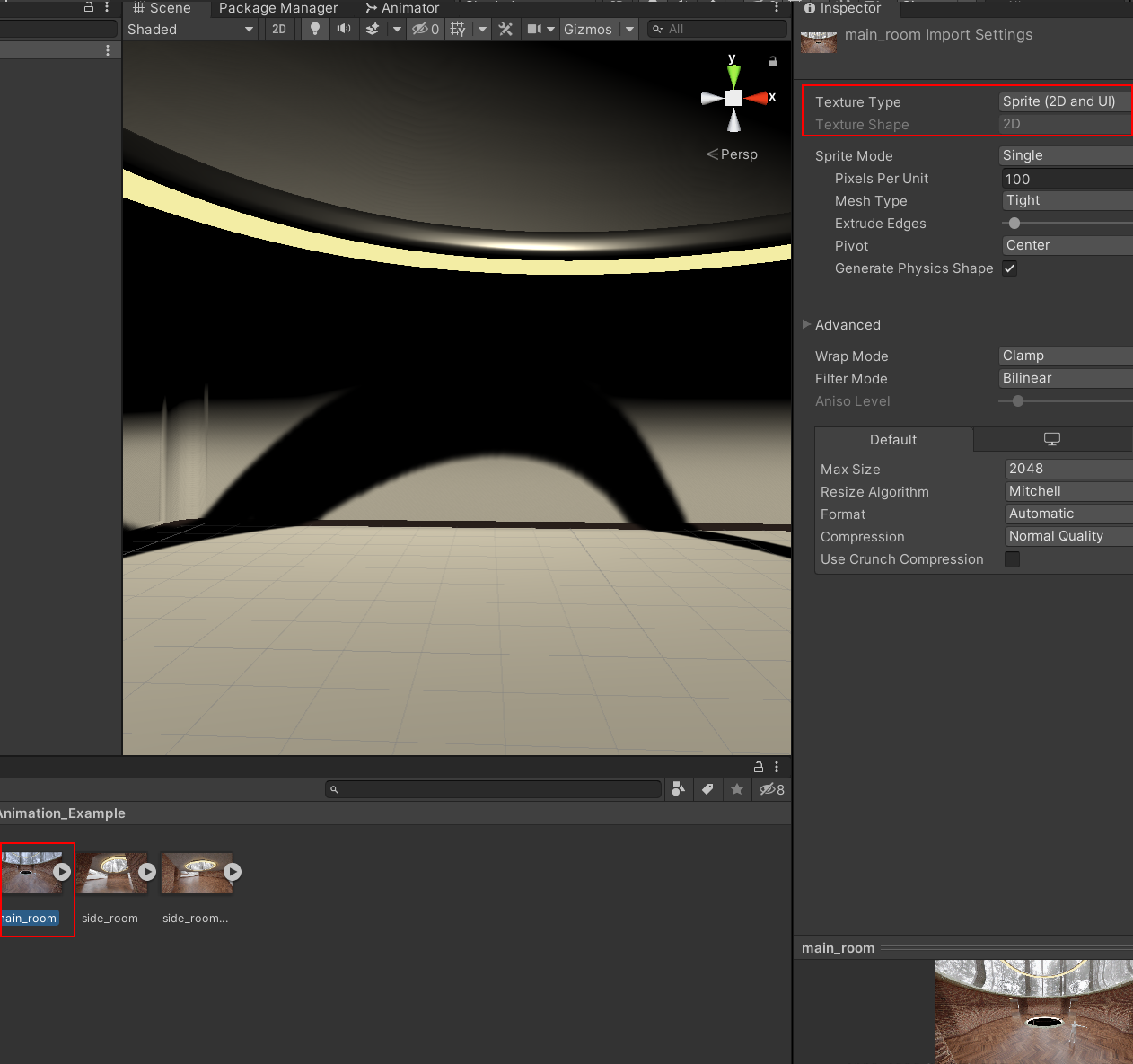
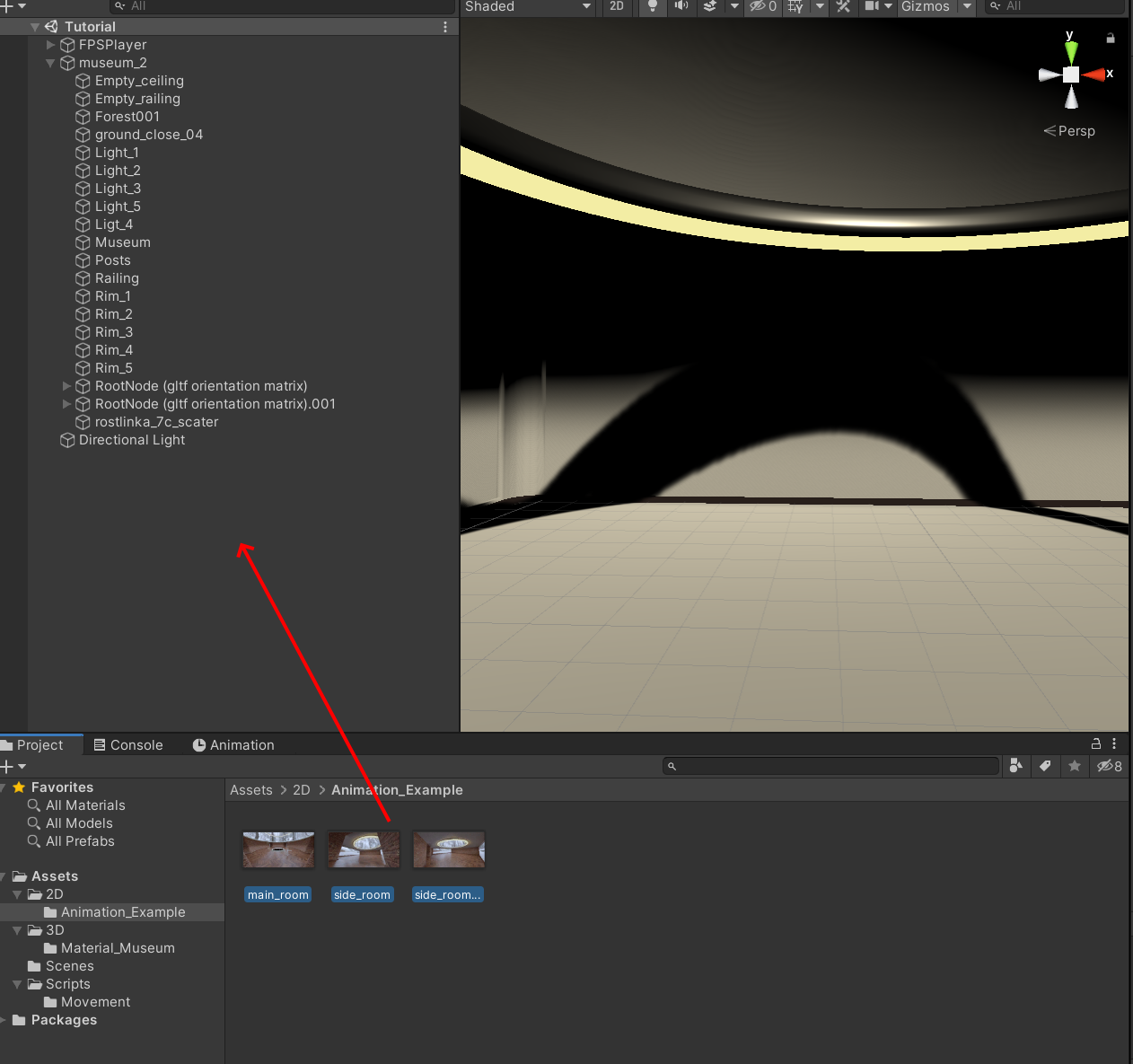
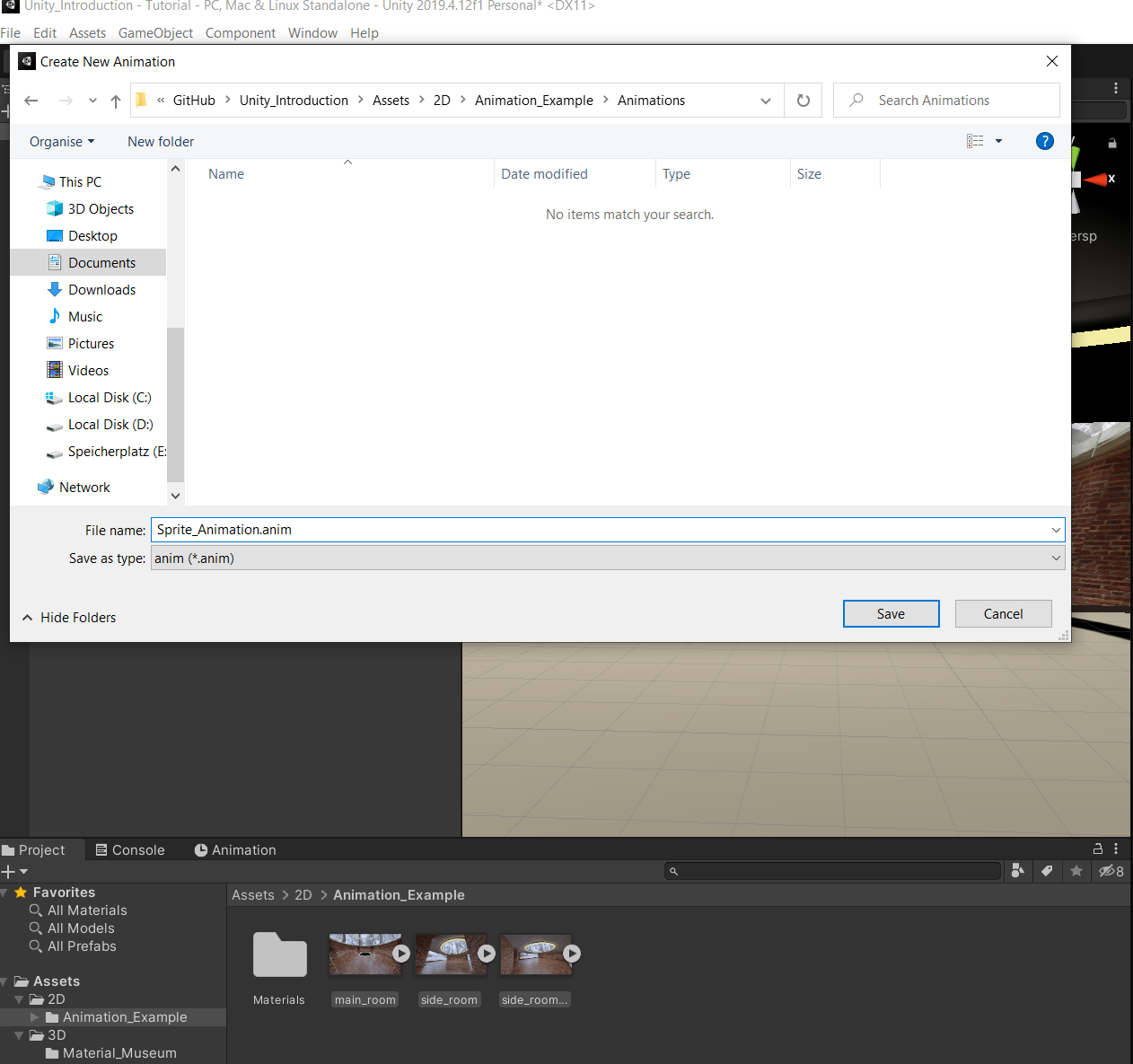
Afterwards select all of the images you want to create an animation with and drag them into the Hierarchy. Unity will automatically create an animation for you.
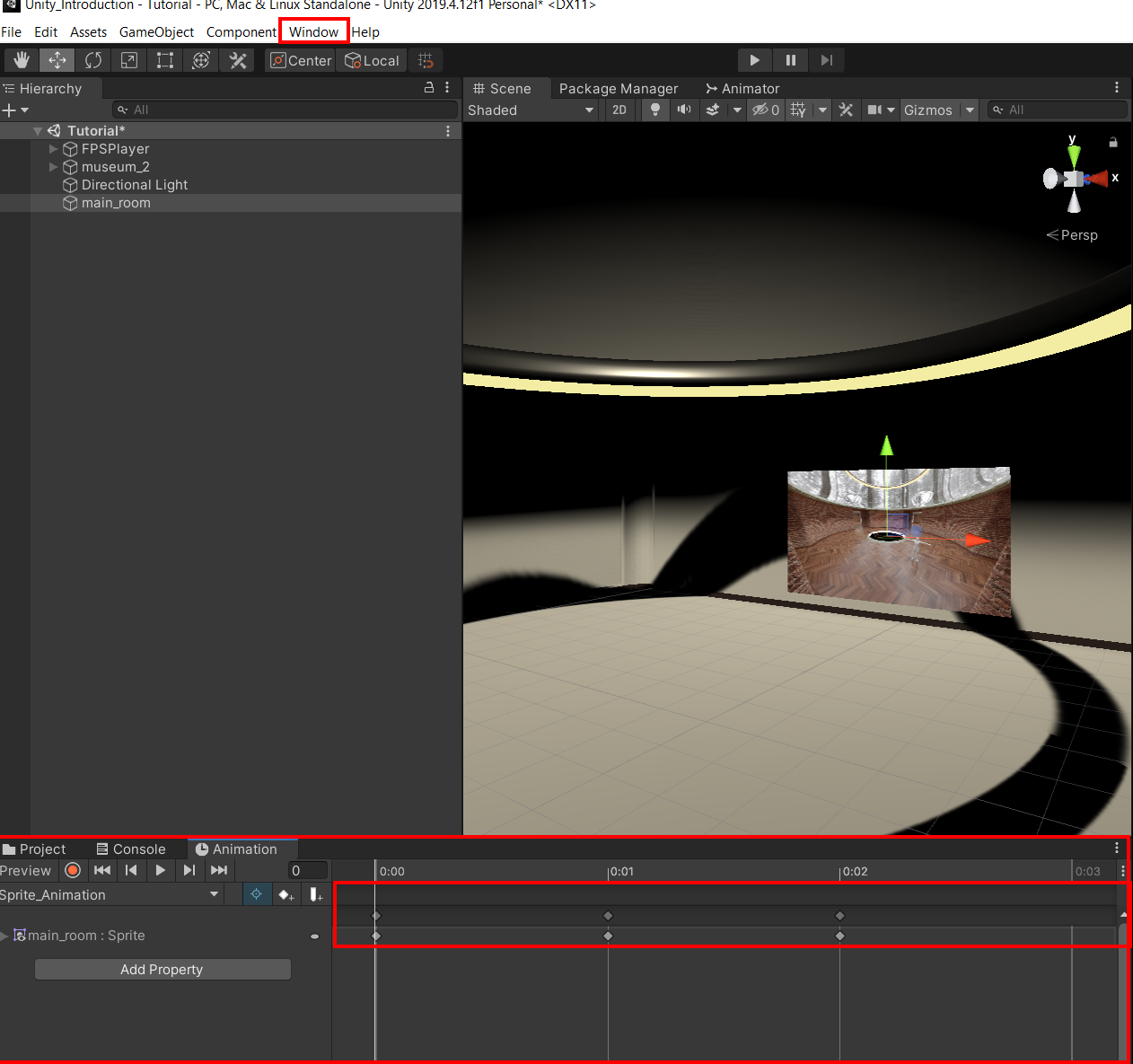
You can change the speed and order of the images in the animation in the Animation Window. You can open it via Window -> Animation -> Animation. Here each key inside the timeline represents one image frame.