Buses
A bus sits next to an ordinary container and moves items between that container and the network. It does the walking so you do not have to.
Both kinds cost 20 Any Log and 10 Iron Bar at a Workstation.

Takes items out of the container and puts them into the network.
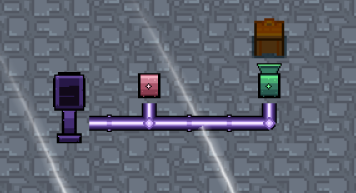
The usual first one goes next to the chest you empty your pockets into when you get home. Drop everything in the chest, walk away, and it ends up sorted into your network.

Takes items out of the network and puts them into the container.
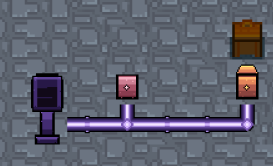
Useful for keeping something topped up. An export bus set to wood, next to a chest by your building spot, means that chest always has wood in it.
A bus needs two things. It must touch the network, through a conduit or by being next to a unit or the terminal. And it must be directly next to the container it serves, in one of the four directions, not diagonally.
A bus with nothing beside it goes dark, which is what a mistake looks like:

The bus sprite shows which way it is facing once it has found a container. If it looks unattached, it has not found one, and the usual reason is that the container is diagonal rather than beside it.
A container wider than one tile works from any of its sides.
Click a bus to open it. Every bus starts with no rules, which means everything is allowed.
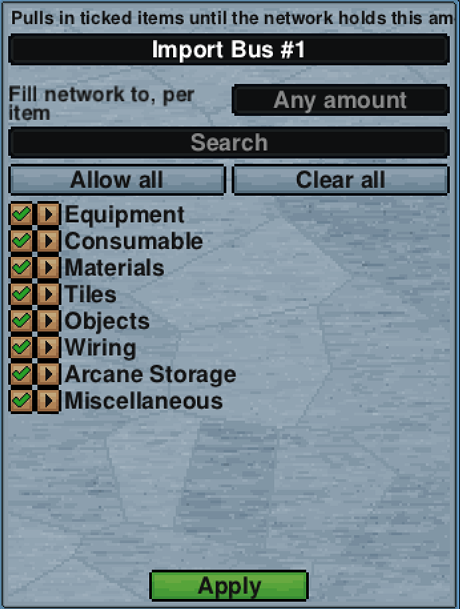
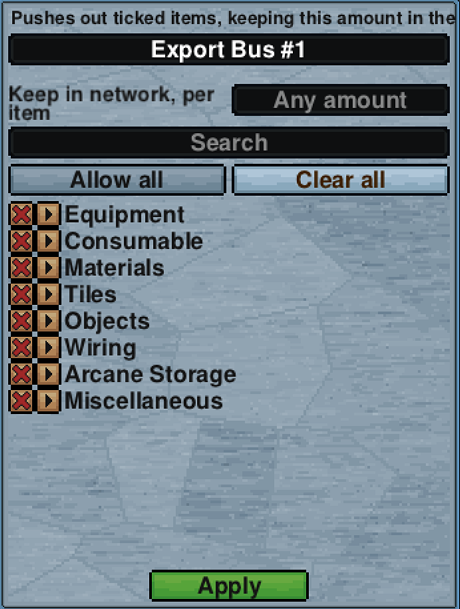
- Item rules let you list what may pass. An import bus with a rule for ore moves only ore and leaves the rest in the chest.
- Category rules work the same way but for a whole category at once.
- A limit on a rule stops the transfer once the network holds that many. An export bus with a limit of 200 on wood keeps the chest supplied up to 200 and then stops.
Every bus gets a number when you place it, so your first import bus is Import Bus 1. That number is yours for good and does not change when you break another bus.
You can rename any bus to something you will recognise, like Farm or Smelter. The name shows up in the Logistics tab, which is where a large base becomes readable instead of being a list of numbers.
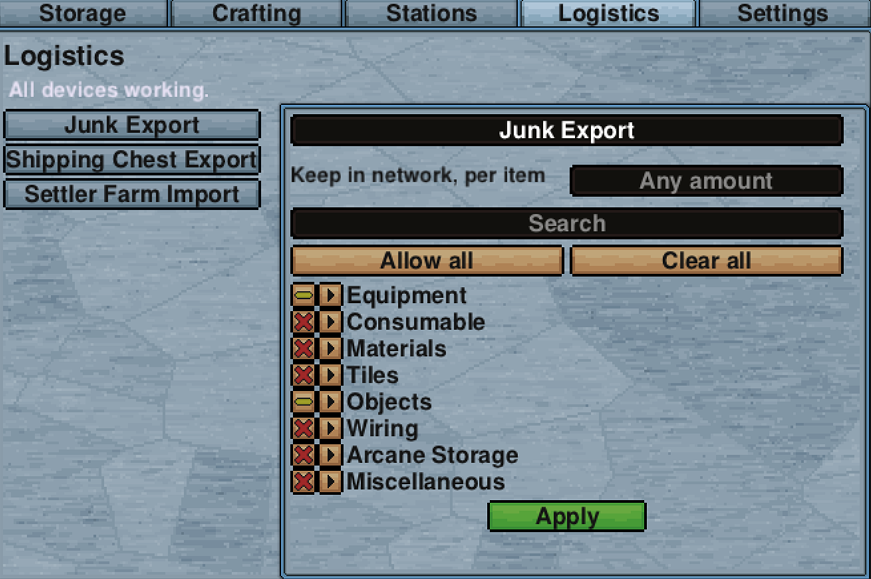
Open the terminal and go to Logistics. Every bus is listed with its name, what it is attached to, and whether it is working.
A bus that has a problem says so here. The common ones are having no container next to it, or having a rule that no longer matches anything.