Repository navigation
Installation
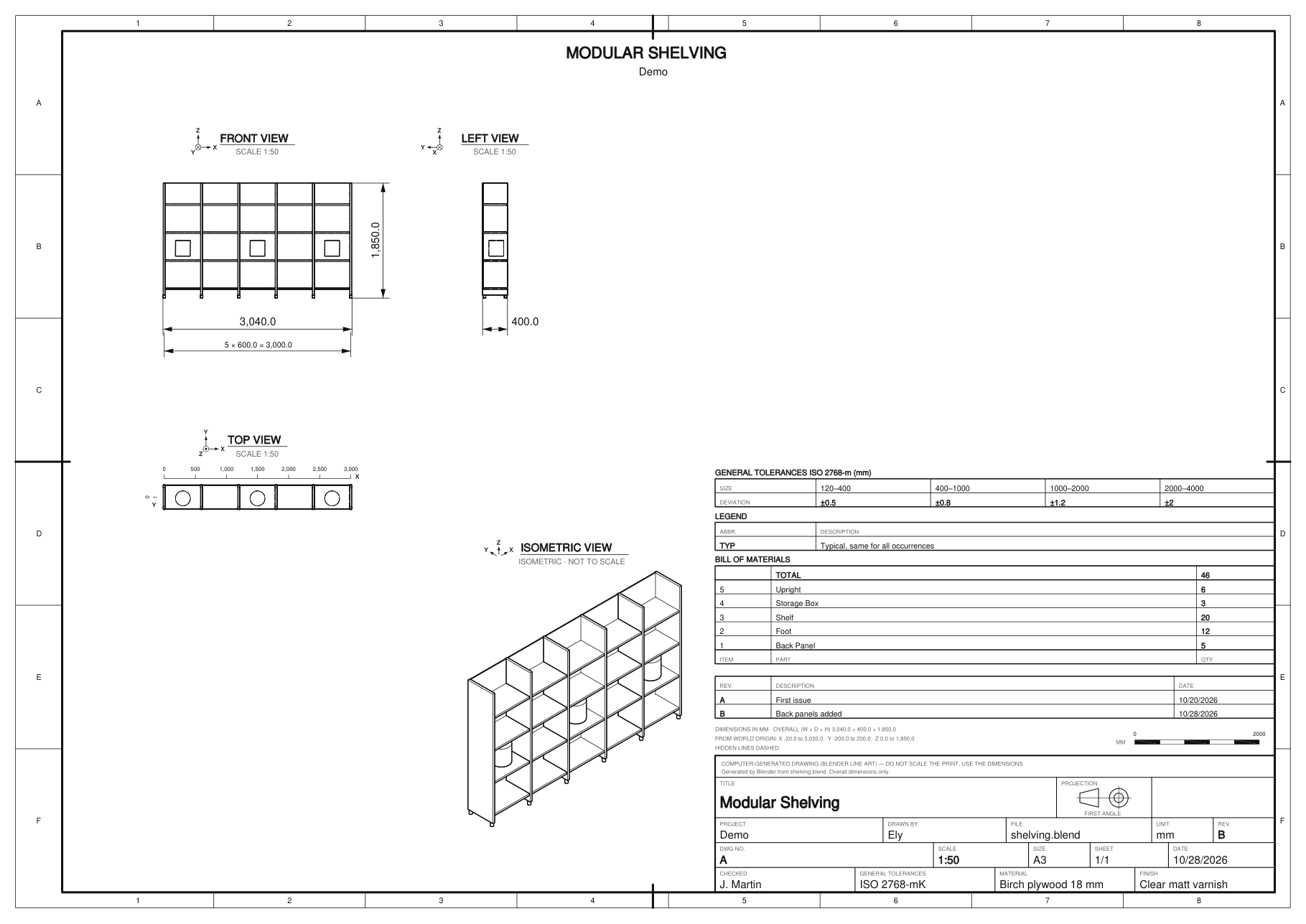
Install Ichno from Blender, then click Make Plan: the PDF opens on its own.
- Edit ‣ Preferences ‣ Get Extensions, search for Ichno, click Install.
- Requires Blender 4.3 or newer (tested on 4.3, 4.5, 5.0 and 5.2), on Windows, macOS and Linux.
- 3D Viewport ‣ Sidebar (N key) ‣ Ichno tab.
- Objects: Visible (everything shown in the viewport), Selected, or one Collection.
- Click Make Plan. A progress bar shows each step; Cancel stops it at any time.
- The PDF opens when it is done. The folder button next to Make Plan opens the last drawing again.
The drawing is computed by a second Blender in the background, from a temporary copy of your file.
Your scene is never modified and you can keep working while it runs.
Save your .blend first: the default output folder //plan/ sits next to it.