DEV Setting_up_Gerrit
Gerrit is the code review mechanism. All code pushed is first verified and reviewed before it is merged.
In order to use ssh git urls for interacting with gerrit you will need to register your ssh public key with gerrit.
Go to https://gerrit.fd.io
You will see an screen like:
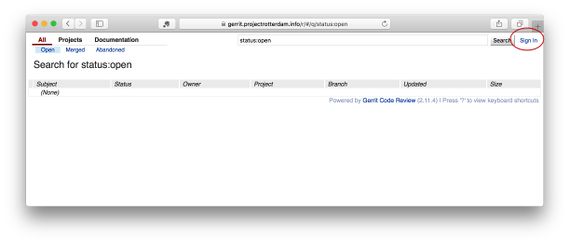
Click 'Login' in the upper right hand corner.
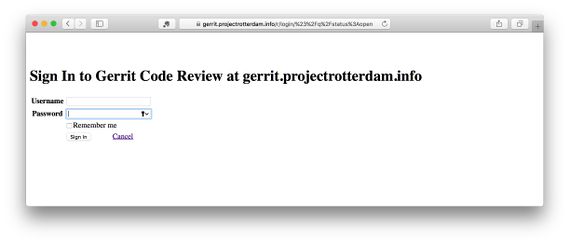
Sign in with your LF username and password:
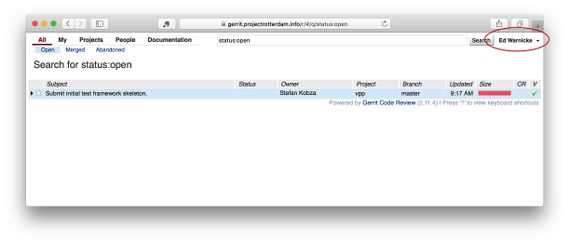
Click on your name in the upper right hand corner:
Select 'Settings'
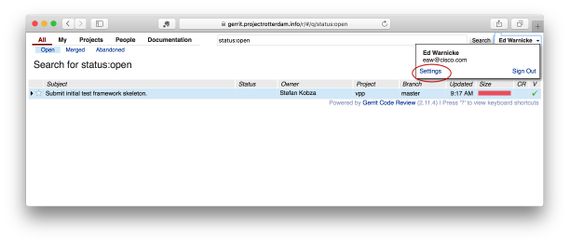
Instructions for getting git and generating an ssh key on Windows
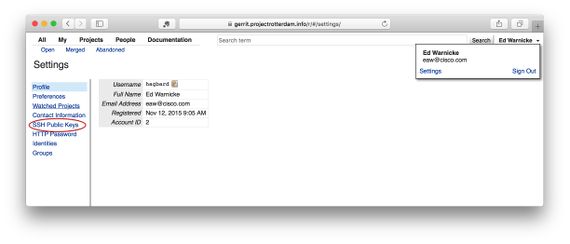
When the 'Settings' screen comes up select 'SSH Settings' in the left hand nav (you can also use this direct link):
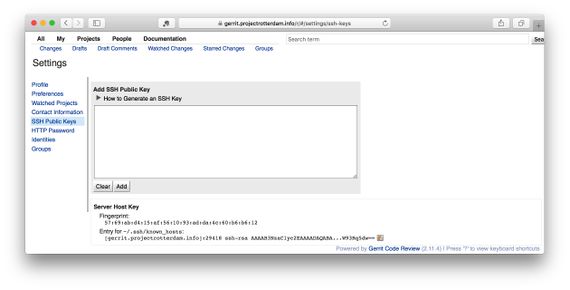
Fill in your ssh public key (there are lots of helpful instructions on this screen for generating a key if you need it, and where to find your public key):
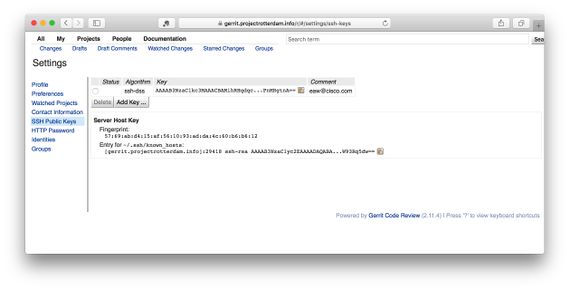
Once you've filled it out it should look something like this:
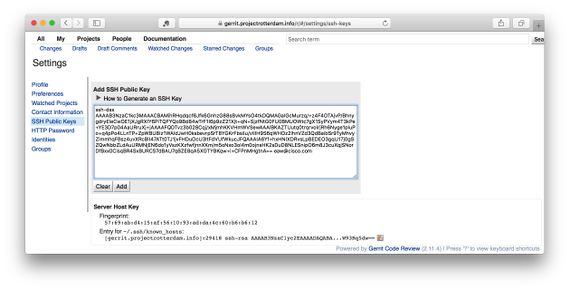
And once you've submitted it it should look something like this: