Running GRating Rebalancer
Make sure:
- Output is configured.
- Selected books have usable Goodreads data.
- The target custom columns are compatible with the selected output types.
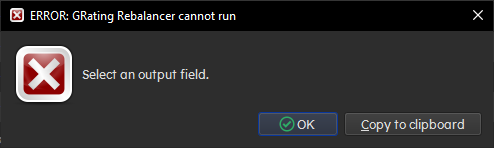
If required setup is missing, the plugin shows an error.
- Select one or more books in Calibre.
- Click
GRating RB. - Review any warning dialog.
- Continue the run.
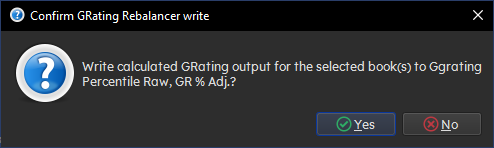
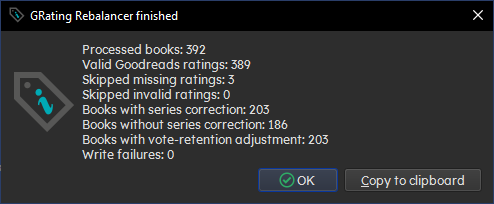
After the run, GRating Rebalancer reports what it wrote.
If no locked map exists, a successful run can offer to lock the generated map.
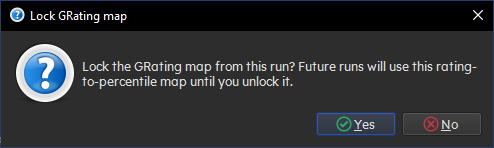
Choose this when you want later runs to use the same rating curve.