[EN] Installing Jirafee
- Follow the link , to get the latest version of the extension.
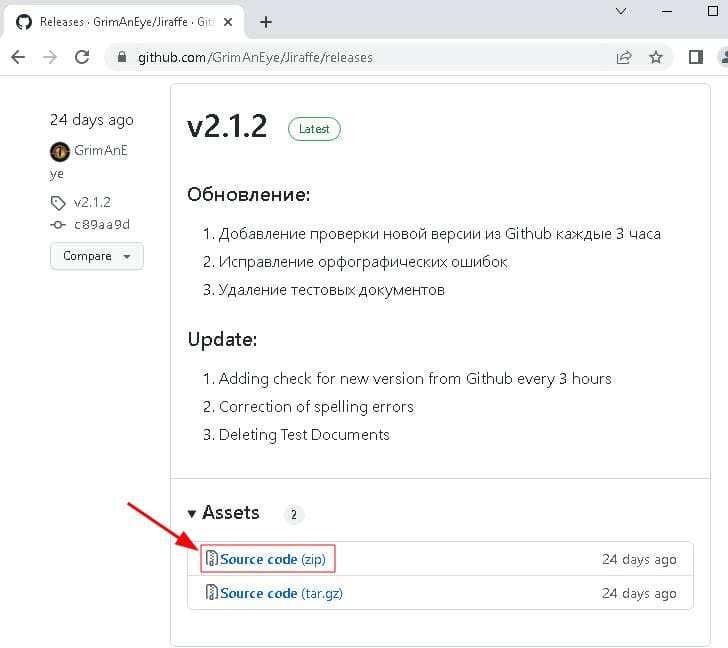
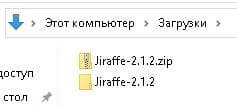
- Download the archive and extract it to your preferred directory on your computer.
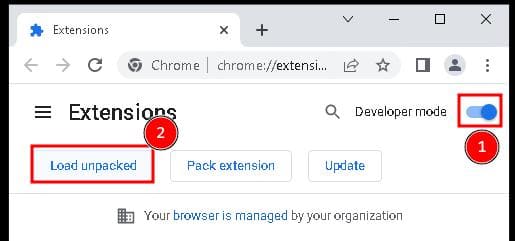
- In Google Chrome, go to the extensions pageй.
- In the upper-right corner, turn on the developer mode.
- Click on the "Load unpacked" button.
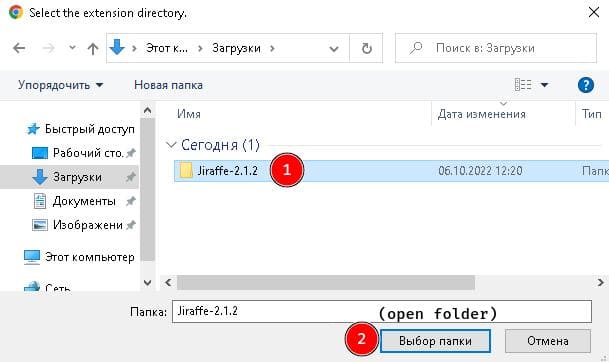
- Open the directory where you previously unpacked the archive with the extension.
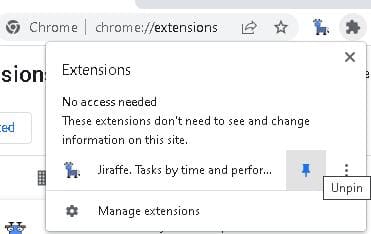
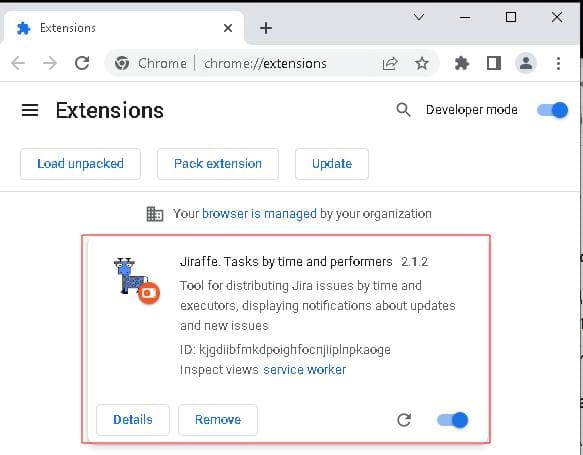
- Giraffe should appear in the list of installed extensions, as well as on the panel in the upper right corner.
- To make the Giraffe always appear on the panel, you can pin it by pressing the needle button.