v1.6.0 — Vandal Hearts PC Port

Vandal Hearts — PC Port v1.6.0
A native PC port of Vandal Hearts (US, SLUS_004.47). You must supply your own
legally-owned disc image (.bin); the download does nothing without it.
An optional HD layer for the two pre-rendered parts of the game — the 320×240 backgrounds and the FMV
movies. Everything here is inert unless you install a pack: the source tree and base build ship no HD
art — a pack is either built from your own disc or downloaded as the optional asset on this release — it
is auto-detected in hdpacks/ beside the executable, and without one the build renders exactly as before.
Hand-drawn pixel art (portraits, sprites, UI, fonts) stays native by design. Applies to both modes; normal
mode is still byte-for-byte the retail game.
Added (both modes)
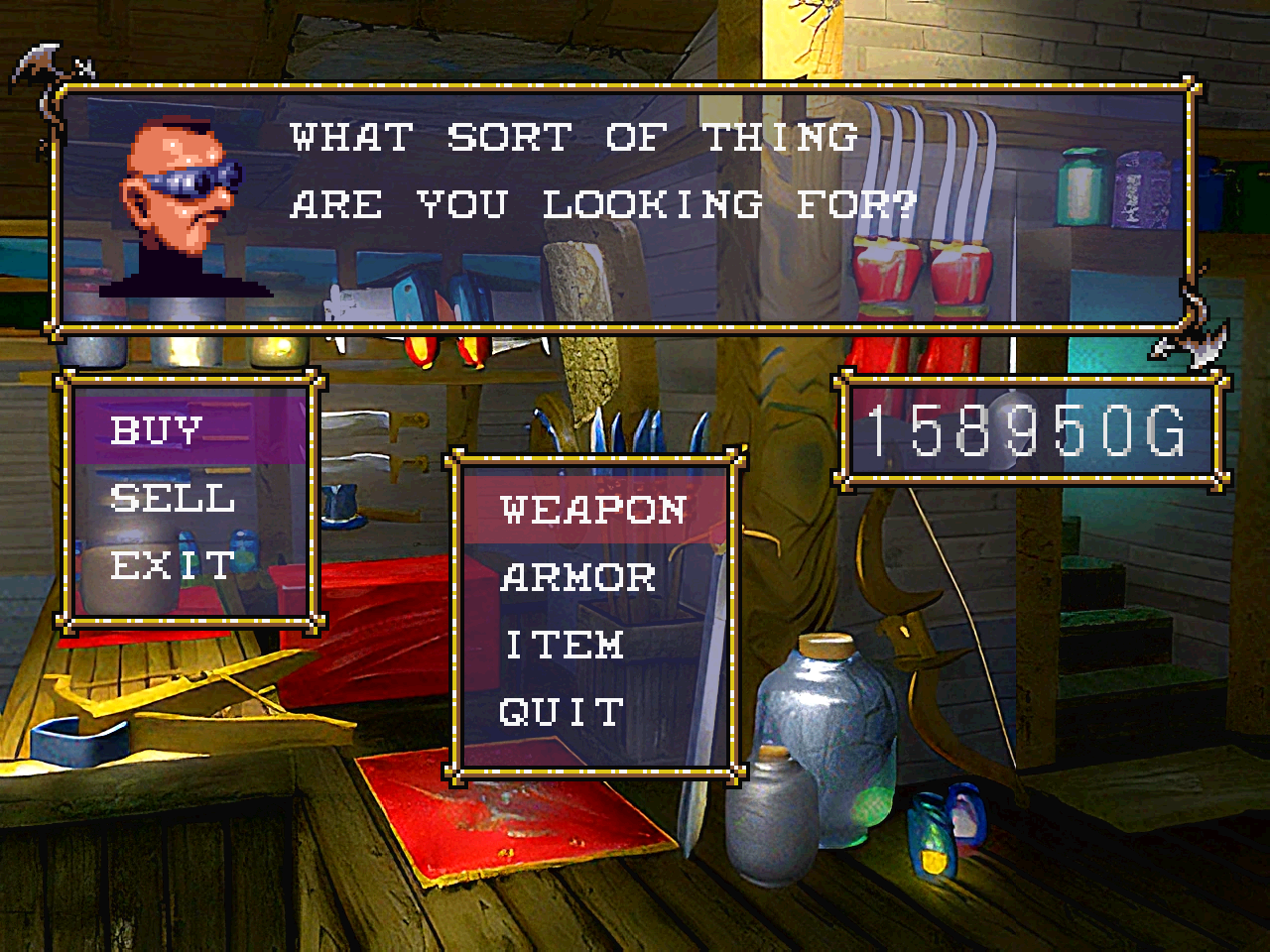
- HD backgrounds — the pre-rendered backgrounds are replaced with higher-resolution images at render
time (no change to layout, palette or UI). Each is keyed by a content hash of the VRAM upload, so a pack
maps 1:1 with no play-through. Enabled by the new HD PACK options row (auto-detected, defaults on,
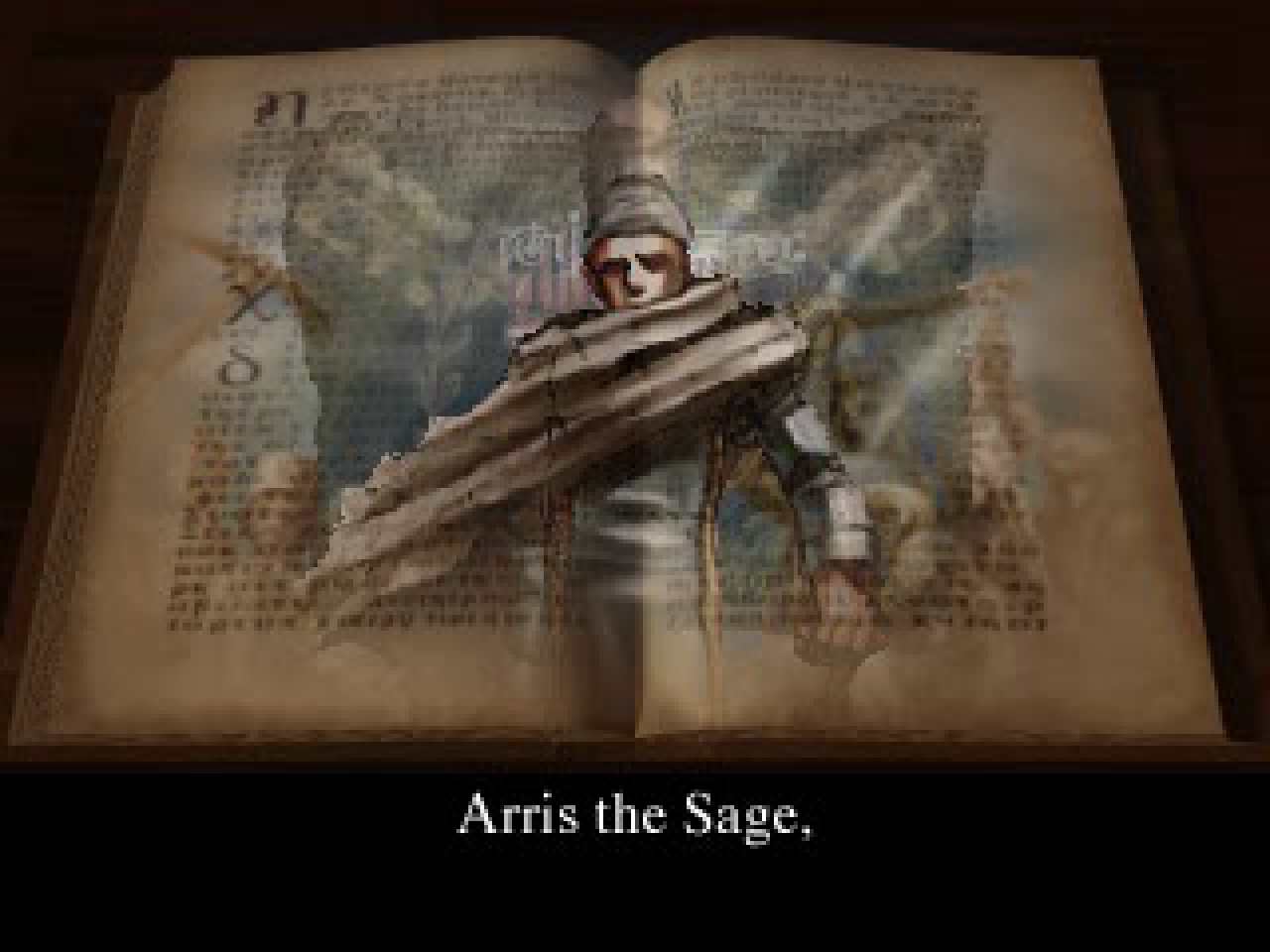
persisted asVH_HDPACK); enabling it raises the internal resolution so the detail is visible. - HD movies — the intro/ending FMVs can be replaced with HD H.264/HEVC re-encodes, presented in
place of the native MDEC video while the game keeps its original frame timing and XA audio in sync (only
the picture is swapped). - Pack tooling (
platform/pc/tools/hdpack/) — build a complete pack offline from your own disc:
background hashing + assembly, movie sector-mapping, a manifest generator, and an image finishing step. - New dependencies, on by default — libwebp (
.webpbackgrounds, ~20 MB vs ~150 MB) and libav /
ffmpeg (.mp4movies). Build without either viaNO_WEBP=1/NO_HDVIDEO=1(Make) or-DVH_WEBP=OFF
/-DVH_HDVIDEO=OFF(CMake); the Windows build links a minimal static libav, so it ships no extra
ffmpeg DLLs.
What it looks like
Enable it live in the options overlay (Select + Start → HD PACK):
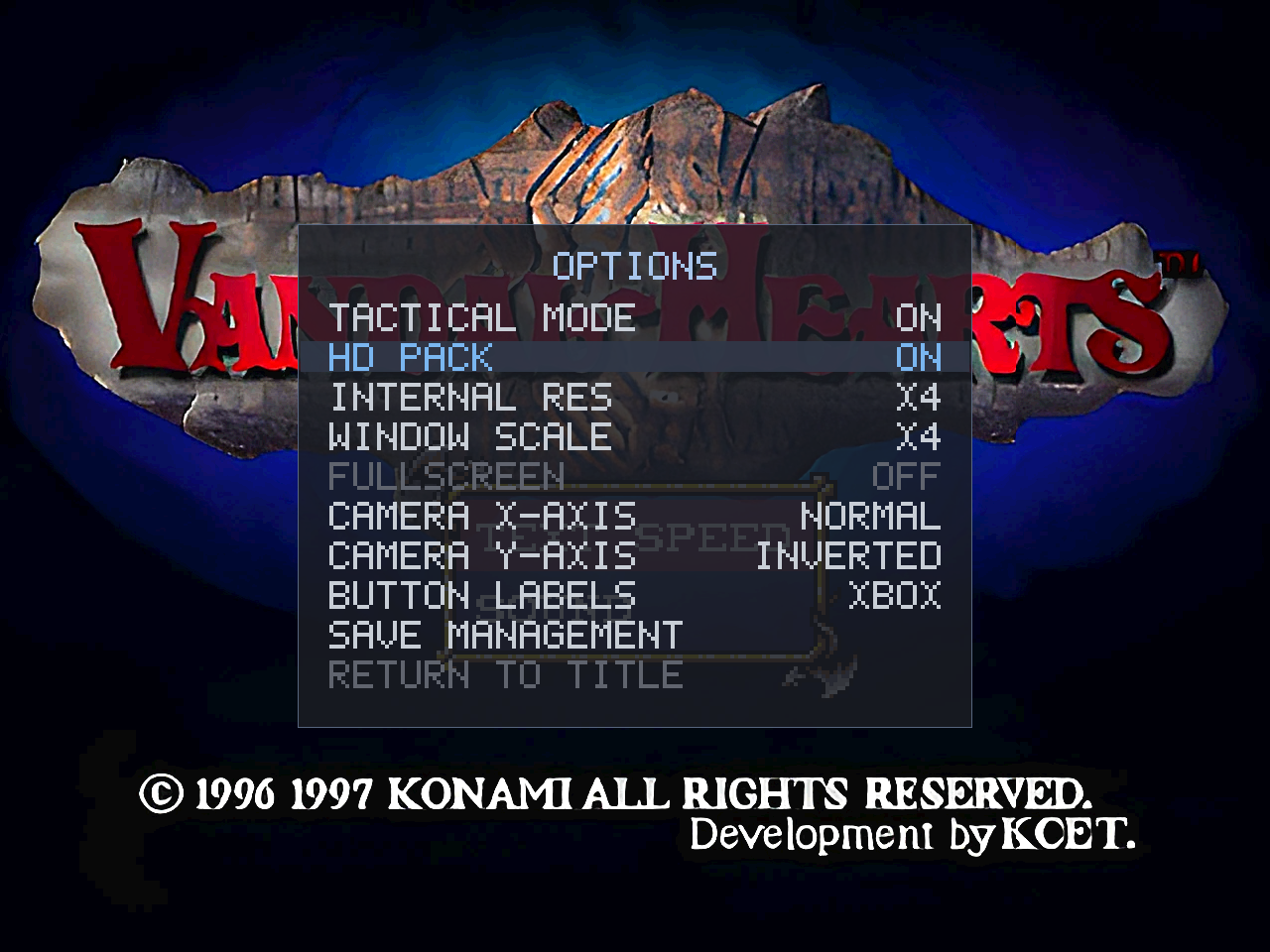
Backgrounds — the same weapon shop, native then HD:
Native:
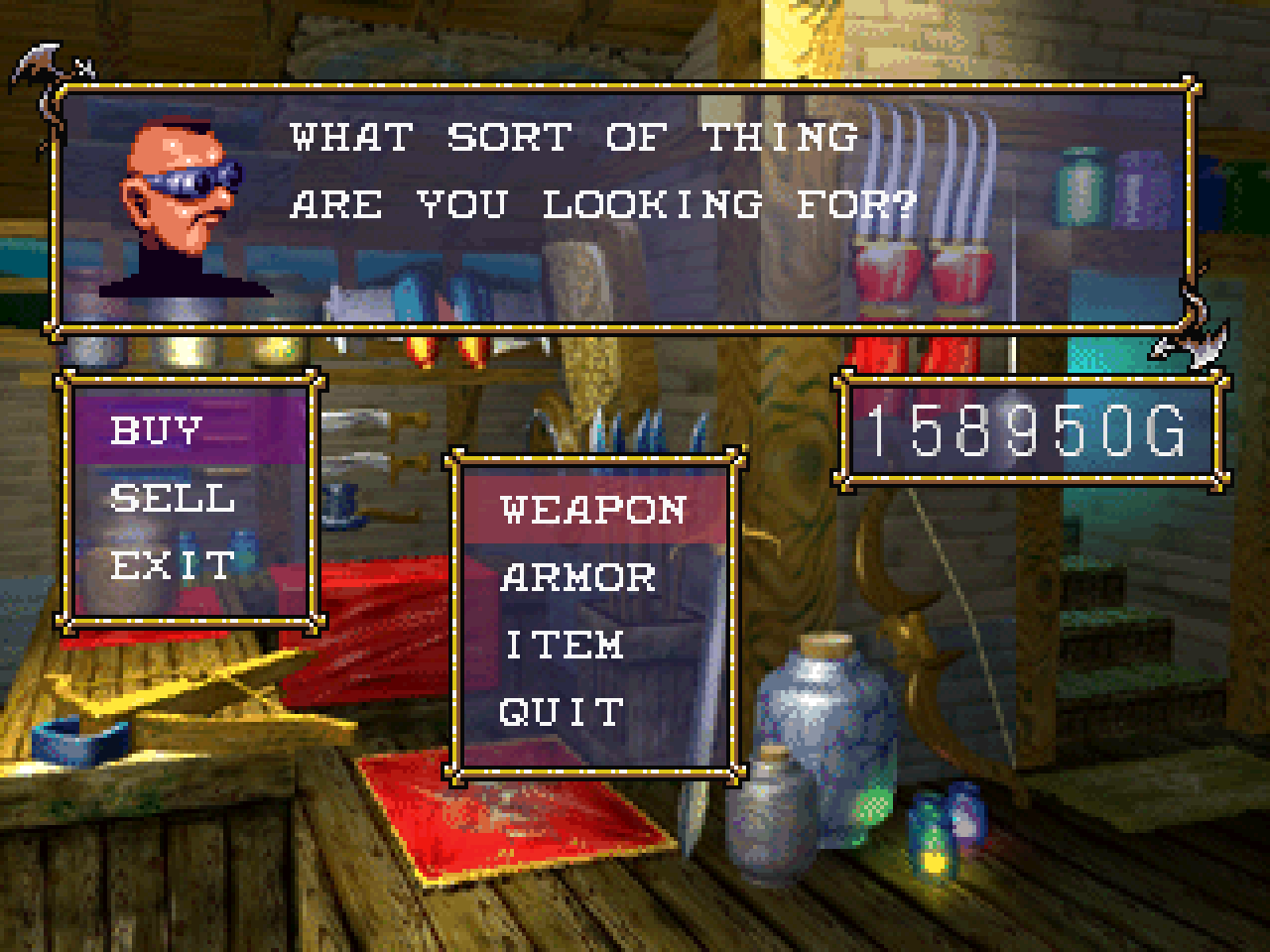
HD pack:
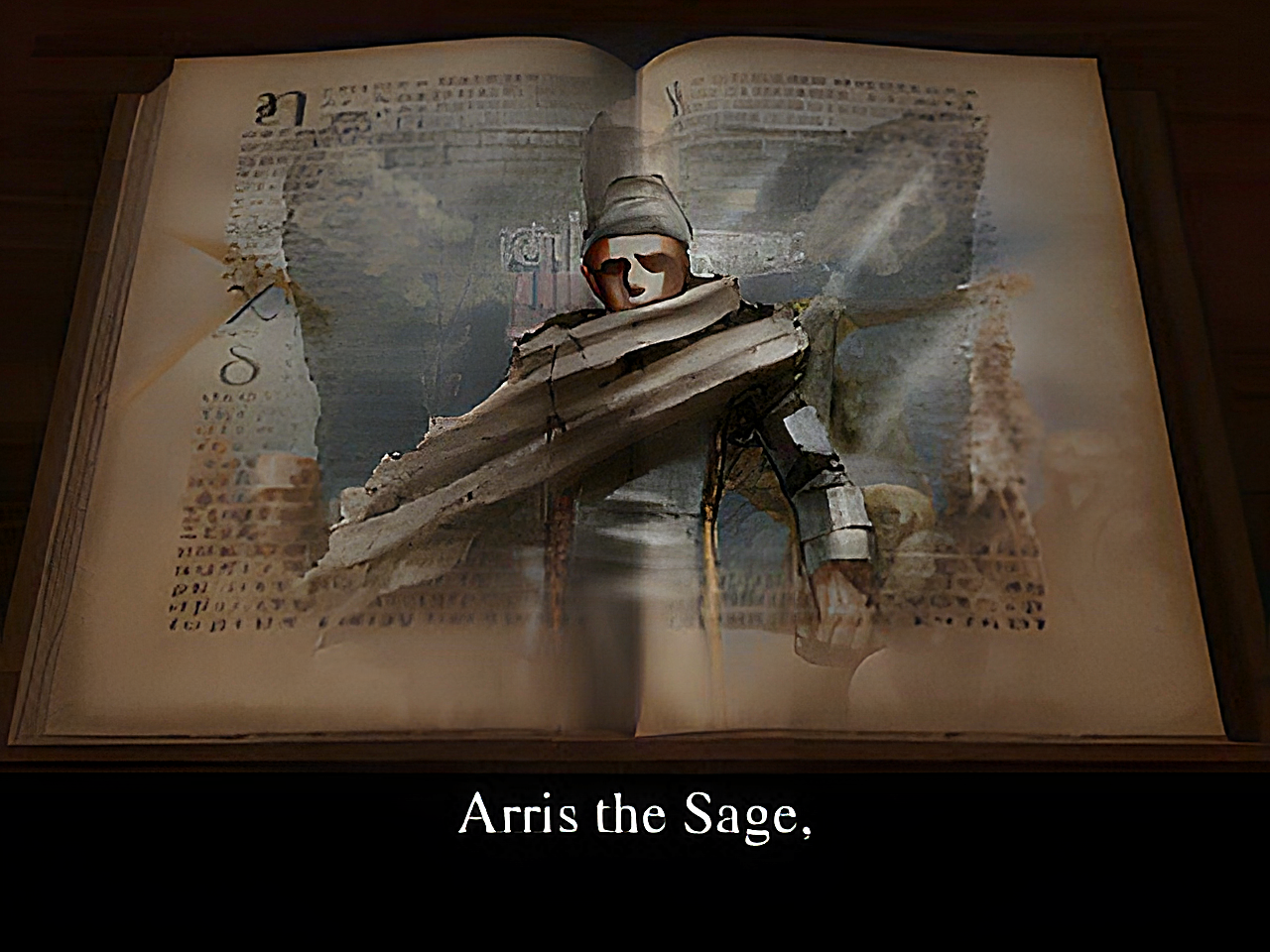
Movies — the intro "Arris the Sage" FMV, native MDEC then HD:
Native (MDEC):
HD pack:
Fixed
- Battle fast-forward now works in every battle. It previously did nothing in a normal map-initiated
battle (the speed gate recognised only loaded-save and dojo/trial battles, not the story-battle state);
it is now tied to the game's own battle-tick dispatch, so R2 works everywhere a battle runs. (This is a
fix to the 1.4 feature and applies with or without an HD pack.) - HD PACK toggle — toggling HD on mid-scene no longer briefly shows the previous scene's HD background;
a background uploaded while HD was off now correctly evicts the stale image. HD takes effect on the next
background load; toggling off is immediate.
Notes
- The source tree commits no copyrighted art. The optional HD pack — upscaled derivative art — is
offered as a separate release download (VandalHearts-v1.6.0-hdpack.zip) that you can equally
build yourself from your own disc; no ownership is claimed and it will be withdrawn on request (see
the release'sNOTICE/DISCLAIMER). Install/build in
docs/hd-pack.md.
Downloads
| Platform | File | How to run |
|---|---|---|
| Windows 10/11 | VandalHearts-v1.6.0-windows-x64.zip |
Unzip; put your disc in a game\ folder next to vandalhearts_pc.exe; run it. |
| Linux (glibc ≥ 2.34) | VandalHearts-v1.6.0-linux-x86_64.AppImage + vandalhearts.ini |
Put both together; put your disc in a game/ folder beside the .AppImage; chmod +x and run. Needs FUSE2. |
Config: edit vandalhearts.ini next to the executable (window scale, audio, etc.).
Note on contents
A release binary embeds a portion of game-derived data (the executable's static
data segment, a small BIOS-derived font, reconstructed tables) so the port can
run — © Konami / © Sony, no ownership claimed. It is a fraction of the game; the
bulk loads from your own disc at runtime. See NOTICE/DISCLAIMER.
Verify downloads against SHA256SUMS.txt.
Optional HD pack
VandalHearts-v1.6.0-hdpack.zip — higher-resolution backgrounds + re-encoded FMV
movies. Optional; the game runs identically without it. Unzip so hdpacks/
sits next to the executable, then enable HD PACK in the Select+Start options
(see docs/hd-pack.md). This is upscaled derivative art (© Konami), provided for
convenience and also buildable from your own disc — see NOTICE / DISCLAIMER.