Repository navigation

New
- The app updates itself: an Update button appears in the toolbar when a new version is published. One click installs it and restarts the app.
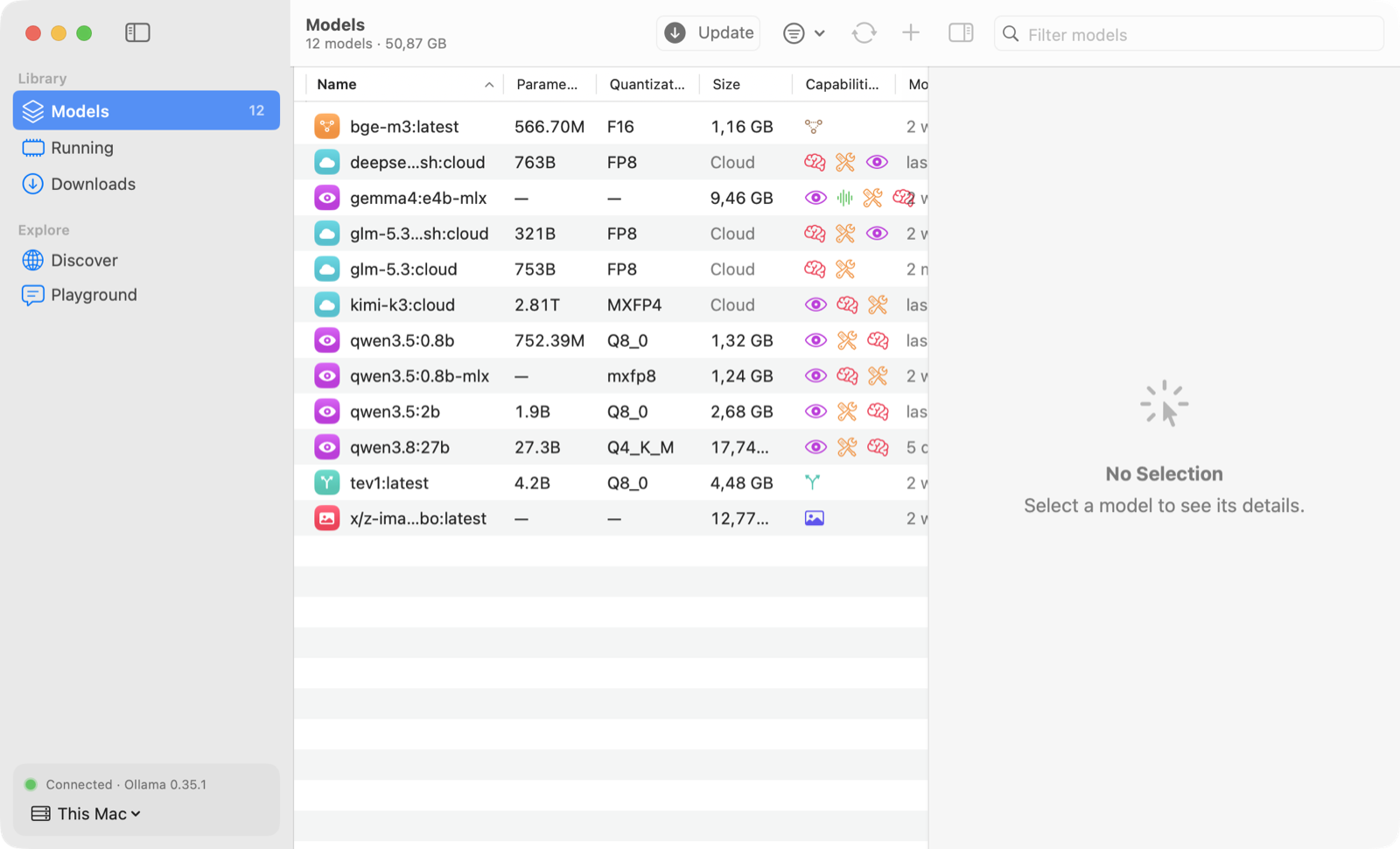
- What's New: after an update, the app shows what changed.

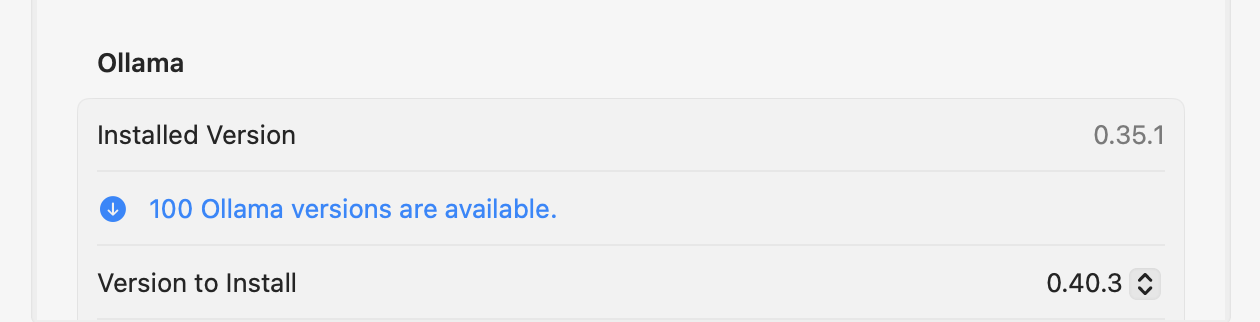
- Ollama versions in Settings: choose a recent stable or preview release of Ollama, including older ones, and install it with download progress, SHA-256 verification and an automatic restart of Ollama on this Mac.
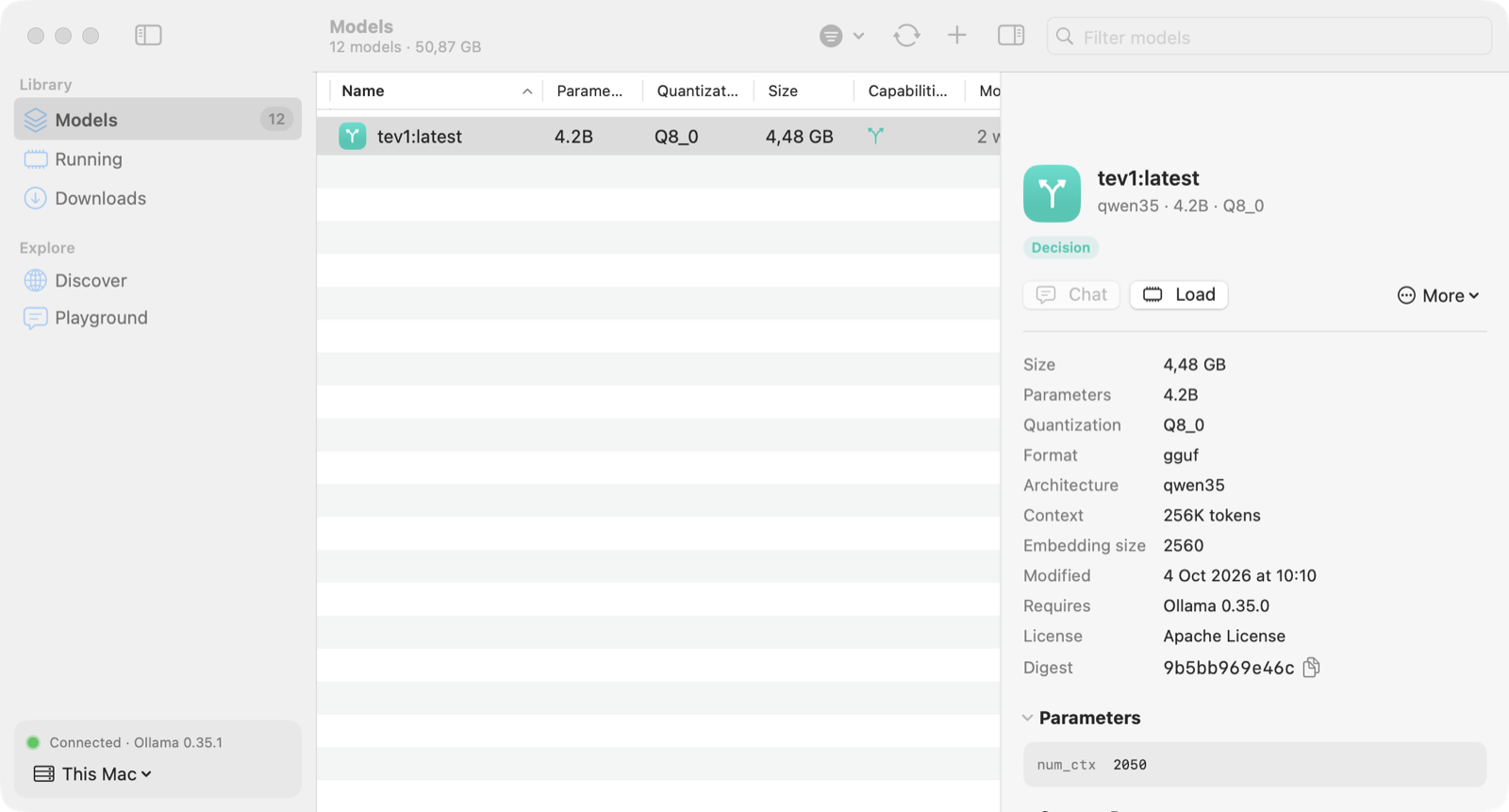
- Decision models are recognized: a badge in Models and Discover, and a filter.
- Install from Terminal:
curl -fsSL https://raw.githubusercontent.com/Hugo291/ollama-gui/main/install.sh | shinstalls or updates Ollama GUI in Applications and opens it. - The macOS download is now a disk image: open
OllamaGUI-macOS.dmgand drag the app to Applications.
Coming from version 3.0
Version 3.0 cannot update itself: run the command above once, or download the disk image. From this version on, updates are installed from the app.
Not notarized: after a download in a browser, right-click → Open the first time. The Terminal command needs no such step.