v0.9.0: fullscreen hotkeys and a self-contained build
Pre-release
Pre-release

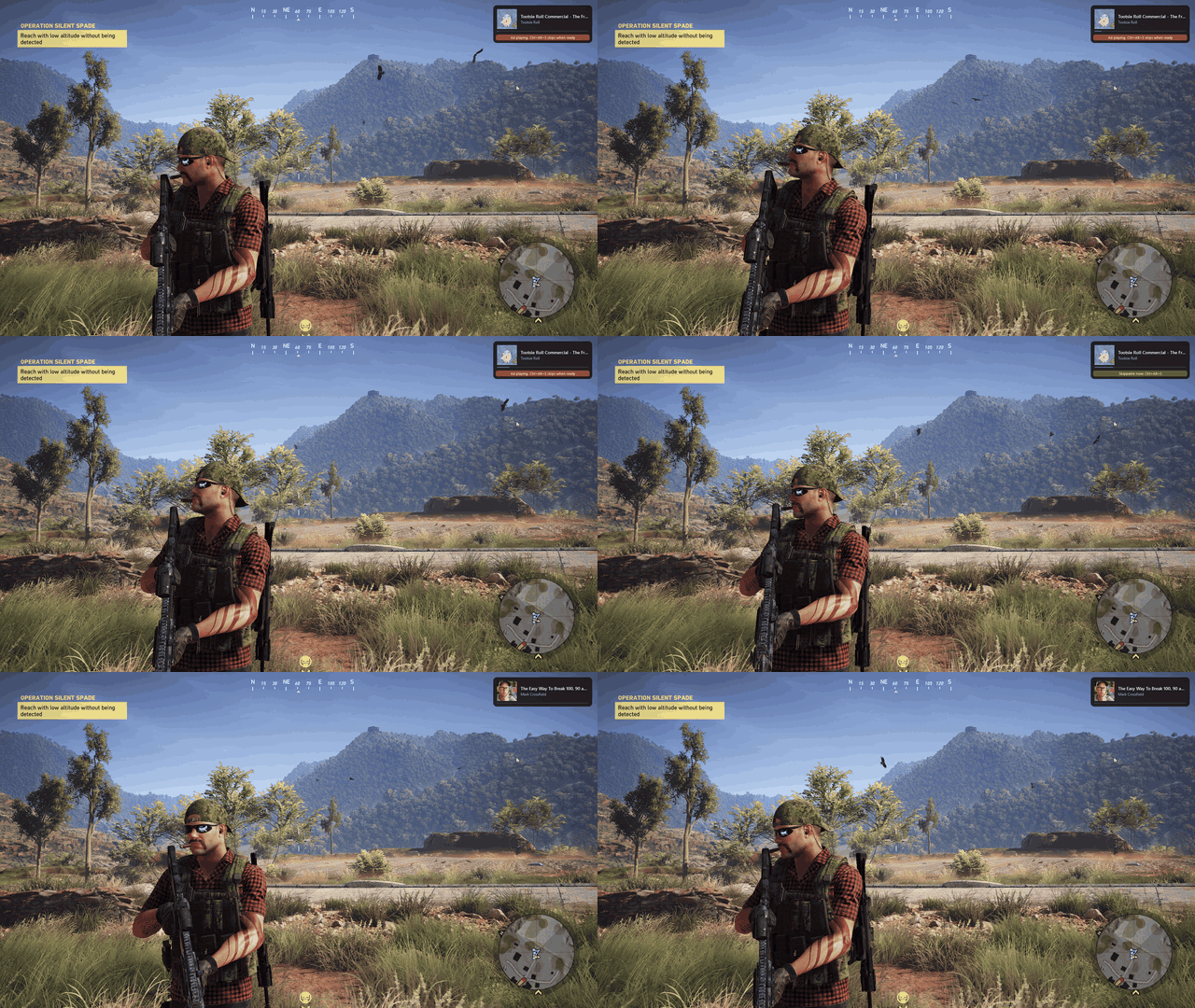
The ship-quality release. Hotkeys now work even in the fullscreen games that used to swallow them, the download is a single self-contained file, and there is a real icon, first-run guidance, a crash dialog, and docs written for people who did not build it.
Highlights
- Hotkeys work in exclusive fullscreen. Some raw-input engines (DOOM Eternal was the reported case) swallowed registered hotkeys entirely. A low-level keyboard-hook fallback now catches the same combos, so play/pause, skip, and the rest work even there. Resolves #3; windowed and borderless were never affected.
- No runtime to install. The build is now a self-contained single-file executable. Unzip and run
GameDeck.exe; you no longer need the .NET Desktop Runtime. - First-run onboarding. On the first launch a tray balloon points you at the overlay hotkey and settings, and the overlay pops once to show what is playing (or a friendly hint when nothing is). It never nags again.
- A real app icon across the executable, tray, Alt-Tab, and notifications, with the overlay accent recolored to match.
- Crash dialog. If something goes unexpectedly wrong, GameDeck now tells you and offers an "Open logs folder" button instead of just vanishing.
- Docs for newcomers. The README is rewritten install-first, with a SmartScreen walkthrough, a hotkey table, the security model, and an FAQ, plus a new architecture doc.
Installing
Unzip and run GameDeck.exe. It lives in the system tray; play something and press Ctrl+Alt+O. Windows SmartScreen may warn you on an unsigned new app: click More info, then Run anyway (details in the README).
Full change list in the CHANGELOG. Windows 10 19041+ or Windows 11. No .NET runtime required.
This is a pre-release on the way to v1.0; a demo GIF and a wider compatibility pass are still to come.