Flashing Firmware
Often the USB communication with an ESP32 dev board out of the box is not possible, as the interface chip used on the boards needs specialized drivers. To be able to program the Boards, those drivers must be installed first:
- Identify the USB interface chip used on your board. It is often located near the USB port and has the type written onto it, for example
SILABS CP2102 - Check the manufacturer for drivers (for example: SILABS CP2102)
- Download and install the drivers
- If necessary, reboot the computer and/or reconnect the board
- Check if interface works as intended, for example using the Arduino IDE
- Get the
Flash Download Toolfrom espressif - Download the binary file from the repository for your device (most likely:
esp32dev.bin) - Unzip and start the flash tool
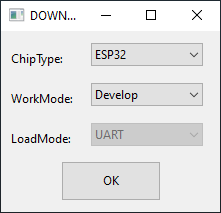
- Select
ESP32as ChipType and pressOK
- Press
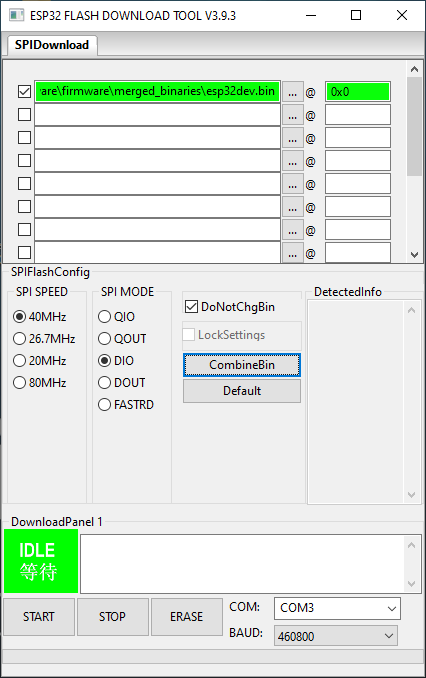
..., navigate to and select the downloaded binary - Select the binary for upload and use
0x0as target offset - Check
DoNotChgBin - Select the appropriate COM port (depends on System/USB port)
- set BAUD rate to 460800
- Click
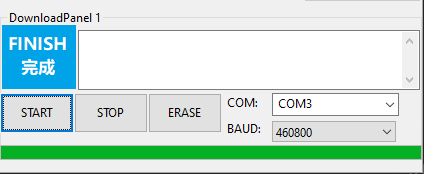
STARTand wait for the upload to finish
- After the firmware is installed, modules can be added depending on the connected hardware


