Repository navigation
L4-Notchbar v1.2.0

Install: download L4-Notchbar_1.2.0_x64-setup.exe below and run it. No admin rights or developer tools needed.
Already installed? The app offers this version under Settings → General → Updates.
Windows SmartScreen may warn because the installer is not code-signed yet: More info → Run anyway.
New: Windows Hello for the vault
Unlock the vault with your face, fingerprint or Windows PIN instead of the vault PIN. Off by default, one switch in Settings → Tools → Vault.
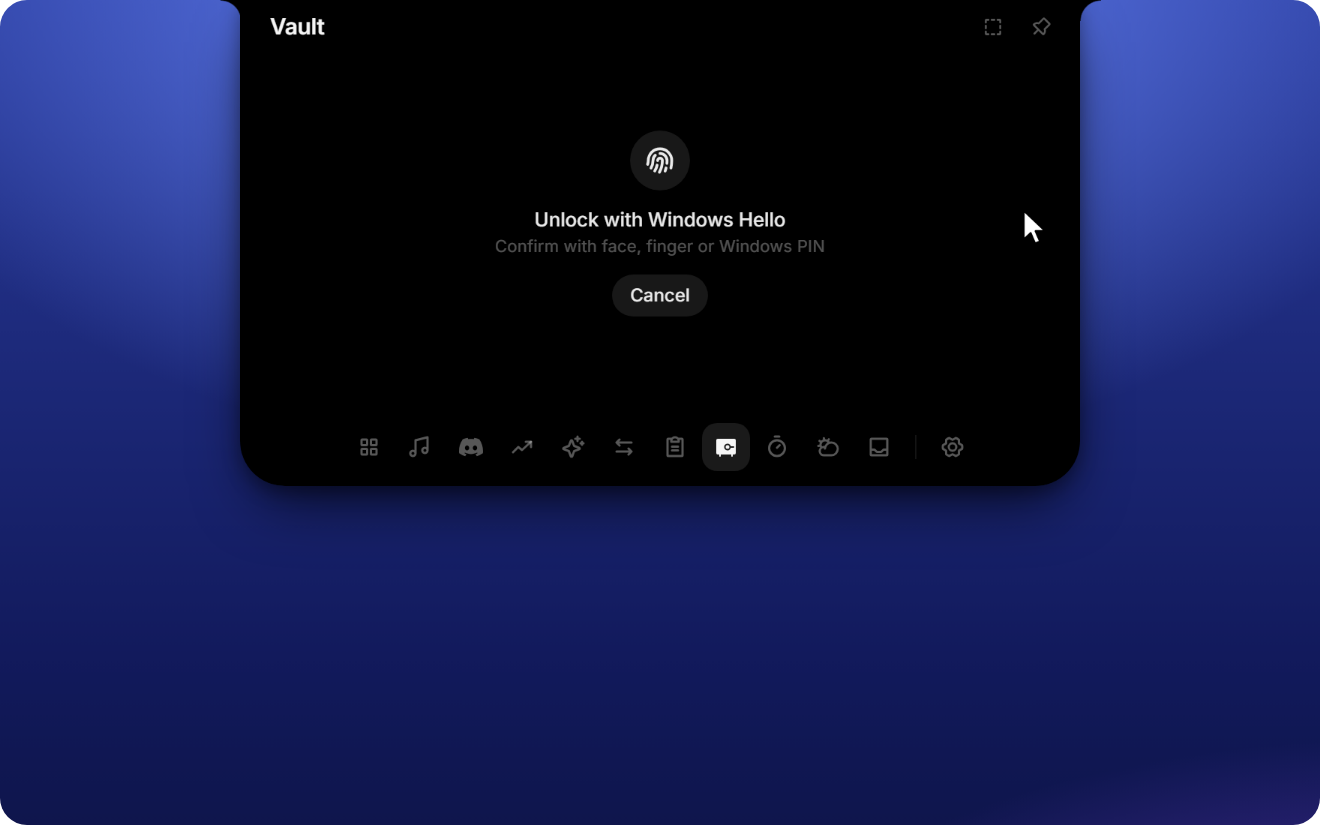
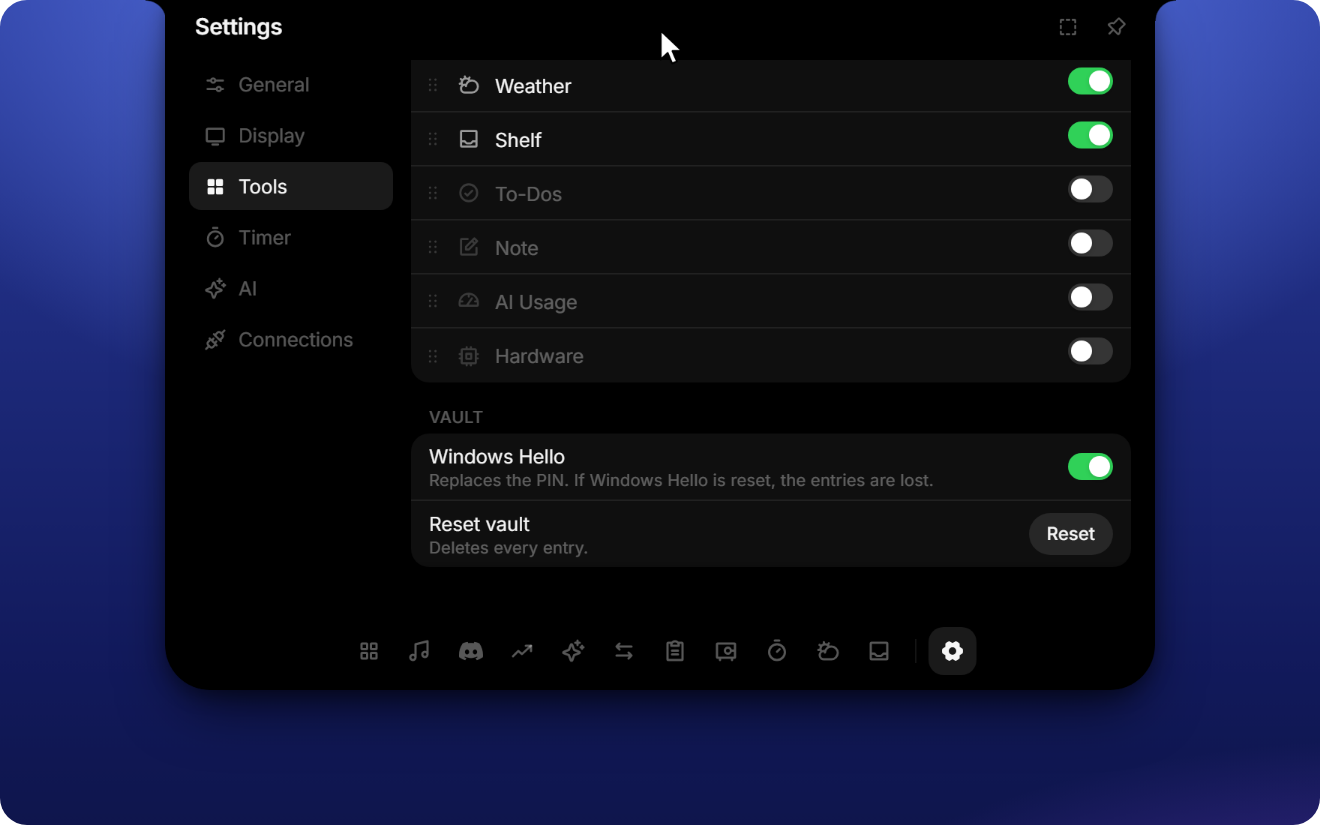
- Stronger encryption. With Windows Hello on, passwords and 2FA keys are additionally encrypted with AES-256. The key comes from a Windows Hello key that lives in your PC's security chip (TPM) and only works after you confirm. Even malware running under your account can't read them without that confirmation.
- Same as before when it's off. Without the switch, the vault keeps using its own 4-digit PIN.
- Turning Windows Hello on asks for the vault PIN; turning it off asks for Windows Hello and moves everything back.
- If Windows Hello is reset on this PC (for example after removing the Windows PIN), entries protected by it can't be recovered. Names and usernames stay visible; Reset vault starts fresh.
Changes
- release 1.2.0
- feat: optional Windows Hello for the vault